
Wake-on-LAN Is the Future of Energy-Efficient Home Servers

Wake-on-LAN Changed How We Use Home Servers — And Why 99RDP Makes Remote Access Even Smarter
Home servers are no longer bulky machines that need to stay powered on 24/7. Today, efficiency, control, and flexibility define modern server usage. One technology that has quietly transformed how individuals, developers, and small businesses manage their home servers is Wake-on-LAN (WoL).
Wake-on-LAN allows users to power on a computer or server remotely using a simple network signal. Instead of keeping systems running all day, users wake them only when needed. This shift reduces electricity costs, minimizes hardware wear, and improves overall server management.
However, waking a server is only half the story. Once the machine is active, you still need secure, reliable, and high-performance remote access to actually use it. This is where 99RDP’s Remote Desktop solutions play a crucial role.
In this article, we explore how Wake-on-LAN has changed home server usage and why combining it with 99RDP creates a powerful, future-ready remote workflow.
Wake-on-LAN in Simple Terms
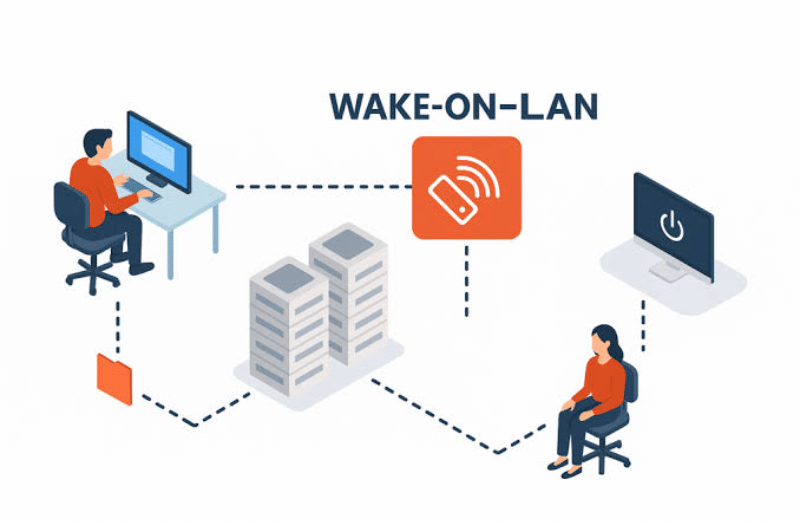
Wake-on-LAN is a networking feature built into most modern computers and servers. Even when a system is shut down or sleeping, its network interface remains partially active. When it receives a specially formatted data packet—often called a magic packet—the system powers on automatically.
What This Means for Users:
- You don’t need physical access to start your server
- Your machine stays powered off when idle
- You gain full control from anywhere on the network
This technology works across operating systems and hardware platforms, making it a universal solution for remote power management.
Why Wake-on-LAN Changed Home Server Usage
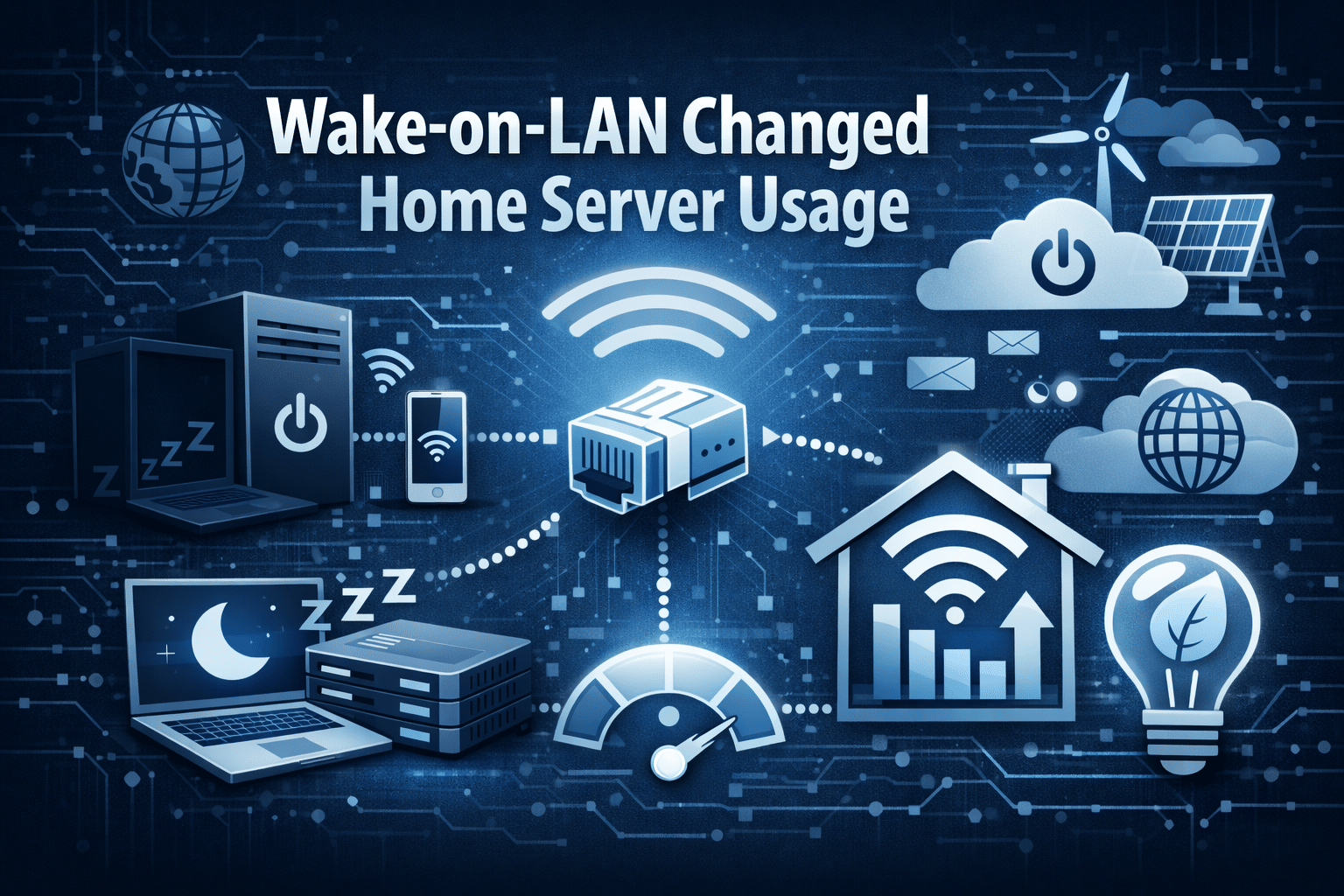
Before Wake-on-LAN became mainstream, users kept their home servers running continuously. This approach caused several issues:
- High electricity consumption
- Constant fan noise and heat
- Reduced hardware lifespan
- Unnecessary operational costs
Wake-on-LAN solved these problems by introducing on-demand availability.
Key Benefits of Wake-on-LAN
1. Significant Power Savings
Running a mid-range home server 24/7 can consume hundreds of kilowatt-hours annually. With Wake-on-LAN, users power up systems only when required, dramatically reducing electricity bills.
2. Smarter Hardware Usage
Servers no longer suffer constant thermal stress. Reduced uptime leads to better long-term performance and fewer hardware failures.
3. Better Automation
Wake-on-LAN integrates easily with scripts, schedules, and automation tools. Users can configure servers to wake at specific times or trigger based on real-world usage.
Wake-on-LAN essentially turned home servers into smart, responsive machines rather than always-on power drains.
The Missing Piece: Secure Remote Access After Wake-Up
While Wake-on-LAN efficiently powers up your server, it doesn’t help you use the server. After waking the system, users still need:
- A stable graphical interface
- Secure login access
- Fast performance
- Global connectivity
This is where many home server setups fall short. Exposing ports, configuring VPNs, or relying on unstable connections often leads to security risks and downtime.
This is where 99RDP becomes essential.
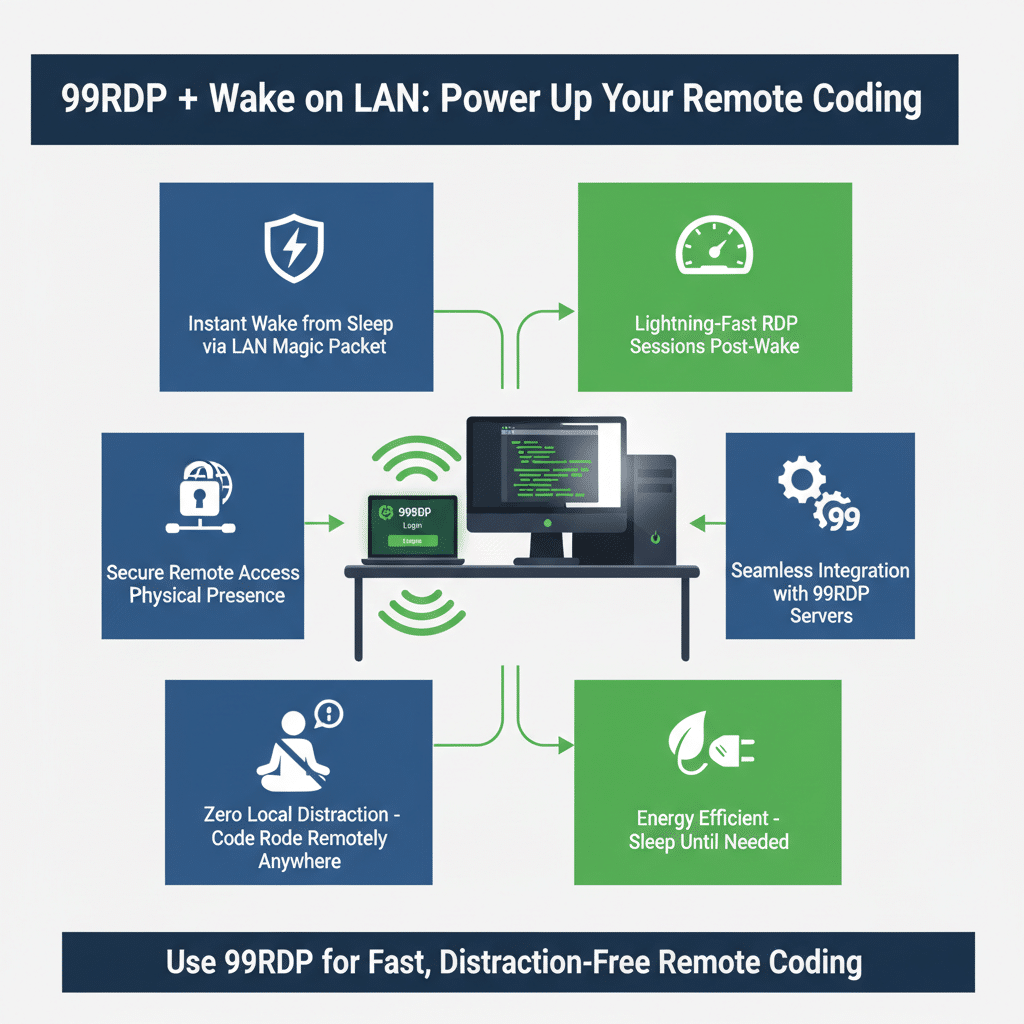
Why 99RDP Complements Wake-on-LAN Perfectly
99RDP provides high-performance Remote Desktop services that allow users to access servers securely from anywhere in the world. Once your system wakes using Wake-on-LAN, 99RDP ensures seamless control without complicated networking setups.
What 99RDP Offers:
- Windows Remote Desktop with full administrator access
- High-speed performance with dedicated resources
- Reliable uptime and stable connections
- Affordable plans for individuals and professionals
- Secure access without exposing your home network
By combining Wake-on-LAN with 99RDP, users get cloud-like convenience with local-level control.
Real-World Workflow: Wake-on-LAN + 99RDP
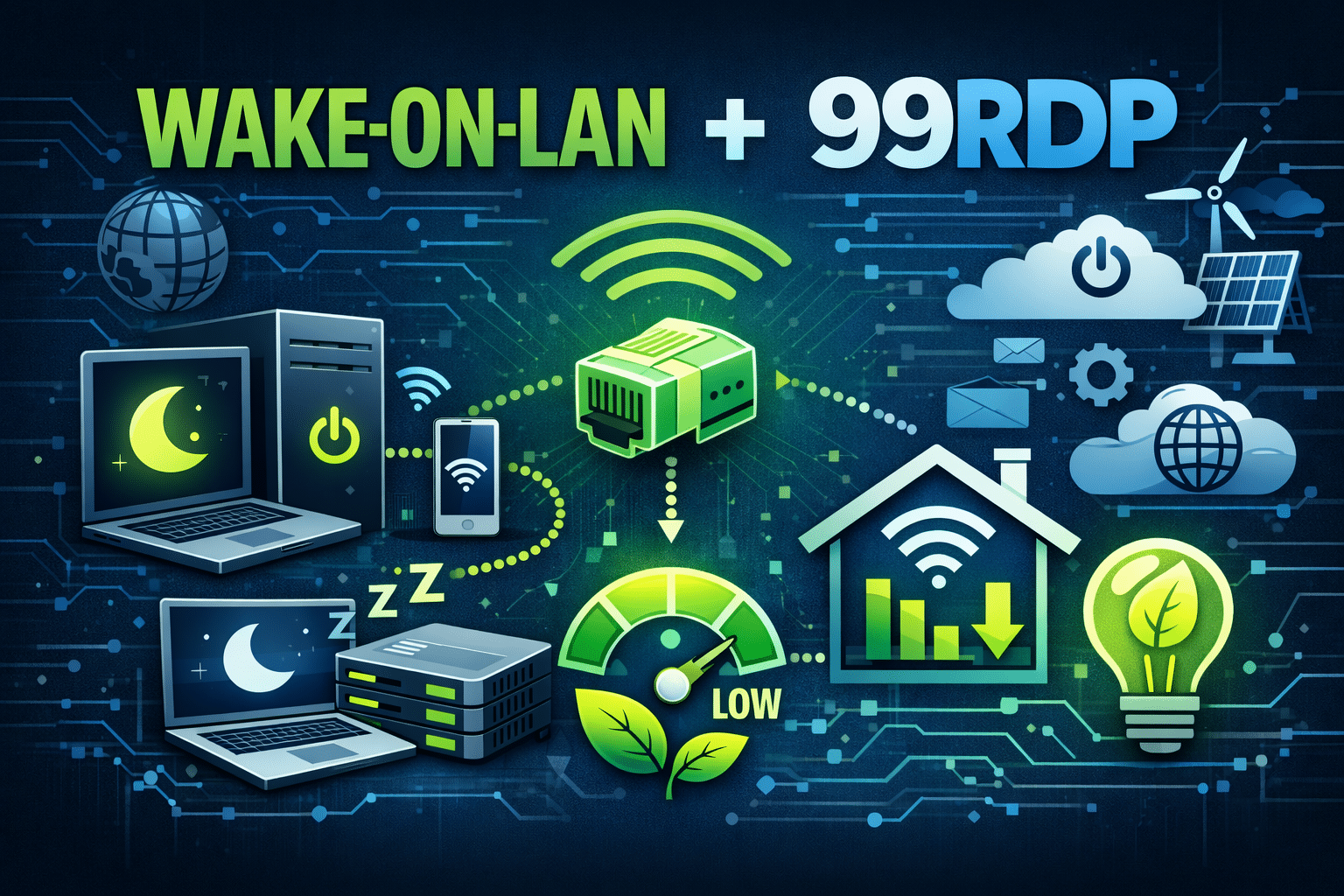
Let’s break down how a modern remote workflow looks when both technologies work together.
Step 1: Server Stays Powered Off
Your home server remains shut down during idle hours, saving energy and reducing wear.
Step 2: Wake-on-LAN Trigger
You send a Wake-on-LAN command from another device or automated system. The server powers on instantly.
Step 3: Connect Using 99RDP
As soon as the server is live, you connect via 99RDP’s Remote Desktop, gaining full graphical access.
Step 4: Work Without Limits
You install software, manage files, run automation scripts, deploy applications, or perform maintenance—just like sitting in front of the machine.
Step 5: Shut Down After Use
Once your work is done, you shut the system down again and repeat the cycle when needed.
This approach delivers maximum efficiency with minimum complexity.
Who Benefits Most from This Setup?
Developers and Programmers
Run test environments, automation scripts, and development tools only when required. Use 99RDP for fast, distraction-free remote coding.
Content Creators and Digital Marketers
Access tools, upload content, manage campaigns, and handle analytics without keeping systems online all day.
Students and Learners
Wake systems for practice labs, assignments, and project work. 99RDP offers affordable access without hardware limitations.
Small Businesses and Freelancers
Manage servers remotely with enterprise-grade stability—without investing in expensive infrastructure.
Security Advantages of Using 99RDP

Security becomes a concern when users expose home servers directly to the internet. 99RDP eliminates this risk by providing a managed remote access layer.
Key Security Benefits:
- No need to open risky ports on your router
- Encrypted remote desktop sessions
- Controlled access with credentials
- Reduced attack surface for home networks
This makes 99RDP an ideal companion for Wake-on-LAN setups focused on safety and reliability.
Why This Combination Represents the Future of Home Servers
The modern approach to computing emphasizes efficiency, flexibility, and control. Wake-on-LAN enables intelligent power management, while 99RDP delivers professional-grade remote access.
Together, they create a system that:
- Saves energy
- Reduces costs
- Improves performance
- Enhances security
- Simplifies remote work
This setup bridges the gap between traditional home servers and modern cloud environments.
Final Thoughts
Wake-on-LAN has fundamentally changed how people use home servers by making them smarter and more energy-efficient. However, its true potential shines when paired with a reliable remote access solution.
99RDP completes the equation by providing secure, fast, and scalable Remote Desktop access that works seamlessly after your server wakes up.
If you want full control over your server without the cost and complexity of cloud infrastructure, combining Wake-on-LAN with 99RDP is a powerful, future-ready solution.
EXPLORE MORE; How to Share Your Clipboard Between Raspberry Pi and All Devices

READ OUR BLOGS


