Local Linux Desktop vs Remote Desktop Hosting: Which One Truly Powers Modern Workflows?
Linux desktops are no longer confined to traditional PCs and laptops. Today, users can run local Linux desktop environments on lightweight hardware, mobile devices, and low-end systems using modern tools and containerized setups. At the same time, remote desktop hosting has emerged as a powerful alternative, delivering enterprise-grade performance through the cloud.
So, which option makes more sense in 2026: running Linux locally or using a hosted remote desktop?
This article explores both approaches in depth and explains why Remote Desktop Hosting from 99RDP is becoming the preferred choice for developers, businesses, and power users worldwide.
Local Linux Desktop Environments

A local Linux desktop runs entirely on your physical device. Whether you install Ubuntu on a laptop, Arch Linux on a PC, or a lightweight desktop on an Android device, everything depends on your local hardware.
Key Characteristics of Local Linux Desktops
- Runs directly on device CPU, RAM, and storage
- No internet required after setup
- Full control over OS configuration
- Ideal for offline work and experimentation
Recent innovations even allow users to run Linux desktops on smartphones without root access. These solutions are impressive and show how flexible Linux has become.
Benefits of Local Linux Desktops
- Zero Monthly Cost
You don’t pay for hosting or subscriptions. Once installed, the system is free to use. - Complete Privacy
All files and processes stay on your device, reducing reliance on external servers. - Perfect for Learning Linux
Students and beginners benefit from direct access to system files, package managers, and kernels. - Offline Productivity
Local desktops work even without internet connectivity.
However, local setups come with serious limitations when workloads grow.
The Limitations of Local Linux Desktop Setups
Despite flexibility, local Linux desktops struggle in modern, resource-intensive environments.
1. Hardware Bottlenecks
Performance depends entirely on your device. Budget laptops, tablets, and phones cannot handle:
- Large code compilations
- AI/ML workloads
- Multiple virtual machines
- High-traffic automation tools
Upgrading hardware is expensive and often impossible on mobile devices.
2. No 24/7 Availability
When your device shuts down, your desktop shuts down. This creates problems for:
- Long-running tasks
- Bots and scripts
- Background services
- Remote collaboration
3. Security Risks
Local systems face:
- Malware exposure
- Network vulnerabilities
- Data loss due to hardware failure
Unless you’re an advanced user, maintaining enterprise-grade security is difficult.
4. Limited Remote Access
Accessing a local desktop remotely requires extra configuration, port forwarding, and stable internet — and even then, performance suffers.
That’s where Remote Desktop Hosting changes everything.
What Is Remote Desktop Hosting?
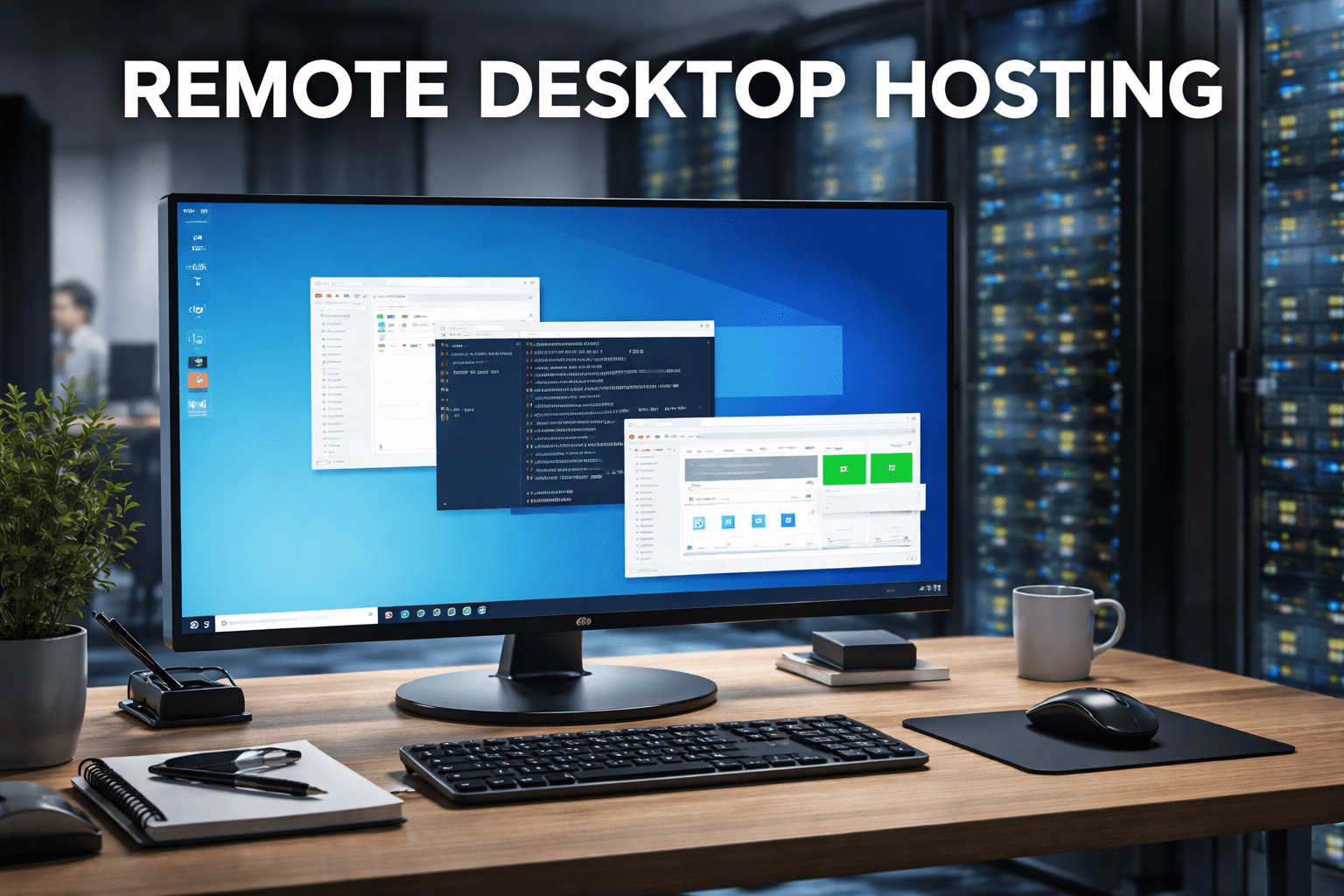
Remote Desktop Hosting places your desktop environment on powerful cloud servers instead of your local machine. You access it securely via the internet using RDP, browser, or client apps.
99RDP specializes in providing affordable, high-performance Remote Desktop Hosting designed for developers, businesses, and professionals who need reliability and scalability.
Why Remote Desktop Hosting Outperforms Local Linux Desktops

1. High-Performance Cloud Hardware
Unlike local desktops, 99RDP’s Remote Desktop solutions run on servers equipped with:
- High-speed CPUs
- Ample RAM
- SSD/NVMe storage
- Optimized network bandwidth
This allows smooth performance for:
- Development environments
- Trading tools
- Automation software
- Content management systems
Explore 99RDP’s affordable Remote Desktop solutions designed for performance-heavy workloads.
2. True Anywhere Access
With Remote Desktop Hosting, your Linux or Windows desktop follows you everywhere.
You can log in from:
- Windows PCs
- Linux systems
- macOS devices
- Android & iOS smartphones
Whether you travel, switch devices, or work remotely, 99RDP ensures uninterrupted access.
3. 24/7 Uptime for Critical Tasks
Remote desktops stay online even when your personal device is off.
This is crucial for:
- Web scraping scripts
- Long-running builds
- Crypto or financial tools
- Monitoring dashboards
99RDP offers stable uptime, making it ideal for professionals who cannot afford interruptions.
4. Stronger Security & Isolation
Security is a major advantage of hosted desktops.
With 99RDP, you benefit from:
- Isolated environments
- Firewall protection
- Dedicated IP options
- Controlled access
This setup significantly reduces risks compared to personal devices connected to public networks.
5. Admin & Root Access
Unlike restricted cloud platforms, 99RDP provides full administrative control.
You can:
- Install custom software
- Configure system settings
- Deploy Linux environments
- Optimize performance
It feels like owning a powerful Linux machine — without hardware headaches.
Local Linux Desktop vs Remote Desktop Hosting
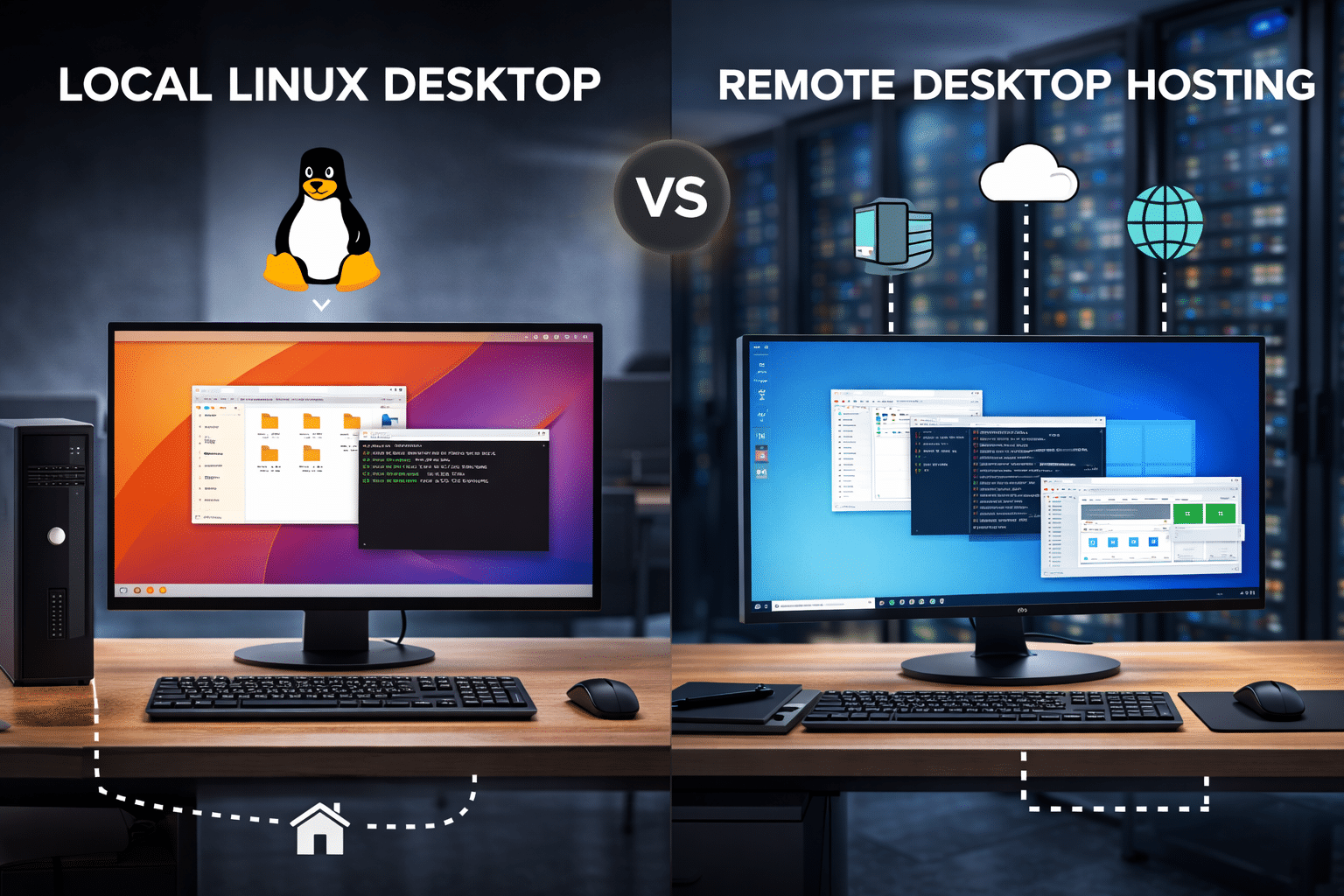
| Feature | Local Linux Desktop | Remote Desktop Hosting (99RDP) |
|---|---|---|
| Performance | Device-limited | Cloud-powered |
| Availability | Device must stay on | 24/7 uptime |
| Scalability | Hardware upgrade needed | Upgrade plans instantly |
| Remote Access | Complex setup | Built-in |
| Security | User-managed | Provider-secured |
| Cost | Free but limited | Affordable & scalable |
Who Should Use Local Linux Desktops?
Local Linux desktops are ideal if you:
- Are learning Linux basics
- Work mostly offline
- Use lightweight applications
- Prefer zero recurring costs
They are excellent educational and experimental tools.
Who Should Choose Remote Desktop Hosting from 99RDP?
Remote Desktop Hosting is the smarter choice if you:
- Are a developer or IT professional
- Need continuous uptime
- Run resource-intensive applications
- Want access from multiple devices
- Value performance and security
🔗 99RDP offers flexible Remote Desktop plans that scale with your workload — without expensive hardware upgrades.
The Smart Hybrid Approach
Many professionals now use a hybrid model:
- Local Linux desktop for learning and light tasks
- 99RDP Remote Desktop for heavy workloads, hosting, and automation
This approach balances cost, flexibility, and performance.
Final Verdict
Local Linux desktops showcase the power and flexibility of open-source computing. They are excellent for personal use, experimentation, and education.
However, when performance, uptime, security, and scalability matter, Remote Desktop Hosting clearly wins.
With 99RDP, you don’t just rent a remote system — you gain a powerful, always-available desktop designed for modern workflows.
If you want Linux freedom without hardware limits, Remote Desktop Hosting from 99RDP is the future-ready solution.
EXPLORE MORE ; WSL vs Linux Desktop
READ OUR BLOGS