
Why Smart Businesses Are Pairing Rufus 4.15 Beta with Cloud-Based Windows Desktops

The Future of Windows Deployment Is No Longer Limited to Physical Hardware
For years, creating a bootable USB drive was one of the first steps in deploying Windows systems. Whether setting up a new workstation, reinstalling an operating system, or provisioning dozens of computers for employees, IT administrators relied heavily on tools that could simplify the installation process.
Among these tools, Rufus has consistently stood out as one of the most trusted solutions for creating bootable USB media. Lightweight, fast, and feature-rich, Rufus has become a staple utility for system administrators, IT professionals, and power users worldwide.
With the release of Rufus 4.15 Beta, the software continues its evolution beyond simply creating installation media. The latest version introduces improvements focused on automation, deployment reliability, security, and compatibility—areas that directly align with the needs of modern businesses.
At the same time, organizations are undergoing a major infrastructure transformation. Instead of relying solely on physical desktops and laptops, companies increasingly deploy cloud-based Windows desktops that employees can access from anywhere.
These two trends are not separate developments. In fact, forward-thinking businesses are discovering that combining Rufus’s deployment capabilities with cloud-hosted Windows environments creates a highly efficient, scalable, and cost-effective IT strategy.
This article explores why smart businesses are pairing Rufus 4.15 Beta with cloud-based Windows desktops and how providers such as 99RDP help organizations maximize the value of this approach.
Understanding Rufus 4.15 Beta
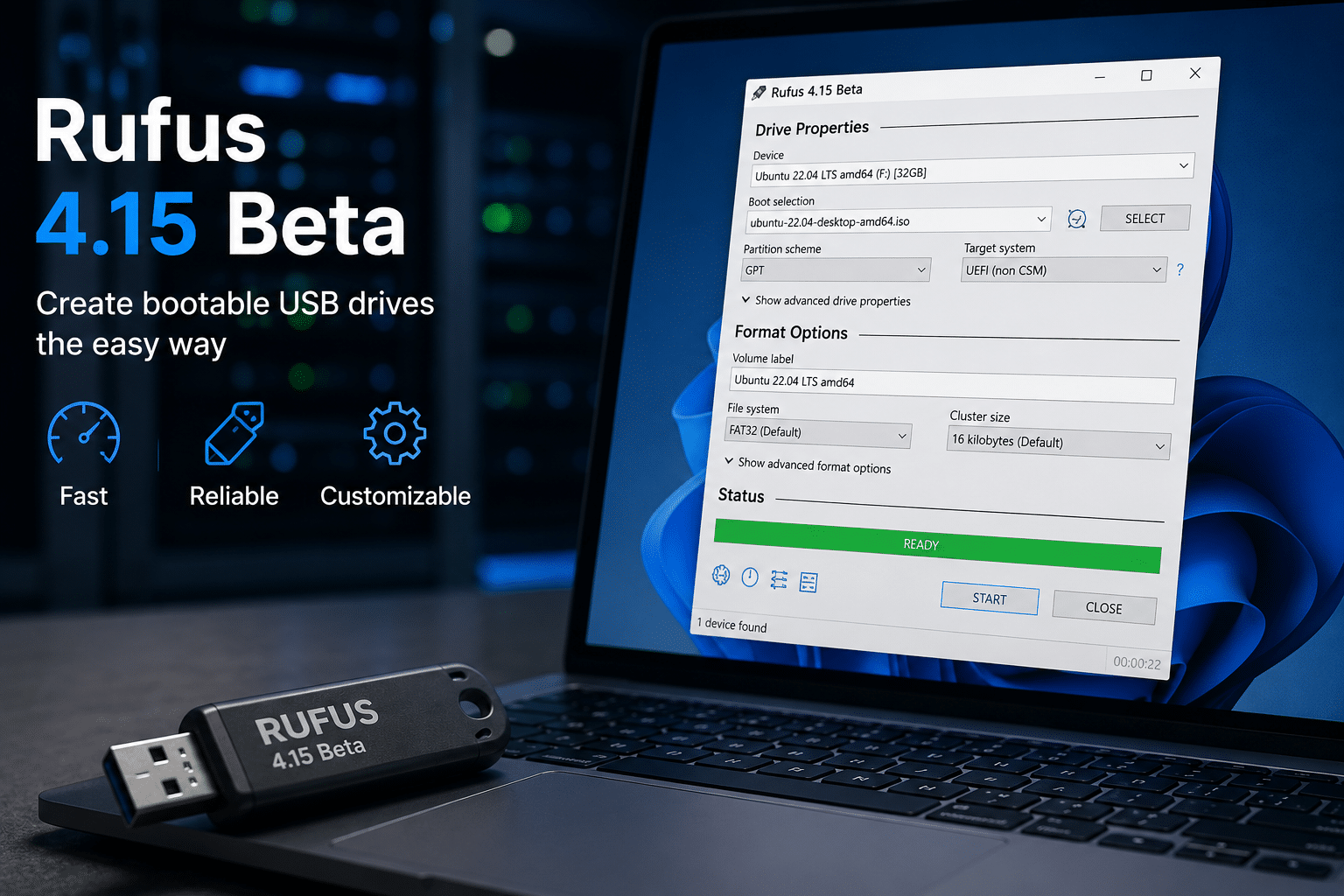
Rufus has earned its reputation because it performs one task exceptionally well: creating bootable USB drives for operating system installations.
Over the years, however, the software has evolved far beyond basic bootable media creation.
The latest Rufus 4.15 Beta focuses on enhancing deployment workflows through:
- Improved Silent Windows Installation support
- Better deployment stability
- Enhanced ARM64 compatibility
- Security vulnerability fixes
- Improved user experience customization
- More reliable installation automation
While these updates may seem incremental, they reflect a larger shift occurring across the IT industry.
Organizations no longer want to spend hours manually configuring every Windows installation. They want standardized, repeatable, automated deployments that reduce labor costs and improve consistency.
Rufus is increasingly becoming a tool that enables that vision.
The Growing Complexity of Windows Deployments
A decade ago, many businesses operated from a single office with a limited number of devices.
Today, organizations face a completely different reality.
Businesses often manage:
- Remote employees
- Hybrid workforces
- Contractors
- International teams
- Multiple office locations
- Virtual workstations
- Cloud infrastructure
As a result, Windows deployment has become significantly more complex.
IT departments must provision systems faster while maintaining security, compliance, and consistency.
Traditional deployment methods involving physical hardware often introduce challenges such as:
- Shipping delays
- Hardware failures
- Inventory management
- Configuration inconsistencies
- Device replacement costs
- Geographical limitations
Even when deployment tools like Rufus streamline operating system installation, organizations still face the broader challenge of managing physical infrastructure.
This is why cloud-based Windows desktops have gained tremendous momentum.
What Are Cloud-Based Windows Desktops?
A cloud-based Windows desktop is a Windows environment hosted in a remote data center rather than on a local computer.
Users connect to these desktops through Remote Desktop Protocol (RDP) technology using an internet connection.
Instead of relying entirely on local hardware, employees access a powerful Windows environment hosted in the cloud.
This approach offers several advantages:
- Remote accessibility
- Centralized management
- Improved scalability
- Reduced hardware dependence
- Enhanced business continuity
- Faster deployment times
For businesses seeking agility and flexibility, cloud desktops have become an increasingly attractive alternative to traditional workstation deployments.
Why Businesses Are Moving Beyond Physical PCs
The modern workforce is more distributed than ever before.
Employees now expect access to work resources regardless of location.
A physical workstation tied to a specific office creates limitations that can hinder productivity.
Cloud-based Windows desktops solve these challenges by allowing employees to:
- Access work environments from home
- Connect while traveling
- Collaborate across continents
- Maintain productivity during disruptions
- Use multiple devices securely
Instead of being tied to a single machine, the desktop environment follows the employee wherever they go.
This flexibility has become a significant competitive advantage.
Where Rufus Fits into the Modern IT Strategy
At first glance, Rufus and cloud desktops may appear unrelated.
One focuses on deployment media.
The other focuses on cloud-hosted infrastructure.
However, they address different stages of the same technology lifecycle.
Rufus helps organizations:
- Create deployment media
- Automate Windows installations
- Standardize operating system configurations
- Accelerate provisioning processes
Cloud desktops help organizations:
- Deliver Windows environments remotely
- Scale infrastructure efficiently
- Reduce hardware dependence
- Improve workforce mobility
Together, they create a deployment-to-delivery workflow that supports modern business operations.
Silent Windows Installation: A Major Step Forward
One of the most important developments in recent Rufus releases is Silent Windows Installation.
Traditionally, deploying Windows required administrators to manually complete numerous setup screens.
These steps often included:
- Language selection
- Regional settings
- User account creation
- Privacy settings
- System preferences
For large-scale deployments, repeating these actions becomes time-consuming and inefficient.
Silent installation allows administrators to automate many of these tasks.
Benefits include:
Reduced Human Error
Automation ensures consistent configurations across systems.
Faster Deployment
Administrators spend less time performing repetitive setup tasks.
Improved Standardization
Organizations maintain consistent operating system environments.
Better Scalability
Large deployment projects become easier to manage.
These capabilities align perfectly with cloud-based desktop provisioning strategies.
The Economics of Cloud-Based Windows Desktops
Cost reduction is one of the strongest drivers behind cloud desktop adoption.
Traditional workstation environments involve expenses such as:
- Hardware purchases
- Maintenance costs
- Repair expenses
- Upgrade cycles
- Energy consumption
- Office infrastructure
Cloud-hosted desktops can significantly reduce these costs.
Organizations pay for the resources they need rather than continuously investing in physical hardware.
Benefits include:
Predictable Monthly Costs
Subscription-based infrastructure improves budgeting.
Reduced Capital Expenditure
Businesses avoid large upfront investments.
Simplified Maintenance
Providers manage much of the underlying infrastructure.
Improved Resource Utilization
Organizations scale resources based on demand.
This financial flexibility is particularly attractive for startups, agencies, remote teams, and growing businesses.
Why 99RDP Is Becoming a Popular Choice
As businesses adopt cloud-hosted Windows environments, selecting the right infrastructure provider becomes critical.
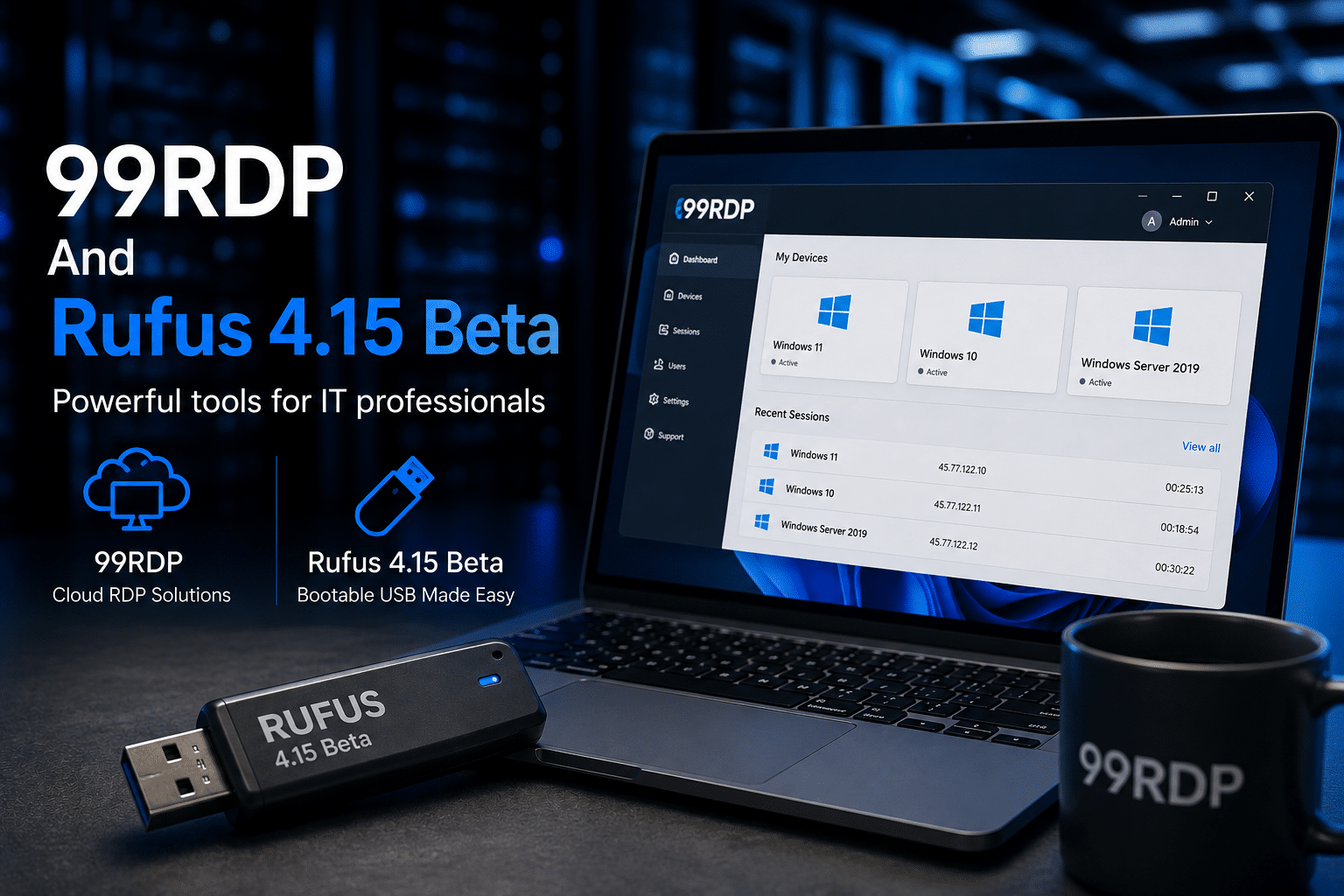
99RDP offers cloud-based Windows desktop solutions designed to support modern business requirements.
Organizations can use 99RDP services to:
- Deploy Windows environments quickly
- Support remote teams
- Access dedicated resources
- Improve operational flexibility
- Maintain business continuity
Rather than waiting for physical hardware procurement and setup, teams can begin working almost immediately.
For businesses operating in competitive markets, speed often translates directly into productivity and revenue.
Security Is Driving Infrastructure Decisions
Security concerns continue to shape technology investments.
Businesses face growing threats from:
- Ransomware attacks
- Data breaches
- Unauthorized access
- Device theft
- Insider threats
The latest Rufus 4.15 Beta includes security-related fixes, including improvements addressing vulnerabilities in embedded XML processing components.
This emphasis on security reflects broader industry priorities.
Cloud-based Windows desktops also contribute to stronger security postures through:
Centralized Management
Administrators manage environments from a single location.
Controlled Access
Permissions can be enforced consistently.
Reduced Local Data Exposure
Sensitive information remains in centralized environments.
Faster Patch Management
Updates can be deployed efficiently.
When combined with strong access policies and secure infrastructure providers, cloud desktops help reduce organizational risk.
Business Continuity Matters More Than Ever
Unexpected disruptions can impact productivity significantly.
Examples include:
- Hardware failures
- Natural disasters
- Office closures
- Travel restrictions
- Power outages
- Local network issues
Cloud-hosted Windows desktops provide resilience because employees can often continue working from alternative locations.
Instead of relying on a specific office workstation, users simply connect to their desktop from another device.
This flexibility can be invaluable during emergencies.
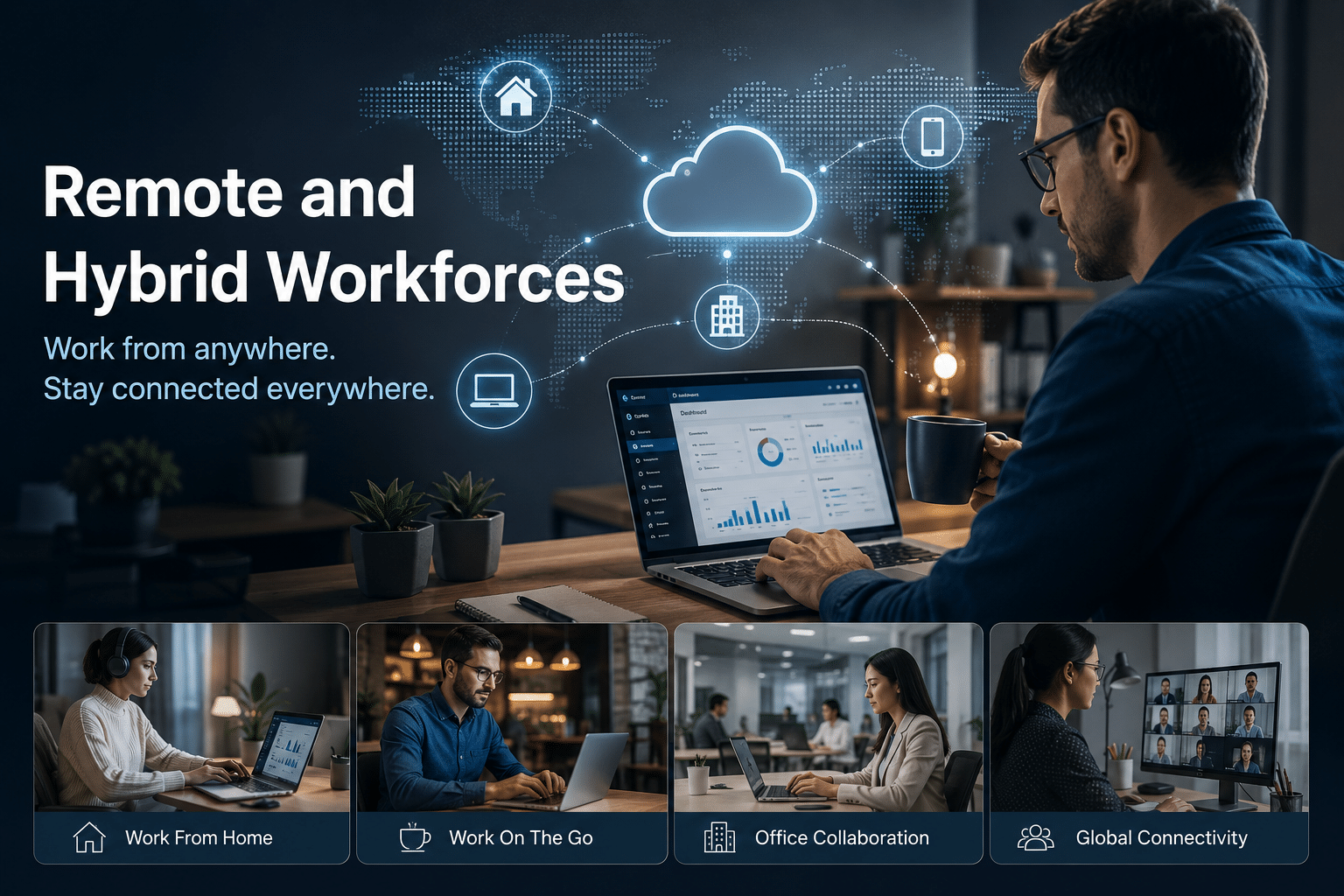
Supporting Remote and Hybrid Workforces
Remote work is no longer a temporary trend.
Many organizations now operate with:
- Fully remote teams
- Hybrid schedules
- International talent pools
- Distributed contractors
These workforce models require infrastructure that supports accessibility and collaboration.
Cloud-based Windows desktops enable employees to access standardized environments regardless of location.
This consistency simplifies:
- Training
- Technical support
- Software deployment
- Security management
- Compliance enforcement
As workforce flexibility increases, cloud desktops become increasingly important.
Scalability Without Complexity
Growth often creates infrastructure challenges.
Adding employees traditionally required:
- Purchasing hardware
- Installing software
- Configuring systems
- Shipping equipment
- Managing inventory
Cloud-based environments dramatically simplify this process.
New resources can often be provisioned quickly and efficiently.
Businesses gain the ability to:
- Add users rapidly
- Increase computing resources
- Expand globally
- Respond to demand fluctuations
This scalability helps organizations remain agile in changing markets.
The Ideal Workflow for Modern Businesses
The most effective organizations increasingly combine deployment automation with cloud infrastructure.
A modern workflow may include:
Step 1: Standardize Windows Images
Use Rufus to create optimized installation media.
Step 2: Automate Configuration
Leverage Silent Windows Installation features.
Step 3: Deploy Efficiently
Maintain consistent operating system environments.
Step 4: Extend Through Cloud Infrastructure
Utilize cloud-hosted Windows desktops where appropriate.
Step 5: Enable Remote Access
Provide secure access to employees and contractors.
Step 6: Scale as Needed
Expand resources without major hardware investments.
This strategy combines the strengths of both deployment automation and cloud computing.
Why the Combination Makes Strategic Sense
Businesses that rely solely on traditional infrastructure may struggle with:
- High maintenance costs
- Limited scalability
- Hardware dependency
- Geographic restrictions
Organizations that embrace both deployment automation and cloud-hosted desktops gain:
- Greater flexibility
- Faster provisioning
- Improved productivity
- Reduced operational costs
- Enhanced security
- Better business continuity
Rufus 4.15 Beta contributes to the deployment side of this equation.
Cloud desktop providers such as 99RDP support the operational side.
Together, they create a technology stack capable of supporting modern business demands.
Final Thoughts
The release of Rufus 4.15 Beta represents more than another software update. It reflects a broader movement toward automation, efficiency, and streamlined Windows deployment.
Businesses today face increasing pressure to provision systems faster, support distributed teams, maintain strong security, and control infrastructure costs.
At the same time, employees expect seamless access to work environments from anywhere in the world.
Cloud-based Windows desktops help organizations meet these expectations while reducing reliance on physical hardware. When combined with modern deployment tools such as Rufus 4.15 Beta, businesses can create a flexible infrastructure strategy that supports growth, resilience, and long-term success.
For organizations seeking to modernize their IT operations, pairing Rufus’s deployment capabilities with cloud-hosted Windows desktop solutions from 99RDP represents a practical and forward-looking approach to Windows infrastructure management.
EXPLORE MORE ; GNU Linux-libre 7.0 vs Standard Linux
READ OUR BLOGS


