
XCP-ng vs Proxmox vs VMware: Why This Open-Source Hypervisor Deserves a Closer Look

Virtualization has changed the way developers, IT administrators, businesses, and homelab enthusiasts build computing infrastructure. Instead of dedicating one physical machine to every operating system or workload, a single server can host multiple isolated virtual machines while sharing CPU, memory, storage, and networking resources.
For years, three names have dominated many virtualization conversations: VMware, Proxmox, and Microsoft Hyper-V. Proxmox, in particular, has become a popular choice among Linux users and homelab builders because it combines KVM virtual machines and LXC containers inside one web-based management platform. VMware, meanwhile, has long been associated with mature enterprise virtualization.
But there is another open-source platform that deserves attention: XCP-ng.
A recent MakeUseOf experiment demonstrates why. The author installed XCP-ng on an extremely modest Zotac ZBOX equipped with an Intel Celeron N3160, 8GB of DDR3L memory, a 120GB SSD, and two Gigabit Ethernet interfaces. Rather than treating this small computer as unsuitable for serious virtualization, the experiment showed that XCP-ng could run a Linux virtual machine surprisingly well.
The result does not mean XCP-ng universally replaces Proxmox or VMware. Instead, it highlights an important distinction: the best virtualization platform depends heavily on the scale and architecture of the environment you are building.
For a single small server, Proxmox can offer a simpler integrated experience. For a larger multi-host virtualization environment, XCP-ng’s Xen-based architecture and Xen Orchestra management ecosystem become particularly interesting.
Let’s examine what makes XCP-ng different, where Proxmox still has practical advantages, what VMware brings to the table, and why remote VPS infrastructure such as 99RDP can complement virtualization when you need computing resources without purchasing and maintaining physical hardware.
What Is XCP-ng?
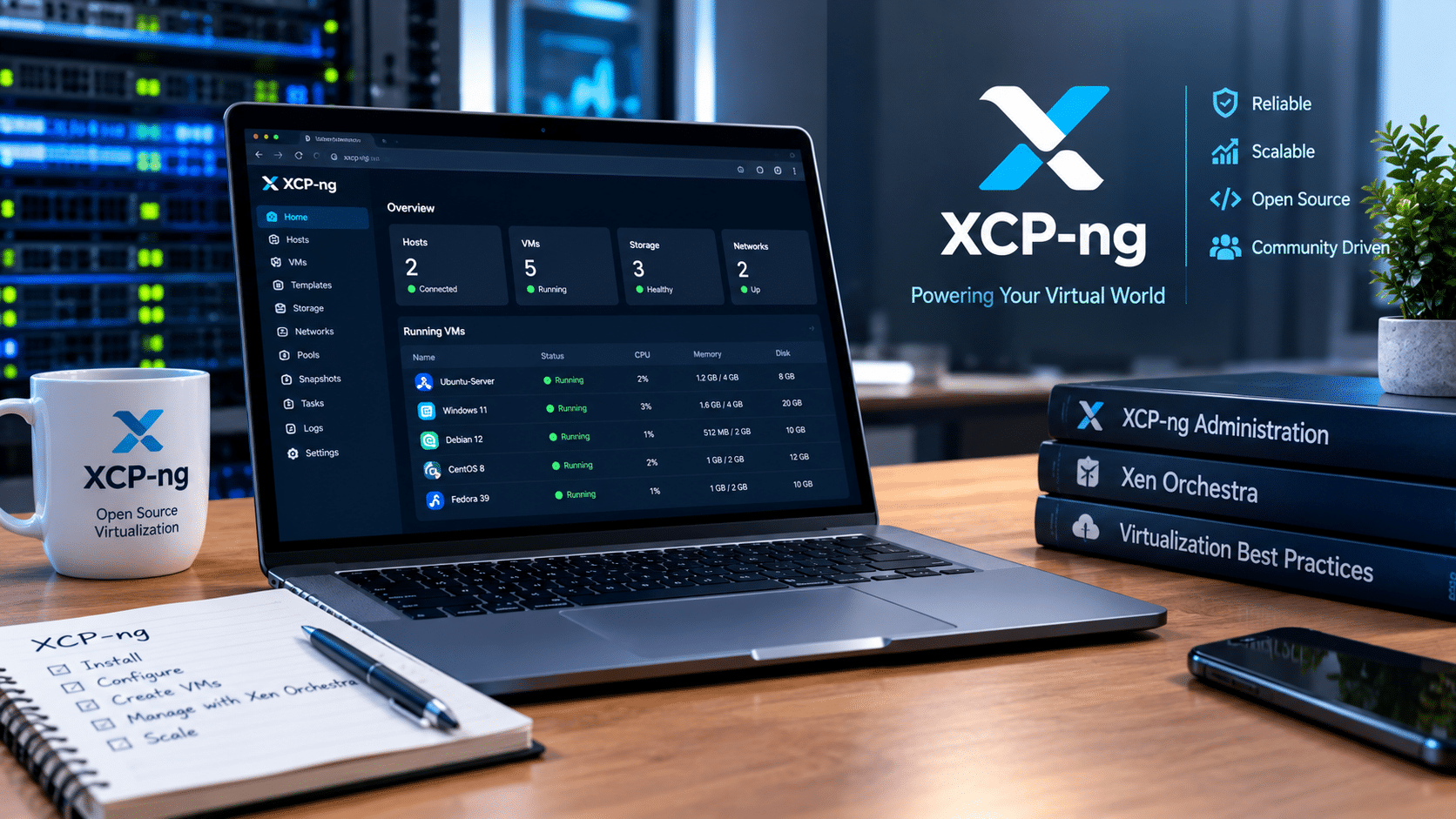
XCP-ng stands for Xen Cloud Platform – next generation. It is an open-source virtualization platform built around the Xen hypervisor and designed to run directly on bare-metal hardware.
According to the project’s documentation, XCP-ng originated as an open-source successor to the XenServer ecosystem and is designed as a dedicated virtualization platform rather than a conventional Linux desktop or server distribution with virtualization software added afterward.
Its architecture is therefore different from the typical desktop virtualization model.
Instead of installing Windows or Linux first and then installing virtualization software on top, XCP-ng takes over the physical server and provides the virtualization layer underneath the guest operating systems.
That design brings several advantages:
- Dedicated hardware resources for virtualization
- Xen-based isolation
- Centralized management through Xen Orchestra
- Support for virtual machines running different operating systems
- Networking and storage management
- VM snapshots and backups
- Replication and disaster-recovery capabilities
- Multi-host resource pools
- Live migration capabilities through the management stack
The project describes XCP-ng as an enterprise-level virtualization platform with API and CLI support alongside centralized administration.
That makes it much more than a lightweight homelab experiment.
The Tiny-PC Experiment Is What Makes XCP-ng Interesting
The most compelling part of the MakeUseOf experiment was not a massive server rack or a high-end Xeon system.
It was the opposite.
The test machine was a Zotac ZBOX CI325 Nano with:
- Intel Celeron N3160 processor
- Four low-power CPU cores
- 8GB DDR3L RAM
- 120GB SSD
- Two Gigabit Ethernet ports
- Wi-Fi and Bluetooth
XCP-ng’s documented recommendation is 8GB or more RAM, with at least 46GB of local storage and 2GHz-or-faster multicore CPUs recommended. The project also requires hardware virtualization support and, for XCP-ng 8.3, SLAT support.
The Zotac system therefore sat close to the lower end of the recommended hardware envelope.
That makes the experiment useful because it tests an important question:
Can a virtualization platform remain practical when the hardware budget is extremely limited?
In this particular test, the answer was surprisingly positive.
The installation detected the machine’s hardware, and after a temporary networking issue, the XCP-ng host became accessible through its management interface.
The author then created a Lubuntu virtual machine with:
- 2 virtual CPUs
- 2GB RAM
- 20GB virtual disk
- 64-bit Ubuntu configuration
The virtual desktop remained responsive despite running on an entry-level Celeron system that was simultaneously handling the virtualization layer.
That is not a synthetic benchmark, and it should not be interpreted as proof that every XCP-ng workload will perform equally well on similar hardware.
However, it demonstrates something important about virtualization:
Efficient architecture can matter just as much as raw hardware specifications for lightweight workloads.
XCP-ng Uses a Different Management Philosophy
One of the biggest differences between XCP-ng and Proxmox becomes obvious when you look at management.
Proxmox places much of its functionality directly inside its web interface. It combines KVM virtual machines and LXC containers under one management environment. Proxmox also provides cluster management, networking, storage, backup functionality, high availability, and other infrastructure capabilities through its integrated platform.
XCP-ng takes a different approach.
It separates the hypervisor from the larger management experience.
XO Lite for Individual Hosts
XCP-ng includes XO Lite, a lightweight browser-based management interface intended for basic operations on an individual host or pool.
The official documentation describes XO Lite as a local management console that runs directly from the XCP-ng host and does not require a separate management server.
That makes XO Lite particularly useful when you simply want to:
- Inspect a host
- Create or manage basic VMs
- Check resources
- Perform straightforward administrative tasks
- Get an XCP-ng installation running quickly
The MakeUseOf experiment used XO Lite successfully on the tiny Zotac system.
But XO Lite also exposes one of XCP-ng’s central design decisions.
It is intentionally lightweight.
For larger environments, XCP-ng expects administrators to use Xen Orchestra.
Xen Orchestra Turns XCP-ng Into a Larger Infrastructure Platform
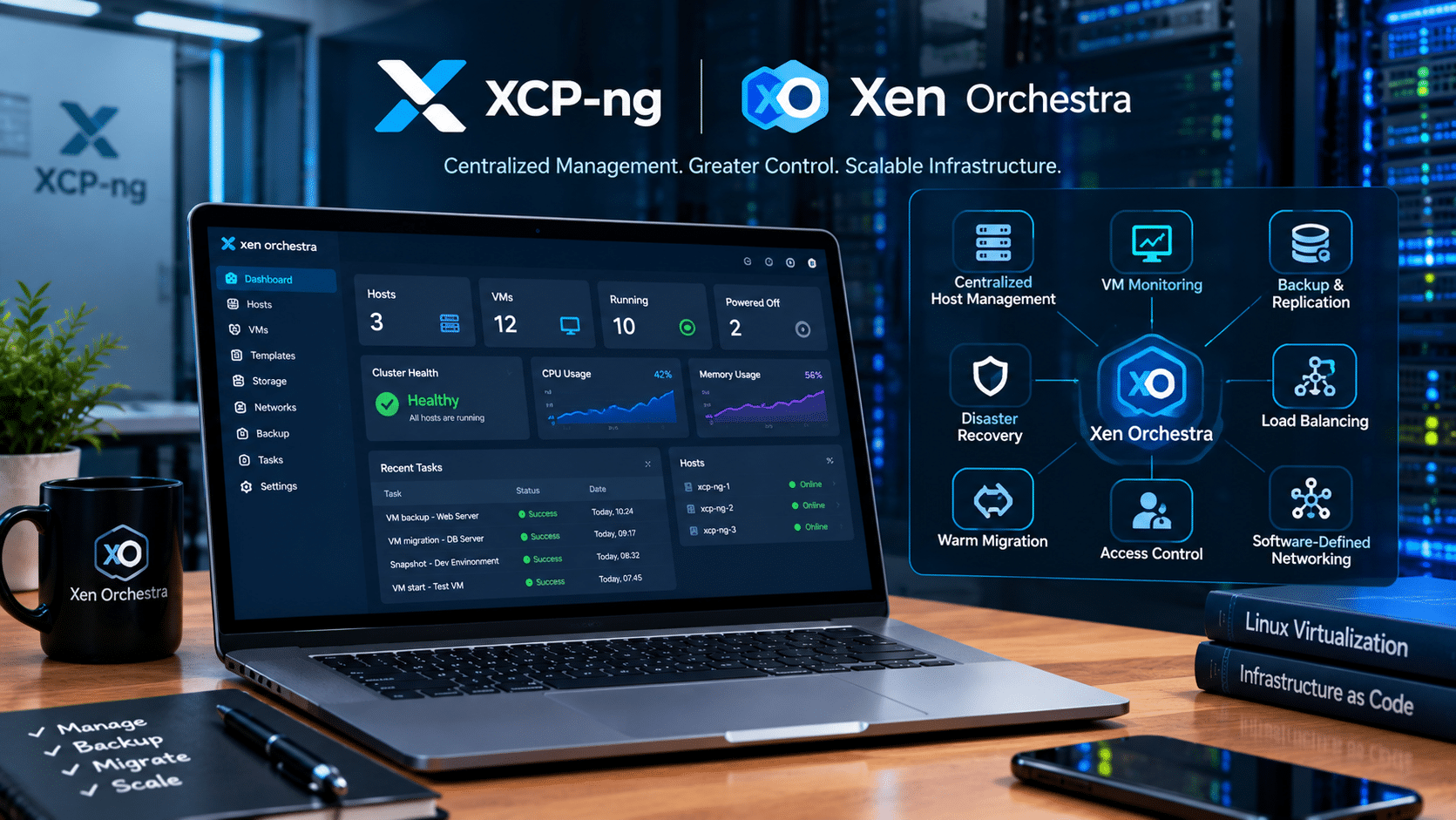
Xen Orchestra is where XCP-ng’s architecture becomes much more interesting.
The official XCP-ng documentation identifies Xen Orchestra as the supported centralized management platform. It provides functionality beyond basic VM administration, including:
- Centralized host management
- VM monitoring
- Backup
- Replication
- Disaster recovery
- Load balancing
- Warm migration
- Access-control functionality
- Software-defined networking capabilities
This architecture makes more sense when you operate multiple virtualization hosts.
Imagine a small business running:
- Host 1 for application workloads
- Host 2 for databases
- Host 3 for development
- Host 4 as a backup or recovery node
Managing four independent machines manually becomes inefficient.
A centralized management platform becomes much more valuable.
That explains why the MakeUseOf experiment reached a different conclusion after installing Xen Orchestra. The author found that the full management platform revealed capabilities that were less apparent when using XO Lite alone.
The Catch: Management Comes With a Resource Cost
There is an important lesson here for people building small homelabs.
The full Xen Orchestra Appliance, or XOA, consumes additional resources.
In the MakeUseOf test, the 8GB machine ended up allocating approximately:
- 2GB to XCP-ng
- 4GB to Xen Orchestra
- 2GB to the Lubuntu VM
That effectively allocated the machine’s entire 8GB memory capacity. Yet the Lubuntu desktop remained usable during the test.
This highlights a fundamental virtualization principle:
Features have an infrastructure cost.
Centralized management, monitoring, backup, orchestration, and disaster recovery are extremely useful.
But they require CPU, RAM, storage, and networking.
On a tiny machine, those overheads become much more noticeable.
On a server with 32GB, 64GB, 128GB, or more RAM, the same management overhead becomes easier to absorb.
That distinction matters when comparing XCP-ng with Proxmox.
Why Proxmox Still Makes Sense for a Single Server
The MakeUseOf experiment ultimately did not abandon Proxmox.
Instead, it demonstrated where each platform’s architecture makes sense.
Proxmox provides an integrated web-based management interface directly on the virtualization host. Its platform combines KVM virtual machines and LXC containers, while also providing integrated tools for clustering, storage, networking, high availability, backups, and disaster recovery.
For a single-server homelab, that can be extremely convenient.
You install Proxmox.
You log into the web interface.
You upload an ISO.
You create a VM.
You assign CPU and memory.
You start the machine.
There is no requirement to deploy a separate management appliance simply to perform basic administration.
That simplicity can matter more than architectural elegance when you are operating one small server.
Proxmox is particularly attractive when you want:
- A single integrated management interface
- KVM virtual machines
- LXC containers
- Straightforward ISO uploads
- Built-in backup tools
- Cluster management
- Web and CLI administration
- Broad Linux hardware compatibility
- A familiar Debian/Linux ecosystem
Proxmox itself describes its platform as a single web-based interface for managing KVM virtual machines and LXC containers. It also provides integrated backup and Proxmox Backup Server integration.
That integrated philosophy explains why many homelab builders gravitate toward it.
XCP-ng vs Proxmox: The Architectural Difference
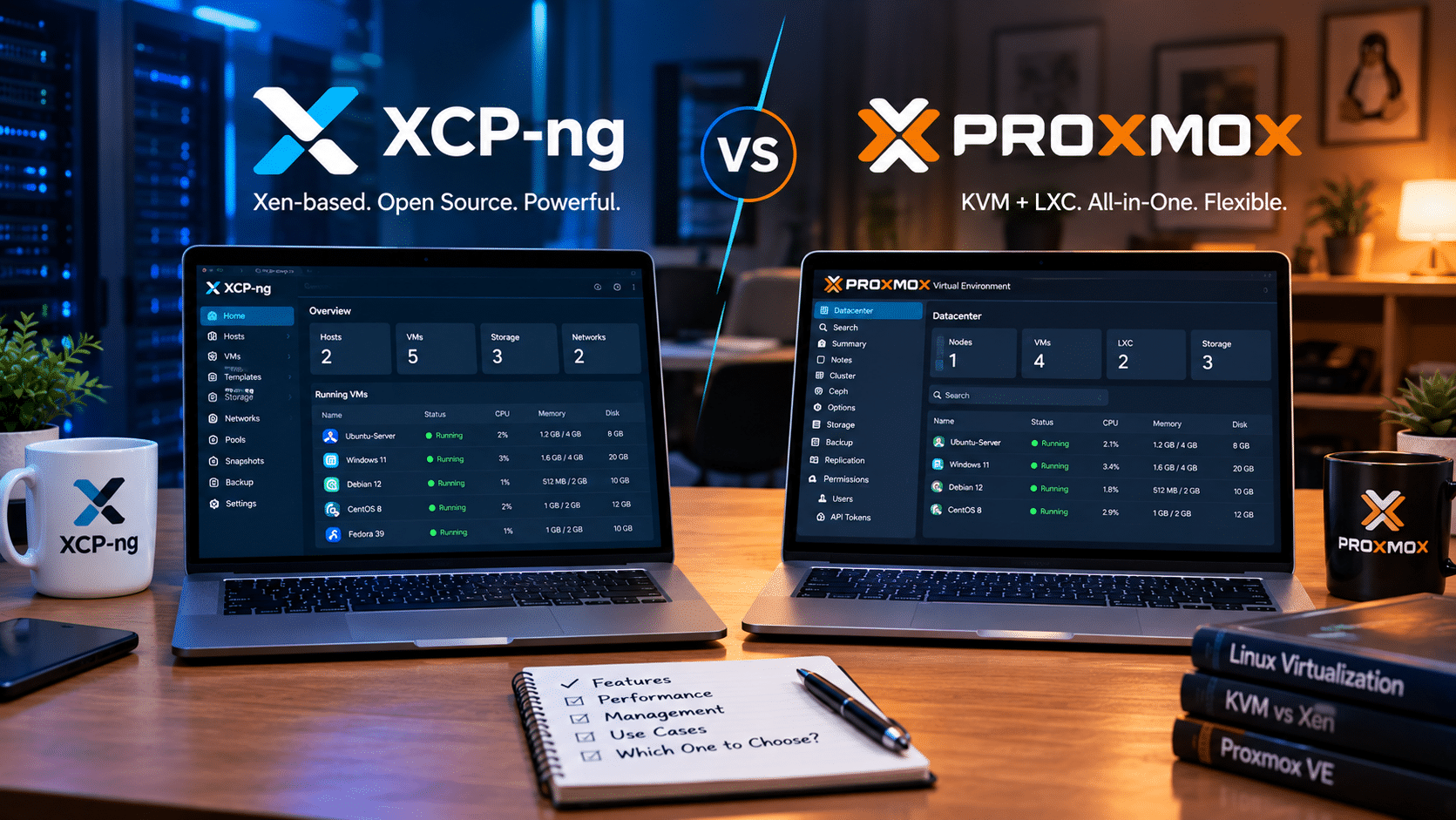
Rather than asking which platform is universally better, it is more useful to understand how they approach virtualization.
| Area | XCP-ng | Proxmox VE |
|---|---|---|
| Core virtualization | Xen | KVM |
| Containers | Not a native equivalent to LXC | LXC |
| Management | Xen Orchestra / XO Lite | Integrated Proxmox web UI |
| Single-host management | XO Lite | Native web interface |
| Multi-host management | Xen Orchestra | Proxmox cluster interface |
| Backup ecosystem | Xen Orchestra | Built-in backup + Proxmox Backup Server |
| Base architecture | Dedicated Xen-based platform | Debian-based platform |
| Automation | API, CLI, Terraform, Ansible ecosystem | API and CLI |
| Best architectural fit | Multi-host virtualization environments | Integrated VM + container environments |
This table describes architectural differences rather than assigning a winner.
Both platforms can handle serious virtualization workloads. The practical difference comes from what you expect the infrastructure to do.
What About VMware?
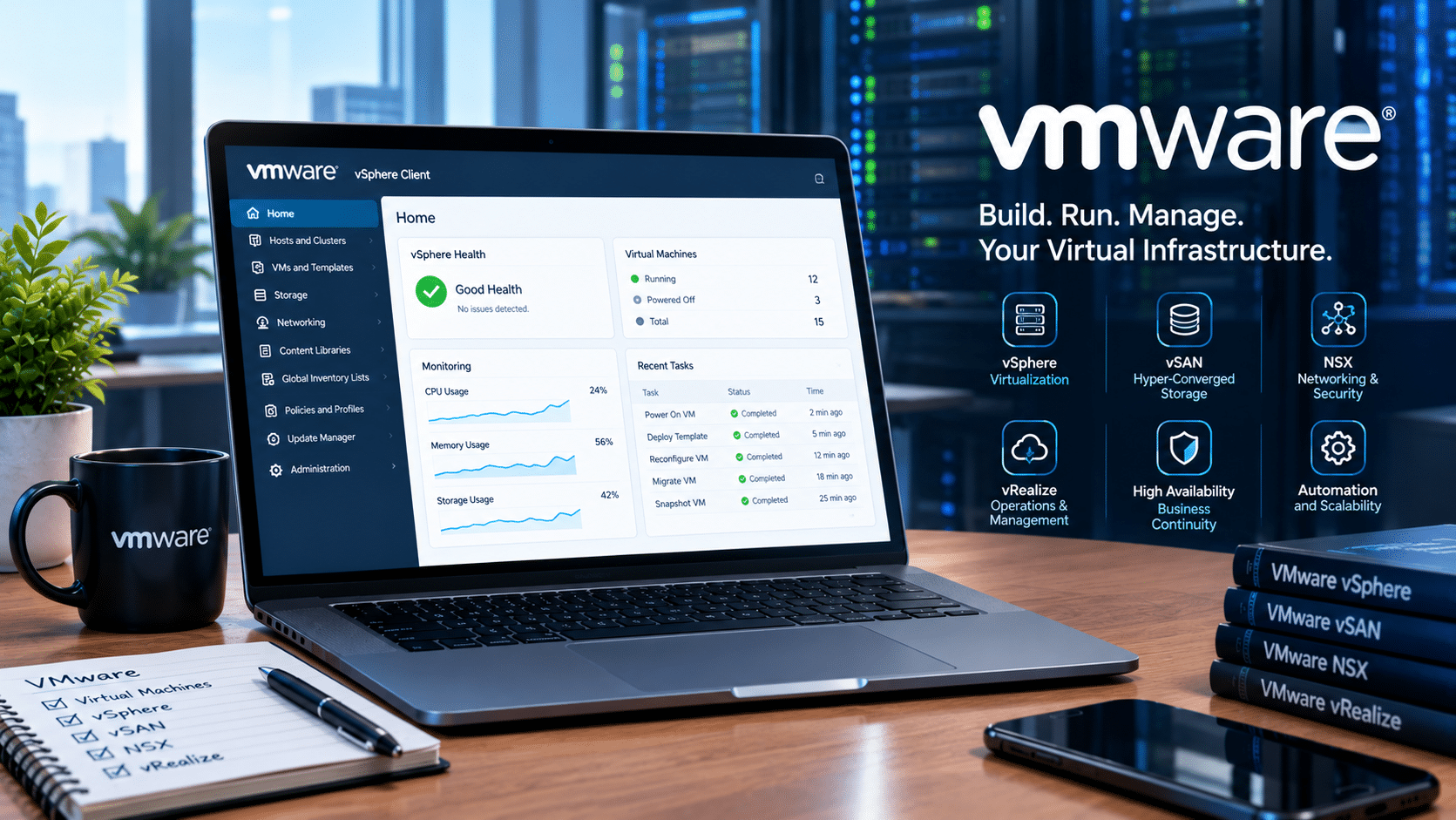
VMware remains important because virtualization is not simply about installing a hypervisor.
Enterprise environments often require a broader ecosystem around virtualization, including:
- Centralized administration
- High availability
- Storage integration
- Networking
- Backup
- Monitoring
- Disaster recovery
- Automation
- Vendor support
- Existing staff expertise
That ecosystem historically helped VMware establish a strong position in enterprise virtualization.
However, XCP-ng’s architecture demonstrates that organizations do not necessarily need to return to proprietary infrastructure simply because they need centralized virtualization management.
XCP-ng provides a Xen-based virtualization platform, while Xen Orchestra supplies centralized management, backup, replication, and disaster-recovery capabilities.
The choice therefore becomes less about brand recognition and more about infrastructure requirements.
XCP-ng’s Hardware Requirements Are Worth Understanding
One reason the tiny-PC experiment is interesting is that XCP-ng does not require a huge enterprise server simply to boot.
Its official requirements specify:
- 64-bit x86 CPU
- Hardware virtualization enabled
- SLAT support for XCP-ng 8.3
- At least 2GB RAM
- 8GB RAM recommended
- At least 46GB local storage
- 70GB or more recommended
- At least 100Mbps networking
- Gigabit or faster networking recommended
However, minimum requirements do not equal recommended production specifications.
If you plan to host several VMs, databases, development environments, Windows guests, or storage-intensive workloads, you should provision considerably more resources.
A useful rule is to think about total workload requirements, not just whether the hypervisor technically installs.
Storage Can Become the Real Bottleneck
CPU and RAM often receive most of the attention in virtualization discussions, but storage can determine how responsive the entire environment feels.
Multiple virtual machines generate:
- Random reads
- Random writes
- Metadata operations
- Snapshot activity
- Backup traffic
- OS updates
- Application database activity
A slow hard drive can therefore make several otherwise lightweight VMs feel sluggish.
For a serious virtualization host, SSD or NVMe storage can make a major difference.
XCP-ng’s documentation recommends local storage of at least 70GB, while also supporting storage architectures such as NFS, iSCSI, and other storage options.
Proxmox similarly supports a broad range of storage technologies and integrates backup capabilities across supported storage types.
The lesson is simple:
Do not build a virtualization server around CPU and RAM alone.
Plan storage performance, capacity, redundancy, and backup from the beginning.
Networking Matters Even More in Multi-Host Environments
Once you move beyond a single server, networking becomes a central component of the virtualization architecture.
Virtual machines need network access.
Hosts need management connectivity.
Backups need network bandwidth.
Live migration needs fast host-to-host communication.
Replication needs reliable throughput.
XCP-ng’s documentation recommends Gigabit or 10GbE networking for faster transfers, migrations, and VM movement, and recommends multiple network interfaces where redundancy is required.
It also explicitly warns administrators not to expose the management network directly to the public internet.
That principle should apply regardless of which hypervisor you choose.
Your virtualization management interface should remain protected behind appropriate network controls, authentication, and firewall policies.
Backups Are More Important Than Snapshots
One of the easiest mistakes in a homelab is assuming a snapshot equals a backup.
It does not.
A snapshot generally provides a convenient rollback point. If the underlying storage fails, the snapshot may disappear with it.
The MakeUseOf experiment demonstrated a successful XCP-ng snapshot rollback: a file created after the snapshot disappeared after restoring the VM to its earlier state.
That is exactly what snapshots are designed to do.
But XCP-ng’s documentation explicitly treats backup as a separate requirement. Xen Orchestra supports automated snapshots, full backups, incremental backups, replication, encryption, compression, file-level restoration, and cloud-enabled metadata backups.
A practical virtualization strategy should therefore include:
- VM snapshots for short-term rollback.
- Regular VM backups.
- Off-host backup storage.
- Tested restoration procedures.
- Configuration backups.
- Replication for workloads that require faster recovery.
A backup that has never been restored successfully remains an assumption rather than a proven recovery mechanism.
Where 99RDP Fits Into the Modern Virtualization Picture

Not every developer, freelancer, startup, or small business needs to purchase a physical server and build a virtualization cluster.
Sometimes the better approach is to consume infrastructure remotely.
This is where 99RDP’s VPS services can complement the virtualization discussion.
99RDP offers Windows and Linux VPS options with configurable resources, root-level access on its VPS offerings, and fast provisioning. Its published VPS plans target workloads such as websites, automation, testing environments, and small business applications.
That creates an important distinction:
A hypervisor is infrastructure software.
A VPS is an infrastructure service.
If you operate your own XCP-ng or Proxmox server, you control the physical hardware and virtualization layer.
With a VPS, the infrastructure provider manages the physical server and virtualization environment while you operate the virtual server allocated to you.
For many remote workloads, that difference can simplify deployment.
Instead of:
- Buying server hardware
- Installing a hypervisor
- Configuring storage
- Setting up networking
- Managing power
- Maintaining cooling
- Monitoring hardware
- Replacing failed components
you can provision a VPS and concentrate on the operating system and application.
For developers, this can be especially useful for:
- Web application testing
- Remote development environments
- Linux server experiments
- Automation
- Hosting lightweight services
- Staging environments
- Remote administration
- Windows-based applications through RDP
99RDP also publishes Windows VPS configurations with dedicated resources, dedicated IP options, and remote-access capabilities.
The important point is not that VPS hosting replaces Proxmox or XCP-ng.
It solves a different infrastructure problem.
Self-Hosted Virtualization vs VPS Hosting
A simple way to understand the difference is to compare responsibilities.
| Responsibility | Self-hosted XCP-ng/Proxmox | VPS |
|---|---|---|
| Physical hardware | You manage it | Provider manages it |
| Hypervisor | You manage it | Provider manages it |
| VM configuration | You manage it | You manage your VPS |
| Operating system | You manage it | You manage it |
| Network configuration | You largely manage it | Provider handles underlying infrastructure |
| Hardware failures | Your responsibility | Provider handles physical infrastructure |
| Scaling | Requires hardware planning | Usually easier through plan changes |
| Up-front hardware investment | Required | Generally not required |
| Learning value | Very high | Focuses more on OS/application administration |
This distinction helps explain why virtualization remains relevant even in the age of cloud and VPS hosting.
A homelab teaches infrastructure.
A VPS provides infrastructure.
Both have legitimate uses.
The Bigger Lesson From XCP-ng
The most interesting conclusion from the XCP-ng experiment is not that Proxmox suddenly became obsolete.
It did not.
The experiment instead reveals that virtualization platforms have different architectural priorities.
Proxmox emphasizes an integrated management experience. It combines KVM and LXC and manages them through a centralized web interface.
XCP-ng focuses on a Xen-based virtualization layer that pairs with Xen Orchestra for broader centralized infrastructure management.
VMware represents another approach built around a mature enterprise virtualization ecosystem.
Those differences become increasingly important as the number of hosts grows.
With one small server, an integrated interface can be extremely convenient.
With several hosts, centralized orchestration, backup, replication, monitoring, and migration become increasingly important.
What Should You Look for in a Hypervisor?
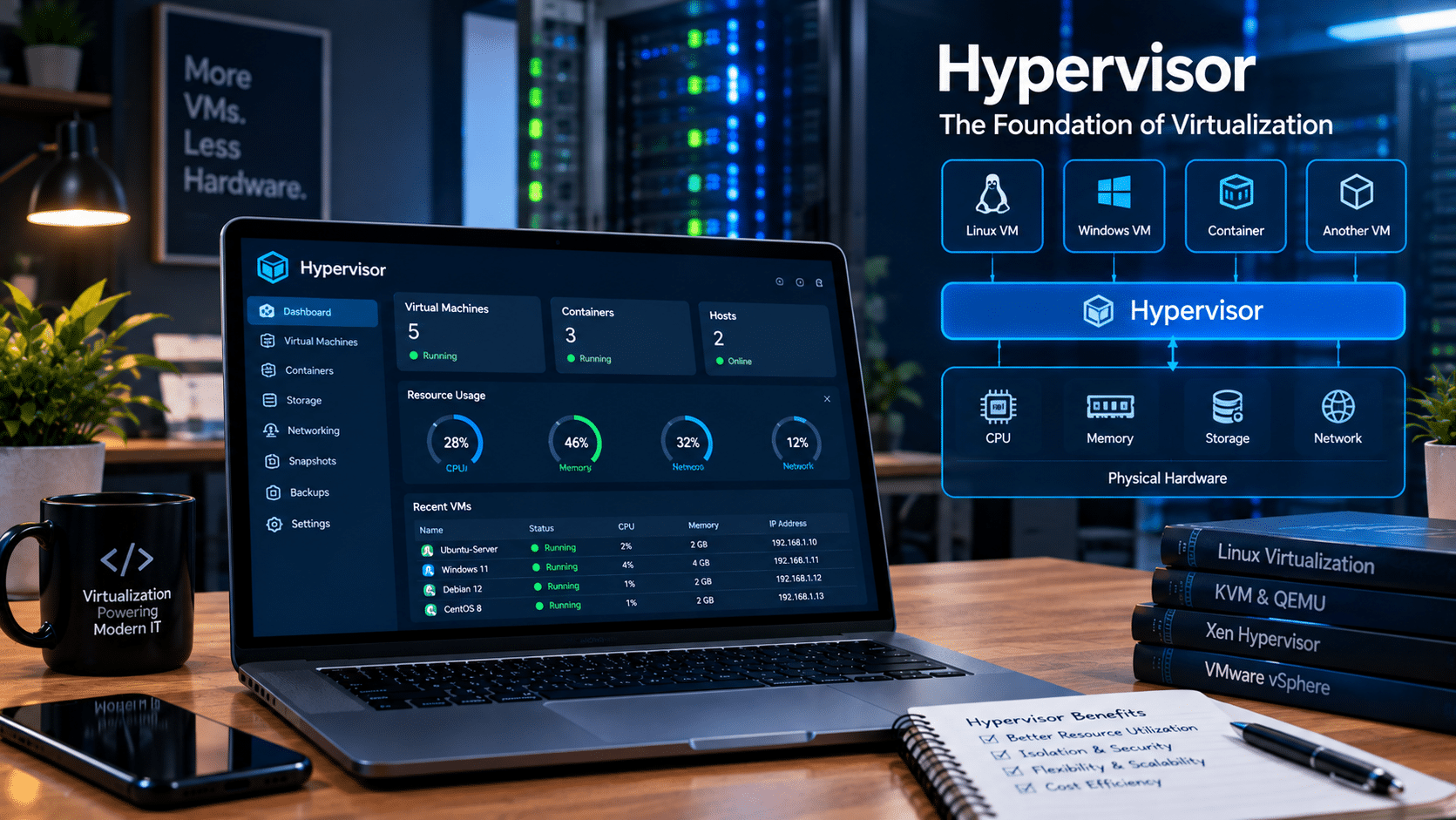
Instead of choosing a virtualization platform based purely on online popularity, evaluate the infrastructure around your actual workload.
1. Hardware compatibility
Check CPU virtualization support, IOMMU requirements, storage controllers, network adapters, and GPU requirements before installation.
2. Memory capacity
Calculate the RAM requirements of the hypervisor, management tools, and every guest VM.
3. Storage performance
Use SSD or NVMe storage when workloads require fast random I/O.
4. Networking
Plan for management, VM traffic, backup traffic, replication, and migration.
5. Management architecture
Ask whether you prefer an integrated management interface or a dedicated management layer.
6. Backup capabilities
Look beyond snapshots. Check incremental backups, replication, encryption, retention, and restoration.
7. Automation
Consider API, CLI, Terraform, Ansible, and other automation options if you expect the environment to grow.
8. Community and documentation
Virtualization inevitably produces troubleshooting scenarios. Strong documentation and an active community can save hours.
9. Scalability
A platform that works beautifully on one server may need a different management strategy when you add five more hosts.
10. Operational complexity
Do not ignore the human cost.
A technically sophisticated architecture is not automatically the most practical architecture for every deployment.
Final Thoughts: XCP-ng Makes the Virtualization Conversation More Interesting
The MakeUseOf experiment offers a useful reminder that virtualization does not have to begin with a rack full of enterprise hardware.
A small Celeron-based Zotac system with 8GB RAM managed to run XCP-ng and a lightweight Lubuntu VM successfully, demonstrating that Xen-based virtualization can remain practical even on modest hardware.
At the same time, the experiment exposed the trade-off behind XCP-ng’s architecture.
XO Lite provides lightweight local management, while Xen Orchestra unlocks the broader management, backup, monitoring, replication, and infrastructure capabilities of the ecosystem.
That architecture becomes more compelling as the environment grows beyond a single host.
Proxmox takes a different route by integrating KVM, LXC, storage, clustering, backup, networking, and management into a unified platform.
And when self-hosting hardware is unnecessary, VPS services such as those offered by 99RDP provide another path: use remote computing infrastructure instead of building and maintaining the physical virtualization stack yourself.
The broader lesson is straightforward:
Virtualization is no longer simply a choice between VMware and one alternative.
The modern infrastructure landscape includes Proxmox, XCP-ng, KVM-based platforms, Hyper-V, cloud platforms, and VPS services.
XCP-ng is particularly interesting because it demonstrates how an open-source Xen platform can combine efficient bare-metal virtualization with a management ecosystem designed to scale beyond a single machine.
For a compact one-server homelab, Proxmox’s integrated design can remain highly convenient.
For a multi-host virtualization environment, XCP-ng and Xen Orchestra deserve serious technical evaluation.
And for workloads where maintaining physical infrastructure makes little sense, a managed VPS can eliminate much of the hardware and hypervisor administration entirely.
That is what makes today’s virtualization landscape so interesting: you no longer have to choose your infrastructure based only on which hypervisor is most familiar. You can choose the architecture that matches the workload.
EXPLORE MORE ; Alpine Linux vs Tiny Core

READ OUR BLOGS


