Ghostty’s Scrollbar Feature Meets High-Performance Linux RDP
Modern software development has shifted significantly. Gone are the days when programmers worked solely on local machines with simple command-line tools. Today’s developers must juggle cloud services, remote servers, real-time logs, container orchestration, continuous deployment pipelines, and distributed team environments — all while maintaining speed, precision, and system reliability.
In this context, even small improvements in terminal usability can yield real performance benefits. That’s why the recent update to Ghostty, which adds native scrollbar support on Linux, is worth deeper attention. When combined with a high-performance Linux RDP infrastructure from 99RDP, this enhancement significantly elevates productivity, especially for intensive development workflows.
In this article, we explore what makes Ghostty stand out, why scrollbars matter more than they seem, and how pairing it with remote Linux infrastructure accelerates modern development.
The Terminal Remains at the Heart of Development
Despite the rise of visual IDEs and cloud dashboards, the terminal remains irreplaceable for many tasks:
- Remote server access (SSH)
- Monitoring logs
- Container orchestration (Docker, Kubernetes)
- Build automation
- System administration
- Real-time debugging
Developer surveys consistently show that command-line proficiency correlates with speed and efficiency. When an engineer can navigate terminal output quickly and with visual clarity, resolution times drop and context switching decreases.
That’s where Ghostty enters the scene.
What Is Ghostty?
Ghostty is an open-source terminal emulator designed to emphasize speed, usability, and native integration. It is built in Zig, a modern systems programming language known for performance, safety, and minimal runtime overhead. Unlike more traditional terminals that rely on heavyweight frameworks or compatibility layers, Ghostty uses native toolkit integration, meaning it leverages system graphics API and window management directly.
Key Technical Attributes
- GPU-Accelerated Rendering: Ghostty offloads rendering to the GPU, resulting in fast text updates and smooth display even under heavy output loads.
- Native Toolkit Integration: On Linux, Ghostty uses GTK4 with Wayland and X11 support, blending seamlessly with desktop environments.
- Minimal Architecture: By avoiding Electron or similar frameworks, Ghostty maintains a compact footprint with low memory usage.
- Cross-Platform Support: Although optimized for Linux, Ghostty also runs on macOS and Windows with consistent behavior.
- Modern Feature Set: It supports:
- True color
- Customizable fonts
- Transparent backgrounds
- Secure clipboard integration
- Advanced keybindings
These characteristics make Ghostty appealing for developers who want a fast, reliable terminal without unnecessary bloat.
Why Scrollbars Matter in a Terminal
At first glance, the addition of scrollbars might seem like a small cosmetic change. But in real-world development, it delivers concrete productivity benefits.
Let’s explore why.
1. Enhanced Output Navigation
When you run commands that produce thousands of lines — such as log streams, diffs, build outputs, or database dumps — keyboard scrolling alone can feel imprecise. Scrollbars:
- Show your relative position in the buffer
- Enable point-and-click navigation
- Save time when locating specific events in output
This is valuable when debugging or auditing long sessions.
2. Visual Context Awareness
Keyboard scrolling is linear; it doesn’t show how far you are from the start or end. Ghostty’s scrollbars solve this visually. Whenever an engineer reviews output after a test run or traces an error chain, the scrollbar acts like a timeline, improving situational awareness.
3. Accessibility and User Preference
Some users prefer visual navigation elements, especially when shifting between GUIs and terminals. Scrollbars make Ghostty more inclusive to users who rely on visual cues or come from graphical development environments.
4. Precision in Remote Sessions
Remote workflows — whether through SSH, VNC, or RDP — often introduce input latency. Scrollbars provide an alternative control method that’s less dependent on precise keyboard timing. For teams working over long distances or in bandwidth-limited scenarios, this improves usability without sacrificing performance.
How Ghostty Handles Scrolling
Ghostty’s implementation of scrollbars is configurable and follows desktop conventions. You can choose:
- System-default scrollbars: Respecting your environment’s theme and behavior.
- Always-visible scrollbars: Useful in high-activity sessions.
- Auto-hide scrollbars: For a cleaner aesthetic when not in use.
This flexibility ensures it accommodates a wide range of workflows — from minimalist terminal aficionados to power users who depend on visual cues.
Beyond Scrollbars: Ghostty’s Core Advantages
Adding scrollbars is just one of many features that position Ghostty as a modern terminal option.
🔹 GPU Acceleration for Smooth Output
GPU acceleration isn’t just about speed; it ensures:
- Flicker-free redraws
- Efficient handling of large screen buffers
- Lower CPU usage during heavy output streams
Contrasted with alternatives that rely on software rendering, Ghostty shows higher consistency under stress.
🔹 True Cross-Platform Consistency
Ghostty’s behavior remains largely the same whether you’re on Linux, macOS, or Windows. This is especially helpful for teams that span multiple operating systems.
🔹 Customizable Experience
Developers can fine-tune:
- Font rendering
- Color schemes
- Keybinding profiles
- Buffer limits
Customizability supports diverse workflows — from nightly builds to CI/CD pipelines.
🔹 Plugin-Ready Architecture (Emerging)
While Ghostty doesn’t have a massive plugin ecosystem yet, its architecture supports extension. As adoption grows, plugin capabilities will unlock deeper integrations with:
- Version control tools
- Cloud IDE backends
- Task runners
This future-proofs the investment developers make when adopting Ghostty.
Why Remote Development Is the Norm Now
Before we connect Ghostty to remote infrastructure, it’s worth understanding the current shift in how developers work:
1. Distributed Teams, Distributed Workloads
As remote and hybrid cultures have grown, so has demand for virtual development environments. Not all team members work from the same network or hardware — consistency becomes critical.
2. Cloud First, Local Second
Cloud platforms host most production workloads today. Running development environments in the cloud — rather than on local machines — ensures parity between staging and production.
3. Hardware Limitations on Local Machines
Modern development — especially in areas like AI, data processing, or large builds — can outstrip the capabilities of everyday laptops. Developers increasingly turn to remote servers with higher CPU, RAM, and storage capacities.
How 99RDP Enhances Linux Development
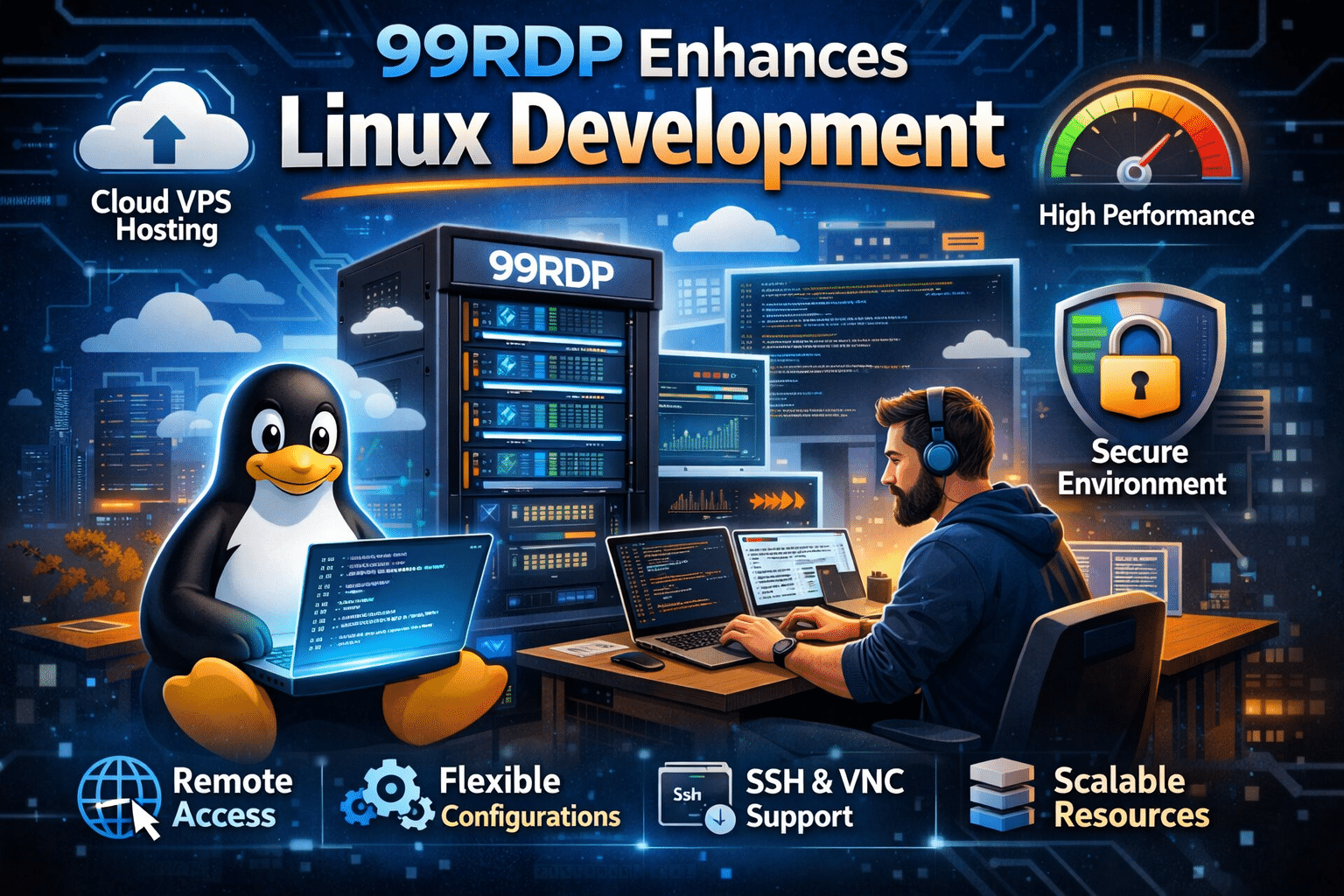
Remote Desktop Protocol (RDP) isn’t just for GUI access anymore. A high-performance Linux RDP environment from 99RDP offers developers:
- Flexible resource configurations (CPU, RAM, storage)
- Persistent environments
- Centralized security and access control
- Easy collaboration
Whether you’re running Ghostty locally or inside an RDP session, 99RDP provides the infrastructure muscle required for heavy workflows.
Why Ghostty + 99RDP Is a Strategic Pairing
Let’s explore how Ghostty’s advanced features align with 99RDP’s platform strengths.
1. Smoother Terminal Interaction Over Remote Sessions
Remote sessions often introduce latency. Ghostty’s GPU-accelerated rendering ensures:
- Reduced visual lag
- No dropped character frames
- Clean scrollback interaction
This is especially useful when processing large outputs such as multi-stage CI logs or clustering results.
2. Larger Buffer Handling With Stronger Hardware
Remote servers normally provide higher RAM and storage — translating to:
- Longer scrollback history
- Ability to retain output for extended debugging
- No rapid buffer flushes during heavy usage
When combined with Ghostty’s UI scrollbars, developers gain faster access to historical outputs.
3. Predictable Cost and Scalable Infrastructure
Instead of upgrading local machines repeatedly, 99RDP’s scalable pricing enables developers to provision just the right amount of resources — whether for a single engineer or a distributed team.
4. Secure Environment With Centralized Controls
Remote infrastructure often integrates:
- Role-based access control
- Audit logging
- Backup mechanisms
- Encrypted connections
Pairing Ghostty’s usability with secure remote access strengthens compliance and operational stability.
Real-World Scenarios Where This Combo Shines

Case 1: Debugging Distributed Systems
Teams can spin up centralized RDP servers, run shell scripts through Ghostty, and share error analysis sessions seamlessly.
Case 2: Multi-User Collaboration
Ghostty in a shared RDP environment becomes a common terminal space for triaging incidents as a team.
Case 3: Large Data Pipeline Monitoring
Massive output from ETL workflows can be navigated visually using scrollbars, reducing search time.
Final Thoughts
Ghostty’s addition of scrollbars on Linux is much more than a superficial UI tweak. It reflects a careful focus on:
- Usability
- Performance
- Developer experience
- Scalability
Paired with 99RDP’s high-performance Linux RDP infrastructure, this enhancement unlocks a remote development workflow that is fast, intuitive, and ready for serious scale.
If you’re serious about optimizing your terminal workflows — whether for debugging, deployment monitoring, or day-to-day automation — the combination of Ghostty and 99RDP provides a compelling, productivity-boosting infrastructure stack that modern developers can rely on.
EXPLORE MORE ; Troubleshoot Linux Faster on VPS & RDP Servers Using systemd Tools
READ OUR BLOGS