
From Legacy UI to Modern Dev Hub: Ubuntu Launchpad’s Big Transformation
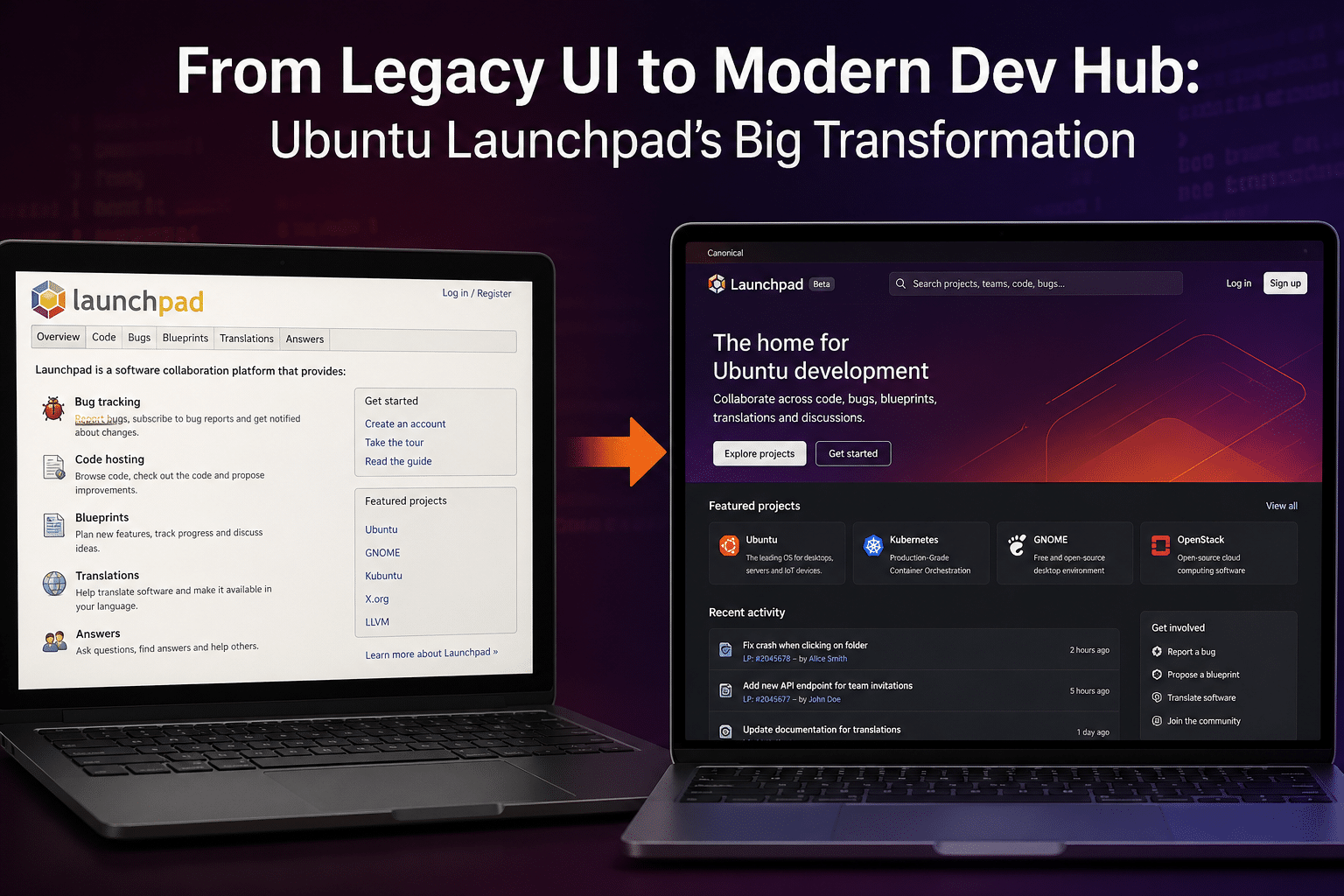
The Ubuntu ecosystem has always been a cornerstone of open-source innovation, powering everything from personal desktops to massive cloud infrastructures. At the heart of this ecosystem lies Launchpad, Canonical’s long-standing development and collaboration platform. For years, Launchpad has been indispensable—yet often criticized for its aging interface and steep learning curve.
That narrative is finally changing.
With the rollout of Ubuntu 26.04 LTS, Canonical has initiated a major redesign of Launchpad, signaling a shift from a legacy, function-first interface to a modern, developer-centric hub. This transformation is not just visual—it’s strategic, aligning Launchpad with today’s cloud-first, DevOps-driven workflows.
In this in-depth article, we’ll explore what’s changing, why it matters, and how developers can amplify these improvements using remote infrastructure solutions like 99RDP.
Understanding Launchpad: The Backbone of Ubuntu Development
Before diving into the redesign, it’s important to understand Launchpad’s role.
Launchpad is a collaborative software development platform used to:
- Host and manage source code
- Track bugs and feature requests
- Build and distribute packages via PPAs (Personal Package Archives)
- Coordinate translations for global users
Unlike GitHub or GitLab, Launchpad is deeply integrated into the Ubuntu ecosystem. It plays a crucial role in:
- Maintaining Ubuntu packages
- Managing upstream and downstream dependencies
- Enabling community-driven contributions
Despite its robust backend capabilities, Launchpad’s interface has remained largely unchanged for over a decade—leading to inefficiencies in navigation and onboarding.
The Problem with the Legacy UI
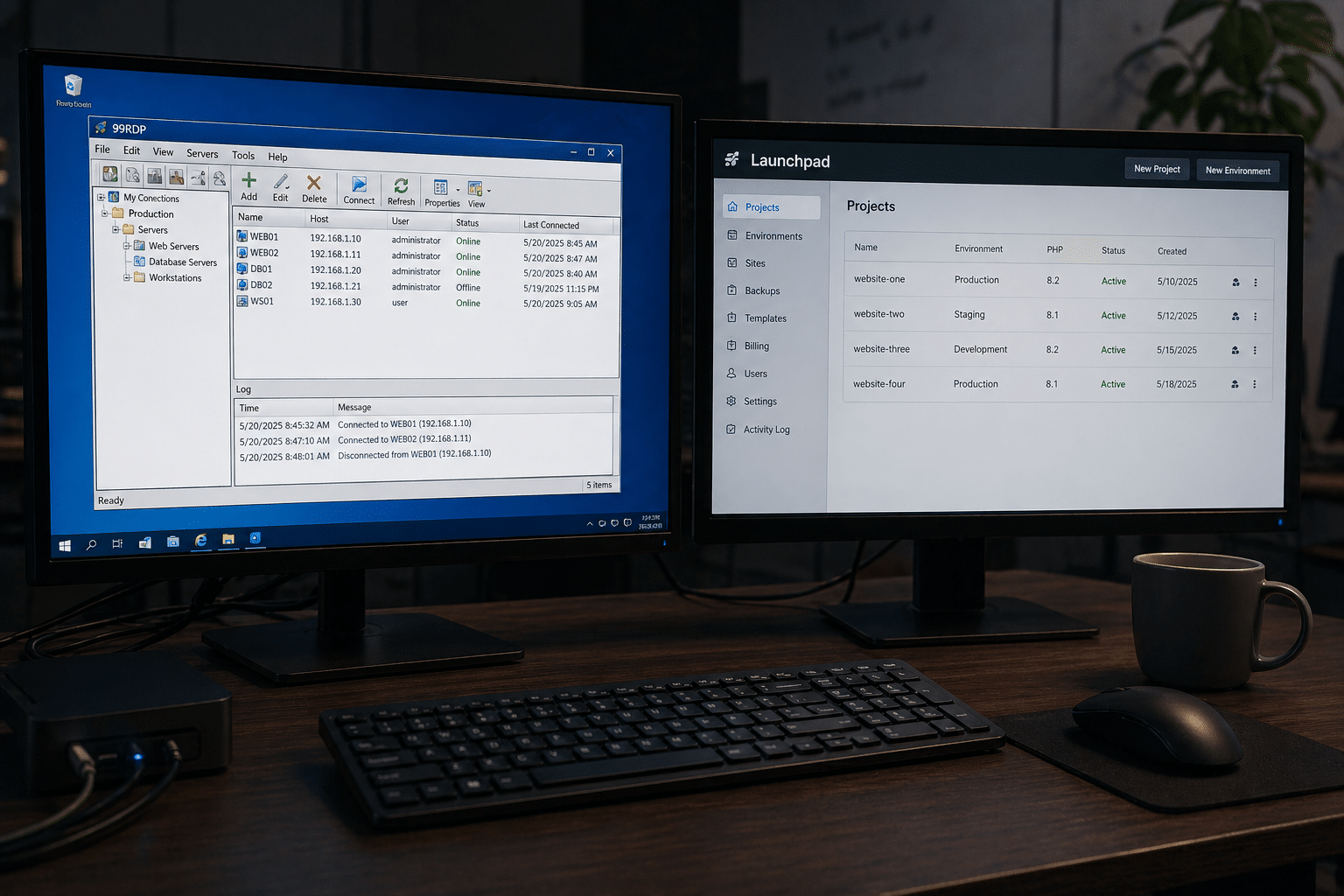
Let’s be honest—Launchpad’s old interface wasn’t exactly loved.
Key Pain Points:
- Cluttered Layout: Information was often densely packed, making it difficult to scan.
- Outdated Design Patterns: UI elements felt stuck in the early 2010s.
- Complex Navigation: Finding specific features required multiple clicks and prior knowledge.
- Poor Mobile Responsiveness: Not ideal for developers accessing the platform on different devices.
These issues didn’t just affect aesthetics—they impacted productivity and adoption.
In an era where developers expect sleek, intuitive tools, Launchpad risked falling behind competitors.
The 2026 Revamp: A New Chapter Begins
Canonical’s redesign effort marks a significant turning point.
1. A Clean, Modern Interface
The most immediate change is visual:
- Minimalist design language
- Improved typography and spacing
- Better color contrast and readability
This brings Launchpad closer to modern platforms like GitHub—without compromising its unique functionality.
2. Redesigned Ubuntu Series Page
The first major component to receive a makeover is the Ubuntu series page.
This page is critical because it displays:
- Release versions
- Package information
- Development timelines
Improvements include:
- Streamlined layout
- Logical grouping of information
- Faster access to key data
This alone significantly reduces the time developers spend navigating release-related information.
3. Enhanced User Experience (UX)
Canonical has clearly prioritized UX in this redesign.
Key UX Enhancements:
- Simplified workflows for package management
- Clearer labeling and navigation paths
- Reduced cognitive load
This is particularly beneficial for:
- New contributors
- Students entering open-source development
- Developers transitioning from other platforms
4. Incremental Modernization Strategy
Rather than rebuilding Launchpad from scratch, Canonical is taking a phased approach:
- Homepage redesign (initiated earlier)
- Series page overhaul (current phase)
- Future updates across all modules
This ensures:
- Stability
- Continuous feedback integration
- Minimal disruption to existing workflows
Why This Transformation Matters
The Launchpad redesign isn’t just about aesthetics—it has real implications.
1. Faster Development Cycles
Improved navigation and clarity mean:
- Quicker bug tracking
- Faster package uploads
- Reduced time spent searching for information
2. Increased Contributor Engagement
A modern UI lowers the barrier to entry.
This can lead to:
- More community contributions
- Higher retention of new developers
- Stronger open-source collaboration
3. Better Alignment with DevOps Practices
Modern development is:
- Agile
- Automated
- Cloud-driven
Launchpad’s evolution reflects these trends, making it more compatible with CI/CD pipelines and remote workflows.
The Rise of Cloud-Based Development
To fully appreciate Launchpad’s transformation, we need to look at the bigger picture.
The Shift Away from Local Machines
Developers are increasingly moving away from local setups due to:
- Hardware limitations
- Maintenance overhead
- Scalability constraints
Instead, they’re adopting:
- Cloud servers
- Remote desktops
- Virtual development environments
Where 99RDP Fits Into the Picture
This is where 99RDP becomes highly relevant.
As Launchpad modernizes, pairing it with a robust remote infrastructure solution creates a powerful development ecosystem.
1. High-Performance Ubuntu Environments
With 99RDP, developers can:
- Deploy Ubuntu instances in minutes
- Access them from anywhere
- Run Launchpad workflows without local constraints
This is especially useful for:
- Low-spec devices
- Remote teams
- Students and freelancers
2. Optimized Package Building
Building Ubuntu packages can be resource-intensive.
Using 99RDP:
- Offloads heavy tasks to remote servers
- Speeds up compilation
- Enables parallel testing environments
3. Always-On Development
Unlike local machines, 99RDP environments are:
- Available 24/7
- Independent of power or connectivity issues
- Ideal for long-running builds and tests
4. Cost Efficiency
Instead of investing in expensive hardware:
- Developers can use affordable RDP plans
- Scale resources as needed
- Pay only for what they use
This democratizes access to high-performance development environments.
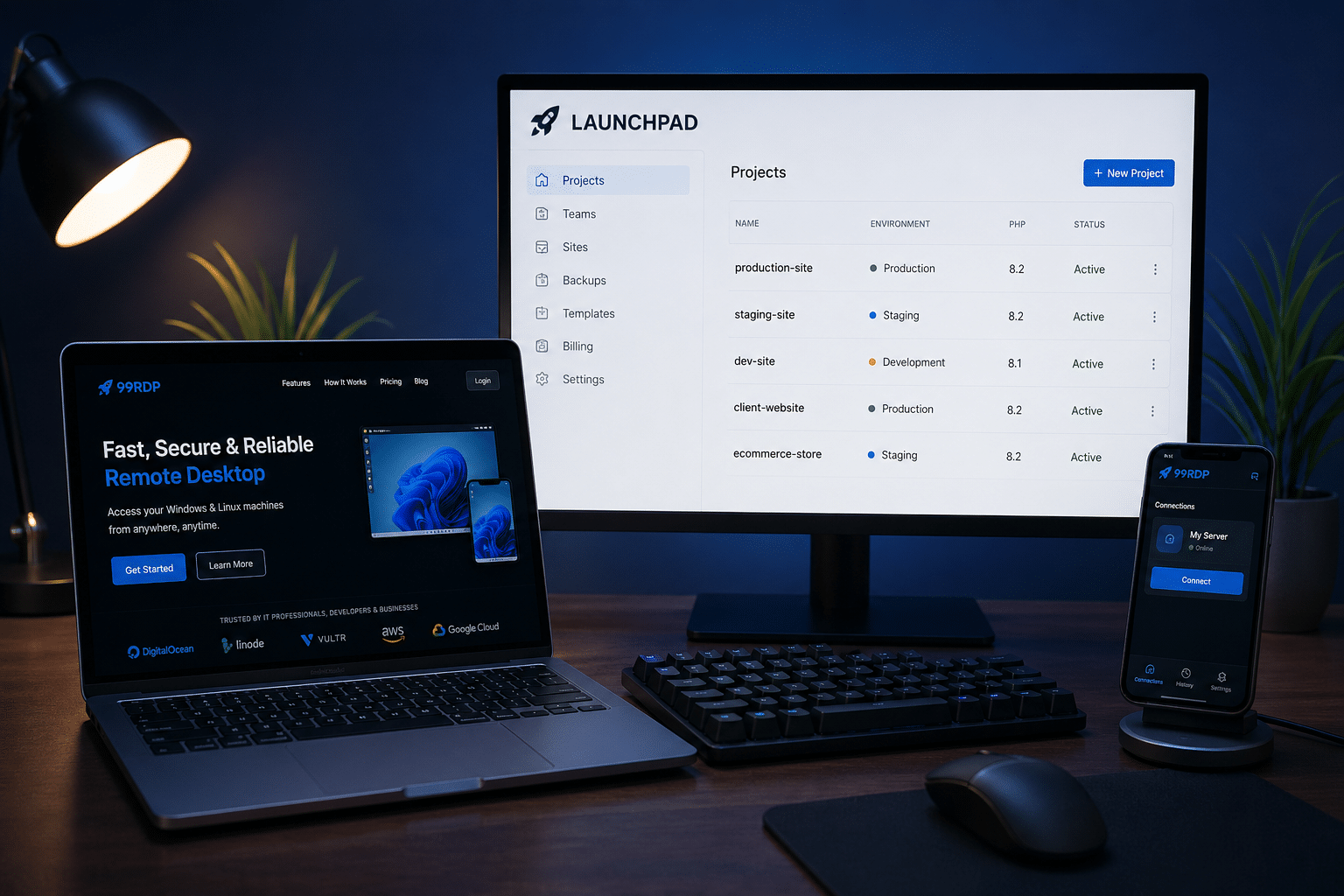
A Modern Workflow: Launchpad + 99RDP
Let’s look at a practical workflow:
Step 1: Set Up Remote Environment
Use 99RDP to deploy an Ubuntu server.
Step 2: Development & Testing
Write code, test applications, and manage dependencies remotely.
Step 3: Push to Launchpad
Upload source code and manage repositories.
Step 4: Build Packages
Use Launchpad’s PPA system for automated builds.
Step 5: Monitor & Iterate
Track bugs, review feedback, and improve continuously.
This workflow is:
- Scalable
- Efficient
- Cloud-native
Data-Driven Perspective
The importance of this transformation becomes clearer when we look at the numbers:
- Ubuntu follows a 6-month release cycle, ensuring continuous updates
- It powers a significant share of cloud workloads worldwide
- Launchpad supports tens of thousands of projects
Even small UX improvements can:
- Save thousands of developer hours
- Increase productivity across teams
- Accelerate software delivery
Challenges and Limitations
No transformation is without challenges.
1. Legacy Components Still Exist
Some parts of Launchpad remain outdated and need further updates.
2. Learning Curve
Advanced features still require experience to master.
3. Integration Gaps
Compared to GitHub/GitLab, integrations are still limited.
However, these are expected to improve as the redesign progresses.
The Road Ahead
Canonical’s long-term vision for Launchpad likely includes:
- Full UI modernization
- Better API support
- Enhanced automation tools
- Deeper cloud integration
This aligns with Ubuntu’s broader strategy of dominating:
- Cloud computing
- Enterprise Linux
- Developer ecosystems
Final Thoughts
The transformation of Launchpad from a legacy interface to a modern development hub marks a significant milestone in Ubuntu’s evolution.
It demonstrates Canonical’s commitment to:
- Improving developer experience
- Staying competitive in a fast-changing landscape
- Supporting the future of cloud-native development
When combined with solutions like 99RDP, the benefits multiply:
- Faster workflows
- Scalable environments
- Reduced costs
For developers, startups, and open-source contributors, this is more than just an update—it’s an opportunity to rethink how development is done.
EXPLORE MORE ; Windows Server Migration Tools 2025: The Complete Guide
READ OUR BLOGS


