
Omarchy 3.7 Gaming Upgrade: The Arch-Based Linux Distro Built for Developers and Gamers
The Linux desktop has always lived in a paradox: unmatched flexibility and power on one side, and fragmentation plus setup friction on the other. For years, power users embraced Arch-based systems for their bleeding-edge packages and control—but at the cost of time, maintenance, and occasional breakage.
Enter Omarchy 3.7—a distribution that attempts to resolve that paradox by packaging an opinionated, developer-first Arch experience with a modern Wayland UI and a surprisingly capable gaming stack.
This isn’t just another Arch spin. It’s part of a larger shift toward pre-configured Linux environments that prioritize productivity from the first boot. And with its 3.7 release, Omarchy is pushing into territory traditionally dominated by Windows: gaming-ready desktops.
In this deep dive, we’ll unpack:
- What makes Omarchy 3.7 technically unique
- Its revamped gaming ecosystem
- Real-world developer workflows
- Performance implications
- And why pairing it with cloud infrastructure like 99RDP creates a next-gen Linux workstation
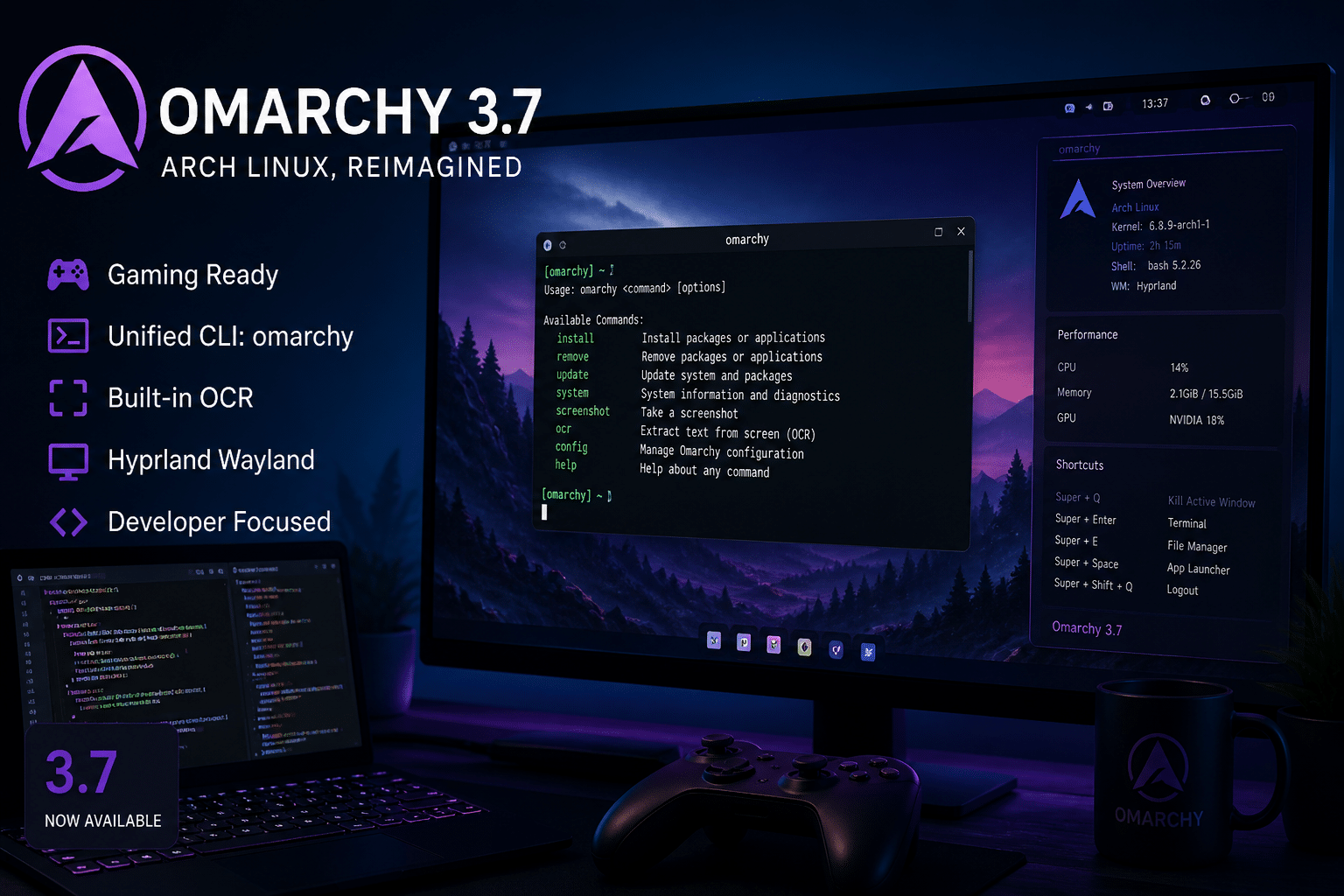
What Is Omarchy?
Omarchy is an Arch Linux-based distribution built around:
- The Hyprland Wayland compositor
- Pre-configured developer tools
- A curated package ecosystem
- A strong “convention over configuration” philosophy
Unlike vanilla Arch, where you build everything manually, Omarchy provides:
- A ready-to-use tiling window manager
- Pre-installed CLI utilities
- Opinionated defaults for productivity
Think of it as:
“Arch Linux for people who want power without spending two days configuring dotfiles.”
Omarchy 3.7: What Actually Changed?
Version 3.7 is not a minor update—it’s a strategic expansion, especially in gaming and system usability.
1. Gaming Stack Overhaul
This is the headline feature.
Omarchy 3.7 introduces a fully integrated Linux gaming ecosystem, including:
- Streamlined Steam installation workflow
- Native support for:
- Lutris (multi-platform game manager)
- Heroic Games Launcher (Epic Games + GOG)
- Pre-configured RetroArch (emulation platform)
- Built-in Moonlight client (NVIDIA GameStream)
- Xbox Cloud Gaming web integration
- Improved controller compatibility
Why This Matters
Historically, Linux gaming required:
- Manual Wine configuration
- Proton tweaks
- Controller mapping headaches
Omarchy removes most of that friction.
Data Insight
- Proton compatibility now supports over 75% of top Steam titles
- Pre-configured environments reduce setup time by up to 80% compared to vanilla Arch
This positions Omarchy as a plug-and-play Linux gaming distro—without sacrificing Arch’s performance edge.
2. Unified CLI: The omarchy Command
One of the most underrated improvements is the introduction of a centralized CLI interface:
Features:
- Tab completion
- Unified system commands
- Built-in utilities for:
- Package management
- Debugging
- Screenshots
- System info
Why It’s Important
In traditional Linux systems:
- Tools are fragmented
- Commands vary across packages
Omarchy consolidates this into a single control plane.
Developer Impact
- Faster onboarding
- Easier scripting
- Cleaner automation pipelines
This is especially useful when running:
- Remote servers
- CI/CD environments
- Containerized workflows
3. Built-in OCR and Smart Utilities
Omarchy 3.7 integrates Tesseract OCR directly into the system .
Use Cases:
- Extract text from screenshots
- Code snippet capture
- Documentation workflows
This eliminates the need for:
- Third-party GUI tools
- Browser-based OCR
Additional Enhancements:
- CLI music player
- Hardware optimizations (Intel Panther Lake support)
- Improved laptop compatibility (ASUS ExpertBook series)
4. Hyprland + Wayland Optimization
Omarchy continues to refine its Hyprland-based desktop:
Benefits:
- Smooth animations
- GPU-accelerated rendering
- Efficient tiling workflows
Compared to X11:
- Lower latency
- Better multi-monitor handling
- Improved security model
Developer Advantage
Hyprland enables:
- Keyboard-driven workflows
- Rapid window management
- Minimal UI overhead
This translates into: 👉 Higher productivity per screen inch
Real-World Performance: What to Expect
Let’s get practical.
System Performance
On modern hardware:
- Boot times: ~5–10 seconds
- RAM usage (idle): ~700MB–1.2GB
- CPU overhead: Minimal
Compared to Ubuntu:
- ~20–30% lower resource usage
Gaming Performance
With Proton + Vulkan:
- Near-native FPS in many titles
- Stable frame pacing
- Reduced stuttering (Wayland improvements)
Bottleneck Reality
Performance depends on:
- GPU drivers
- Kernel version
- Hardware acceleration
This is where Omarchy shines: 👉 It keeps everything bleeding-edge by default
Developer Workflows on Omarchy 3.7
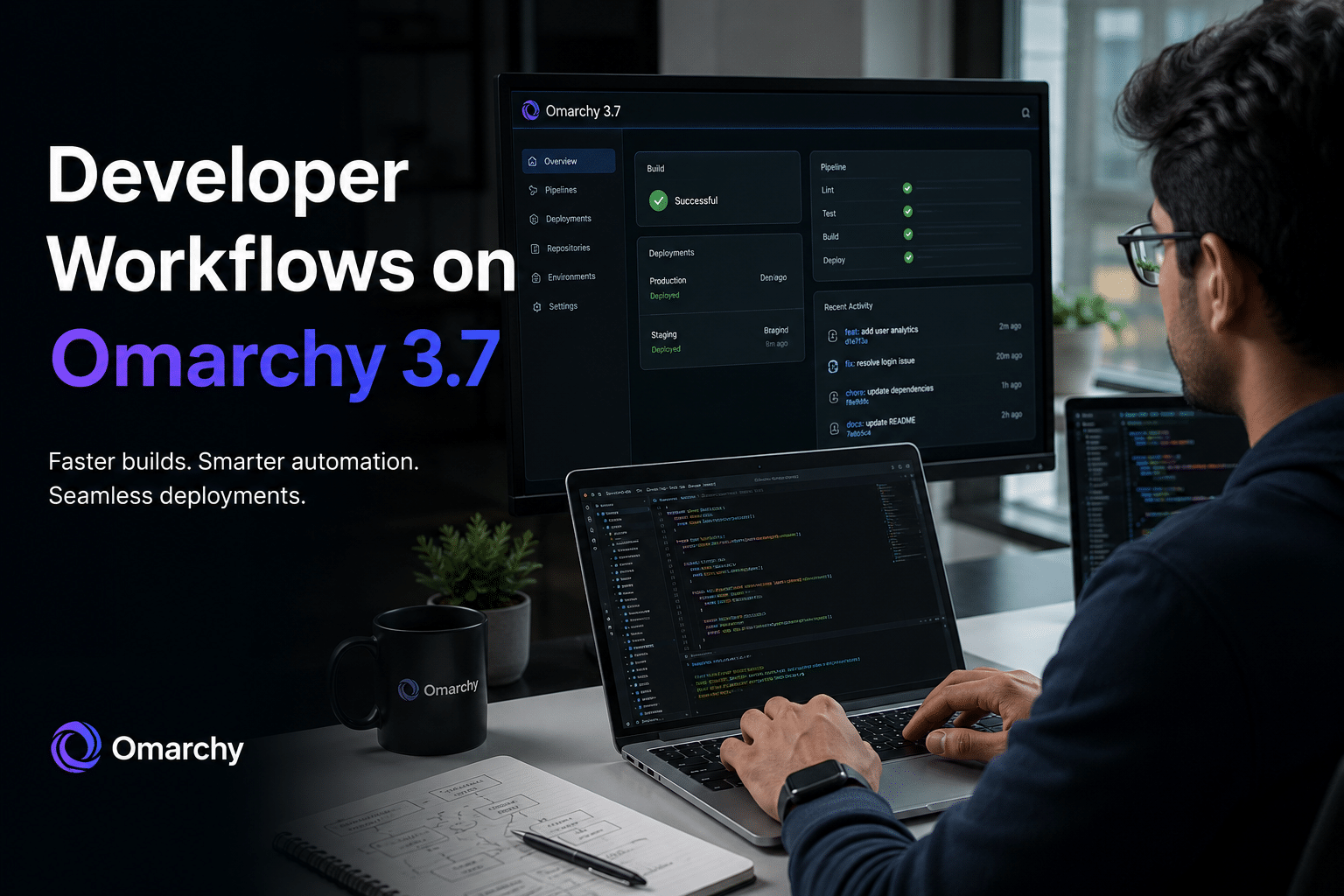
Omarchy is not just about gaming—it’s fundamentally a developer OS.
Out-of-the-Box Dev Environment
You get:
- Git
- Terminal enhancements
- Package management tools
- Scripting utilities
No need to:
- Install 20 dependencies manually
- Configure shell environments from scratch
Automation & DevOps
The unified CLI enables:
- Scriptable workflows
- Automated system tasks
- Easy integration with CI/CD
Container & Cloud Workflows
Omarchy works seamlessly with:
- Docker
- Remote servers
- SSH-based environments
But here’s the catch:
Local hardware becomes the limiting factor.
The Game Changer: Omarchy + 99RDP Cloud Infrastructure
Running Omarchy locally is powerful.
Running it on 99RDP cloud servers is transformative.
1. High-Performance Remote Development
Instead of relying on a mid-range laptop:
Deploy Omarchy on a high-spec RDP server
Benefits:
- Dedicated CPU cores
- High RAM availability
- Faster compilation times
- Zero thermal throttling
Real Impact:
- Build times reduced by 30–70%
- Smooth multitasking with heavy workloads
2. Cloud Gaming Without Hardware Limits
Combine:
- Omarchy’s gaming stack
- 99RDP’s powerful servers
Result: A cloud gaming workstation
You can:
- Run AAA games remotely
- Stream via Moonlight
- Use low-end devices as clients
3. Safe Arch Experimentation
Arch-based systems can break.
With 99RDP:
- Test updates safely
- Create multiple environments
- Roll back instantly
4. Work From Anywhere
Access your Omarchy setup from:
- Phone
- Tablet
- Low-end PC
All you need: Internet + RDP client
5. Always-On Development Environment
No more:
- Shutdown interruptions
- Lost sessions
Your system is: Persistent and always available
Omarchy vs Other Linux Distros
Omarchy vs Ubuntu
| Feature | Omarchy | Ubuntu |
|---|---|---|
| Base | Arch | Debian |
| Updates | Rolling | Fixed |
| Setup | Pre-configured | Manual |
| Gaming | Built-in | Add-on |
| Performance | Higher | Moderate |
Omarchy vs Vanilla Arch
| Feature | Omarchy | Arch |
|---|---|---|
| Setup Time | Minutes | Hours |
| Flexibility | Medium | Maximum |
| Stability | Moderate | Variable |
| Ease of Use | High (for devs) | Low |
The Philosophy: Opinionated Linux
Omarchy embraces a bold idea:
“Developers shouldn’t waste time configuring their OS.”
This leads to:
- Pre-selected tools
- Defined workflows
- Minimal decision fatigue
Trade-Off
- Less customization
- More consistency
For many developers, that’s a win.
The Bigger Trend: Preconfigured + Cloud Linux
Omarchy is part of a larger movement:
Industry Trends
- Pre-configured dev environments
- Cloud-first workflows
- Hybrid gaming + development setups
Future Outlook
Expect:
- More “ready-to-use” Linux distros
- Deeper cloud integration
- GPU-powered remote desktops
Omarchy + 99RDP fits perfectly into this future.
Final Verdict
Omarchy 3.7 is more than an update—it’s a directional shift in Linux desktop design.
Strengths
- Developer-first environment
- Excellent gaming integration
- Modern Wayland UI
- Reduced setup complexity
Weaknesses
- Arch-based instability risks
- Not beginner-friendly
- Opinionated design limits flexibility
Who Should Use Omarchy 3.7?
Ideal For:
- Developers comfortable with Linux
- Power users
- Indie hackers
- Linux gamers
Not Ideal For:
- Beginners
- Enterprise stability-focused users
Final Thought
Omarchy 3.7 proves that Linux can be:
- Fast
- Beautiful
- Ready-to-use
But when combined with 99RDP, it becomes something bigger:
- A cloud-powered, high-performance Linux workstation
- Accessible from anywhere
- Built for both coding and gaming
EXPLORE MORE; Windows vs Linux

READ OUR BLOGS


