
Running AI and Automation Tools on a Windows VPS: The Complete 2026 Guide
Artificial intelligence has rapidly evolved from an emerging technology into a practical business tool that organizations of every size can adopt. From AI-powered customer support and intelligent document processing to browser automation and software testing, businesses are increasingly relying on automation to improve efficiency and reduce operational costs.
However, AI automation isn’t just about choosing the right software. It also requires a reliable infrastructure that can run continuously without interruptions. Many users initially experiment with automation tools on their personal computers, only to discover limitations such as unexpected shutdowns, internet outages, hardware constraints, and security concerns.
This is where a Windows Virtual Private Server (Windows VPS) becomes valuable.
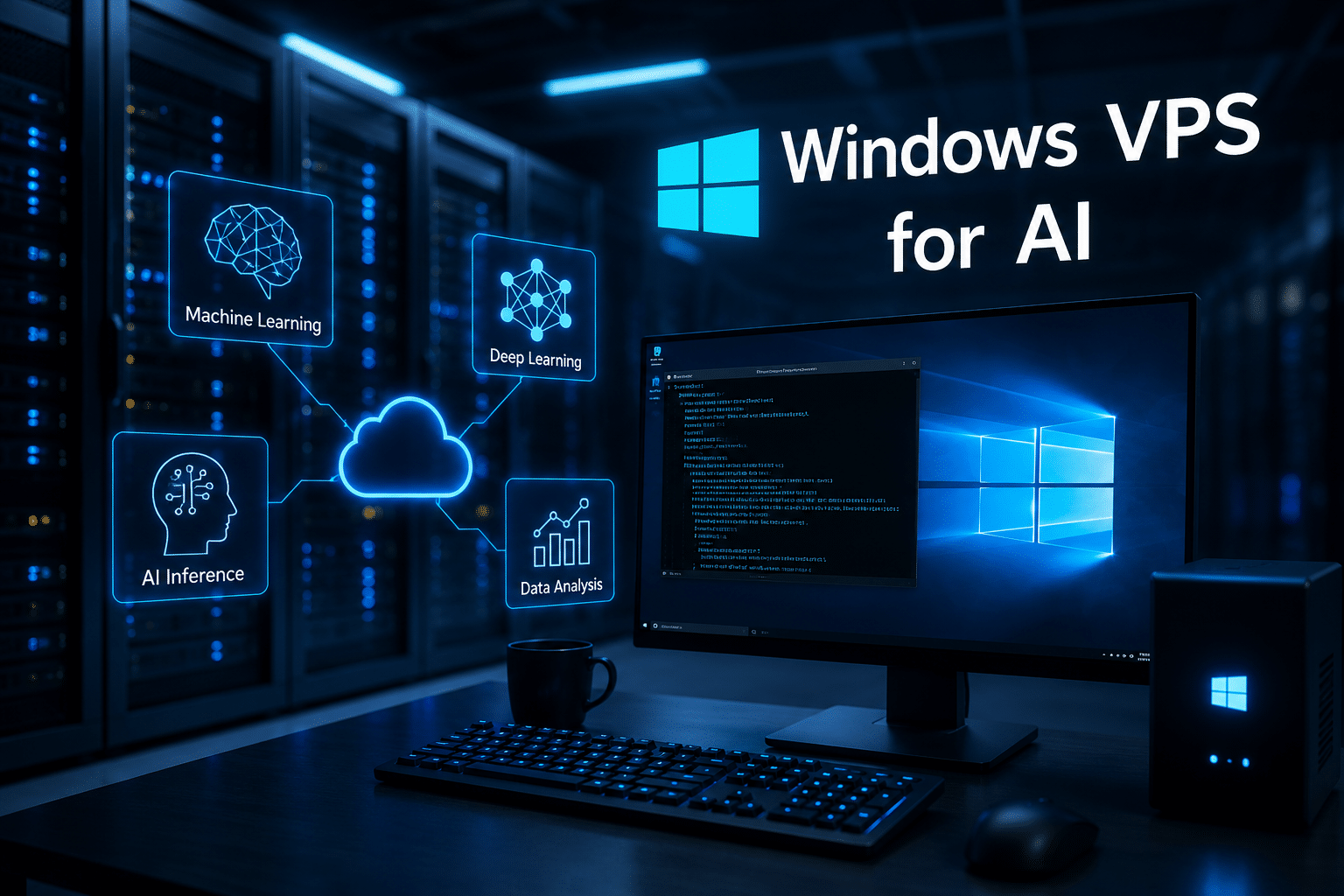
A Windows VPS provides an always-on remote environment where AI applications, automation scripts, scheduled tasks, and business workflows can operate around the clock. Instead of depending on your desktop or laptop, your automation runs securely inside a dedicated virtual server that you can access from anywhere through Remote Desktop Protocol (RDP).
For businesses seeking dependable Windows VPS hosting, 99RDP offers dedicated resources, Windows Server environments, SSD storage, and global data center locations that make it an excellent platform for AI-powered workflows.
In this guide, we’ll explore why Windows VPS hosting is becoming increasingly important for AI automation, the types of workloads it supports, best practices for deployment, and why 99RDP is a compelling choice for developers, agencies, and businesses in 2026.

Why AI Automation Needs Reliable Infrastructure
Artificial intelligence itself is only one piece of the puzzle.
Modern automation solutions often combine multiple technologies:
- AI language models
- Workflow automation
- Scheduled tasks
- Databases
- APIs
- Web browsers
- Business applications
- Reporting dashboards
Even if the AI model runs in the cloud through providers like OpenAI, Anthropic, or Google, the surrounding automation still requires a computer that remains online continuously.
For example, an AI workflow may:
- Monitor incoming emails
- Extract attachments
- Send files to an AI model
- Generate summaries
- Store results in SQL Server
- Notify team members via Microsoft Teams or Slack
If the computer hosting this workflow shuts down, the entire process stops.
A Windows VPS eliminates this issue by providing a server that remains online 24/7, allowing your automation to continue working even when your local computer is turned off.
Challenges of Running AI Workloads on a Personal Computer
Many developers begin by testing AI projects locally.
While this works for experimentation, it quickly becomes problematic for production use.
Limited Uptime
Your PC isn’t designed to stay online continuously.
Common interruptions include:
- Windows Updates
- Power failures
- Sleep mode
- Internet outages
- Manual shutdowns
Automation systems require consistent availability.
Hardware Resource Conflicts
Running AI applications alongside everyday work can overload your computer.
Common resource bottlenecks include:
- CPU usage
- RAM consumption
- Disk I/O
- Browser memory
- Network bandwidth
Separating automation onto a VPS keeps your personal workstation responsive.
Security Concerns
Automation often stores:
- API keys
- Database credentials
- Cloud authentication tokens
- SSH keys
- Customer information
Keeping these on a dedicated remote server provides better isolation than using a personal computer for both work and automation.
Remote Accessibility
A Windows VPS can be accessed from virtually anywhere through Remote Desktop.
Whether you’re traveling, working from home, or collaborating with teammates, your automation environment remains available.

Why Choose Windows Instead of Linux?
Linux dominates many server environments, but Windows VPS continues to play a critical role for organizations that depend on Microsoft technologies or desktop applications.
Windows VPS is particularly useful when running:
- Microsoft Office automation
- Power Automate Desktop
- SQL Server
- ASP.NET applications
- Visual Studio development
- Windows-only software
- GUI-based automation tools
Unlike Linux servers that primarily rely on command-line interfaces, Windows VPS provides a familiar desktop environment, making deployment easier for users who already work within the Microsoft ecosystem.
AI and Automation Workloads Perfect for Windows VPS

1. AI Chatbot Applications
Businesses increasingly deploy AI chatbots for:
- Customer support
- Internal knowledge bases
- HR assistance
- IT help desks
- Product recommendations
A Windows VPS can host the backend services responsible for processing user requests, calling AI APIs, logging conversations, and integrating with CRM platforms.
2. Browser Automation
Browser automation has become one of the most common business applications.
Examples include:
- Price monitoring
- Market research
- Competitor analysis
- Lead generation
- Website testing
- Data extraction
Frameworks such as Selenium and Playwright work well on Windows VPS because they can run continuously without interrupting your personal workflow.
3. AI Content Production
Content teams increasingly automate repetitive publishing tasks.
Typical workflows include:
- Keyword research
- Content briefs
- AI-assisted drafting
- Metadata generation
- Image generation
- CMS publishing
- Social media scheduling
A Windows VPS can schedule these jobs automatically throughout the day.
4. Software Testing
Development teams frequently use Windows VPS for:
- Automated UI testing
- Nightly builds
- Regression testing
- Continuous integration
- Performance monitoring
Instead of leaving a developer’s computer running overnight, dedicated VPS resources execute tests independently.
5. Intelligent Document Processing
AI models can automatically analyze documents including:
- Invoices
- Contracts
- Purchase orders
- Financial reports
- Legal documents
- Insurance claims
A Windows VPS orchestrates document uploads, AI processing, database storage, and notifications.
6. Business Process Automation
Organizations automate repetitive administrative tasks such as:
- Employee onboarding
- Invoice approvals
- Inventory updates
- Email routing
- Customer onboarding
- Data synchronization
These workflows often combine AI with robotic process automation (RPA), creating substantial productivity gains.
Benefits of Running AI Automation on a Windows VPS
24/7 Availability
Your automation never sleeps.
Tasks continue running even when your personal computer is offline.
Dedicated Resources
Unlike shared hosting, a VPS provides dedicated CPU, RAM, and storage, ensuring more predictable performance for automation workloads.
Remote Access
Using Remote Desktop, administrators can monitor, update, and troubleshoot automation from virtually any location.
Scalability
As workloads increase, additional CPU cores, RAM, and storage can be allocated without rebuilding the entire environment.
Isolation
Automation runs independently from your everyday workstation, reducing the risk of interruptions and improving security.
Why 99RDP Is Well-Suited for AI Automation
Choosing the right hosting provider is just as important as selecting the right automation software.
99RDP Windows VPS is designed to support workloads that require stability, performance, and flexibility.
Key advantages include:
- Windows Server environments
- Full Administrator (RDP) access
- Dedicated CPU and RAM
- Fast SSD storage
- Multiple global data center locations
- Reliable uptime
- Easy scalability
- Affordable pricing
- Responsive technical support
Because administrators receive full control over the server, they can install virtually any Windows-compatible AI framework, browser automation software, scripting language, or enterprise application.
Whether you’re deploying Python automation scripts, PowerShell jobs, scheduled Windows Tasks, browser automation tools, or Microsoft development environments, the server remains entirely under your control.
Example AI Workflow
Consider a digital marketing agency managing dozens of clients.
Every morning, the automation performs the following tasks:
- Collect Google Analytics reports.
- Retrieve Search Console data.
- Download advertising statistics.
- Generate AI summaries.
- Create PDF reports.
- Email clients automatically.
- Archive results.
Since the VPS operates continuously, employees arrive each morning with completed reports already waiting.
Recommended VPS Specifications
Choosing appropriate hardware depends on workload complexity.
| Workload | Suggested Configuration |
|---|---|
| Simple automation | 1 vCPU, 2 GB RAM |
| AI API orchestration | 2 vCPU, 4 GB RAM |
| Browser automation | 4 vCPU, 8 GB RAM |
| Multiple concurrent bots | 4–8 vCPU, 8–16 GB RAM |
| Enterprise automation | 8+ vCPU, 16 GB+ RAM |
Because AI inference often occurs through cloud APIs, most automation projects require modest CPU resources rather than expensive GPU hardware.
Security Best Practices
Protecting AI automation infrastructure should always be a priority.
Recommended practices include:
- Enable Windows Firewall.
- Use strong administrator passwords.
- Restrict Remote Desktop access.
- Enable multi-factor authentication whenever available.
- Keep Windows Server updated.
- Encrypt backups.
- Rotate API keys regularly.
- Monitor server logs.
- Remove unused software.
- Schedule automated backups.
Security should be integrated into the deployment process rather than treated as an afterthought.
Performance Optimization Tips
To maximize Windows VPS performance:
- Remove unnecessary startup programs.
- Schedule heavy tasks during off-peak hours.
- Monitor CPU and memory utilization.
- Store databases on SSD storage.
- Restart long-running services periodically.
- Keep software versions current.
- Archive old log files.
- Allocate additional RAM when needed.
These practices help maintain consistent performance as automation workloads grow.
Future of AI Automation
AI automation continues to evolve rapidly.
Emerging trends include:
- Autonomous AI agents
- Multi-agent collaboration
- Voice-enabled automation
- Intelligent workflow orchestration
- AI-assisted software development
- Predictive maintenance
- Smart business analytics
- Automated customer engagement
As these technologies mature, businesses will increasingly require reliable server infrastructure capable of operating continuously.
Windows VPS hosting provides a practical foundation for this transition.
Who Should Use a Windows VPS for AI?
A Windows VPS is suitable for:
- Software developers
- Digital marketing agencies
- IT administrators
- SaaS startups
- Small businesses
- Financial analysts
- Researchers
- QA engineers
- Content publishers
- E-commerce companies
Whether you’re automating reports, deploying AI assistants, running browser bots, or scheduling enterprise workflows, a dedicated Windows environment offers flexibility without the expense of maintaining physical servers.
Final Thoughts
Artificial intelligence is reshaping the way businesses operate, but dependable infrastructure remains the foundation of every successful automation strategy. An always-on Windows VPS ensures that AI-powered workflows continue running reliably, even when your personal computer is offline. It offers dedicated resources, secure remote access, and the flexibility to host a wide range of Windows-based applications and automation tools.
For developers, agencies, startups, and enterprises looking to deploy AI-driven workflows, 99RDP Windows VPS provides a strong balance of performance, scalability, and affordability. With dedicated CPU and RAM, SSD storage, full administrator access, Windows Server environments, and globally distributed data centers, it offers the dependable platform needed to power modern automation.
Whether you’re building AI chatbots, running browser automation, processing business documents, managing software testing pipelines, or orchestrating cloud-based AI APIs, a Windows VPS from 99RDP gives you the control and reliability required to keep your automation running 24 hours a day, seven days a week.
As AI continues to transform industries throughout 2026 and beyond, investing in reliable infrastructure today will help ensure your automation projects remain efficient, secure, and ready to scale with your business.
EXPLORE MORE ; Why AI Teams Are Racing for Blackwell GPUs
READ OUR BLOGS


