
Why Some Developers Are Learning to Code in Kate Instead of VS Code

Modern developers have access to powerful development tools. Among them, Visual Studio Code (VS Code) has become one of the most widely used code editors in the world because of its massive extension marketplace, AI integrations, and rich ecosystem.
However, despite its popularity, many developers are starting to explore lighter and more focused coding environments. One editor that is gaining attention again is Kate, a powerful open-source text editor developed by the KDE community.
Kate may not receive as much mainstream attention as modern IDEs, but it provides a fast, lightweight, and efficient development environment that appeals to developers who want more control over their workflow.
This article explores why some developers prefer Kate over VS Code, the advantages of lightweight coding tools, and how developers can further improve their workflow using remote infrastructure solutions like 99RDP.
The Evolution of Modern Code Editors
Over the past decade, development tools have evolved dramatically. Early programmers often worked with simple text editors such as Vim, Nano, or Notepad++. Modern developers now use feature-rich editors that include:
- real-time code completion
- debugging tools
- integrated terminals
- Git integration
- AI-assisted coding
While these features improve productivity, they also make code editors more complex and resource-heavy.
VS Code, for example, runs on Electron, which means it operates using a bundled Chromium browser engine. This design enables cross-platform compatibility but also increases memory and CPU usage.
As a result, some developers prefer returning to lighter editors like Kate, which provide essential development tools without unnecessary overhead.
Kate: A Powerful Yet Lightweight Editor
Kate stands for KDE Advanced Text Editor, and it has been part of the Linux ecosystem for many years. Despite being lightweight, it offers powerful features that make it suitable for both beginners and experienced developers.
Kate focuses on delivering speed, flexibility, and simplicity. Instead of relying heavily on external extensions, it includes many useful tools built directly into the editor.
Because of this design philosophy, Kate runs smoothly even on modest hardware.
Kate Uses Far Fewer System Resources
One of the most common reasons developers switch from VS Code to Kate is performance efficiency.
Electron-based editors like VS Code consume significant system resources. Running multiple extensions can increase RAM usage and slow down performance, especially on older computers.
Kate, on the other hand, is designed as a native application rather than a browser-based environment.
This offers several benefits:
- faster startup time
- lower RAM consumption
- smoother performance on older machines
- fewer background processes
For developers working on laptops or low-power systems, this efficiency can significantly improve productivity.
Kate Supports Hundreds of Programming Languages
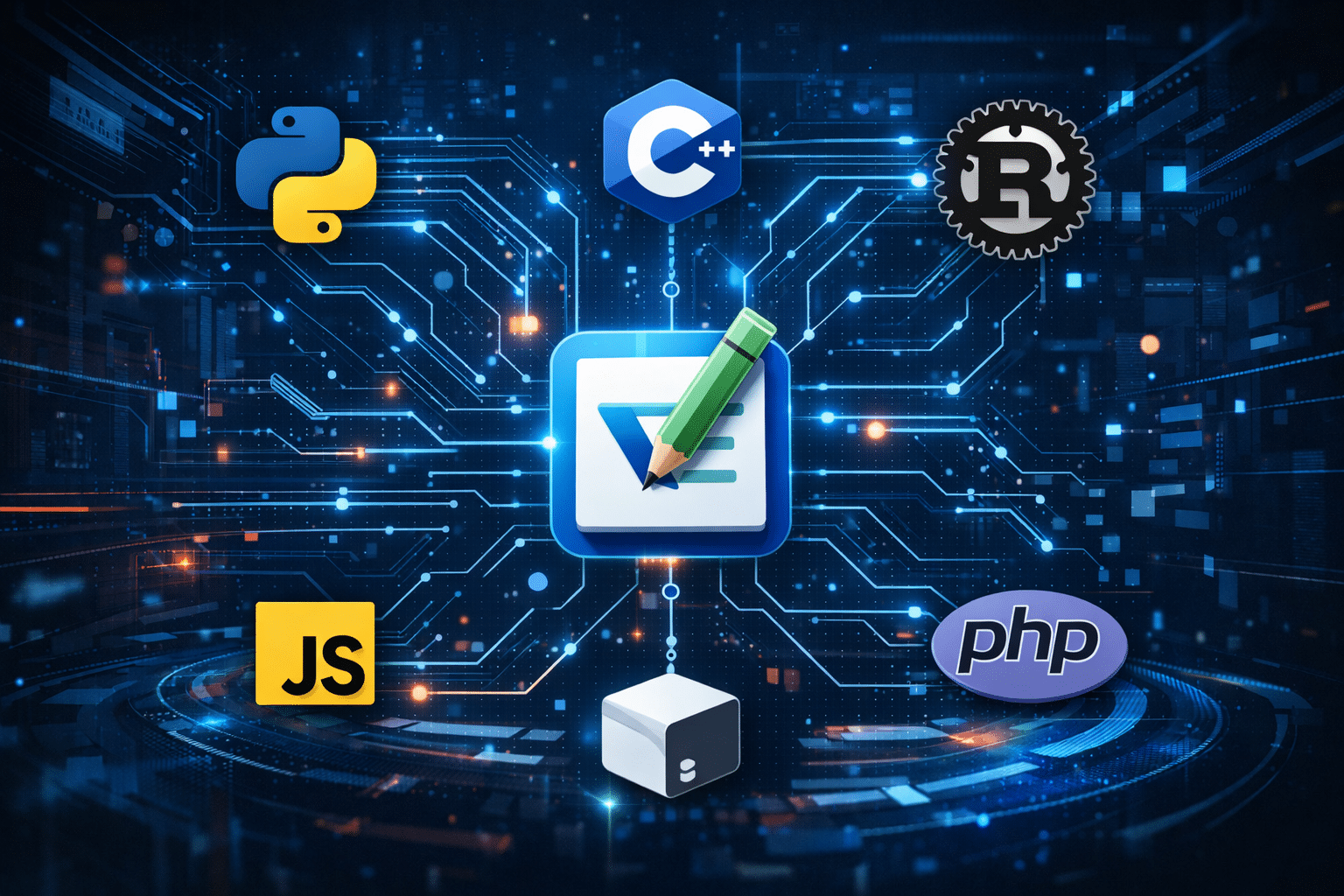
Despite its simplicity, Kate supports a wide variety of programming languages.
The editor includes syntax highlighting for hundreds of languages, including:
- Python
- JavaScript
- Rust
- C and C++
- Bash
- PHP
- HTML and CSS
- Markdown
This makes Kate suitable for many types of development tasks such as:
- web development
- scripting
- backend development
- configuration file editing
- documentation writing
Because the editor supports many languages out of the box, developers can quickly start coding without installing dozens of extensions.
Kate Encourages Deeper Technical Understanding
Modern development environments often automate many aspects of programming. AI-powered coding tools can generate code, suggest solutions, and even write entire functions.
While these tools can improve efficiency, they can also reduce the need for developers to understand how systems actually work.
Kate provides a simpler environment where developers often configure their own development tools. This encourages programmers to learn:
- how compilers work
- how language servers operate
- how debugging tools function
- how development environments are structured
This deeper understanding can help developers build stronger technical foundations.
For beginners especially, this learning experience can be extremely valuable.
Built-In Tools Make Kate Surprisingly Powerful
Although Kate is lightweight, it includes many useful features that developers rely on daily.
Integrated Terminal
Kate includes an embedded terminal that allows developers to run commands directly from the editor.
With the integrated terminal, developers can:
- run scripts
- compile code
- manage Git repositories
- execute shell commands
This reduces the need to constantly switch between windows.
Split Window Editing
Large projects often require developers to work with multiple files simultaneously.
Kate allows users to split the editor window vertically or horizontally. This enables developers to:
- compare code files
- edit multiple documents at once
- navigate large projects more efficiently
These features are extremely helpful for debugging and refactoring code.
Advanced Search and Replace
Kate includes powerful search tools that support regular expressions.
Developers can quickly:
- find specific functions across files
- replace repeated code patterns
- refactor entire projects
This functionality is essential for maintaining large codebases.
Kate Is Fully Open Source
Another reason developers choose Kate is its commitment to open-source principles.
The entire project is maintained by the KDE open-source community. Developers can inspect the code, contribute improvements, and customize the editor.
This transparency appeals to developers who prefer community-driven tools rather than software controlled by large corporations.
Open-source tools also provide long-term reliability because they are not dependent on the business decisions of a single company.
Minimalist Development Is Becoming Popular Again
Interestingly, many developers are returning to simpler coding tools.
Instead of relying on large integrated development environments, some programmers prefer minimalist setups that include:
- lightweight editors
- command-line tools
- modular development utilities
This approach allows developers to build customized workflows that fit their exact needs.
Kate fits perfectly into this minimalist philosophy because it provides powerful features without unnecessary complexity.
The Role of Remote Development in Modern Programming
Modern software development increasingly relies on cloud-based infrastructure.
Developers frequently run applications, servers, and testing environments on remote systems instead of their local computers.
This approach offers several advantages:
- access to powerful hardware
- consistent development environments
- easier collaboration
- faster deployment testing
Remote desktop servers allow developers to access these environments from anywhere.
How 99RDP Helps Developers Build Efficient Workflows
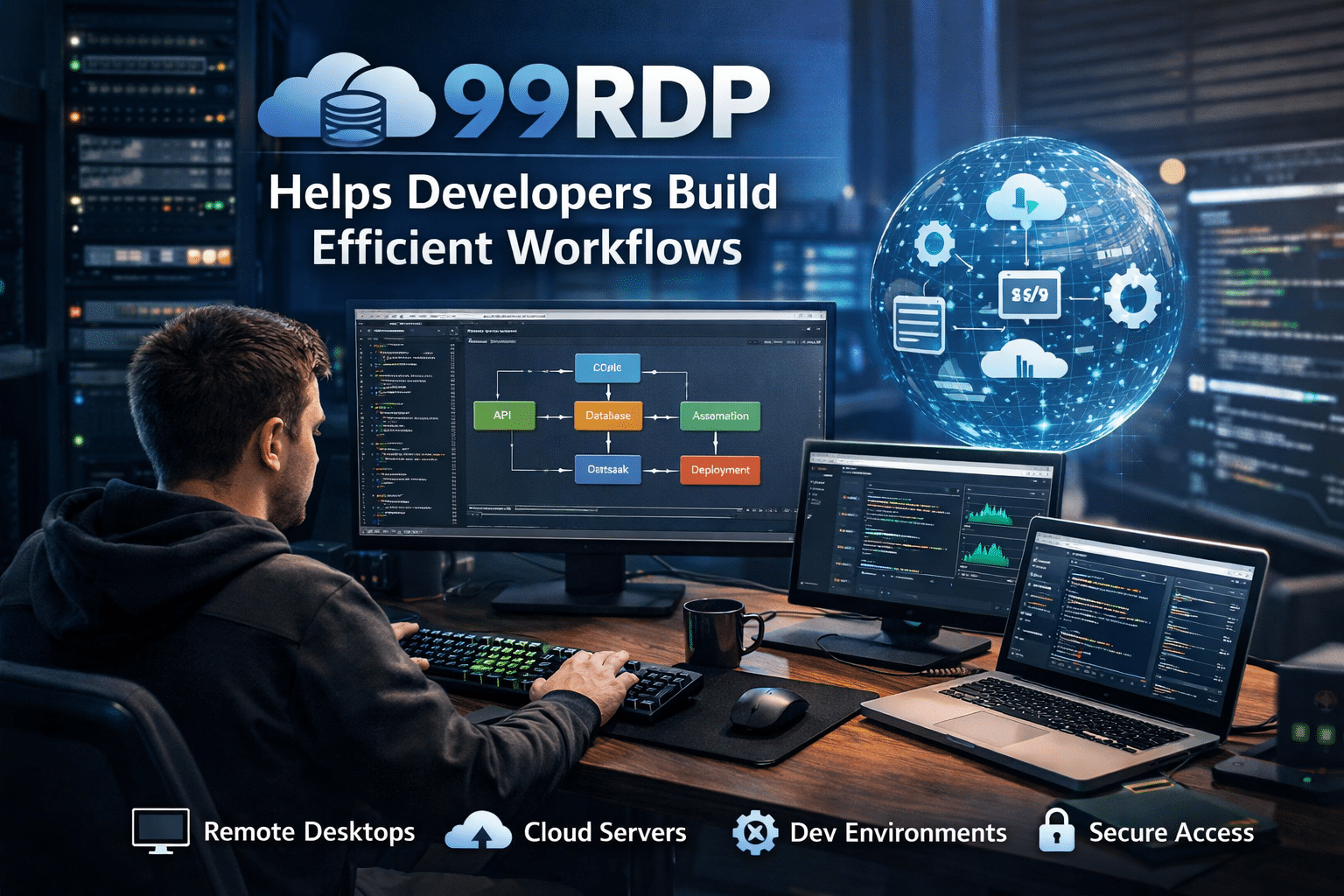
Developers using editors like Kate can enhance their workflow by running development environments on remote servers provided by 99RDP.
Remote desktop infrastructure offers several benefits for programmers.
High-Performance Remote Development Environment
Large software projects often require powerful computing resources.
Using 99RDP remote servers, developers can access high-performance machines that handle tasks such as:
- compiling large codebases
- running databases
- testing applications
- managing development environments
This ensures smooth performance even when working with complex projects.
Affordable Infrastructure for Students and Beginners
Not every developer owns high-end hardware. Students and beginner programmers often rely on entry-level laptops.
Affordable 99RDP remote servers provide access to powerful computing environments without requiring expensive equipment.
This allows beginners to experiment with programming tools, development frameworks, and new languages without hardware limitations.
Remote Access From Anywhere
With remote desktop technology, developers can access their development environment from virtually any device.
Using 99RDP servers, programmers can:
- work remotely
- continue projects while traveling
- collaborate across different locations
- manage development systems securely
This flexibility makes remote infrastructure a valuable tool for modern developers.
Choosing the Right Coding Environment
Every developer has different preferences when it comes to tools.
Some programmers prefer feature-rich environments like VS Code because of its extension ecosystem and AI integrations.
Others prefer lightweight editors like Kate that provide speed, simplicity, and full control.
Both approaches have advantages.
VS Code works well for large projects that require advanced tools and integrations. Kate is ideal for developers who value performance efficiency and a more minimalist coding experience.
Many programmers even use both editors depending on the project they are working on.
Final Thoughts

The growing interest in Kate demonstrates that powerful development tools do not always need to be complex or resource-heavy.
Kate provides a balanced development environment that includes:
- lightweight performance
- support for hundreds of programming languages
- powerful built-in features
- full open-source transparency
- flexible workflows
When combined with reliable remote infrastructure such as 99RDP remote desktop servers, developers can create highly efficient coding environments that support modern programming workflows.
Ultimately, the best development tools are the ones that help programmers learn deeply, build efficiently, and maintain full control over their coding process.
EXPLORE MORE ; WSL vs Linux Desktop

READ OUR BLOGS


