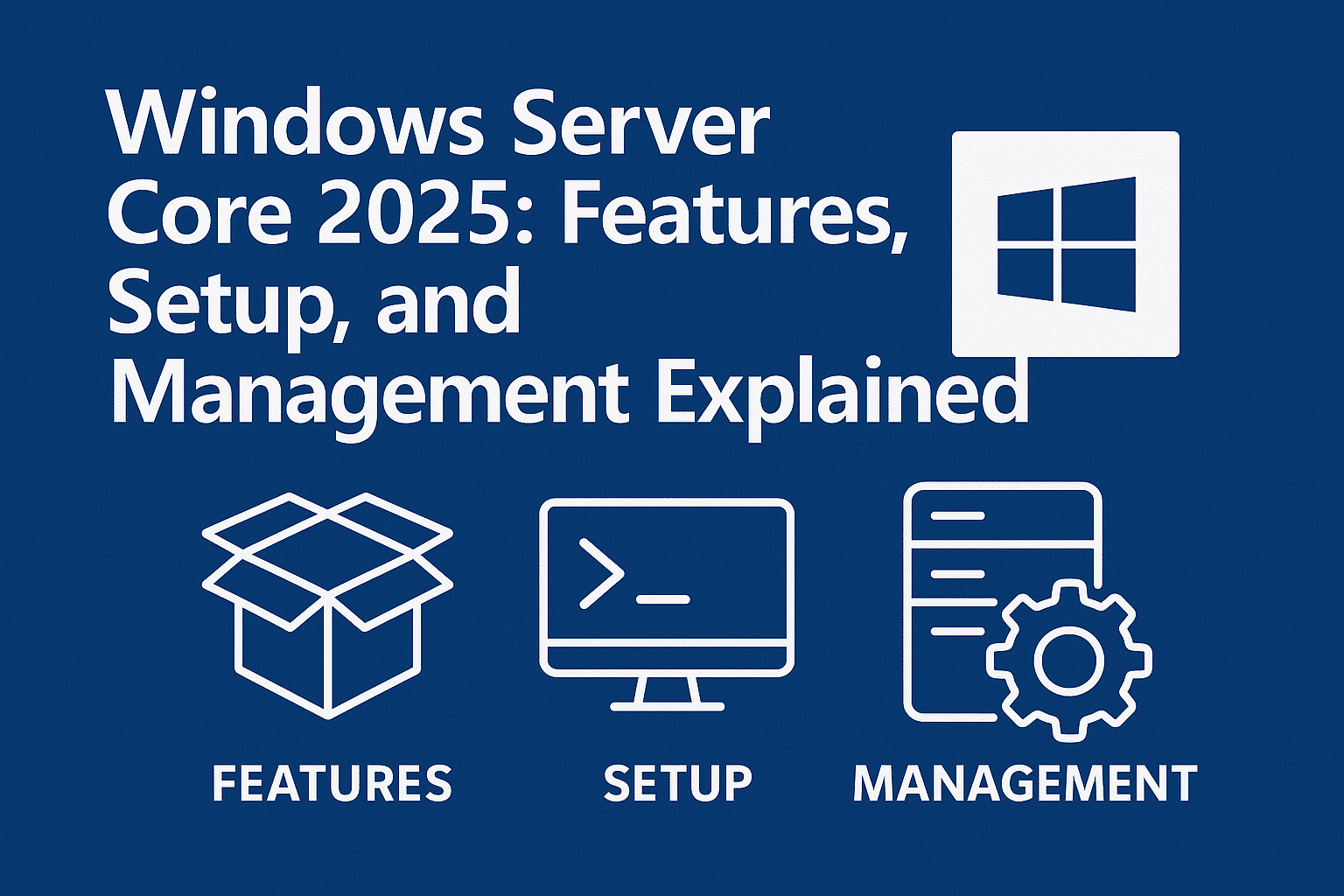
Windows Server Core is Microsoft’s lightweight, command-line–based installation option designed for performance, security, and reduced maintenance. In 2025, Server Core continues to be the recommended deployment model for modern, production-grade Windows Server environments—especially for virtualization, cloud, and container workloads.
This guide explains what Windows Server Core is, its key features, common commands, how to install it, and when you should use it.
What Is Windows Server Core?
Windows Server Core is a minimal installation of Windows Server without the traditional graphical user interface (GUI). It removes components like File Explorer, Internet Explorer, and desktop apps, leaving only essential services and management tools.
Administration is performed via:
Command Prompt
PowerShell
Remote management tools (Windows Admin Center, RSAT, PowerShell Remoting)
Key Features of Windows Server Core (2025)
1. Improved Security
Smaller attack surface due to fewer installed components
Fewer security patches required
Reduced exposure to GUI-based exploits
2. Better Performance
Lower CPU and RAM usage
Faster boot times
More resources available for workloads
3. Reduced Maintenance
Fewer updates and reboots
Lower operational overhead
Ideal for long-running production servers
4. Full Role Support
Server Core supports most major Windows Server roles, including:
Boot from the Windows Server 2025 installation media
Select Install now
Choose your Windows Server edition
Select Server Core Installation
Complete the installation and set the Administrator password
Log in and run:
sconfig
Configure networking, updates, domain membership, and remote access
Once installed, you can manage the server remotely using Windows Admin Center or PowerShell.
When Should You Use Windows Server Core?
Use Server Core if you:
Want maximum security and performance
Manage servers remotely
Run Hyper-V, AD DS, DNS, or file servers
Deploy cloud or container workloads
Avoid Server Core if you:
Rely heavily on local GUI tools
Use legacy applications requiring a desktop interface
Are unfamiliar with PowerShell or remote management
Windows Server Core vs Desktop Experience
Feature
Server Core
Desktop Experience
GUI
❌ No
✅ Yes
Security
✅ High
❌ Lower
Performance
✅ Better
❌ Heavier
Patch Size
Small
Large
Management
Remote
Local or Remote
Conclusion
In 2025, Windows Server Core is no longer just an advanced option—it’s the preferred deployment model for secure, efficient, and scalable Windows Server environments. With strong PowerShell support, modern remote management tools, and reduced attack surface, Server Core is ideal for enterprises, data centers, and cloud-first architectures.
If you’re building a new Windows Server infrastructure, Server Core should be your default choice.
Windows Server Core 2025: Features, Setup, and Management Explained (F.A.Q)
Can I convert Server Core to Desktop Experience later?
No. You must reinstall Windows Server to switch between Server Core and Desktop Experience.
Is Windows Admin Center supported with Server Core?
Yes, Windows Admin Center is the recommended management tool.
Does Server Core support third-party software?
Yes, as long as the software does not require a GUI.
Is Server Core harder to manage?
Not with PowerShell and remote tools—it’s often easier once configured.
How to Check Shutdown Logs in Event Viewer on Windows Server 2022 Monitoring server shutdowns is critical for administrators to...
Black Friday Mega Sale Week – Massive Deals Live Now!
Check Offer
We use cookies to ensure that we give you the best experience on our website. If you continue to use this site we will assume that you are happy with it.