WSL vs Linux Desktop
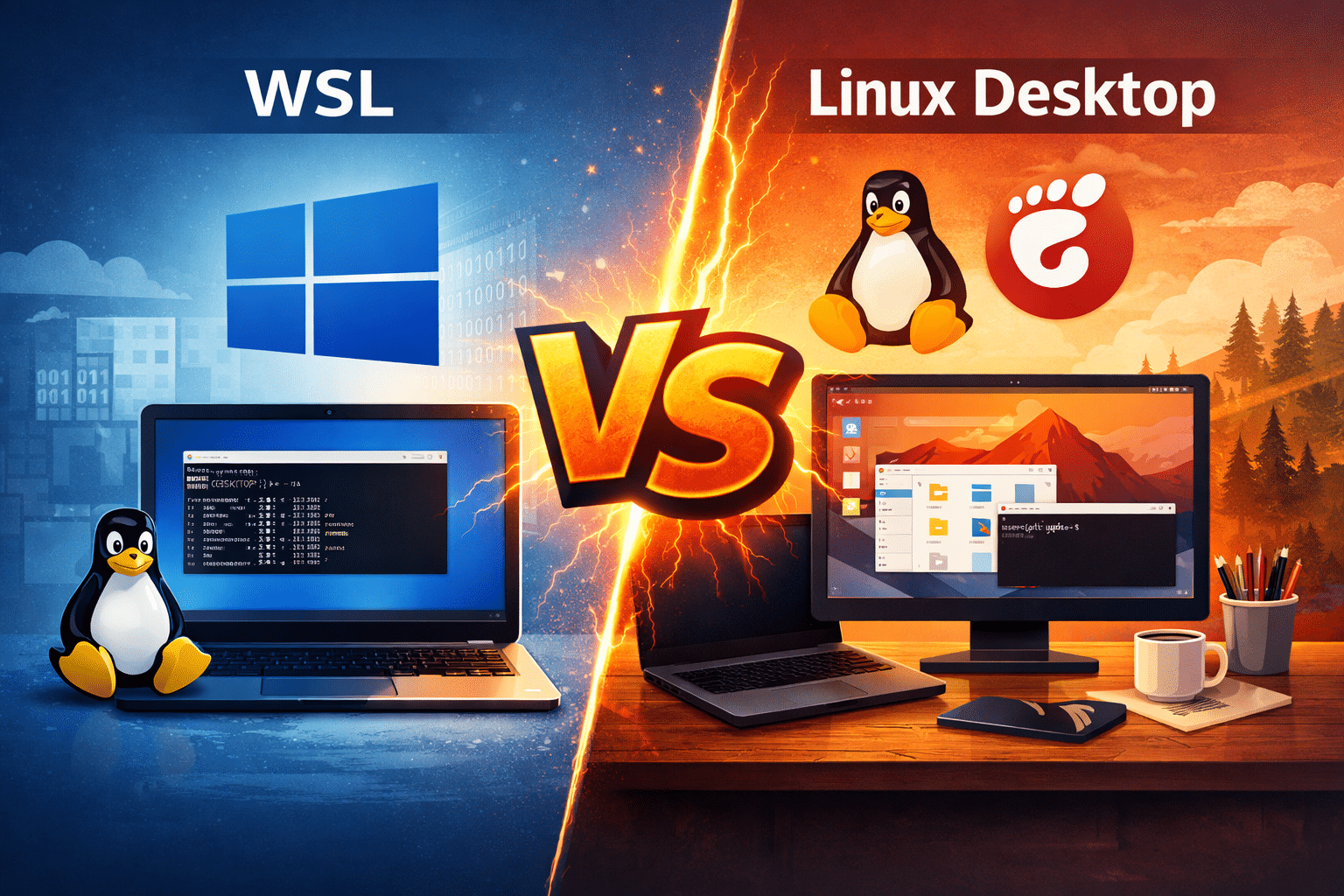
Windows Subsystem for Linux (WSL) has changed how developers interact with Linux. It allows users to run Linux commands, tools, and even applications directly on Windows without dual-booting or setting up heavy virtual machines. For beginners and Windows-first developers, WSL feels revolutionary.
But as powerful as WSL is, it still does not replace a real Linux desktop—especially for professionals who demand performance, flexibility, graphical environments, scalability, and remote accessibility.
This article explores why WSL falls short, where real Linux desktops excel, and how remote Linux environments powered by 99RDP deliver the best of both worlds.
WSL: Why It Became So Popular
Microsoft introduced WSL to remove friction between Windows and Linux workflows. Instead of switching operating systems, developers could run Linux tools directly inside Windows.
WSL offers clear advantages:
- It enables Linux command-line tools natively on Windows
- It removes the need for dual-boot setups
- It integrates smoothly with Windows file systems and editors
- It works well for scripting, automation, and lightweight development
For quick tasks like running Python scripts, managing Git repositories, or learning Linux basics, WSL performs exceptionally well.
However, convenience does not equal completeness.
Why WSL Cannot Replace a Real Linux Desktop
Despite its strengths, WSL has fundamental limitations that become visible as workloads grow more complex.
1. No True Native Desktop Experience
Even with recent improvements like GUI support, WSL does not deliver a full Linux desktop experience. Native Linux systems offer complete desktop environments such as GNOME, KDE, or XFCE with seamless window management, display drivers, and system-level customization.
WSL remains a subsystem layered over Windows—not a fully independent operating system.
2. Limited Hardware Access
A real Linux desktop provides direct access to system hardware. WSL, by contrast, depends on Windows virtualization layers.
This limitation affects:
- GPU-intensive workloads
- Advanced graphics rendering
- Hardware debugging
- High-performance computing tasks
Professionals working in AI, data science, DevOps, or software compilation often notice these constraints quickly.
3. Not Designed for Always-On or Remote Workflows
WSL exists on a local Windows machine. Once that system shuts down, the environment disappears. For teams, enterprises, or freelancers who require 24/7 availability, this model does not scale.
Modern development demands:
- Persistent environments
- Remote access from any device
- Cloud-based infrastructure
WSL simply was not designed for that role.
Why Real Linux Desktops Still Matter
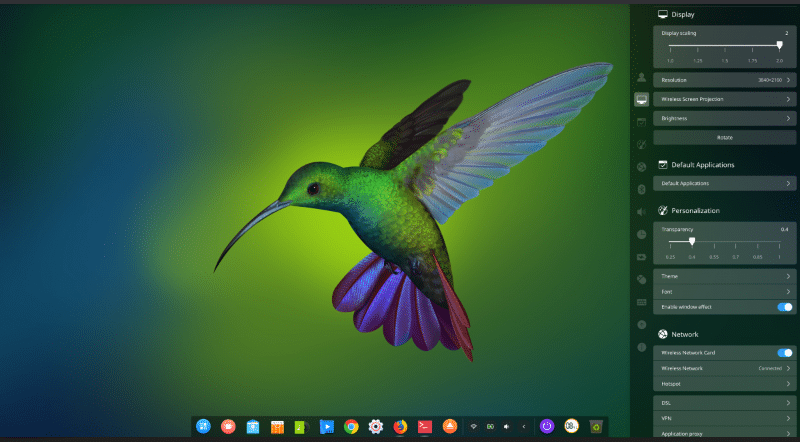
A real Linux desktop remains the gold standard for developers, system administrators, and power users.
Here’s why:
Full Control and Customization
Native Linux systems allow users to control everything—from kernel configurations to window managers. This flexibility is essential for production-grade development and system optimization.
True Performance
Linux running directly on server-grade hardware delivers better performance for:
- Large codebases
- CI/CD pipelines
- Containerized applications
- AI and ML training workloads
There is no dependency on Windows virtualization layers.
Enterprise-Ready Stability
Linux desktops and servers power the majority of the world’s infrastructure. They handle long-running tasks, mission-critical services, and multi-user environments with proven stability.
The Smart Alternative: Remote Linux Desktops
Instead of maintaining local Linux machines or struggling with WSL limitations, many professionals now choose remote Linux desktops.
Remote Linux desktops provide:
- Full GUI environments
- Persistent uptime
- Global accessibility
- High-performance server hardware
And this is where 99RDP becomes highly relevant.
How 99RDP Bridges the Gap Between Convenience and Power

99RDP offers high-performance Linux VPS and Remote Desktop solutions designed for professionals who want real Linux power without local hardware constraints.
1. Full Linux Desktop via RDP
With 99RDP’s Linux servers and xRDP support, users can access a complete Linux desktop environment from anywhere. You get the feel of a native Linux machine—without installing anything locally.
This setup works perfectly for:
- Developers
- Students
- Designers
- Remote teams
2. High-Performance Linux VPS Hosting
99RDP provides Linux VPS plans with:
- Dedicated CPU resources
- High RAM allocations
- Fast NVMe SSD storage
- Root access for complete control
These servers handle demanding workloads far better than local WSL environments.
3. Always-On Remote Infrastructure
Unlike WSL, 99RDP servers run 24/7. You can deploy applications, run background jobs, and access your Linux system anytime—from any device.
This makes 99RDP ideal for:
- CI/CD pipelines
- Hosting development environments
- Long-running simulations
- Enterprise workflows
4. Global Accessibility and Low Latency
99RDP’s global infrastructure ensures stable connections and low latency. Whether you work from a laptop, tablet, or shared system, your Linux desktop remains consistent and secure.
5. Enterprise-Grade Security
Security matters more than ever. 99RDP includes:
- Advanced firewalls
- DDoS protection
- Isolated environments
- Professional technical support
This level of security is difficult to replicate on personal machines running WSL.
WSL vs Real Linux Desktop vs 99RDP
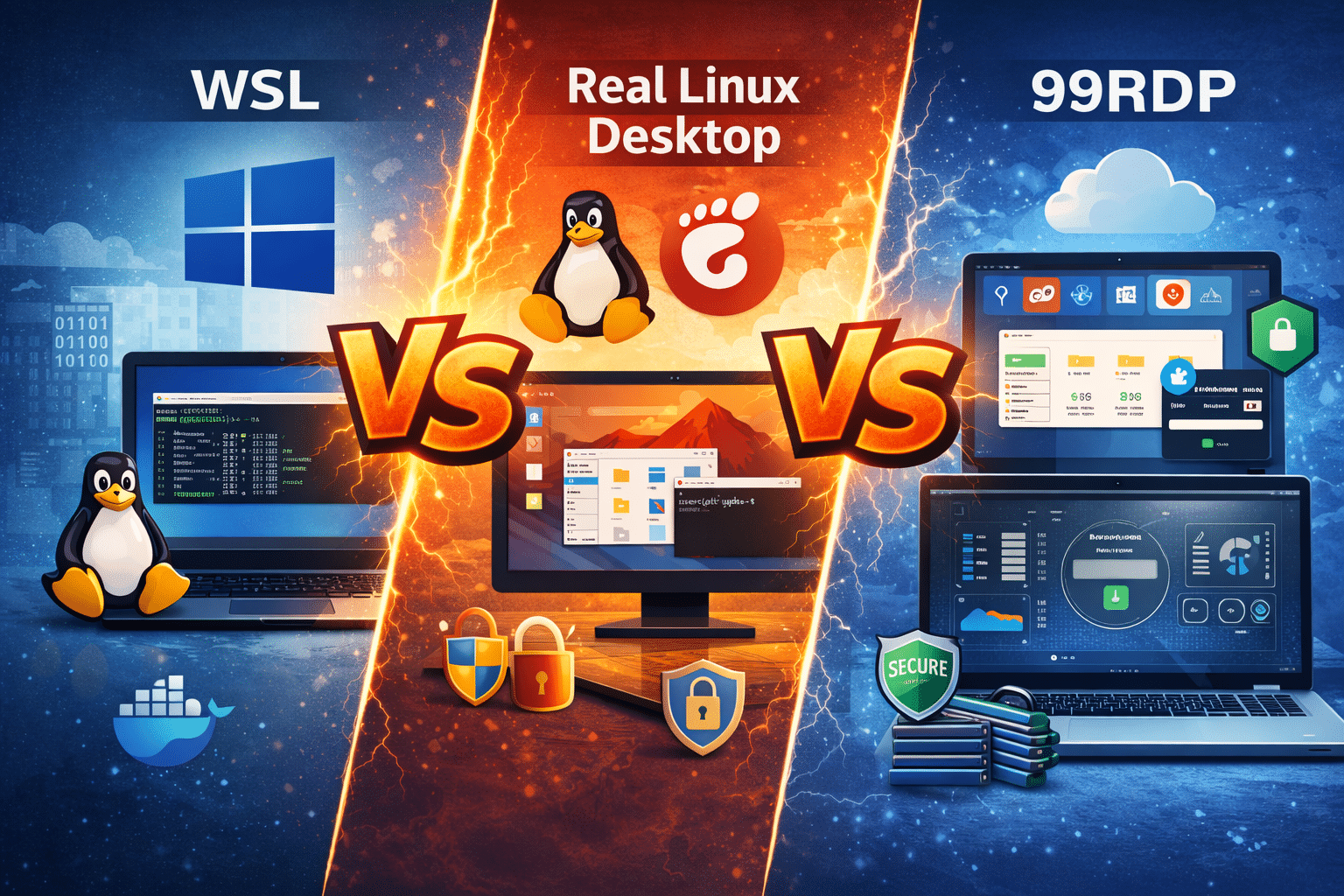
| Feature | WSL | Local Linux Desktop | 99RDP Remote Linux |
|---|---|---|---|
| Full GUI Desktop | Limited | Yes | Yes |
| Hardware Performance | Restricted | High | High |
| Remote Accessibility | No | Limited | Yes |
| Always-On Availability | No | No | Yes |
| Scalability | Low | Medium | High |
| Enterprise Readiness | Low | Medium | High |
Who Should Move Beyond WSL?
WSL remains useful, but certain users benefit far more from real Linux desktops via 99RDP:
- Developers working on large or collaborative projects
- AI and data science professionals
- DevOps engineers managing production systems
- Freelancers needing secure remote environments
- Students learning Linux deeply, not superficially
If your work depends on performance, persistence, and flexibility, WSL alone is not enough.
Final Verdict
WSL is a powerful innovation. It simplifies Linux access for Windows users and lowers the barrier to entry. But it was never meant to replace a real Linux desktop.
When your needs extend beyond basic command-line usage—when you require true Linux power, graphical environments, remote access, and scalability—a full Linux desktop becomes essential.
99RDP delivers that experience without compromise.
By offering high-performance Linux VPS hosting and remote desktop access, 99RDP allows you to move beyond WSL’s limitations and embrace Linux the way it was meant to be used.
👉 If you’re ready to experience real Linux performance without hardware restrictions, 99RDP is the smarter choice.
EXPLORE MORE ; Why Impression Is a Game-Changer for Linux Bootable USB Creation

READ OUR BLOGS