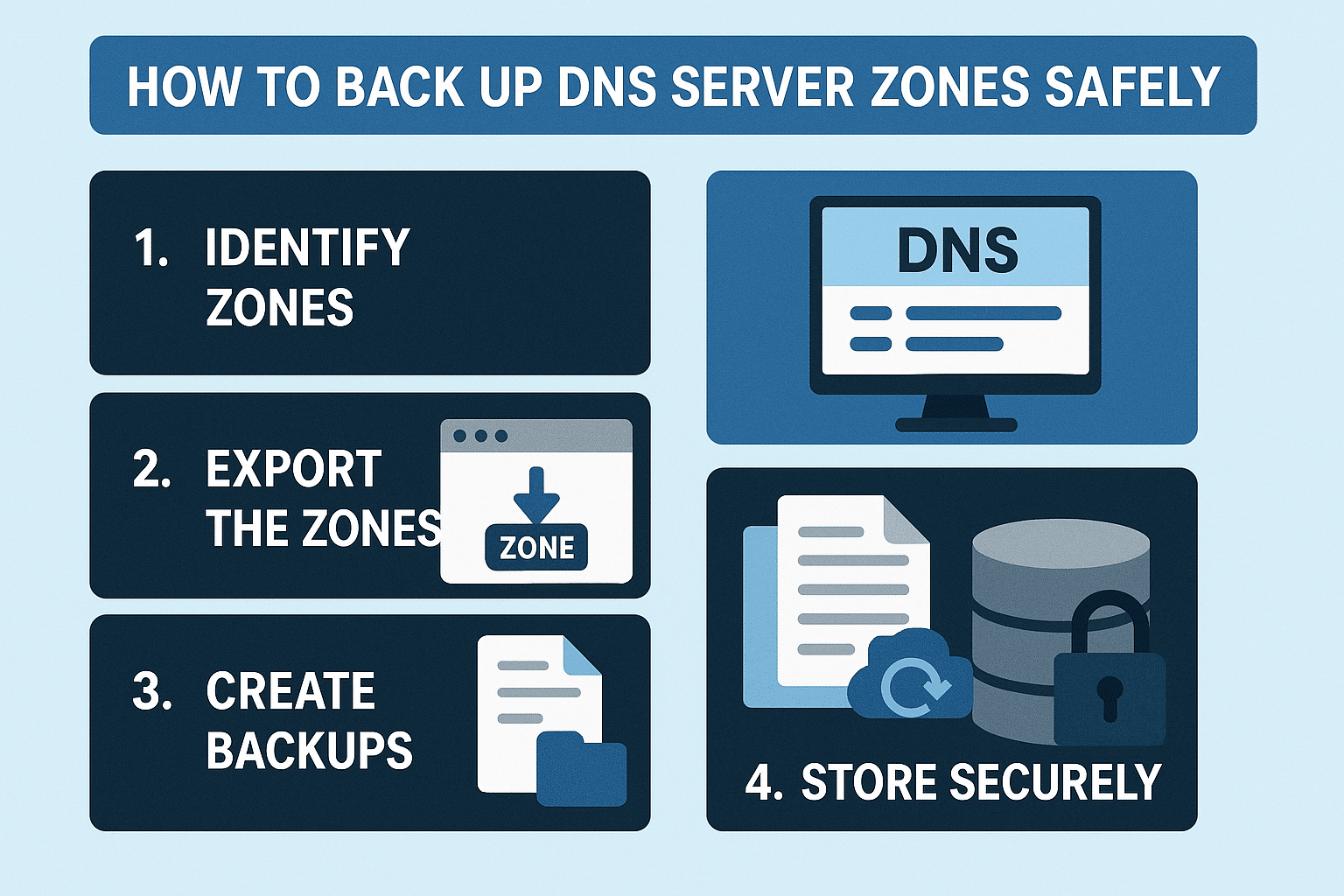
Backing up DNS zones is one of the most overlooked but essential tasks in Windows Server administration. DNS is the backbone of almost every service—Active Directory, web hosting, email, file sharing, and more. If your DNS database becomes corrupted or accidental deletion happens, the entire network can go down.
In this guide, you will learn multiple safe methods to back up DNS zones, how to automate backups, and how to recover your DNS configuration when needed.
✅ Why DNS Backups Matter
A DNS backup ensures you can restore:
- DNS zone records (A, CNAME, MX, TXT, PTR, SRV)
- Zone configurations (primary, secondary, stub)
- DNS server settings
- Conditional forwarders
- Aging/scavenging settings
DNS is fragile. A wrong click or a broken AD replication can destroy zones. Having a reliable backup avoids downtime.
1. Method 1: Back Up DNS Using DNS Manager (GUI)
Windows Server provides a simple export feature for each DNS zone.
Steps:
- Open DNS Manager (
dnsmgmt.msc) - Expand Forward Lookup Zones or Reverse Lookup Zones
- Right-click the zone you want to back up
➜ click “Export List…” - Save the zone file as
.dns
This exports all DNS records into a readable text file.
Pros
- Easy and fast
- Good for quick manual backups
Cons
- You must back up each zone one by one
- Not good for automation
2. Method 2: Back Up DNS Zones Using PowerShell
PowerShell is the safest and most complete method for full DNS backups.
Back Up All DNS Zones 
Get-DnsServerZone | Export-DnsServerZone -FileDirectory "C:\DNS-Backup"
Back Up Only Specific Zone
Export-DnsServerZone -Name "example.local" -FileDirectory "C:\DNS-Backup"
This saves all zone files in C:\DNS-Backup.
Pros
- Full automation
- Backs up every zone at once
- Perfect for scheduled tasks
3. Method 3: Back Up DNS Server Settings Using dnscmd
If you need old-school reliability:
Export all zones:
dnscmd /zoneexport example.local example.local.dns
Export DNS configuration:
dnscmd /config /exportsettings C:\DNS-Backup\DNSSettings.txt
Pros
- Very reliable
- Works even on older servers (Server 2008 → 2025)
4. Method 4: Back Up DNS Using System State Backup
If your DNS server is also a domain controller (typical setup), you should also back up the System State.
System State includes:
- DNS Database
- Active Directory
- SYSVOL
- Registry
- Boot files
Use Windows Server Backup
- Install Windows Server Backup:

Install-WindowsFeature Windows-Server-Backup
- Open Windows Server Backup
- Choose Backup Once or Backup Schedule
- Select System State
This is the safest, full-server-level backup.
Pros
- Full AD + DNS recovery
- Recommended for all domain controllers
5. Automate DNS Backups (Recommended)
Create a scheduled task that runs daily:
PowerShell Script (save as dnsbackup.ps1)
$folder = "C:\DNS-Backup"
$date = Get-Date -Format "yyyy-MM-dd"
$path = "$folder\$date"
New-Item -ItemType Directory -Path $path -Force
Get-DnsServerZone | Export-DnsServerZone -FileDirectory $path
Schedule It
- Open Task Scheduler
- Create New Task
- Trigger: Daily
- Action: Start a program
- Program:
powershell.exe - Add argument:
-File "C:\Scripts\dnsbackup.ps1"
Now your DNS zones are backed up automatically every day.
6. Restoring DNS Zones
Method 1: Restore via PowerShell
Import-DnsServerZone -Name "example.local" -FileName "example.local.dns"
Method 2: Copy back zone files
Copy .dns zone files back into:
C:\Windows\System32\dns\
Restart DNS service
Restart-Service DNS
DNS will load your restored zones.
Conclusion
Backing up DNS zones is simple but must be done regularly and safely.
The best strategy is:
✔ PowerShell export daily
✔ System State backups weekly
✔ Manual backups before big changes
With these methods in place, you ensure your network stays operational even after unexpected failures.
How to Back Up DNS Server Zones Safely (Step-by-Step Guide) (F.A.Q)
Where are Windows DNS zone files stored?
Zone files are stored in:C:\Windows\System32\dns\
Do I need a backup if DNS is integrated with Active Directory?
Yes. AD-integrated zones can still become corrupt or deleted.
Can I restore DNS zones on another server?
Yes — simply import them with PowerShell or copy the zone files and reload DNS.
How often should I back up DNS?
Daily zone exports + weekly system state backups are recommended.