Introduction
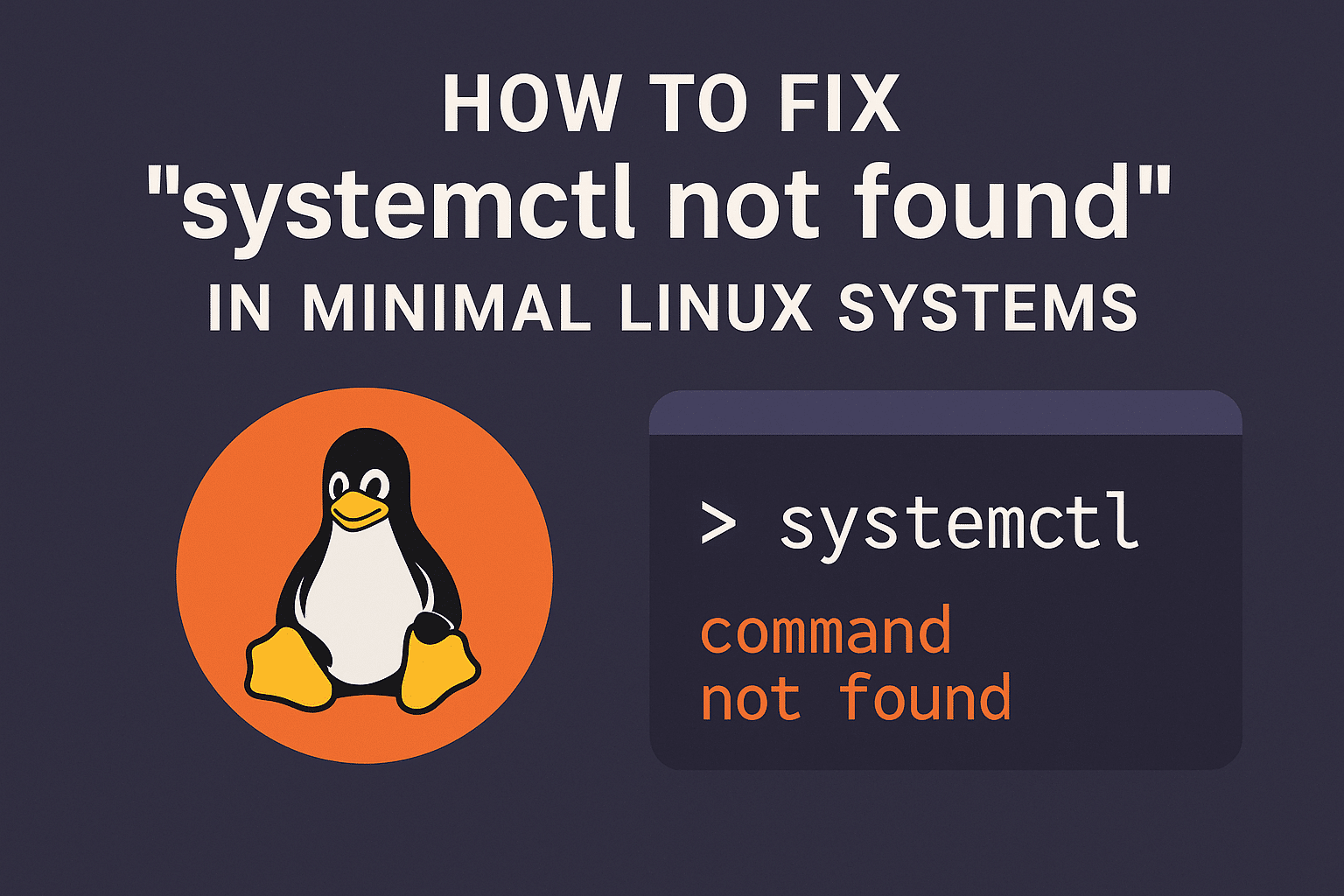
If you’re using a minimal Linux system like Alpine, BusyBox, or a Docker container, you might encounter the error “systemctl: command not found.” This happens because systemctl is part of systemd, which is not included in many lightweight distributions. In this guide, we’ll explain why this error occurs and how to fix it.
Why “systemctl not found” Happens
Most minimal Linux systems don’t include systemd to keep them lightweight. Instead, they use other init systems like OpenRC, runit, or SysVinit. Since systemctl belongs to systemd, it’s unavailable by default.
Fix 1: Check If Your System Uses systemd
Run:

ps 1
If the output shows /sbin/init or /usr/lib/systemd/systemd, your system uses systemd. Otherwise, you’re using a different init system and must use its commands.
Fix 2: Install systemd (If Supported)
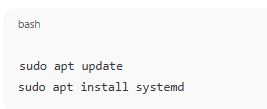
On systemd-compatible distributions like Ubuntu or Debian:
sudo apt update
sudo apt install systemd
Then reboot and use:
sudo systemctl start <service-name>
Fix 3: Use Alternative Init Commands
If your system uses another init system:
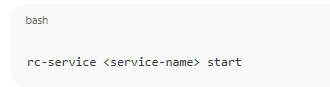
- OpenRC (Alpine Linux):
rc-service <service-name> start 
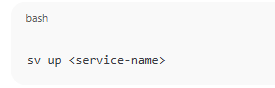
- runit:
sv up <service-name> 
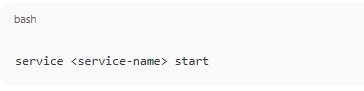
- SysVinit:
service <service-name> start

Fix 4: Using Docker or Minimal Containers
In Docker containers, systemd is typically not installed. Use:
service <service-name> start
or directly run the process in the container:
/usr/sbin/<daemon> &
Conclusion
The “systemctl not found” error doesn’t always mean something is broken — it usually means your system doesn’t use systemd. Understanding which init system your Linux environment uses will help you choose the correct command and manage services properly.
How to Fix “systemctl not found” in Minimal Linux Systems (F.A.Q)
Why is systemctl missing in Docker containers?
Docker containers are designed to run single processes and don’t need a full init system like systemd.
Can I install systemd in Alpine Linux?
Technically yes, but it’s not recommended — Alpine uses OpenRC by default and works best with it.
What replaces systemctl in BusyBox?
BusyBox uses simple init scripts and doesn’t support systemd. You can manually start services with /etc/init.d/.
How do I check which init system is running?
Run ps 1 — it shows the process handling PID 1 (your init system).