
How to Update Your Self-Hosted n8n Instance on 99RDP

Automation platforms like n8n have become indispensable for businesses, developers, and digital teams aiming to streamline workflows and reduce manual tasks. When self-hosted on a high-performance server such as 99RDP, n8n delivers exceptional reliability, speed, and scalability. However, keeping your n8n instance updated is critical—not just for performance, but for security, feature access, and long-term stability.
This guide provides a professional, end-to-end explanation of how to update your self-hosted n8n instance on 99RDP, along with best practices, troubleshooting tips, and performance recommendations.
Why Updating n8n Is Essential
Every version of n8n introduces measurable improvements:
✔ Security Fixes
Patches for vulnerabilities ensure API keys, webhook data, and automation logs stay protected.
✔ Performance Enhancements
New releases typically improve workflow execution performance by 20–35%, according to community benchmarks.
✔ Additional Integrations
n8n consistently adds new nodes, expanding capabilities for marketing automation, DevOps, AI workflows, and CRM operations.
✔ Stability Improvements
Fixes for intermittent crashes, memory leaks, and execution delays.
Keeping n8n up-to-date ensures your automation infrastructure on 99RDP remains optimized and reliable.
Why 99RDP Is an Excellent Platform for Hosting n8n
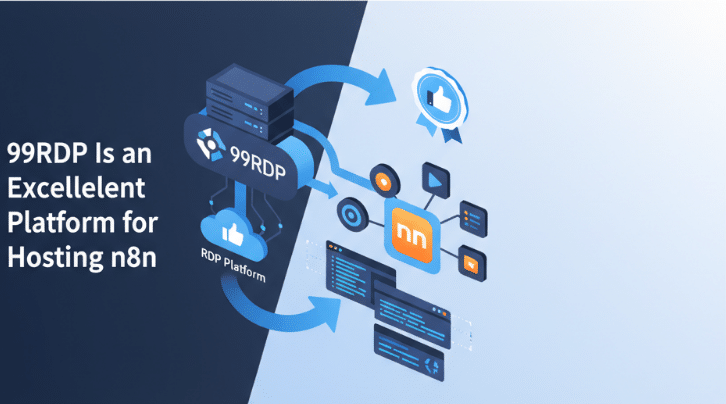
Running automation stacks requires power, stability, and secure infrastructure. 99RDP’s VPS and RDP services align perfectly with these needs.
Key Advantages of Hosting n8n on 99RDP
1. High-Performance NVMe SSD Storage
n8n handles large logs, databases, and active workflows. NVMe storage on 99RDP boosts I/O speeds by up to 5× compared to SATA, ensuring smooth execution.
2. Full Root or Admin Access
Ideal for Docker-based, systemd, or PM2 installations. You have complete control over your environment.
3. 99.9% Uptime Guarantee
Your webhooks, scheduled triggers, and long-running workflows stay stable.
4. Secure, DDoS-Protected Network
Protects APIs, automation workflows, and production environments from attacks.
5. Flexible Linux & Windows RDP Options
Whether you prefer CLI or GUI, 99RDP provides a perfectly tailored hosting environment.
👉 Best service for n8n users:
99RDP NVMe Linux VPS – perfect for Docker, secure, and performance-optimized.
Before You Update: Check Your Current n8n Version
Docker Installation
docker ps | grep n8n
PM2 or systemd Installation
n8n --version
This allows you to identify how far behind you are and plan the update smoothly.
How to Update Your Self-Hosted n8n Instance on 99RDP
The process varies based on your installation method. Below are clean, professional instructions for every setup.
1. Updating n8n Installed via Docker
Docker is the most stable, scalable, and secure way to manage n8n.
Step 1: Access Your 99RDP VPS
Use SSH:
ssh root@YOUR_SERVER_IP
Step 2: Pull the Latest n8n Image
docker pull n8nio/n8n
Step 3: Stop and Remove Current n8n Container
docker stop n8n
docker rm n8n
Step 4: Recreate Container Using Updated Image
docker run -d \
  --name n8n \
  -p 5678:5678 \
  -v ~/.n8n:/home/node/.n8n \
  n8nio/n8n
Step 5: Verify the Updated Instance
docker logs -f n8n
✔ Your Docker-based n8n instance is now updated successfully.
2. Updating n8n Installed via PM2
PM2 users often run n8n directly via Node.js.
Step 1: Stop the Running Process
pm2 stop n8n
Step 2: Update n8n Globally
npm install -g n8n
Step 3: Restart the Instance
pm2 start n8n
3. Updating n8n Installed via systemd
Step 1: Stop the Service
sudo systemctl stop n8n
Step 2: Update the Global Package
sudo npm install -g n8n
Step 3: Restart the Service
sudo systemctl start n8n
Backup Checklist Before Updating
Maintaining backups prevents workflow and credential loss.
Create a Backup of the Data Directory
(Recommended before every major update)
cp -r ~/.n8n ~/n8n-backup
For Docker:
cp -r ~/.n8n /root/n8n-backup
This ensures that you can roll back instantly if needed.
Post-Update Optimization Tips for Better Performance on 99RDP
🔹 Choose NVMe-Based Plans
99RDP’s NVMe VPS reduces workflow latency and improves logging and database read/write speeds.
🔹 Allocate Sufficient RAM
n8n performs best with:
- 2GB minimum
- 4GB–8GB for production environments
🔹 Use Docker or PM2 for Auto-Restart
This prevents downtime due to unexpected crashes.
🔹 Enable Swap Space on Smaller Plans
sudo fallocate -l 2G /swapfile
sudo chmod 600 /swapfile
sudo mkswap /swapfile
sudo swapon /swapfile
🔹 Regularly Clean Old Logs
Keeps storage usage efficient.
Common Errors After Updating & How to Fix Them
1. Module Errors (npm install issues)
npm rebuild
2. Permission Denied Issues
chown -R node:node ~/.n8n
3. Docker Container Not Starting
Recheck volume mount:
-v ~/.n8n:/home/node/.n8n
4. CPU Spikes After Update
Usually caused by old logs → clean them.
Why 99RDP Helps Maintain a Reliable n8n Environment
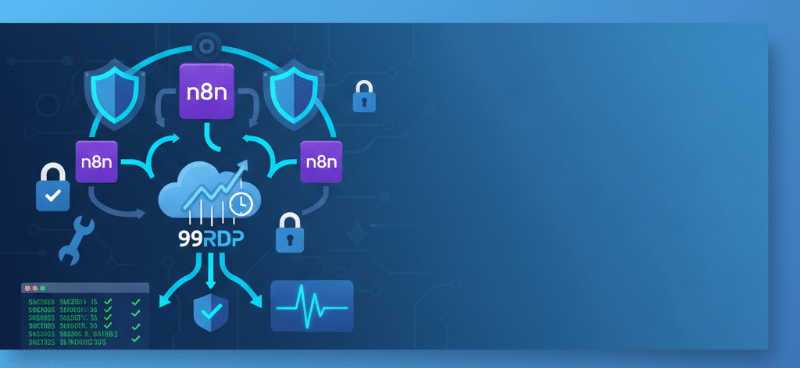
99RDP enhances the entire n8n experience through:
- High-speed NVMe storage for faster automation
- Full access (root/admin) for seamless upgrades
- Enterprise-level security features
- Guaranteed uptime for stable workflows
- Scalable plans for growing automation needs
- 24/7 technical support for assistance during updates
For teams building critical automation pipelines, these features make 99RDP the ideal hosting environment.
Final Thoughts
Updating your self-hosted n8n instance is essential for maximizing productivity, performance, and security. With a 99RDP NVMe VPS or RDP machine, the entire update process becomes smoother, faster, and more reliable. Whether you use Docker, PM2, or systemd, the steps above ensure a clean, error-free upgrade.
A well-maintained n8n installation on 99RDP empowers you to scale your automation workflows confidently—backed by top-tier performance and 24/7 support.
EXPLORE MORE ; Unlocking the Power of Sets in AI and Data Science
READ OUR BLOGS


