
Alpine Linux vs Tiny Core: Which Lightweight Linux Distro Is Better in 2026?

Linux has never required enormous hardware to deliver a capable computing experience. In fact, one of the platform’s greatest strengths is its ability to run on hardware that mainstream operating systems may consider outdated.
But lightweight Linux has evolved far beyond simply finding a distribution that consumes less RAM.
In 2026, users can choose from remarkably small Linux distributions designed for everything from aging laptops and rescue systems to containers, servers, embedded devices, and remote infrastructure.
Two names stand out when the conversation turns to extreme minimalism: Alpine Linux and Tiny Core Linux.
Both distributions take a radically different approach from mainstream Linux systems. Both can run with extremely modest resources. Both let users build an environment around their actual requirements rather than installing a massive collection of software they may never use.
But they are not designed for exactly the same audience.
Tiny Core Linux prioritizes extreme compactness and modularity. Alpine Linux focuses on combining a tiny footprint with practical server, container, development, and general-purpose capabilities.
That difference makes the Alpine Linux vs Tiny Core debate particularly interesting in 2026.
So which one should you choose?
The answer depends less on which distribution is smaller and more on what you actually want to accomplish.
Alpine Linux vs Tiny Core at a Glance
Before examining the technical differences, here’s the short version:
| Category | Alpine Linux | Tiny Core Linux |
|---|---|---|
| Primary philosophy | Small, simple and security-oriented | Ultra-small modular Linux |
| Base technology | musl + BusyBox | BusyBox + FLTK/FLWM |
| Init system | OpenRC | Tiny Core’s own lightweight approach |
| Package management | APK | Extensions/TCZ packages |
| Desktop | Available | Lightweight desktop included |
| Server workloads | Excellent | Possible, but more specialized |
| Containers | Excellent | Not its primary strength |
| Old hardware | Excellent | Exceptional |
| Extreme minimalism | Excellent | Outstanding |
| Learning value | High | Very high |
| General-purpose usability | Strong | More specialized |
| Best fit | Servers, containers, VPS, homelabs | Ultra-light desktops, rescue systems, experiments |
There is no universal winner.
However, for most users who want a lightweight Linux system that can grow into a serious server or infrastructure platform, Alpine Linux is the stronger overall choice.
For users who want the smallest practical Linux desktop or an extremely modular environment, Tiny Core remains difficult to beat.
What Makes a Linux Distribution “Lightweight”?
The word lightweight can be misleading.
A distribution’s ISO size doesn’t necessarily tell you how much memory it will use after installation.
Similarly, low RAM usage doesn’t automatically mean the operating system will feel fast for every workload.
A lightweight Linux distribution typically minimizes several layers of overhead:
- Base system size
- Background services
- Installed packages
- Memory consumption
- Storage requirements
- Boot-time processes
- CPU utilization
- Graphical components
The goal isn’t necessarily to create the smallest possible operating system.
The real goal is to maximize useful computing per unit of hardware resources.
That’s where Alpine Linux and Tiny Core take different paths.

Tiny Core Linux: The Minimalist Extreme
Tiny Core Linux has built its reputation around an extraordinarily small footprint.
The project’s official website describes it as an ultra-small graphical desktop operating system designed to boot from media such as optical discs and USB drives or run frugally from a hard drive. It also emphasizes its modular extension system.
The current Tiny Core project remains remarkably small.
The official download page lists TinyCore at 23 MB, including its base Core system plus X/GUI extensions.
That’s tiny by modern operating-system standards.
For comparison, many mainstream Linux desktop installation images are measured in gigabytes.
Tiny Core therefore demonstrates just how much functionality Linux can deliver without carrying a huge operating-system payload.
Tiny Core 17.0 Keeps the Project Relevant
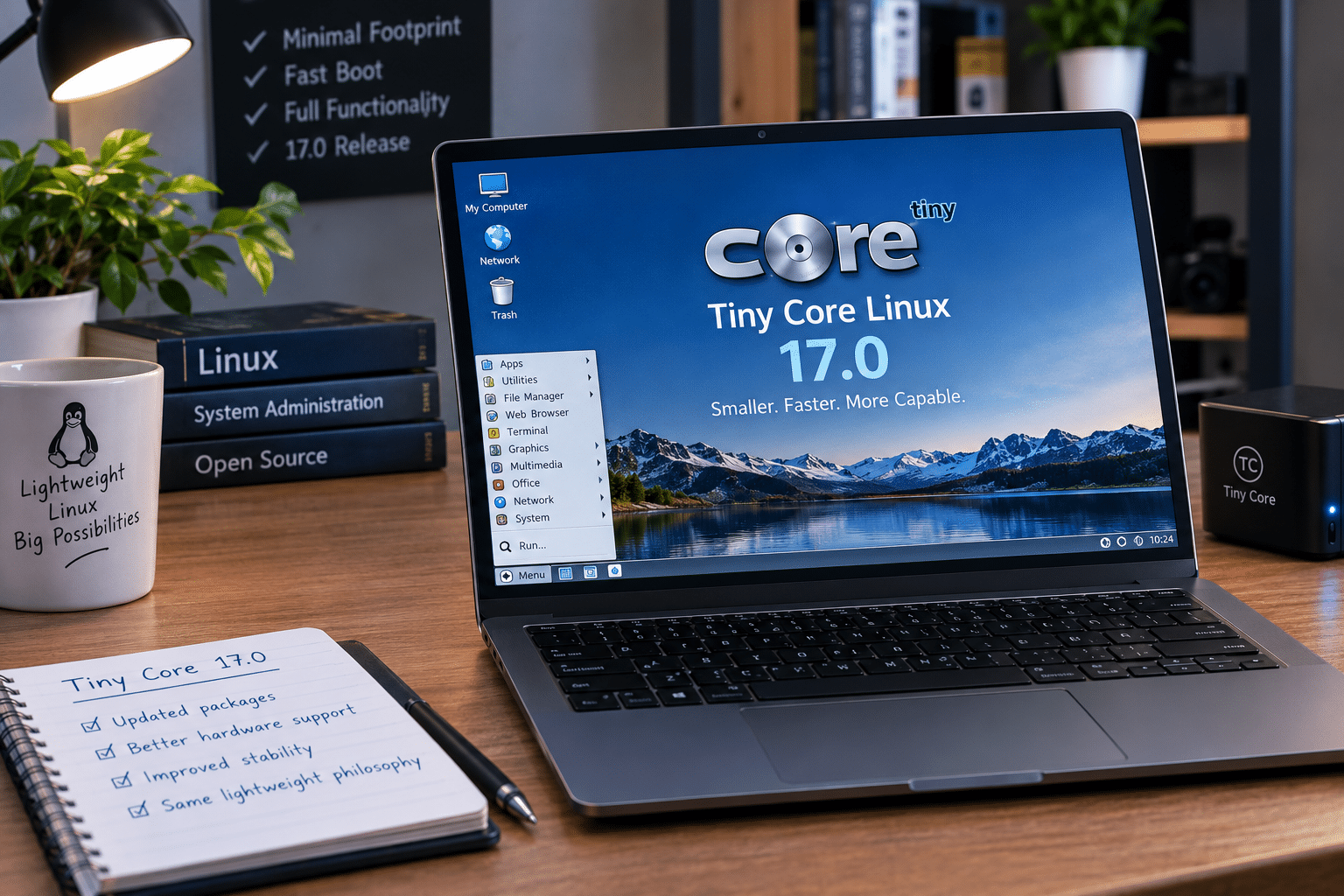
Tiny Core isn’t a frozen experiment from the early days of lightweight Linux.
The project released Tiny Core 17.0 in February 2026.
The release updated important components, including:
- Linux kernel 6.18.2
- glibc 2.42
- GCC 15.2.0
- binutils 2.45.1
- e2fsprogs 1.47.3
- util-linux 2.41.2
That demonstrates that the project continues to track modern software components while maintaining its minimalist philosophy.
Why Tiny Core Is So Small
Tiny Core takes modularity seriously.
Instead of installing everything up front, the operating system starts with a very small foundation.
Users then add functionality through extensions.
The project’s design allows additional applications and hardware support to be loaded when required. Extensions can operate in RAM, be mounted from persistent storage, or be installed to persistent storage.
This approach has an important advantage:
You don’t pay the resource cost for software you aren’t using.
For an extremely constrained computer, that philosophy can make a major difference.
Tiny Core’s Biggest Strength: Extreme Efficiency
Tiny Core makes sense when the hardware itself is the limiting factor.
Consider an old computer with:
- 512 MB RAM
- An aging single- or dual-core processor
- A small hard drive
- Limited graphics capabilities
Installing a modern desktop distribution may create unnecessary overhead.
Tiny Core gives the administrator much more control over what runs.
That makes it attractive for:
- Old PCs
- Thin clients
- Rescue environments
- Experimental systems
- Embedded projects
- Specialized appliances
- Educational experiments
- Extremely low-resource computers
If the objective is simply “make Linux run on this machine,” Tiny Core deserves serious consideration.
But Tiny Core Requires More Hands-On Work
Extreme minimalism comes with a trade-off.
Tiny Core isn’t designed to behave exactly like Ubuntu, Linux Mint, Fedora, or other mainstream desktop distributions.
The user is expected to understand the modular nature of the operating system.
That can mean spending more time deciding:
- Which extensions to install
- Which services should start
- How persistence should work
- How hardware support should be added
- How applications should be configured
For experienced Linux users, that isn’t necessarily a disadvantage.
In fact, it can be the entire point.
But newcomers may prefer a distribution that provides more functionality out of the box.
Alpine Linux: Minimalism With a Bigger Mission
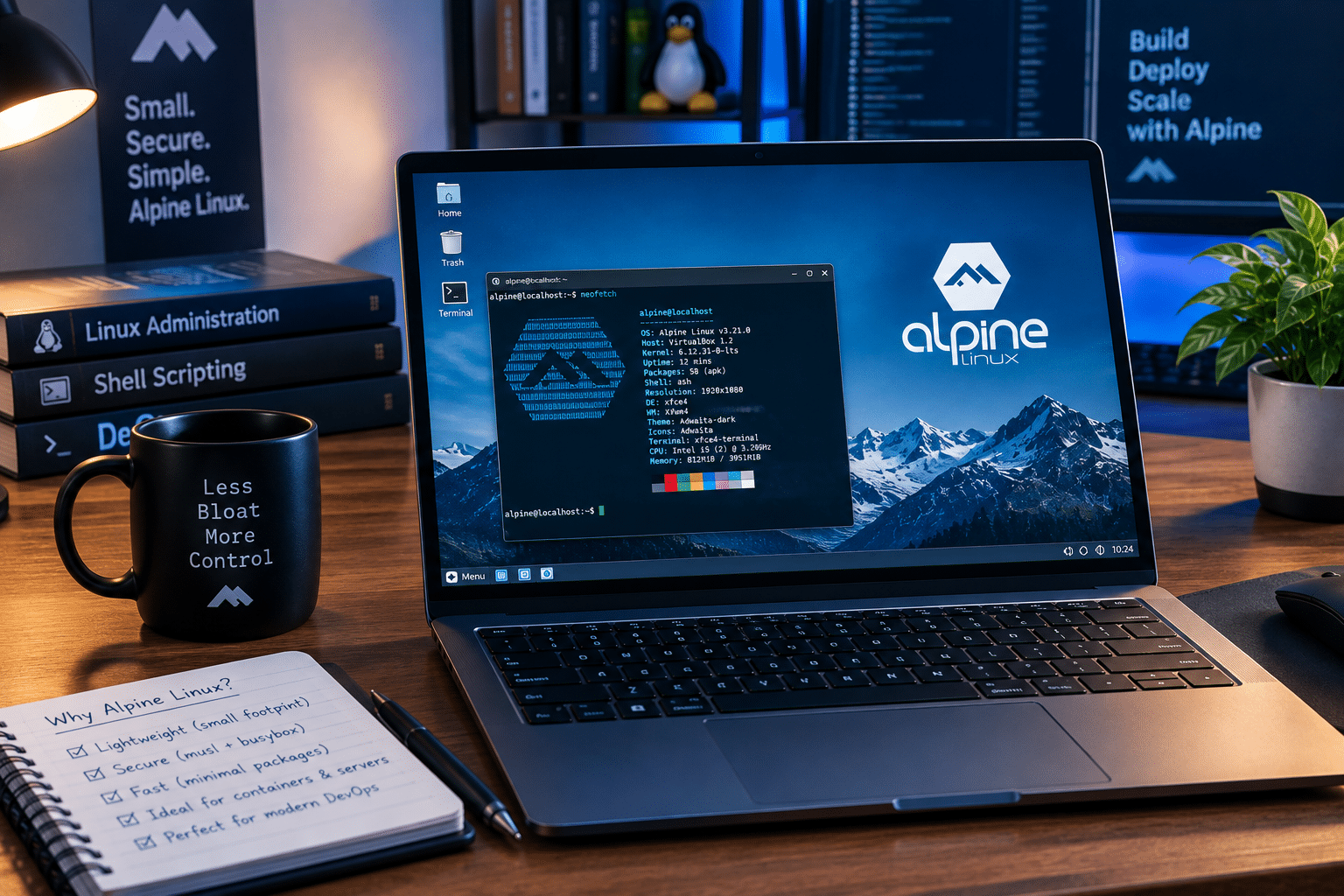
Alpine Linux approaches lightweight computing from a somewhat different direction.
The project describes Alpine as a security-oriented, lightweight Linux distribution based on musl libc and BusyBox.
Its philosophy is summarized by three words:
Small. Simple. Secure.
But Alpine isn’t merely trying to produce the smallest possible ISO.
It aims to provide a practical Linux environment that can serve serious infrastructure workloads.
That distinction is important.
Alpine Linux Uses musl Instead of glibc
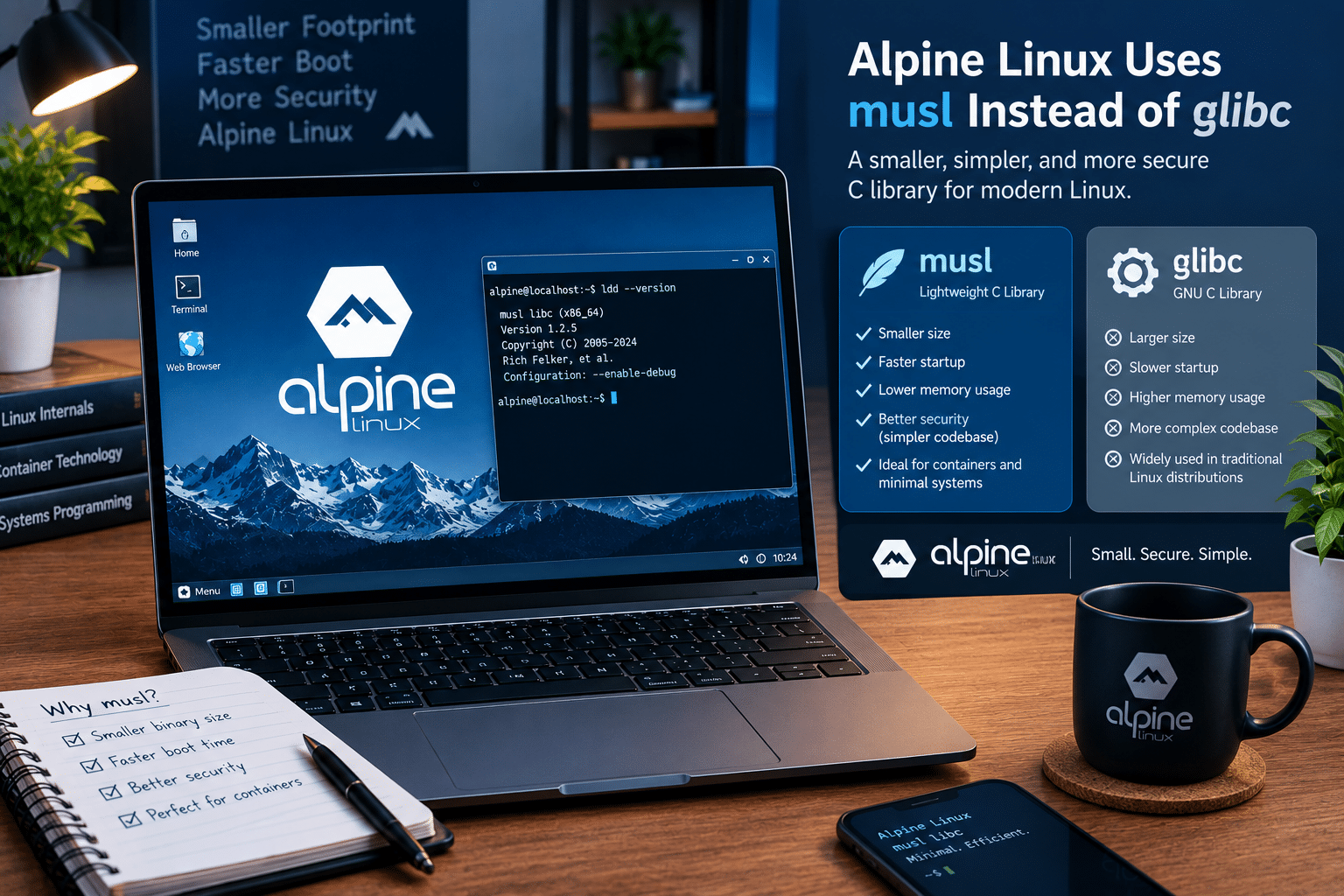
One of Alpine’s defining characteristics is its use of musl libc.
Most mainstream Linux distributions use GNU libc, commonly called glibc.
Alpine chose musl because it provides a lightweight implementation of the standard C library while fitting the distribution’s broader efficiency goals.
This contributes to Alpine’s small footprint.
But it also creates an important compatibility consideration.
Some applications and binaries designed around glibc may require additional compatibility work when moved to Alpine.
Therefore, developers shouldn’t assume that every Linux application will behave identically on Alpine.
For software designed to work with musl, however, Alpine can be extremely efficient.
BusyBox Keeps the Base System Compact
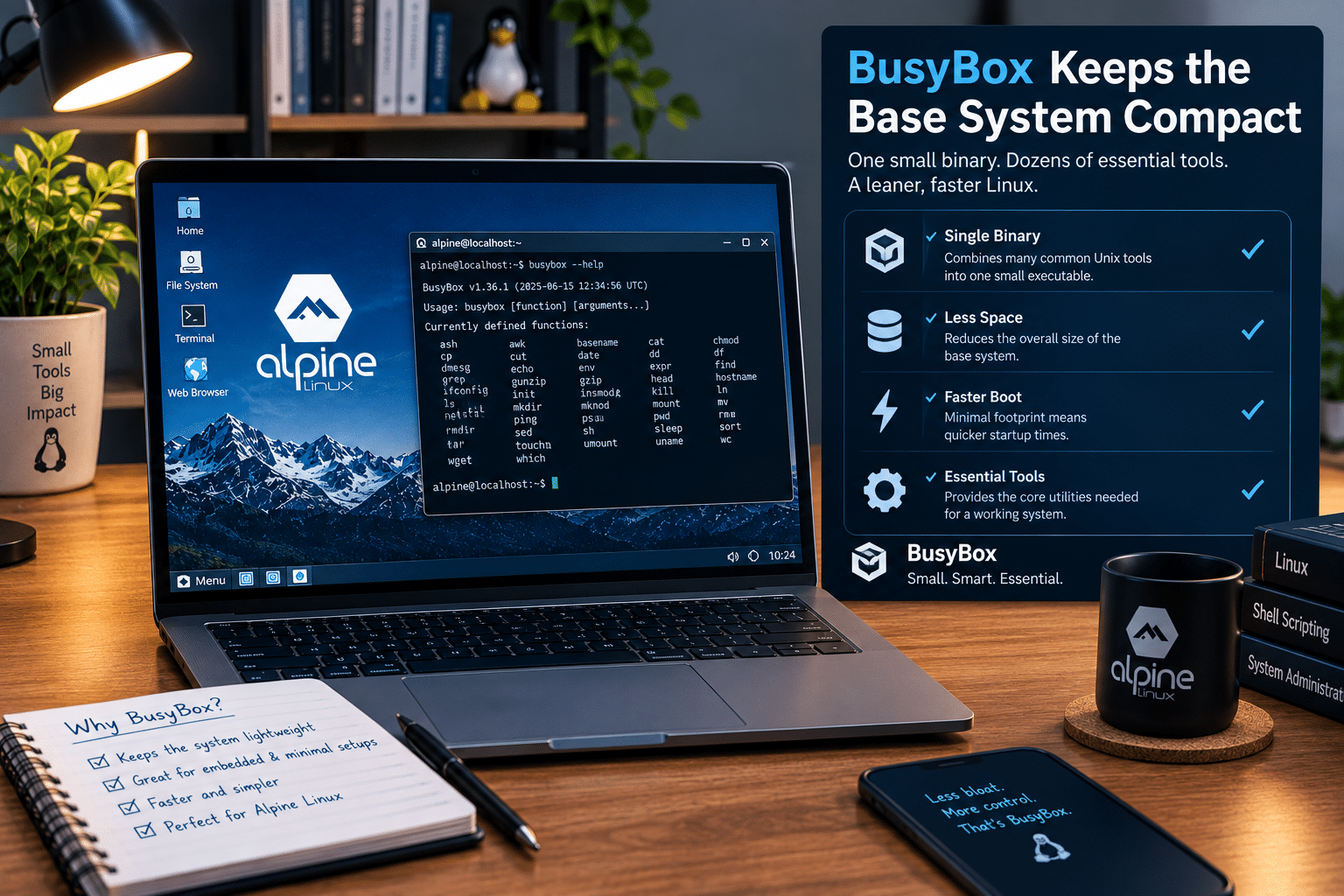
Alpine also uses BusyBox.
BusyBox combines many standard Unix utilities into a compact package.
Instead of maintaining a separate executable for every basic command, BusyBox provides a collection of common tools within a highly compact environment.
This is one reason Alpine can provide a useful Linux foundation without requiring the storage footprint of a traditional distribution.
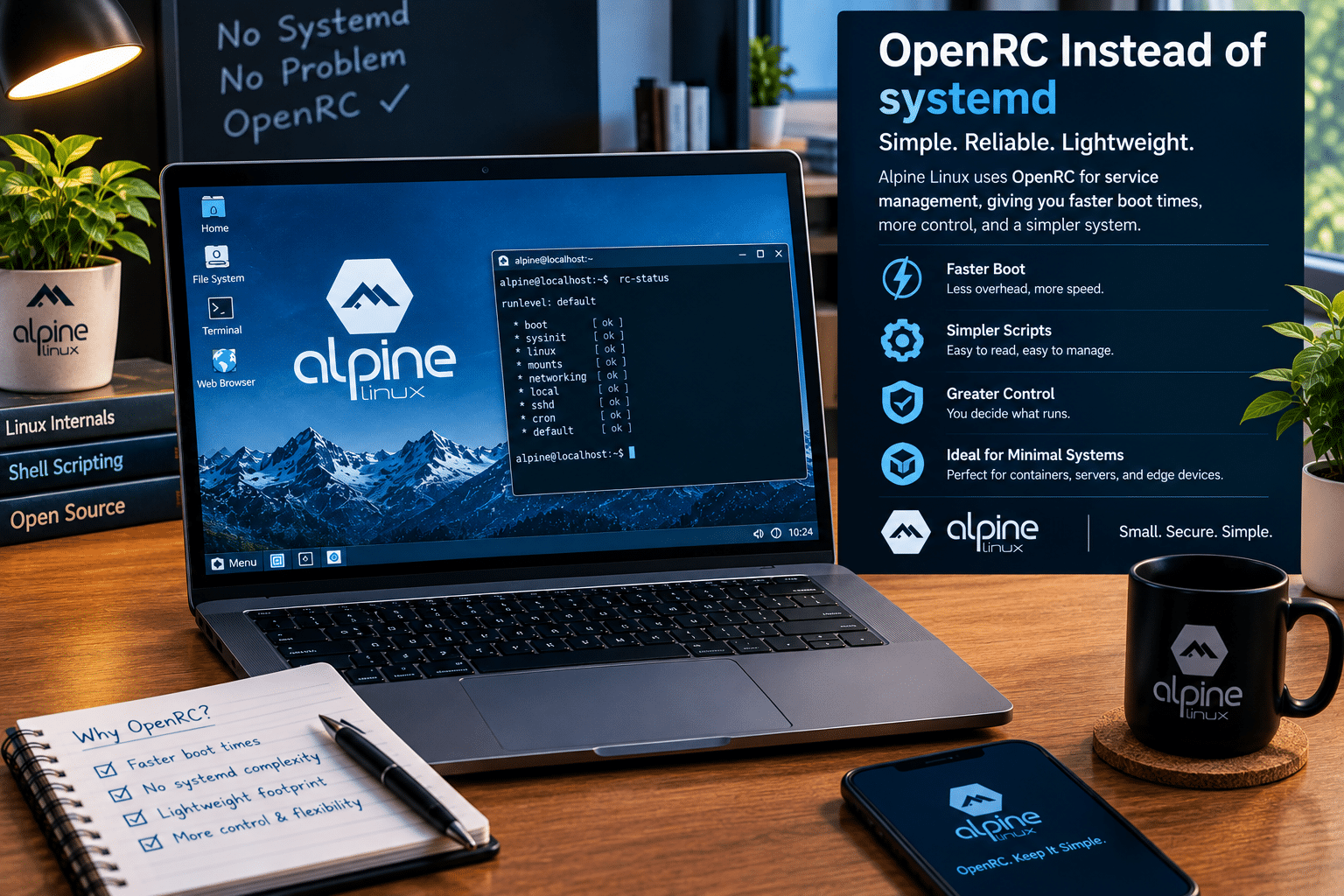
OpenRC Instead of systemd
Another major difference is service management.
Alpine uses OpenRC as its init system. The Alpine documentation confirms that OpenRC manages system services, including startup and shutdown.
This differs from distributions such as Ubuntu and Fedora, which rely heavily on systemd.
OpenRC fits Alpine’s lightweight philosophy and gives administrators a relatively straightforward way to control services.
For users who prefer traditional Unix-style service management, Alpine can feel refreshingly direct.
APK Makes Alpine More Practical
Minimalism becomes much less useful if installing software is difficult.
Alpine addresses this with APK, the Alpine Package Keeper.
APK lets administrators install and manage packages without manually constructing the operating system from scratch.
That creates an important balance:
Alpine starts small but doesn’t force you to stay small.
You can add:
- Web servers
- Databases
- Programming languages
- Development tools
- Network utilities
- Monitoring software
- Security tools
- Container-related software
- Desktop environments
That flexibility significantly broadens Alpine’s use cases.
Alpine’s Server Advantage
This is where Alpine begins to pull away from Tiny Core for many users.
Alpine is widely used in server and container environments because it combines a small base system with a conventional package-management ecosystem and strong infrastructure capabilities.
Its architecture is especially attractive when you want to dedicate as much of the available hardware as possible to the actual application.
Imagine a small server with 1 GB or 2 GB of RAM.
You don’t want a large graphical environment consuming memory if the machine’s purpose is to run:
- Nginx
- A lightweight API
- DNS
- SSH
- A monitoring service
- A small database
- A reverse proxy
Alpine can provide a compact foundation and leave more resources available to the workload.
Alpine Is Particularly Strong in Containers
Containers have transformed how modern applications are deployed.
Instead of installing an entire operating system for every application, developers can package an application and its dependencies into isolated containers.
That makes the size of the underlying container image important.
A smaller base image can mean:
- Faster downloads
- Lower storage consumption
- Smaller deployment artifacts
- Faster image distribution
- Reduced infrastructure overhead
Alpine became especially popular in this environment because its minimal design works well for applications that are compatible with musl.
However, developers should test their applications rather than assuming that Alpine is always the best container base.
Some applications depend on glibc-specific behavior or packages that are easier to deploy on Debian, Ubuntu, or another glibc-based environment.
Alpine vs Tiny Core for Old Hardware
Both distributions can breathe life into old computers.
But they approach the task differently.
Choose Tiny Core when:
- Hardware resources are extremely limited.
- You want an exceptionally small desktop.
- You enjoy configuring the system manually.
- You need a specialized environment.
- You want maximum control over installed components.
Choose Alpine when:
- You need a lightweight general-purpose Linux system.
- You want a server environment.
- You want a development platform.
- You plan to run containers.
- You need a practical package ecosystem.
- You want a lightweight system that can scale beyond basic experiments.
For a very old laptop with limited RAM, Tiny Core can be an excellent experiment.
For an old machine that will function as a server, Alpine becomes more attractive.
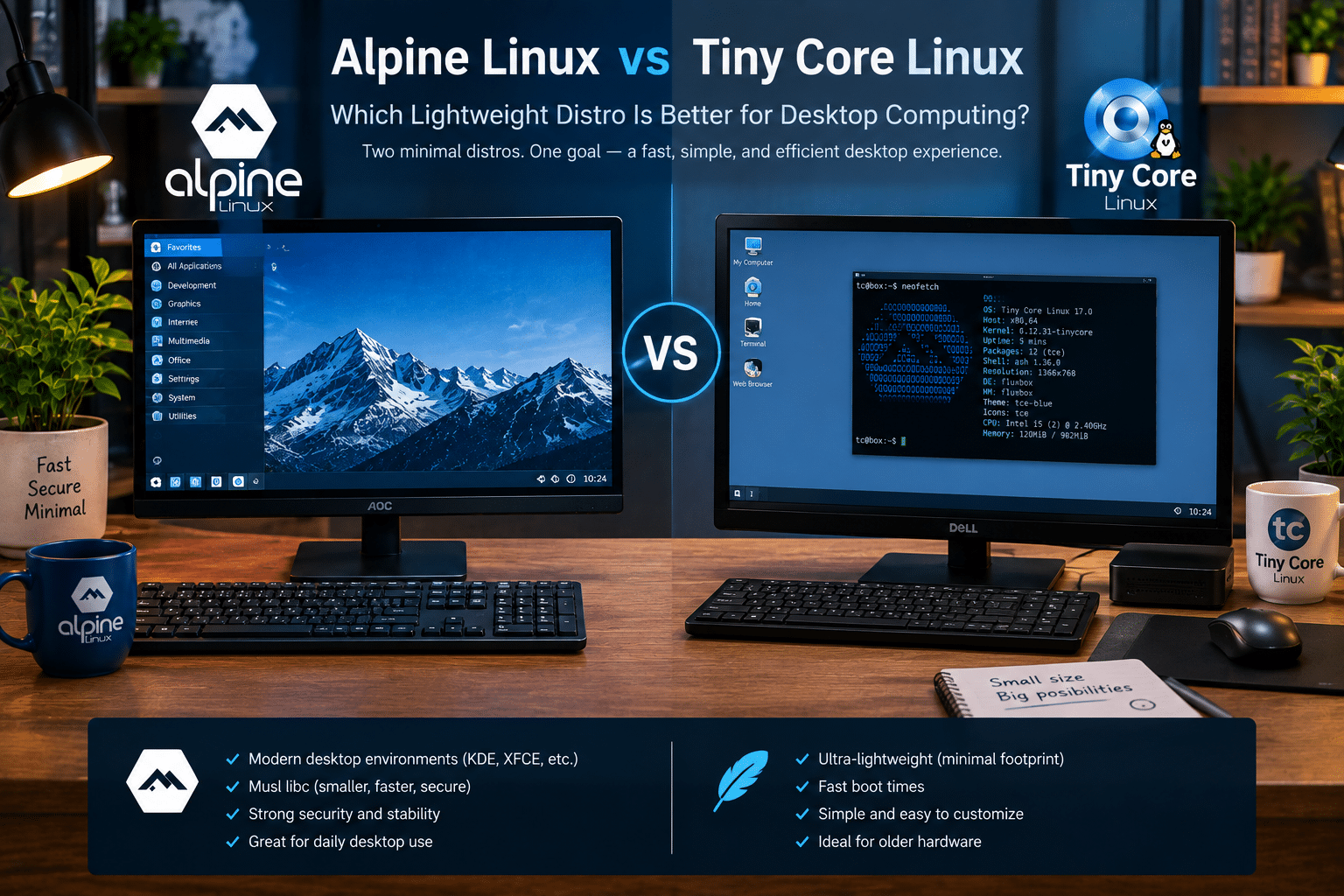
Alpine vs Tiny Core for Desktop Computing
Desktop use is where the difference becomes particularly interesting.
Tiny Core is designed around an extremely lightweight graphical environment.
That makes it impressive for low-end systems.
But modern desktop computing involves more than launching a window manager.
Users expect:
- Modern web browsers
- Video playback
- Hardware acceleration
- Bluetooth
- Wi-Fi
- Printers
- Office applications
- Multimedia tools
- Developer tools
Once you begin adding all of those components, the original advantage of extreme minimalism becomes less significant.
Alpine can also support graphical environments, but its stronger infrastructure ecosystem gives it a broader range of possible applications.
Still, neither distribution should be selected purely because it has a smaller ISO.
Package Management: Alpine Has the Edge
Package management is one of the most important practical differences.
Tiny Core uses extensions to add functionality.
This is highly efficient but intentionally specialized.
Alpine’s APK ecosystem provides a more familiar package-management experience for administrators who want to build a server or development environment.
That makes Alpine easier to integrate into workflows involving:
- Automated deployments
- Servers
- Containers
- Development environments
- Infrastructure scripts
- Reproducible systems
If software installation is going to be a major part of your workflow, Alpine generally has the advantage.
Security: Both Take a Minimalist Approach
Minimal systems have an inherent security advantage: fewer components generally mean fewer things to maintain.
But neither Alpine nor Tiny Core should be treated as automatically secure.
A secure Linux server still needs:
- Regular updates
- Strong authentication
- Firewall configuration
- Secure SSH settings
- Least-privilege permissions
- Monitoring
- Backups
- Vulnerability management
Alpine explicitly positions itself as security-oriented, and its stable branches receive security fixes. The project currently maintains multiple stable release branches with defined support periods.
For infrastructure administrators, that predictable maintenance model is important.
Alpine’s 2026 Development Activity
Alpine remains actively maintained.
The project’s official site lists multiple Alpine releases during 2026, including Alpine 3.24.0 and 3.24.1, alongside maintenance releases for earlier branches.
The project has also continued updating packages in September 2026.
That matters because a lightweight distribution is only useful over the long term if it remains maintained.
A tiny operating system that stops receiving security updates isn’t a bargain.
It’s technical debt.
Tiny Core Is Still Actively Developed
Tiny Core shouldn’t be dismissed as an abandoned ultra-small Linux project either.
Its 17.0 release arrived in February 2026, bringing updated kernels, compilers, libraries, and system utilities.
The project also continues maintaining different download variants and ports, including x86, x86_64, and Raspberry Pi-related options.
So the comparison isn’t between a modern distribution and a dead project.
It is a comparison between two actively maintained projects with different priorities.
Architecture Support Matters More Than Ever
Modern Linux computing extends far beyond traditional desktop PCs.
Users increasingly work with:
- x86_64 servers
- ARM64 systems
- Raspberry Pi devices
- Cloud instances
- Embedded hardware
- Virtual machines
- Edge computing devices
Alpine has developed a particularly strong reputation in heterogeneous infrastructure.
Tiny Core also provides ports beyond its traditional x86 environment, including Raspberry Pi 64-bit work.
When selecting a distribution, always verify that your exact hardware architecture and required software are supported.

Alpine Linux vs Tiny Core for VPS Hosting
This is where lightweight Linux becomes particularly relevant to remote computing.
A VPS doesn’t need to run a graphical desktop unless you specifically want one.
For many server workloads, the ideal VPS operating system is:
- Small
- Stable
- Secure
- Easy to update
- Efficient
- Easy to administer remotely
Alpine fits this model extremely well.
For users who want to deploy websites, APIs, development environments, automation tools, monitoring services, or other Linux workloads remotely, a lightweight distribution can help keep the underlying environment efficient.
This is also where 99RDP’s VPS service can complement the Alpine philosophy.
A user can keep an older or modest local computer running a lightweight desktop while placing continuously running workloads on a remote VPS.
That creates a practical separation between personal computing and server infrastructure.
Instead of upgrading a local PC simply because a service needs to remain online, users can deploy the service remotely and access it through SSH, web interfaces, or other remote-management tools.
Why 99RDP and Lightweight Linux Make a Natural Combination
The connection isn’t complicated.
Lightweight Linux tries to reduce unnecessary local resource consumption.
VPS hosting moves computing resources to a remote server.
Together, they can create a flexible setup.
For example:
Local machine
Use a lightweight Linux installation for:
- Browsing
- Coding
- SSH
- Documentation
- Administration
- Basic productivity
Remote VPS
Run:
- Websites
- APIs
- Development environments
- Automation
- Monitoring
- Databases
- Self-hosted applications
- Linux services
This model can be particularly useful for developers, students, system administrators, and Linux enthusiasts.
The local machine doesn’t need to remain powerful enough to run every service.
The VPS handles the always-on workloads.
Which Is Better for Developers?
For software developers, Alpine is generally the more practical choice.
Why?
Because developers often need:
- Git
- Compilers
- Python
- Node.js
- Go
- Rust
- Databases
- Web servers
- Containers
- CI/CD tools
Alpine can provide a small development foundation while allowing developers to install the tools they need.
However, the musl environment can introduce compatibility differences.
If your software depends heavily on glibc-specific behavior, Debian or Ubuntu may still be a better development target.
Tiny Core can certainly support development tools, but it is better suited to users who deliberately want an extremely customized environment.
Which Is Better for a Homelab?
For most homelab users, Alpine wins.
A homelab often involves several services running simultaneously.
You may want:
- DNS
- VPN
- Web services
- Reverse proxies
- Monitoring
- Containers
- Databases
- Network utilities
Alpine’s server-oriented design makes it a natural fit.
Tiny Core can perform specialized tasks, but Alpine gives you more room to grow.
Which Is Better for Rescue and Recovery?
This is where Tiny Core can shine.
A tiny operating system that boots quickly and consumes very few resources can become an excellent emergency tool.
You can use lightweight Linux for:
- Recovering files
- Diagnosing hardware
- Testing networking
- Partition management
- Troubleshooting boot problems
- Accessing damaged systems
- Recovering data
Tiny Core’s small footprint makes it particularly interesting for this role.
Which Is Easier to Learn?
Neither is necessarily beginner-friendly in the traditional sense.
If your definition of learning Linux is:
“I want an operating system that teaches me how Linux components fit together.”
Tiny Core is fascinating.
Its modular structure encourages experimentation.
If your goal is:
“I want to learn practical Linux server administration.”
Alpine may be the better option.
You can learn:
- Package management
- Service management
- Networking
- SSH
- Web servers
- Containers
- User permissions
- Storage
- Security
That knowledge transfers well to broader Linux infrastructure.
The Biggest Alpine Disadvantage: musl Compatibility
Alpine’s biggest strength can also become a weakness.
Its musl-based environment isn’t identical to a traditional glibc-based Linux distribution.
Some applications work perfectly.
Others may require:
- Different packages
- Compatibility layers
- Recompilation
- Configuration changes
- Alternative dependencies
This is particularly relevant for proprietary applications or software that assumes a glibc environment.
Therefore, don’t select Alpine simply because someone says it’s smaller.
Test your workload.
The Biggest Tiny Core Disadvantage: Complexity at Scale
Tiny Core is incredibly efficient.
But the more functionality you add, the more you move away from its original simplicity.
If you need a large number of services and applications, managing the environment can become less convenient than using a more conventional lightweight distribution.
That’s why Tiny Core excels in specialized minimalism, while Alpine excels in practical infrastructure minimalism.
Performance: Smaller Isn’t Automatically Faster
A common misconception is:
Smaller Linux = faster Linux.
The reality is more complicated.
Boot speed depends on:
- Hardware
- Storage
- Kernel configuration
- Services
- Drivers
- Filesystem
- Initialization process
Application performance depends on:
- CPU
- RAM
- Storage
- Application architecture
- Libraries
- Network performance
A tiny operating system can reduce overhead, but it cannot overcome hardware limitations or inefficient applications.
The correct way to think about lightweight Linux is:
It gives your applications more room to breathe.
Alpine vs Tiny Core: The Final Scorecard
For extreme minimalism
Winner: Tiny Core
Tiny Core’s entire philosophy revolves around keeping the system exceptionally small.
For servers
Winner: Alpine
Alpine provides a more practical infrastructure environment.
For containers
Winner: Alpine
Its compact base and musl/BusyBox foundation make it a natural choice for compatible container workloads.
For old desktops
Winner: Tiny Core
When every megabyte matters, Tiny Core is difficult to ignore.
For development
Winner: Alpine
Its package ecosystem and broader server orientation make it easier to build a practical development environment.
For homelabs
Winner: Alpine
It provides more room to grow as you add services.
For rescue systems
Winner: Tiny Core
Its extremely small footprint and modular design are excellent for specialized recovery environments.
For VPS infrastructure
Winner: Alpine
It is better suited to continuously running server workloads.
So, Which Lightweight Linux Distro Is Better in 2026?
The answer is Alpine Linux for most users, Tiny Core for specialized minimalism.
Tiny Core deserves enormous credit for demonstrating how little operating system a computer actually needs.
Its 2026 release proves that ultra-lightweight Linux remains relevant.
But Alpine solves a broader problem.
It asks:
How small can a Linux system be while remaining practical for serious modern computing?
That is why Alpine is particularly compelling.
It combines:
- A lightweight architecture
- musl libc
- BusyBox
- OpenRC
- APK package management
- Security-oriented design
- Server capabilities
- Container compatibility
- Multiple architecture options
- Active development
And it continues to receive updates in 2026.
Tiny Core remains the better choice when your overriding objective is extreme compactness.
But if you want lightweight Linux that can start small and grow into a capable server, development environment, container host, or homelab platform, Alpine Linux is the stronger all-rounder.
The Bigger Lesson: Lightweight Computing Is Back
The Alpine vs Tiny Core comparison points to a larger trend.
Computing doesn’t always need more hardware.
Sometimes it needs better software.
A system that consumes fewer resources can:
- Extend the useful life of older hardware.
- Reduce infrastructure overhead.
- Improve virtualization density.
- Reduce storage requirements.
- Speed up deployments.
- Leave more resources for applications.
- Make small servers more practical.
This philosophy also fits naturally with cloud and VPS infrastructure.
Instead of buying increasingly powerful hardware for every workload, users can combine an efficient local machine with appropriately sized remote computing resources.
That’s where services such as 99RDP’s VPS hosting become particularly relevant.
A lightweight Linux desktop can handle local interaction, while a remote VPS handles workloads that need persistent availability.
Final Verdict: Alpine Linux Wins the Overall Battle
If the question is:
“Which is the smallest?”
Tiny Core deserves the spotlight.
If the question is:
“Which can squeeze Linux onto extremely limited hardware?”
Tiny Core is an excellent candidate.
But if the question is:
“Which lightweight Linux distribution should I choose for practical computing in 2026?”
Alpine Linux is the stronger answer for most users.
It doesn’t sacrifice minimalism.
Instead, it turns minimalism into a foundation for practical infrastructure.
Tiny Core shows us how small Linux can become.
Alpine shows us how useful a tiny Linux system can remain.
And in 2026, that distinction matters more than a few megabytes.
For developers, homelab enthusiasts, system administrators, VPS users, and anyone looking to build efficient infrastructure, Alpine Linux offers an unusually compelling combination of simplicity, resource efficiency, security-conscious design, and practical capability.
Meanwhile, Tiny Core remains an outstanding specialist tool for users who want to push Linux minimalism to its limits.
The winner isn’t the distribution with the smallest number. The winner is the distribution that wastes the least while doing exactly what you need.
For that broader definition of lightweight Linux, Alpine Linux takes the crown in 2026.
EXPLORE MORE ; Kagi Orion for Linux 0.4.1 Beta

READ OUR BLOGS


