
KDE Frameworks 6.30: How Baloo, KWallet and System Monitor Get Better

Linux desktop development rarely depends on one dramatic feature. The experience users enjoy every day comes from hundreds of smaller components working together efficiently.
That is exactly why KDE Frameworks 6.30 matters.
Released on September 9, 2026, KDE Frameworks 6.30 is the latest monthly update to the libraries that underpin KDE Plasma and many KDE applications. Rather than introducing a sweeping redesign, this release focuses on practical improvements across file indexing, credential management, system monitoring, caching, filesystem handling, and other desktop infrastructure. KDE says the Frameworks series follows a planned monthly release cycle designed to deliver improvements to developers quickly and predictably.
Three areas deserve particular attention: Baloo, KWallet, and System Monitor.
Baloo becomes smarter about what it indexes. KWallet receives a collection of reliability and cleanup improvements. System Monitor becomes easier to read by improving the alignment of numerical information.
Individually, these changes may look modest. Collectively, they show KDE’s broader direction: making the Linux desktop more efficient, dependable, and capable without constantly adding complexity.
For people using Linux locally or through remote computing environments, that evolution matters. A polished desktop environment can make remote work, development, administration, and productivity considerably more comfortable.
This is where remote desktop services such as 99RDP can complement the KDE ecosystem. KDE improves the software environment users interact with, while remote desktop infrastructure can provide access to computing resources from different devices and locations.
Let’s examine what KDE Frameworks 6.30 actually changes and why those improvements matter.
What Is KDE Frameworks?
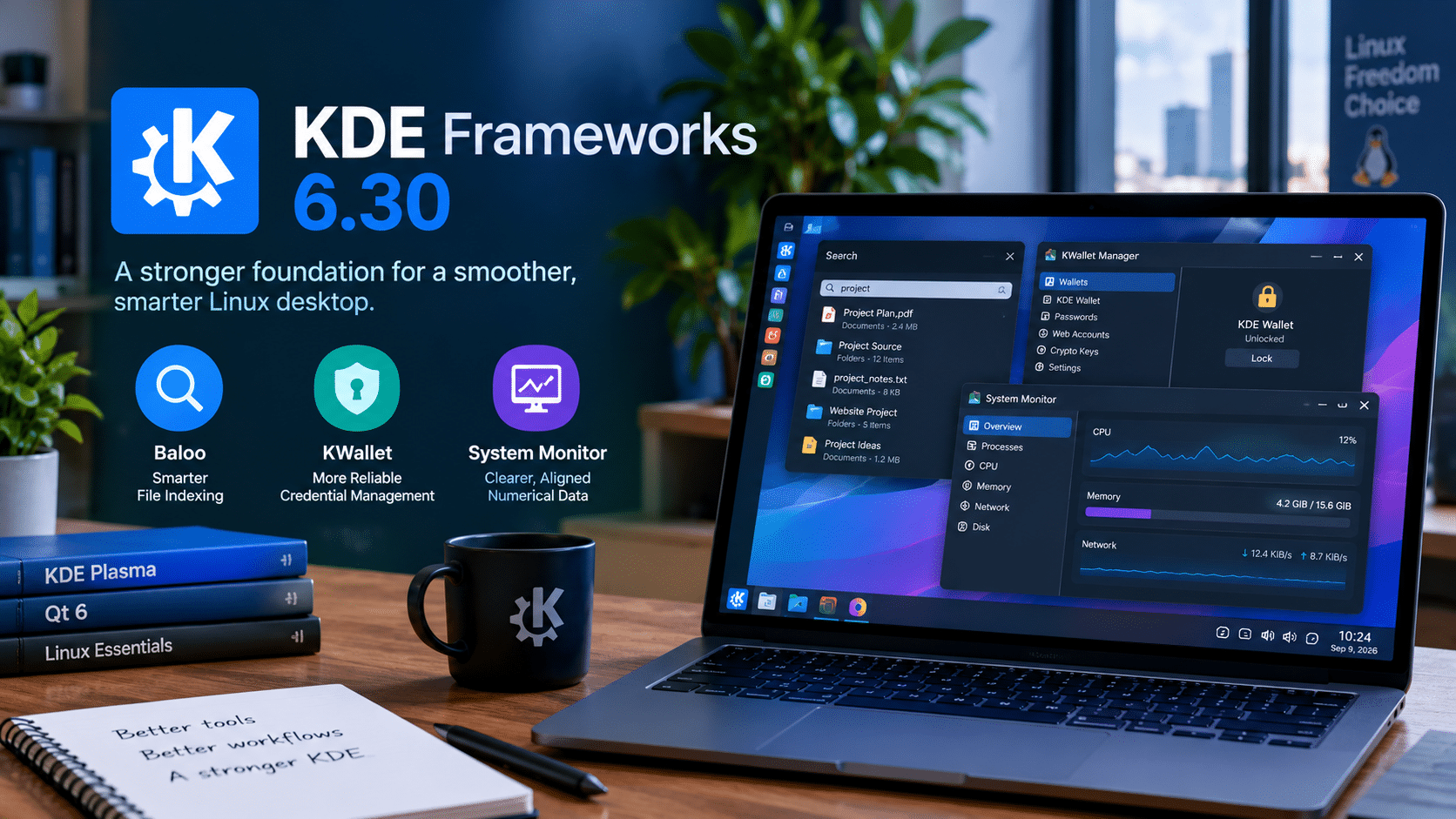
Before looking at Frameworks 6.30, it helps to understand what KDE Frameworks actually does.
KDE Frameworks is a collection of libraries that developers can use when creating KDE software and other Qt-based applications.
Instead of every application independently implementing common functionality, developers can rely on shared components for tasks such as:
- File handling
- Configuration
- Authentication
- Icons
- User-interface elements
- Networking
- Hardware interaction
- File indexing
- System integration
- Multimedia-related functionality
This architecture gives KDE a significant advantage.
When developers improve a shared framework, multiple applications can benefit from that work.
That makes Frameworks less visible than Plasma itself but extremely important to the overall KDE experience.
KDE Frameworks 6.30 continues that approach, with the official release containing updates across numerous Frameworks modules. KDE also states that Frameworks 6.30 requires Qt 6.9.0.
1. Baloo Gets Smarter About File Indexing
One of the most useful changes in KDE Frameworks 6.30 involves Baloo, KDE’s file indexing system.
File indexing allows applications to locate files and information quickly without repeatedly scanning an entire storage device.
That sounds straightforward until you consider how much data modern Linux systems contain.
A typical workstation can have:
- Documents
- Photos
- Videos
- Source-code repositories
- Virtual-machine images
- Container data
- Backups
- Cache directories
- Cloud-synchronized files
- Filesystem snapshots
Indexing all of this can consume processing resources and storage bandwidth.
Frameworks 6.30 makes Baloo more selective.
Btrfs snapshots are now ignored
KDE specifically changed Baloo so it excludes .snapshots directories from indexing. This is particularly useful for users who keep Btrfs snapshots inside their home directories.
Why does this matter?
A Btrfs snapshot can contain another representation of a large amount of existing data. Users create snapshots for recovery and versioning, not because they necessarily want every historical copy of every file to appear in desktop search.
If an indexer unnecessarily processes those snapshots, it performs work that provides little value.
The new behavior therefore reflects a simple principle:
Don’t spend computing resources indexing data that users do not need to search.
That can become increasingly important as storage capacity grows.
2. Baloo Can Skip Unnecessary Content Extraction
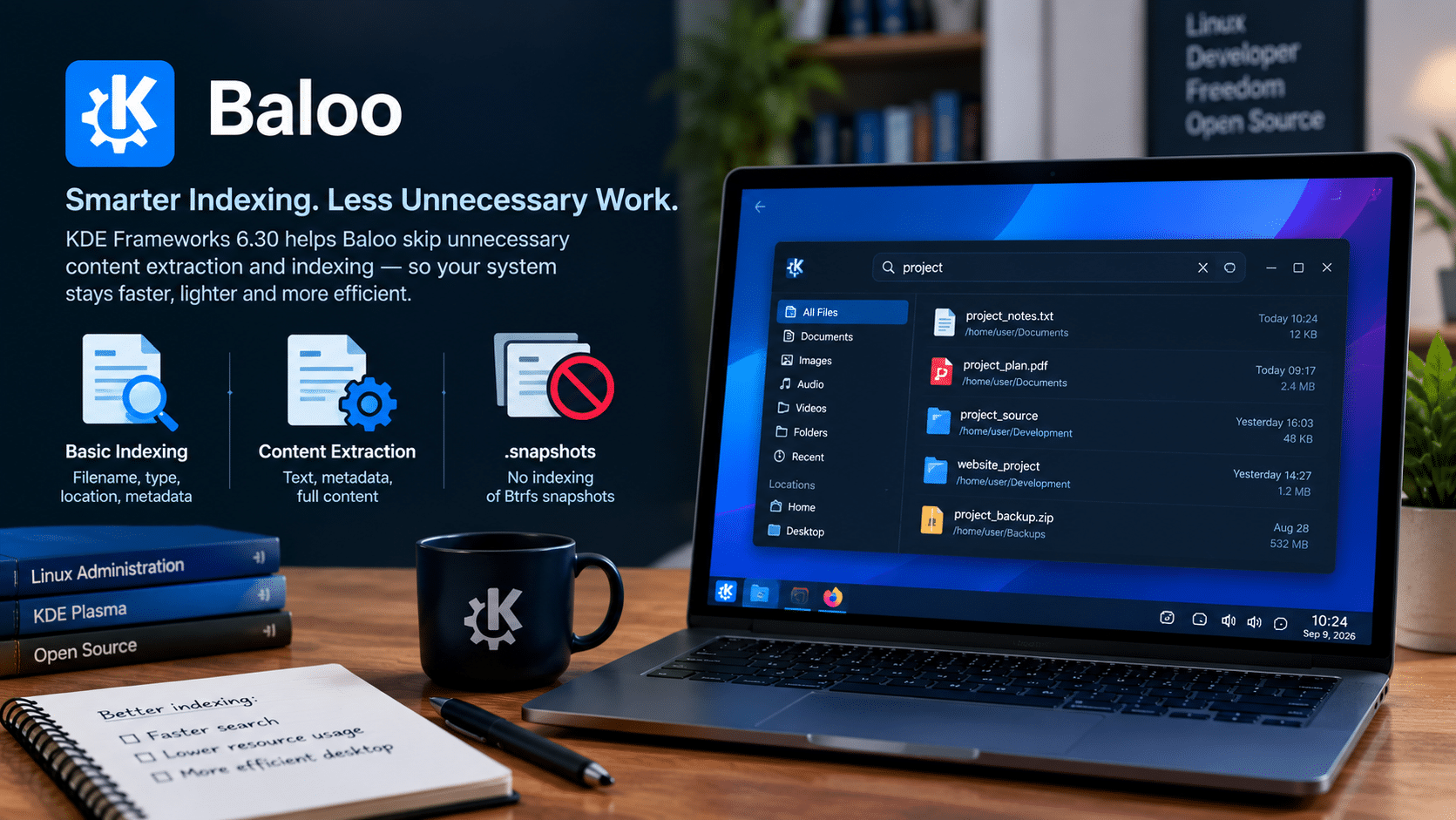
Frameworks 6.30 also improves Baloo’s behavior when applications request only basic indexing.
KDE says the extractor now skips content indexing when onlyBasicIndexing is enabled.
This distinction is important.
There is a difference between knowing that a file exists and analyzing everything inside it.
Basic indexing might involve information such as:
- Filename
- File path
- File type
- Basic metadata
- Modification information
Content indexing goes further.
It can involve extracting searchable text or metadata from the contents of supported files.
If an application only requires basic indexing, performing full content extraction wastes resources.
Frameworks 6.30 therefore gives Baloo a clearer opportunity to avoid unnecessary processing.
3. Why Smarter Indexing Matters on Modern PCs
Today’s Linux computers often run many workloads simultaneously.
A developer might have:
- A browser with dozens of tabs
- An IDE
- Multiple terminals
- Containers
- A local database
- A virtual machine
- Git repositories
- Cloud synchronization
- Background security software
Every background process competes for CPU, memory, storage, and I/O resources.
File indexing represents just one part of that workload.
Making the indexer more selective does not magically transform system performance, but it removes unnecessary work.
That is an important distinction.
Good performance is not always about making individual operations dramatically faster.
Sometimes it is about not performing operations that do not need to happen.
4. KWallet Receives a Broad Reliability Cleanup
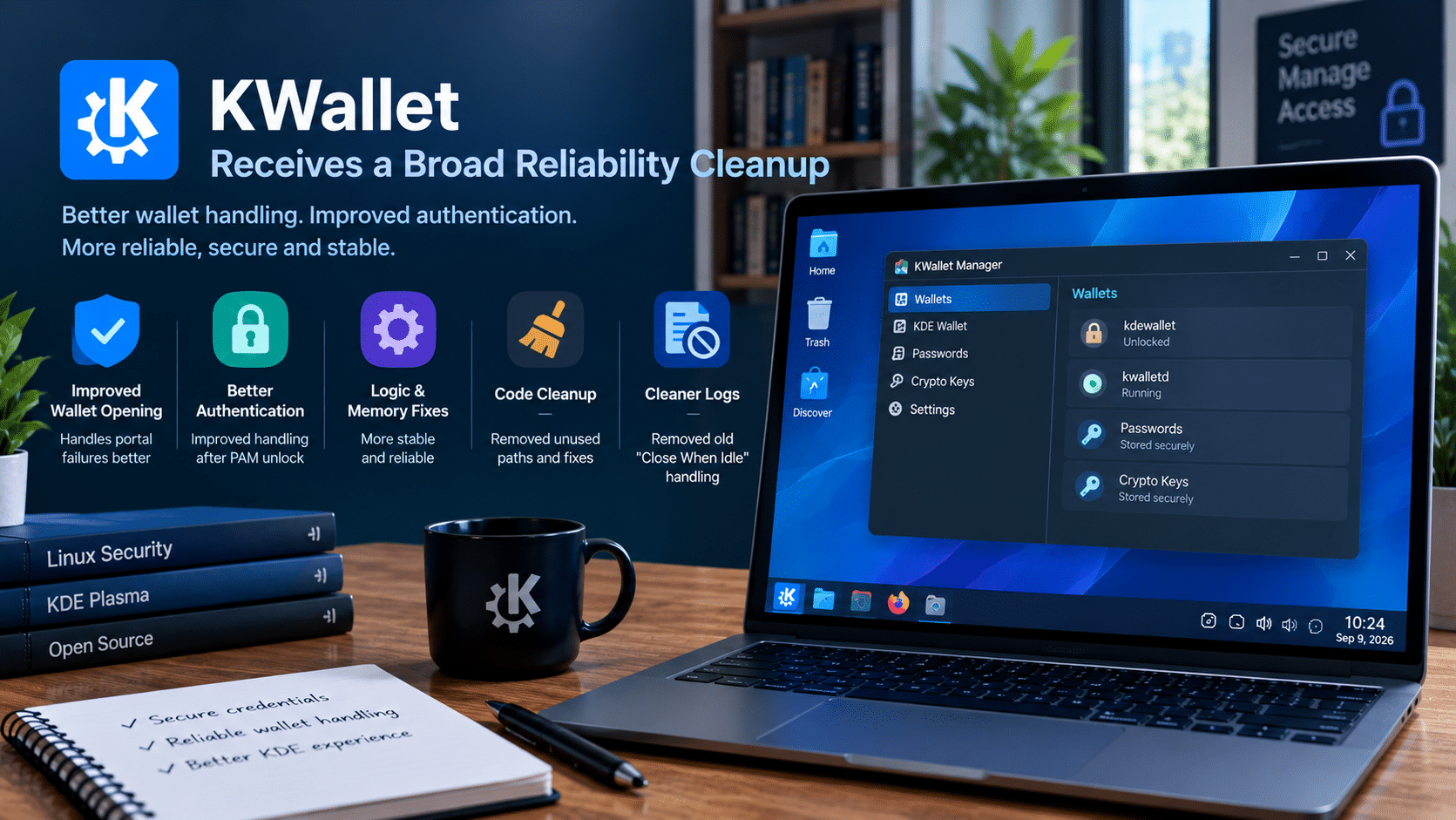
The second major area of interest is KWallet.
KWallet provides KDE applications with infrastructure for managing sensitive information such as credentials.
Security-related components need to be dependable because problems can affect both usability and trust.
Frameworks 6.30 includes numerous KWallet changes.
KDE reports improvements to wallet-opening behavior when a portal fails, better handling of wallet state after PAM unlocking, logic fixes, memory-leak fixes, cleanup of unused code, and other internal improvements.
The release also removes the old “Close When Idle” handling from kwalletd, addressing a reported issue involving unnecessary log messages in certain configurations.
These changes demonstrate an important aspect of open-source development.
Not every important improvement is visible on the screen.
Some of the most valuable work happens inside components users rarely interact with directly.
5. Why KWallet Improvements Matter
Think about how many credentials a modern desktop user may rely on.
A Linux workstation could interact with:
- Git repositories
- SSH services
- Wi-Fi networks
- Cloud platforms
- Development APIs
- Remote servers
- VPN services
- Desktop applications
- Network resources
Credential management therefore becomes part of the operating environment.
If the underlying wallet behaves unpredictably, users can encounter confusing authentication problems.
Frameworks 6.30 addresses several such issues at the infrastructure level.
The result is not a flashy new feature.
It is something arguably more important:
more predictable behavior from a foundational desktop component.
6. System Monitor Gets Better at Presenting Numbers
System Monitor is another area where Frameworks 6.30 introduces a subtle but useful improvement.
KDE reports that System Monitor graphs now request tabular numerals for legends when the selected font supports them. The goal is improved alignment.
This might sound like a tiny typography adjustment.
In a monitoring application, however, numerical readability matters.
System Monitor deals with information such as:
- CPU utilization
- Memory usage
- Network traffic
- Storage activity
- Process statistics
- System load
Users often need to compare values quickly.
When numbers align consistently, the eye can scan them more easily.
That becomes especially useful when monitoring a system under pressure.
7. Better Monitoring Is Important for Remote Computing
System monitoring becomes even more valuable when the computer is not physically in front of you.
When managing a remote machine, you cannot simply look at the hardware and determine what is happening.
You need software to tell you.
For example, a remote Linux workstation might suddenly experience:
- High CPU utilization
- Memory exhaustion
- Heavy disk activity
- Network congestion
- A runaway process
Clear monitoring information helps identify the problem.
This makes graphical monitoring tools valuable even for users who primarily associate Linux administration with command-line interfaces.
A KDE desktop can provide a familiar graphical layer on top of a powerful remote environment.
8. KDE Frameworks 6.30 Also Improves SVG Caching
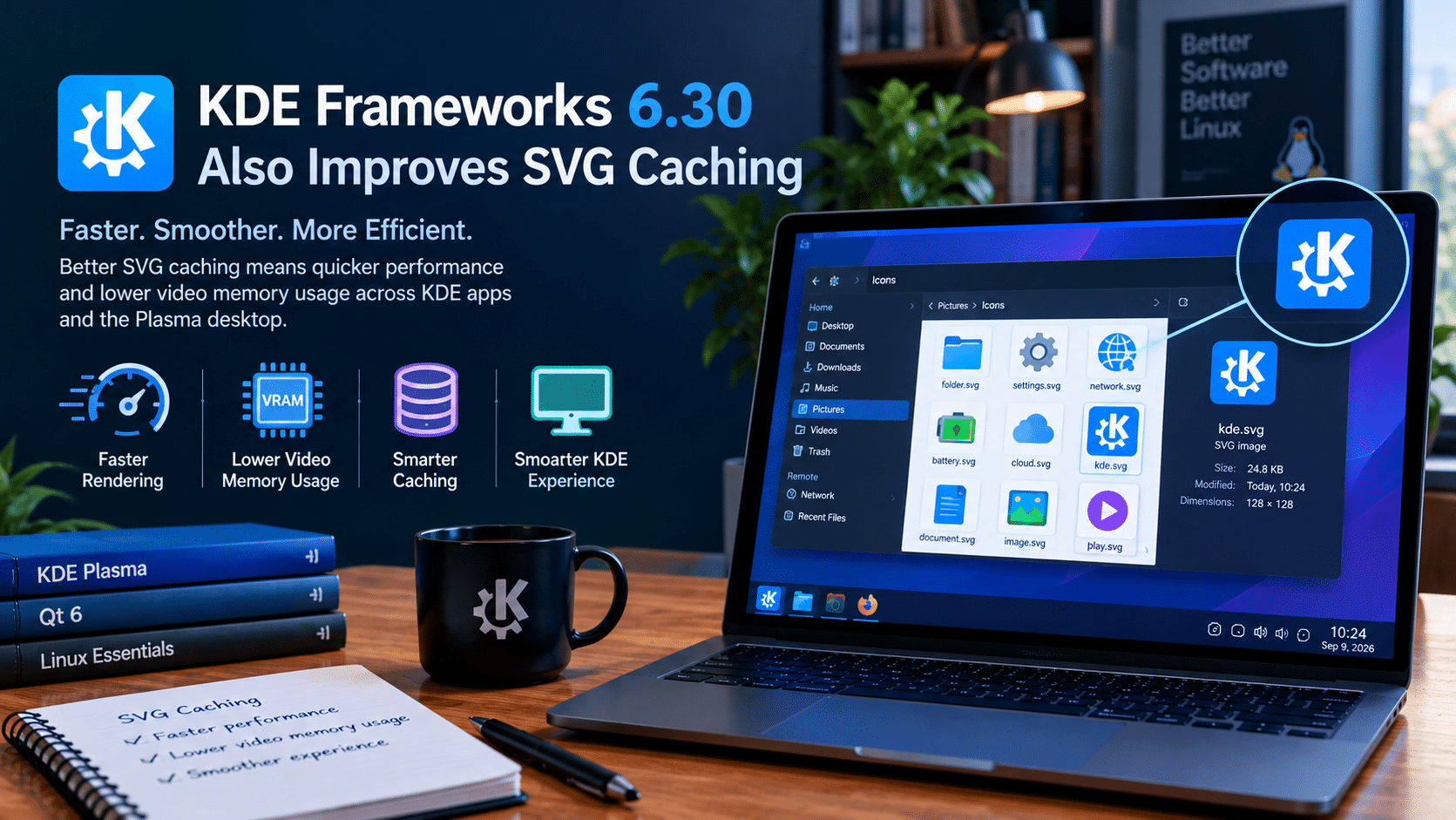
Frameworks 6.30 is not limited to Baloo, KWallet, and System Monitor.
KDE’s development updates also highlight an improvement to SVG image caching that can slightly increase speed while reducing video-memory usage.
SVG files are widely used throughout modern desktop environments.
They appear in:
- Icons
- Interface elements
- Themes
- Application graphics
- Scalable UI components
Efficient caching can therefore have benefits beyond a single application.
Again, the improvement follows the same philosophy seen elsewhere in Frameworks 6.30:
use resources intelligently.
9. KDE Connect and Clipboard Handling Also Benefit
KDE’s development updates around Frameworks 6.30 mention additional fixes that demonstrate the breadth of the release.
One fix addresses a situation in which KDE Connect could consume an entire CPU core. Another fixes problems involving very large images on the clipboard that could sometimes fail to paste successfully.
These are practical problems.
KDE Connect connects devices and desktops, while clipboard functionality is something users expect to work reliably without thinking about it.
Large clipboard images can become particularly relevant in professional workflows involving:
- Screenshots
- Design applications
- Documentation
- Presentations
- Remote desktop sessions
- Image editing
The improvements reinforce the idea that KDE is working on the everyday details that make an operating environment dependable.
10. Frameworks 6.30 Reflects KDE’s Maturity
The most interesting thing about Frameworks 6.30 may not be any individual feature.
It is the development philosophy behind the release.
KDE is refining a mature ecosystem rather than constantly rebuilding it.
The project continues to improve:
- Resource usage
- Compatibility
- Security infrastructure
- Filesystem handling
- Indexing
- UI components
- Caching
- System integration
- Wayland support
This is how large open-source projects mature.
They gradually eliminate inefficiencies and edge-case failures.
Over time, thousands of these changes can produce a substantially better user experience.
KDE Frameworks 6.30: Key Improvements
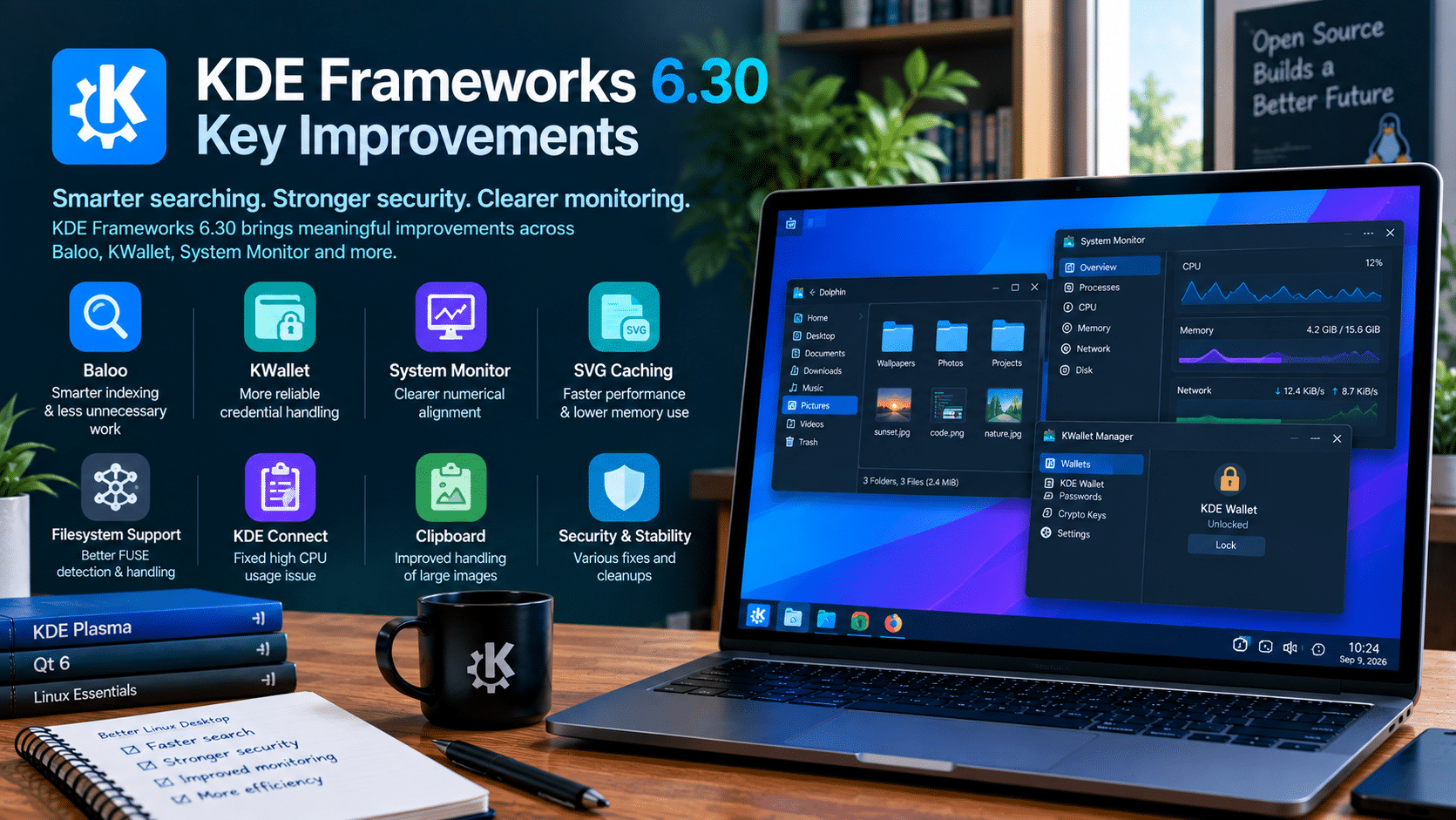
| Component | Change | Practical Benefit |
|---|---|---|
| Baloo | Excludes .snapshots directories |
Avoids unnecessary snapshot indexing |
| Baloo | Skips content extraction for basic indexing | Reduces unnecessary processing |
| KWallet | Better portal and authentication handling | Improves reliability |
| KWallet | Logic and memory-leak fixes | Improves stability |
| System Monitor | Tabular numerals in graph legends | Improves numerical alignment |
| SVG handling | Improved caching | Can improve speed and reduce video-memory use |
| KDE Connect | CPU-usage bug fix | Prevents excessive resource consumption |
| Clipboard | Better handling of very large images | Improves reliability |
These improvements come from KDE’s official release notes and development updates.
11. KDE Frameworks 6.30 and the Rise of Remote Linux Work

The improvements in Frameworks 6.30 also fit into a broader shift in how people use computers.
The traditional model looks like this:
Laptop → Applications → Local processing → Local storage
Modern computing increasingly looks like this:
Local device → Network → Remote computing environment → Remote storage/services
This model can provide flexibility.
A user might access a powerful Linux environment from:
- An inexpensive laptop
- A thin client
- A workstation
- A tablet
- Another desktop
- A travel computer
The local device becomes the access point rather than the entire computing environment.
KDE’s improving desktop stack makes this model increasingly attractive for users who prefer graphical Linux workflows.
Where 99RDP Fits Into the Picture
This is where 99RDP can become relevant.
KDE Frameworks does not provide remote hosting itself. It provides software infrastructure used by KDE and related applications.
A remote desktop provider solves a different problem: giving users access to computing resources remotely.
That makes the two complementary rather than competing technologies.
A user can potentially combine:
KDE Plasma + KDE applications + Remote desktop infrastructure
to create a flexible remote Linux workflow.
For example, a developer could use a remote environment for:
- Software development
- Testing
- Server administration
- Build workloads
- Remote tools
- Documentation
- Browser-based research
The local computer does not necessarily need to carry the entire workload.
With 99RDP’s remote desktop services, users can explore a model in which computing resources remain centralized while the desktop remains accessible remotely.
That can be especially useful for users who regularly switch between devices.
Remote KDE Workflows Can Help Extend Hardware Lifecycles

One benefit of remote computing is that the local device does not always need to be the most powerful machine available.
Suppose an older laptop remains perfectly capable of:
- Displaying a desktop
- Running a browser
- Handling keyboard and mouse input
- Maintaining a network connection
It may still provide a useful remote-work terminal.
The heavier workload can run elsewhere.
This does not mean every task should move to a remote server. Local computing remains essential for many workloads.
But remote infrastructure provides another option.
For developers, administrators, students, and professionals, that flexibility can be valuable.
KDE’s Monthly Frameworks Releases Keep the Ecosystem Moving
KDE Frameworks follows a predictable monthly release cadence.
KDE explicitly describes the series as planned monthly releases designed to make improvements available quickly and predictably.
That model offers several advantages.
Faster bug fixes
Developers do not necessarily have to wait for a huge annual release.
Continuous refinement
Individual components can improve independently.
Predictability
Distributions and application developers can plan around a regular release rhythm.
Incremental modernization
KDE can gradually improve its Qt 6-based architecture instead of attempting to change everything simultaneously.
This approach is particularly well suited to a large open-source ecosystem.
What KDE Frameworks 6.30 Means for Developers
Developers are among the biggest beneficiaries of Frameworks improvements.
Shared libraries allow application developers to reuse functionality rather than rebuilding it from scratch.
Consider file handling.
If multiple applications depend on common KDE infrastructure, an improvement to that infrastructure can potentially benefit multiple applications.
The same applies to:
- Authentication
- Icons
- File operations
- Configuration
- Networking
- UI components
- System integration
This reduces duplicated effort.
It also makes the ecosystem easier to maintain.
What KDE Frameworks 6.30 Means for Everyday Users
Most users will not need to download Frameworks 6.30 manually.
KDE recommends obtaining Frameworks through packages supplied by your Linux distribution.
That means the best approach for most users is simple:
Keep your Linux system updated.
Your distribution will determine when the new Frameworks packages become available.
Users who run Btrfs snapshots, rely heavily on KDE search, use KWallet, or regularly monitor system resources may eventually notice some of these improvements directly.
Others may never consciously notice them.
That is not necessarily a problem.
Good infrastructure often works best when users do not have to think about it.
Should You Upgrade to KDE Frameworks 6.30?
If your Linux distribution provides Frameworks 6.30 through its normal stable update channel, upgrading is generally the sensible approach.
However, users should avoid manually replacing distribution-managed Frameworks packages with custom builds unless they understand the consequences.
Frameworks libraries are deeply integrated into the KDE software stack.
For most users:
- Update through the distribution.
- Keep Plasma and KDE applications synchronized with supported packages.
- Reboot if your distribution recommends it.
- Test your normal workflow.
- Report reproducible problems to the appropriate KDE or distribution project.
KDE itself recommends distribution packages as the preferred way to obtain the Frameworks release.
The Bigger Lesson: Performance Is About Efficiency
KDE Frameworks 6.30 provides an excellent example of modern software optimization.
Performance does not always mean making a processor run faster.
It can mean:
- Avoiding unnecessary indexing
- Reducing redundant extraction
- Preventing memory leaks
- Reducing excessive logging
- Improving caching
- Avoiding unnecessary disk access
- Presenting information more efficiently
- Handling edge cases correctly
These changes may appear small individually.
But users interact with thousands of such operations during a normal computing session.
Small efficiencies accumulate.
That is why framework-level development deserves attention even when it does not produce a headline feature.
Why KDE’s Approach Matters for Linux
Linux has always benefited from modular architecture.
KDE Frameworks builds on that philosophy.
Rather than creating one enormous monolithic desktop system, KDE maintains numerous specialized components that interact with each other.
That architecture makes it possible to improve one part without completely redesigning everything else.
Frameworks 6.30 demonstrates the strength of this approach.
Baloo can become more efficient.
KWallet can become more reliable.
System Monitor can become easier to read.
SVG caching can become more efficient.
Clipboard handling can improve.
KDE Connect can avoid excessive CPU usage.
And the broader ecosystem continues moving forward.
KDE Frameworks 6.30 Is a Quiet but Important Release
There is a tendency to judge software releases by their most visible features.
That approach does not work particularly well for KDE Frameworks.
The value of Frameworks 6.30 lies in its details.
The release makes Baloo more intelligent about indexing. It improves KWallet’s internal behavior and reliability. It makes numerical information in System Monitor easier to align. It improves caching and addresses several other technical issues throughout the ecosystem.
None of these changes individually revolutionizes the Linux desktop.
Together, they make the foundation stronger.
And strong foundations matter.
KDE Frameworks 6.30 and the Future of Remote Computing
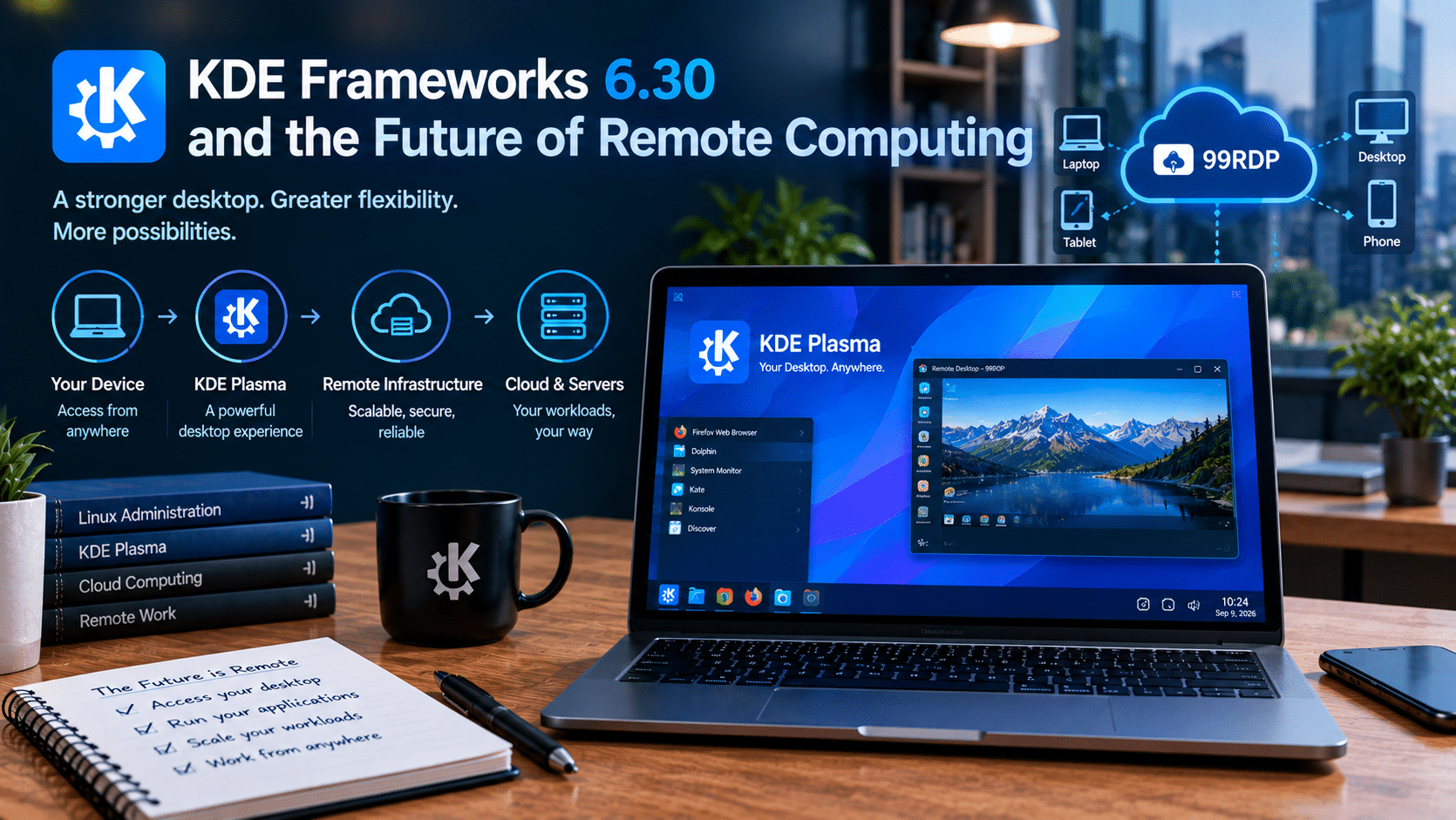
The future of desktop computing will likely involve a mixture of local and remote resources.
Users will continue to run applications locally when that makes sense.
They will also access:
- Remote development environments
- Cloud servers
- Virtual machines
- Remote desktops
- Centralized storage
- Managed infrastructure
KDE’s continued work on its desktop stack makes Linux increasingly comfortable in these environments.
Meanwhile, providers such as 99RDP can address the infrastructure side of remote computing.
That combination creates an interesting model:
KDE provides the desktop experience.
Linux provides the open platform.
Remote infrastructure provides computing flexibility.
Users decide where their workloads should run.
This model can be useful for organizations and individuals that need access to computing resources without tying every workload to one physical machine.
Final Thoughts
KDE Frameworks 6.30 is not a flashy release—and that is precisely what makes it interesting.
Released on September 9, 2026, the update continues KDE’s monthly Frameworks development cycle and focuses on the underlying components that make KDE software work reliably.
Baloo gets smarter by excluding Btrfs .snapshots directories from indexing and avoiding unnecessary content extraction when only basic indexing is required.
KWallet receives a broad collection of reliability, logic, memory-management, and cleanup improvements.
System Monitor improves the presentation of numerical data by using tabular numerals where supported.
Additional work improves SVG caching, clipboard reliability, KDE Connect behavior, filesystem handling, and other parts of the KDE ecosystem.
The result is not a dramatically different KDE desktop.
Instead, it is a more mature KDE desktop.
That distinction matters.
The best desktop environments are not necessarily those that constantly add the most features. They are the ones that progressively eliminate friction, reduce wasted resources, improve reliability, and make existing capabilities work better.
KDE Frameworks 6.30 follows exactly that philosophy.
For Linux users, developers, and remote-work professionals, the message is clear: the Linux desktop continues to evolve not only through big releases, but through hundreds of carefully targeted improvements underneath the surface.
And as remote computing becomes more common, the combination of a mature Linux desktop such as KDE Plasma with flexible remote infrastructure such as 99RDP gives users another way to build productive, accessible, and scalable computing environments.
KDE Frameworks 6.30 may be a quiet release.
But underneath the quietness, it is doing something important: making the Linux desktop better, one component at a time.
EXPLORE MORE ; Best Ways to Run Linux Smoothly on Low-End and Aging Hardware
READ OUR BLOGS


