
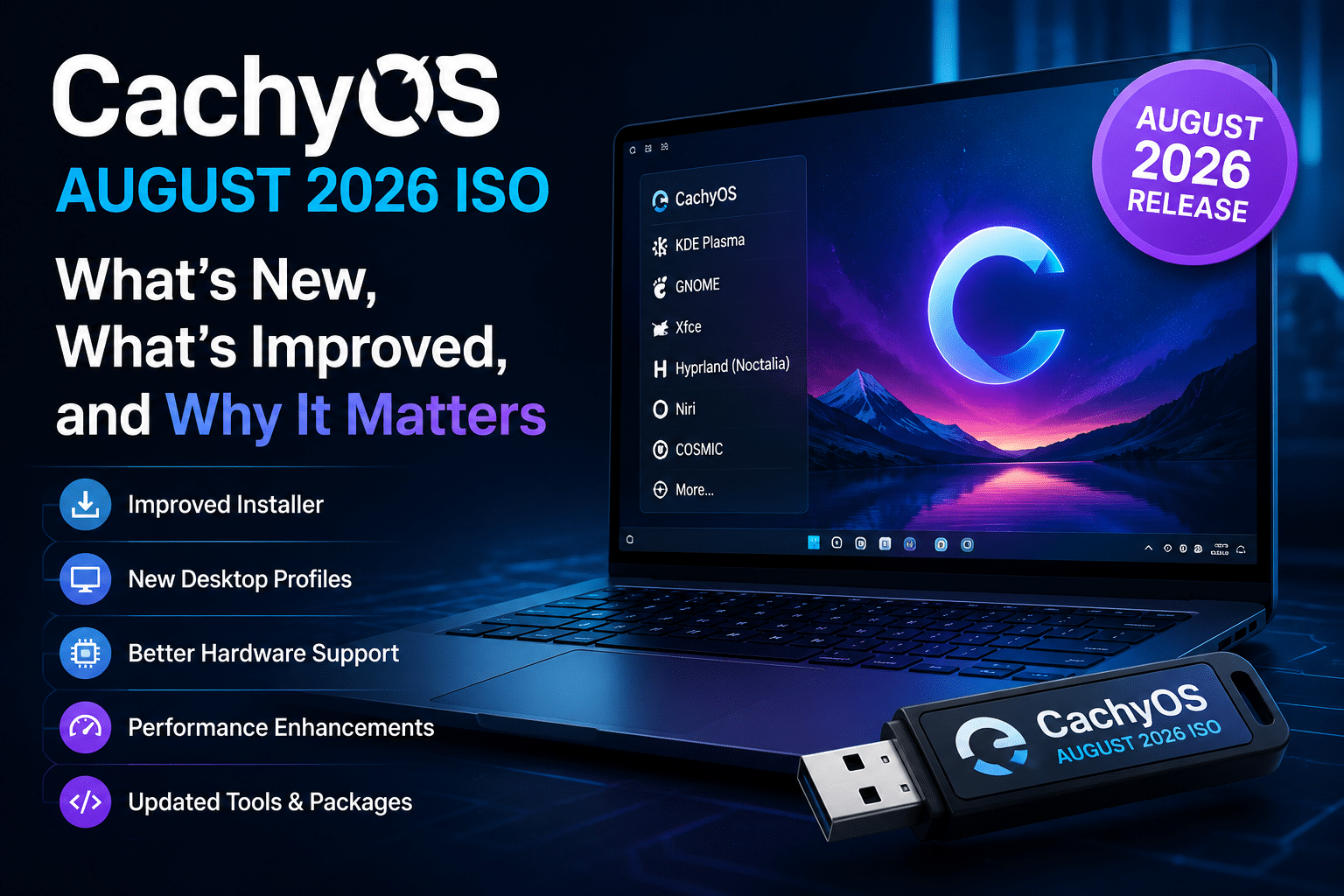
CachyOS August 2026 ISO: What’s New, What’s Improved, and Why It Matters
CachyOS August 2026 brings another important step forward for one of the fastest-moving Arch Linux distributions. The latest ISO focuses on a smarter installation experience, more refined desktop profiles, improved hardware handling, modern system tools, and better support for users who want a high-performance Linux environment without building everything from scratch.
CachyOS has always attracted attention because it approaches Linux from a performance-first perspective. It combines the flexibility of Arch Linux with optimized packages, custom kernels, gaming-focused improvements, modern desktop environments, and tools designed to reduce configuration overhead.
But performance alone does not create a great operating system.
Users also need an installer that makes sensible choices, hardware detection that works reliably, desktop profiles that feel complete, package-management tools that remain approachable, and update mechanisms that do not turn routine maintenance into a chore.
That broader philosophy explains why the August 2026 CachyOS ISO matters.
The latest release continues a development pattern that has already appeared throughout 2026. The January release significantly reworked the installer, March introduced animated desktop previews and other installation improvements, April introduced the Shelly package manager as a major part of the desktop experience, and June added the Hyprland Noctalia option alongside performance and hardware improvements.
The August release builds on that foundation.
For developers and Linux professionals, these improvements also raise an interesting question: what happens when a performance-oriented Linux workstation needs a reliable remote environment for development, testing, automation, hosting, or staging?
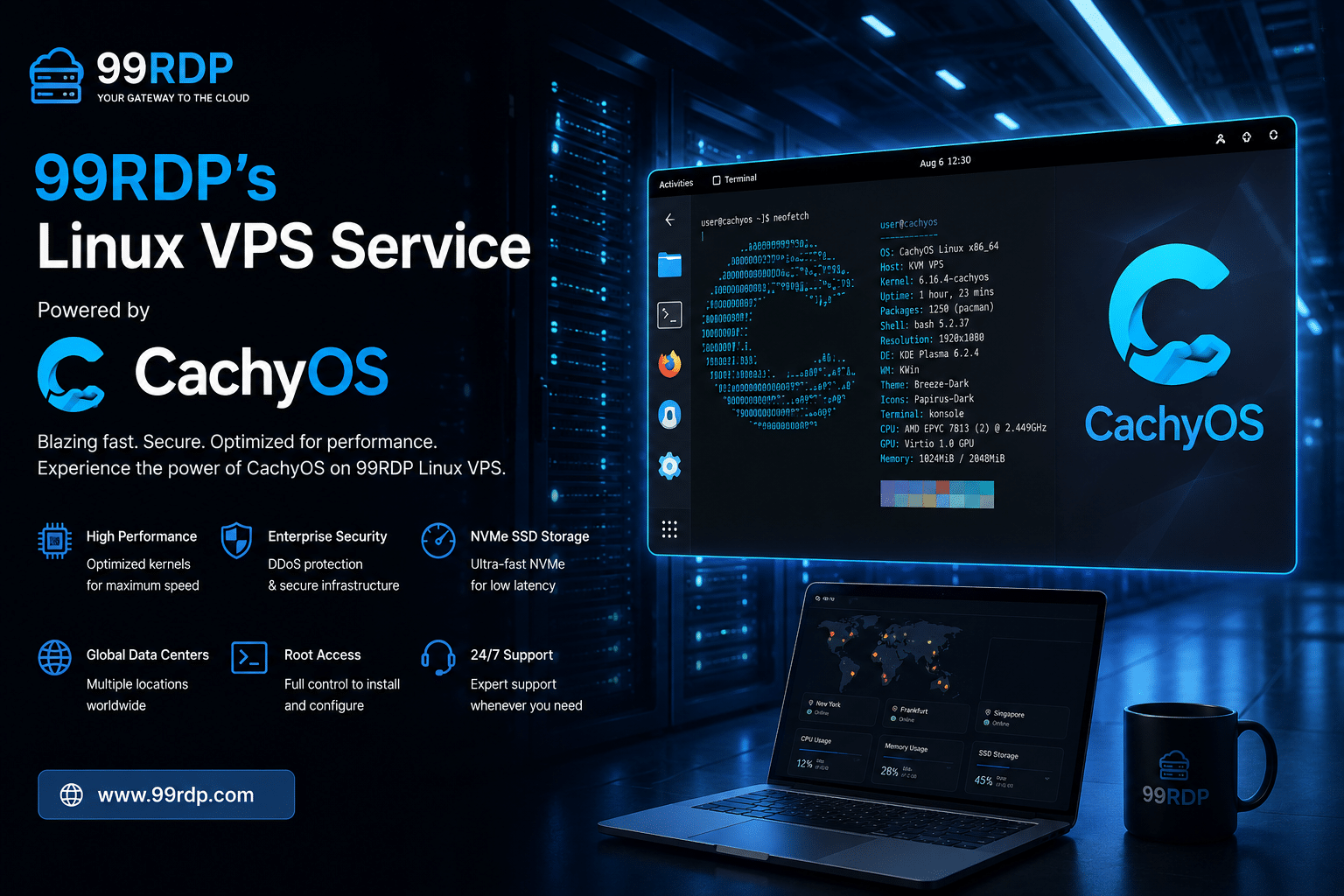
That is where a service such as 9RDP Linux VPS can complement the CachyOS experience. 99RDP currently offers Linux VPS plans with root access, SSD storage options, high-speed networking, multiple locations including Mumbai, Tokyo, Singapore, Hong Kong, and Sydney, and instant setup on listed plans.
This article explores what the CachyOS August 2026 ISO changes, why those changes matter, and where the distribution could be heading next.
What Is CachyOS?
CachyOS is an Arch Linux-based distribution built around performance, customization, modern hardware, gaming, and usability.
Arch Linux provides the foundation.
CachyOS adds a more opinionated layer on top.
The project focuses heavily on compiler optimizations, kernel choices, schedulers, hardware detection, gaming improvements, desktop configuration, and tools that simplify common system-management tasks.
That combination makes CachyOS particularly attractive to:
- Linux power users
- Developers
- Gamers
- Hardware enthusiasts
- Arch Linux users
- Desktop customization enthusiasts
- Users with modern CPUs and GPUs
- People who want a performance-oriented workstation
CachyOS does not attempt to become a completely different Linux ecosystem. Instead, it takes many familiar Arch concepts and packages them into an experience that requires less manual assembly.
That distinction becomes especially important when discussing the installer.
CachyOS August 2026: Why the ISO Matters
A rolling-release distribution continuously receives updates.
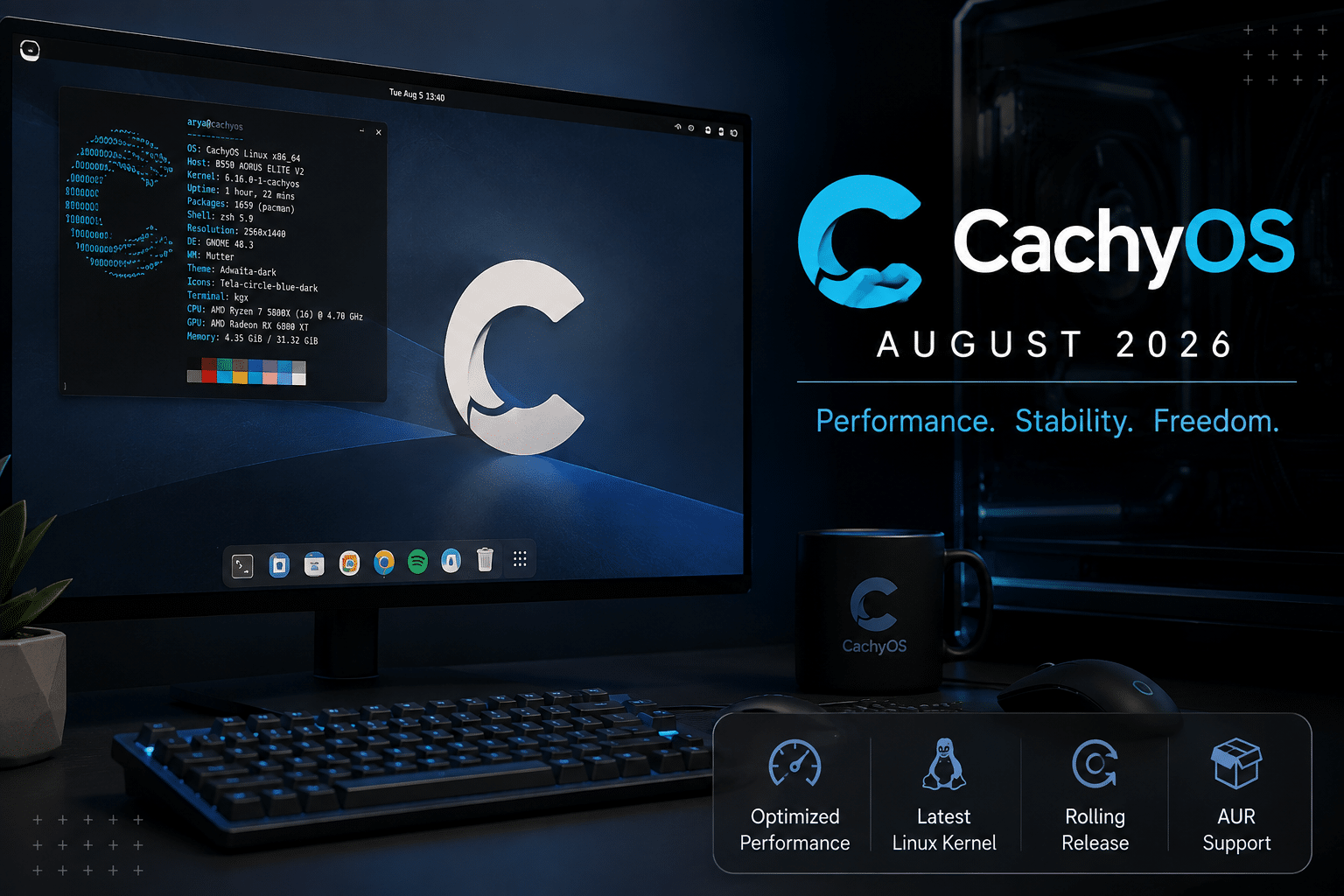
That means an ISO snapshot is not necessarily the same thing as a traditional “major version” release.
Instead, the ISO gives new users a current installation point.
This matters for several reasons.
A newer ISO can include:
- Newer kernels
- Updated desktop environments
- New drivers
- Updated firmware packages
- Installer fixes
- Hardware-detection improvements
- Better package versions
- Updated configuration defaults
- New desktop profiles
A fresh installation therefore starts closer to the current state of the operating system.
CachyOS has been following this philosophy throughout 2026.
Its January release, for example, moved architecture detection earlier in the installation process and reduced the download requirement by around 1 GB by avoiding unnecessary packages. It also moved bootloader selection directly into the installer and switched the live ISO to Wayland.
March continued that work with animated desktop previews, improved microcode selection, and a Wayland-based ISO.
June added another layer of optimization, including Python performance improvements, GCC branch-misprediction tuning, DNS-over-QUIC support, and installer and hardware-detection fixes.
The August ISO therefore represents another stage in a continuous development process rather than an isolated update.
1. A Smarter Installer Is One of the Biggest Improvements
The installer might not sound as exciting as a new kernel.
In practice, it can have a bigger impact on the average user.
A kernel update primarily affects users after installation.
The installer affects everyone before the operating system even exists on the disk.
CachyOS has increasingly treated the installer as an important product rather than simply a mechanism for copying files.
That approach has produced several improvements during 2026, including better hardware detection, clearer desktop selection, improved bootloader handling, and more specialized desktop profiles.
The August release continues that philosophy.
Instead of treating every desktop installation as identical, CachyOS increasingly configures components according to the environment the user chooses.
That creates a more coherent first boot.
2. Desktop Profiles Become More Meaningful
Linux gives users enormous freedom.
That freedom creates a problem.
A new user can select a desktop environment and still encounter dozens of decisions afterward.
Which login manager should I use?
Which networking integration should I enable?
Which monitor utility belongs with this desktop?
Which session configuration should I choose?
Which supporting packages make the environment feel complete?
CachyOS attempts to answer more of those questions automatically.
The August release improves desktop-specific configuration so that selected environments receive components appropriate to their workflow.
That approach is particularly valuable for users who choose modern Wayland-based environments or lightweight window managers.
Instead of giving users a bare framework, CachyOS tries to provide a more usable starting point.
3. Hyprland and Noctalia Continue to Gain Attention
CachyOS has increasingly embraced modern Linux desktop workflows.
One notable example is the integration of Hyprland with Noctalia.
The project introduced its Hyprland Noctalia desktop option in June 2026. The release described it as a new desktop option while also adding DNS-over-QUIC, Python and GCC performance improvements, and hardware-detection fixes.
Noctalia brings a highly customizable shell experience to modern Wayland desktops.
For users who prefer traditional desktop environments, KDE Plasma and GNOME remain familiar choices.
For users who prefer tiling or dynamic window management, environments such as Hyprland and Niri provide a dramatically different workflow.
CachyOS benefits from supporting both approaches.
That flexibility makes the distribution relevant to a much wider range of Linux users.
4. Niri and Modern Window Managers Matter
The growth of Wayland-based window managers represents one of the more interesting changes in Linux desktop computing.
Traditional desktop environments optimize for broad accessibility.
Tiling and dynamic window managers optimize for efficiency and keyboard-driven workflows.
Developers often appreciate the latter because they spend much of their day moving between:
- Terminals
- Editors
- Documentation
- Browsers
- Debuggers
- Build systems
- Remote sessions
CachyOS has already expanded its desktop-selection experience with Niri and other modern environments.
The March release, for example, introduced animated previews for several desktop choices and reorganized the list from more accessible environments toward advanced window-manager options.
That small design decision demonstrates an important usability principle:
The distribution should help users understand the choices instead of simply presenting a long package list.
5. Hardware Detection Continues to Improve
Modern Linux systems increasingly need intelligent hardware detection.
A single PC can contain:
- Multiple GPUs
- Hybrid graphics
- Wi-Fi controllers
- Bluetooth hardware
- NVMe storage
- External displays
- Gaming controllers
- Specialized laptop hardware
A distribution that relies heavily on manual configuration can quickly overwhelm users.
CachyOS uses its hardware-detection framework to automate much of this work.
The project has repeatedly improved hardware handling throughout 2026.
June’s release included several hardware-detection fixes, while earlier releases improved microcode detection and NVIDIA-related configuration.
The result is a more automated installation process.
That matters particularly for users purchasing newer hardware.
6. CachyOS Remains Focused on Performance
Performance remains the distribution’s defining characteristic.
But CachyOS does not treat performance as a single benchmark number.
Performance comes from many layers.
CPU optimization
Compiler settings can influence how applications perform on modern processors.
Kernel configuration
Kernel configuration affects scheduling, responsiveness, hardware support, and system behavior.
Scheduler selection
Different workloads benefit from different scheduling strategies.
Storage
NVMe SSDs can dramatically reduce application and build times compared with older storage technologies.
Desktop environment
A lightweight window manager can consume fewer resources than a feature-heavy desktop.
Application optimization
Browsers, compilers, games, and development tools each have their own performance characteristics.
CachyOS works across these layers.
Its June 2026 release, for example, introduced a GCC patch intended to improve generic x86 branch-misprediction tuning and added extended PGO for Python.
These changes demonstrate the project’s willingness to optimize software below the desktop level.
7. Package Management Is Becoming More User-Friendly
One of the biggest usability challenges in Arch-based systems involves package management.
Arch provides enormous flexibility.
That flexibility also means users need to understand concepts such as:
- Repositories
- AUR
- PKGBUILD files
- Dependency resolution
- Package updates
- Build processes
- System synchronization
CachyOS has responded by developing Shelly, its graphical package-management tool.
The project introduced Shelly as a major component of its April 2026 release.
This represents a broader shift.
CachyOS does not want users to abandon Arch’s flexibility.
It wants to make that flexibility easier to access.
For experienced users, the command line remains available.
For other users, a graphical interface can provide a more approachable entry point.
That combination creates a stronger desktop experience.
8. Cachy-Update Makes Rolling Releases Easier to Manage
Rolling releases require regular maintenance.
That does not mean users must constantly reinstall the operating system.
Quite the opposite.
The strength of a rolling-release model lies in continuously updating the existing installation.
CachyOS has developed Cachy-Update, a system-update tool that can notify users about available updates and integrate update information into the desktop experience.
The project introduced it as part of its 2025 work and continued improving it throughout 2026.
This matters because maintenance should feel predictable.
A good update workflow should tell the user:
- Updates are available.
- What needs updating.
- When the user should perform the update.
- Whether the system needs additional action.
That approach reduces the psychological barrier associated with rolling-release distributions.
9. Rust Is Becoming More Visible in CachyOS Infrastructure
Another important technical direction involves Rust.
CachyOS has increasingly used Rust for system components and utilities.
This follows a broader industry trend.
Rust provides memory-safety guarantees without requiring developers to abandon systems-level performance.
For distribution infrastructure, that can be valuable.
System utilities often interact directly with:
- Hardware
- Filesystems
- Processes
- Package databases
- Kernel interfaces
- Configuration files
These components need to be fast, reliable, and robust.
CachyOS’s willingness to rewrite or develop infrastructure in Rust demonstrates that the project is thinking beyond cosmetic desktop changes.
It is improving the underlying tools that support the distribution.
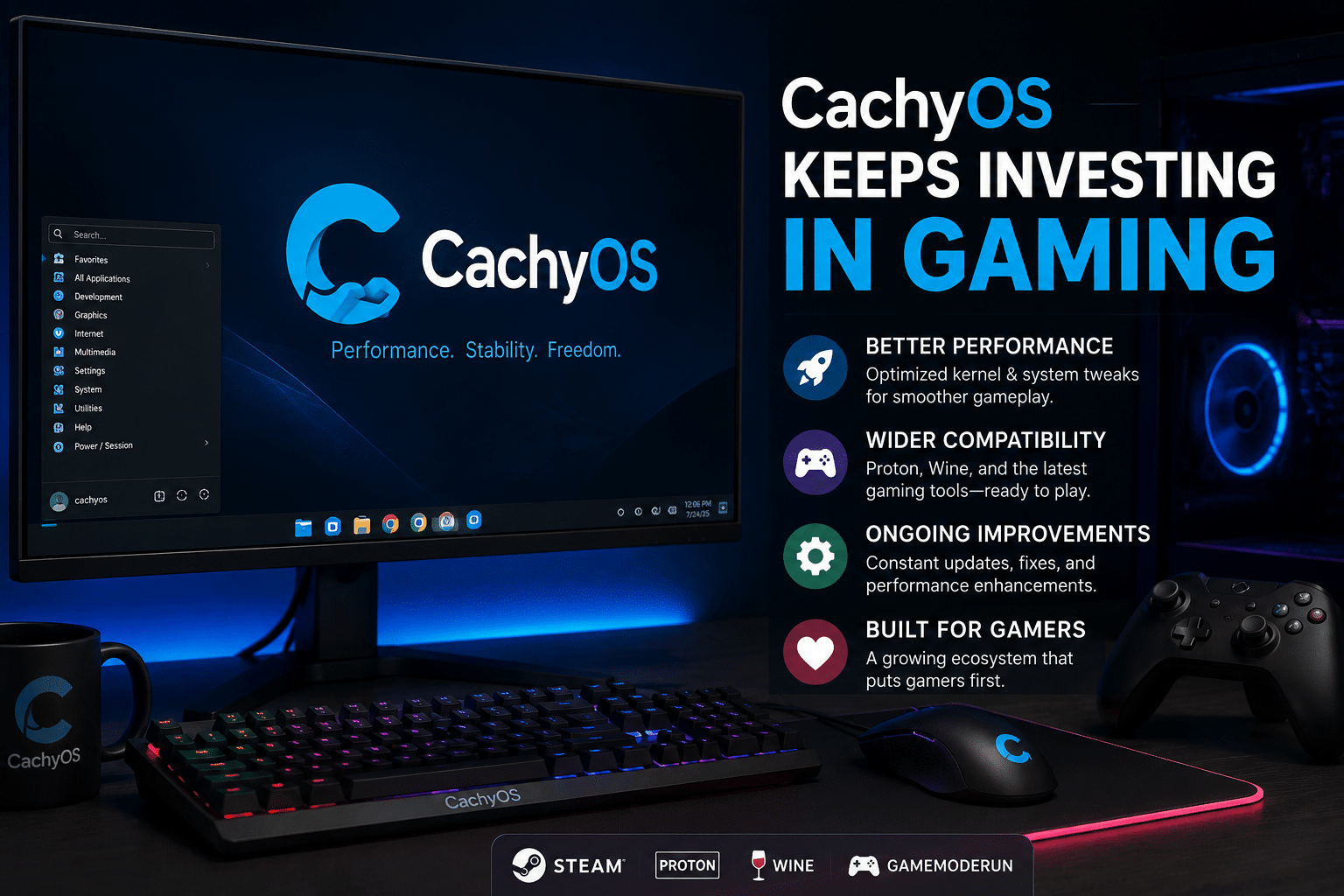
10. CachyOS Keeps Investing in Gaming
Gaming remains one of CachyOS’s strongest areas.
The distribution has built a reputation among Linux gamers because it combines performance tuning with modern gaming software.
The project also maintains Proton-CachyOS, a customized Proton implementation designed around gaming workloads.
Its broader gaming ecosystem includes work around:
- Steam
- Proton
- NVIDIA
- AMD
- FSR
- DLSS
- XeSS
- Handheld gaming
- Performance schedulers
The project has also maintained a dedicated Handheld Edition.
This makes CachyOS particularly interesting for users who want one Linux ecosystem that can cover desktops, gaming PCs, and supported handheld devices.
11. The Handheld Edition Shows How Flexible CachyOS Has Become
Linux gaming has expanded beyond desktop PCs.
Devices such as Steam Deck-style handhelds require specialized configuration.
They need:
- Power management
- Controller support
- Display scaling
- GPU configuration
- Fan control
- Gaming-mode integration
- Battery optimization
CachyOS’s Handheld Edition reflects this specialized approach.
Rather than forcing desktop Linux configurations onto gaming handhelds, the project develops a separate experience.
This is another example of the project’s broader philosophy:
Optimize the environment for the hardware instead of forcing the hardware to fit a generic environment.
12. What Makes the August ISO Different for New Users?
For a new user, the biggest advantage of the August ISO is not necessarily one specific feature.
It is the accumulated work.
Imagine installing CachyOS using an older image.
You may have needed to:
- Update immediately
- Configure hardware
- Install missing desktop components
- Fix display-manager behavior
- Configure package-management tools
- Adjust desktop settings
- Install newer software
A newer ISO reduces that gap.
The installer itself becomes more capable.
The included packages become more current.
Desktop profiles become more complete.
Hardware detection improves.
That means less post-installation work.
13. Why Developers Should Pay Attention
Developers often treat their operating system as infrastructure.
A development workstation must support the tools needed to build software efficiently.
That can include:
- Git
- GCC
- Clang
- Rust
- Python
- Node.js
- Docker or other container tools
- Databases
- Local web servers
- Virtual machines
- IDEs
- Terminal applications
- Monitoring tools
CachyOS’s performance orientation makes it interesting for this workload.
Compilation-heavy projects can benefit from fast CPUs, fast storage, efficient software, and a responsive desktop.
But developers also need something else:
remote infrastructure.
A laptop or desktop is not always the best place to host an application continuously.
That is where a Linux VPS can complement the local CachyOS workstation.
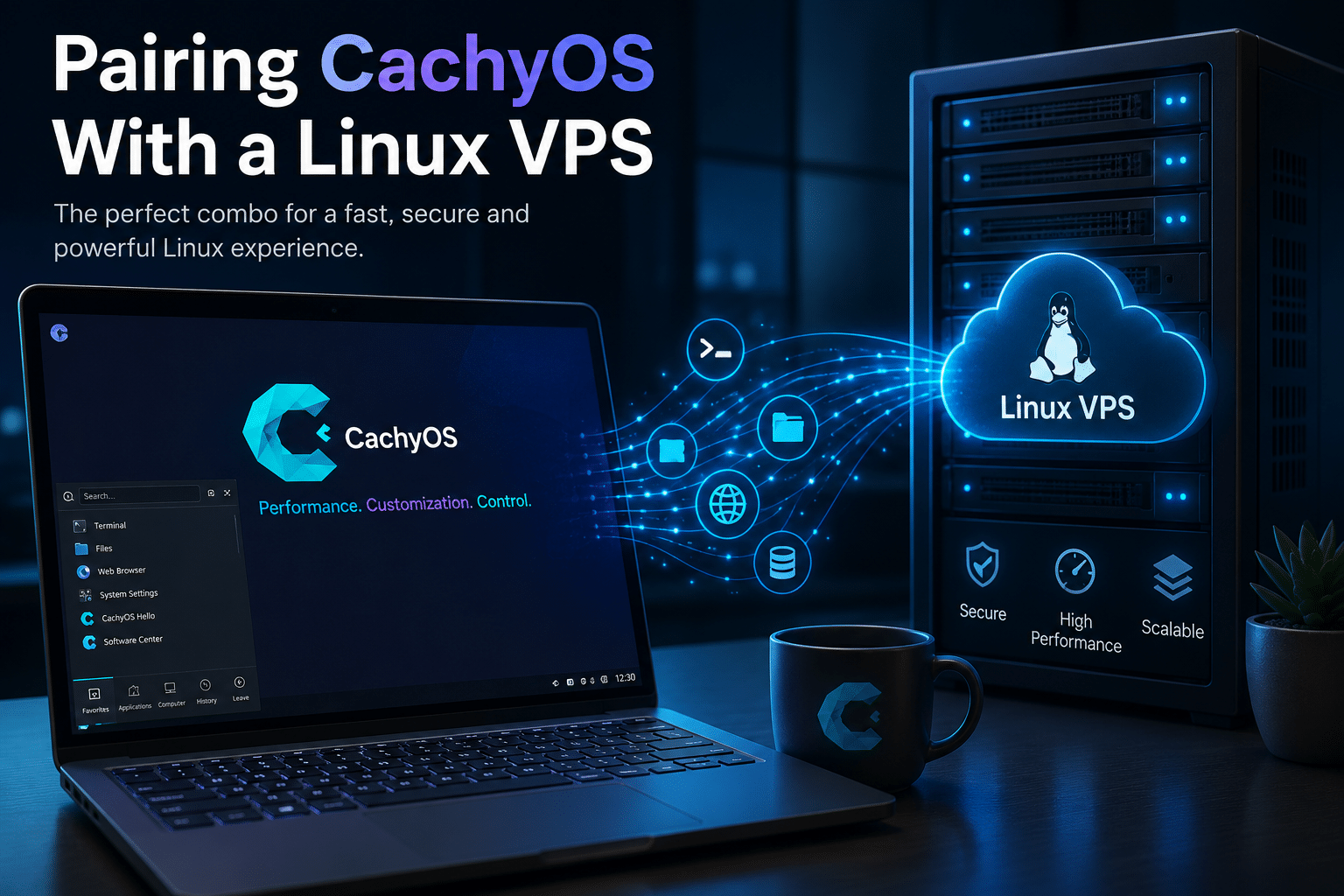
14. Pairing CachyOS With a Linux VPS
Think of CachyOS as your local development environment.
Think of a VPS as your remote computing environment.
The two solve different problems.
A practical workflow could look like this:
CachyOS workstation
→ Write code
→ Compile and test locally
→ Commit changes
→ Push to repository
→ Deploy to Linux VPS
→ Run application remotely
→ Monitor and maintain service
This architecture gives developers more flexibility.
The local machine remains focused on interactive work.
The VPS handles workloads that need to remain available when the local computer is turned off.
15. Where 99RDP Fits
This is where 99RDP’s Linux VPS service becomes relevant.
99RDP currently advertises Linux VPS plans with:
- Full root access
- SSD storage options
- Up to 1 Gbps networking on listed plans
- Multiple VPS configurations
- Dedicated IP addresses
- Multiple data-center locations
- 24/7/365 support
- Instant delivery on listed plans
The provider currently lists locations in Asia including Mumbai, Tokyo, Singapore, Hong Kong, and Sydney, alongside European infrastructure.
Explore 99RDP Linux VPS
For a developer using CachyOS, this creates several practical possibilities.
Development server
Run a remote development environment without consuming local resources.
Staging server
Deploy a pre-production version of an application before pushing it live.
Web hosting
Host websites and web applications on a Linux environment you control.
Automation
Run scripts, scheduled jobs, bots, monitoring systems, or background services continuously.
Remote databases
Maintain development or testing databases separately from your workstation.
CI/CD experiments
Build a small remote environment for deployment testing.
16. Why Root Access Matters
Developers often need more control than conventional shared hosting provides.
Full root access allows experienced administrators to configure:
- Packages
- Services
- Firewall rules
- Users
- System services
- Web servers
- Databases
- Runtime environments
- Monitoring tools
That makes VPS infrastructure much closer to owning a virtual Linux server than simply renting web space.
For users coming from an Arch-based environment such as CachyOS, that level of control can feel natural.
You already have control over your workstation.
A VPS extends that philosophy to remote infrastructure.
17. Local Performance + Remote Availability
This combination creates a useful distinction.
Your CachyOS workstation provides:
Responsiveness
Customization
Direct hardware access
Gaming
Local development
Desktop productivity
Your Linux VPS provides:
Remote availability
Persistent services
Server workloads
Public-facing applications
Automation
Remote access
This separation can improve productivity.
You do not need to keep a desktop PC running overnight just to host a development service.
You do not need to expose your home network to the internet simply to test a web application.
You can move that workload to a remote server.
18. A VPS Also Helps Developers Experiment
Experimentation forms a major part of modern development.
You might want to test:
- A new Linux distribution
- A web server
- A database
- A container stack
- A monitoring platform
- A CI system
- A reverse proxy
- A security configuration
- A deployment workflow
Doing everything on your daily workstation can become messy.
A remote VPS provides a separate environment.
You can create a test stack, document the configuration, destroy it, and build another one.
That separation helps developers learn without disrupting their primary workstation.
19. CachyOS and Cloud-Native Development
Modern development increasingly moves between local and remote environments.
A typical developer may use:
- Local Linux
- Git hosting
- Containers
- Cloud infrastructure
- VPS servers
- CI/CD
- Remote databases
- APIs
CachyOS fits naturally into the local Linux portion of that workflow.
A VPS fits into the remote portion.
This makes the combination particularly relevant for developers building:
- SaaS applications
- Websites
- APIs
- Automation systems
- Self-hosted tools
- Development platforms
- Personal cloud services
20. Is CachyOS Ready for Servers?
This question deserves a careful answer.
CachyOS has explored server-oriented functionality, but users should distinguish between experimental server work and a mature enterprise server platform.
A desktop distribution can be excellent without becoming a production server distribution.
Server environments demand different priorities:
- Long-term stability
- Predictable upgrades
- Minimal attack surface
- Remote management
- Backup strategies
- Monitoring
- Security hardening
- Service isolation
CachyOS’s interest in server workloads is nevertheless worth watching.
If the project continues developing server-focused tooling, it could eventually provide an interesting option for users who want the CachyOS performance philosophy outside the desktop.
For production infrastructure today, administrators should evaluate distributions and support models according to the specific workload rather than choosing solely because a distribution is fast.
21. Security Still Comes Before Performance
Performance optimization should never encourage careless administration.
A fast server with poor security remains a poor server.
Whether you use CachyOS locally or Linux on a VPS, follow basic security practices.
Keep packages updated
Rolling-release distributions especially require disciplined maintenance.
Use strong authentication
Avoid weak passwords.
Prefer SSH keys
Keys provide a stronger authentication model for remote administration when configured correctly.
Disable unnecessary services
Every unnecessary network-facing service increases the attack surface.
Configure a firewall
Only expose ports that your applications actually need.
Monitor logs
System logs can reveal failed authentication attempts, service failures, and configuration problems.
Back up important data
A VPS is not automatically a backup.
Always maintain independent copies of critical information.
22. Performance Should Be Measured, Not Assumed
CachyOS markets itself around performance, but users should still benchmark their own workloads.
A CPU benchmark does not tell you how quickly your:
- Rust project compiles
- Python workload executes
- Docker containers start
- Browser loads applications
- Game renders
- Database processes queries
The best benchmark is the workload you actually care about.
For developers, measure:
- Build time
- Test execution time
- Application startup
- Disk I/O
- Memory usage
- CPU utilization
- Network latency
For servers, measure:
- Requests per second
- Response latency
- CPU load
- Memory pressure
- Disk throughput
- Network throughput
- Uptime
This data-driven approach produces better decisions than relying on marketing claims.
23. Why the Installer Is Becoming a Strategic Feature
CachyOS’s installer work may look like a series of small usability improvements.
Together, they form something more important.
They reduce the distance between:
“I downloaded Linux”
and
“I have a working Linux environment.”
That distance matters.
Linux already gives users tremendous control.
The challenge is helping users access that control without requiring hours of configuration.
CachyOS is increasingly solving that problem.

24. The Bigger 2026 CachyOS Story
Look at the year’s development chronologically.
January
Installer rework, bootloader selection improvements, architecture detection, Wayland ISO, and kernel changes.
March
Animated desktop previews, improved desktop selection, microcode detection improvements, and additional installer refinements.
April
Shelly package management and other desktop and system-management improvements.
June
Hyprland Noctalia, DNS-over-QUIC, Python optimization, GCC improvements, package security changes, and hardware fixes.
August
The project continues refining the installer and desktop-profile strategy while improving the overall CachyOS experience.
The pattern is clear.
CachyOS is not standing still.
It is building an increasingly integrated Linux platform around its performance-focused foundation.
25. Who Should Install CachyOS August 2026?
The August ISO deserves serious consideration if you fall into one of these categories.
Linux enthusiasts
You want control without manually assembling every component.
Developers
You want a modern, performance-oriented Linux workstation.
Gamers
You want a Linux distribution with strong gaming optimization.
Arch users
You like Arch but want more automation and configuration out of the box.
Hardware enthusiasts
You want modern hardware detection and performance-focused configuration.
Desktop customization fans
You want KDE, GNOME, Hyprland, Niri, COSMIC, and other desktop approaches.
26. Who Should Choose Something Else?
CachyOS is not the universal answer.
You may prefer another distribution if you want:
- Very conservative software updates
- Long-term enterprise support
- Maximum simplicity
- Minimal maintenance
- A server-first operating system
- A distribution with a specific vendor certification
Rolling releases reward users who are comfortable keeping their systems updated.
That trade-off remains important.
27. Should Existing CachyOS Users Reinstall?
Usually, no.
This is an important point.
A new ISO does not automatically mean existing users should reinstall their operating systems.
Rolling-release users normally update their current installation instead.
CachyOS has repeatedly indicated that existing users generally need only their normal system update process for releases. For example, its official release notes provide the standard sudo pacman -Syu workflow for existing installations.
A fresh ISO makes the most sense when:
- Building a new PC
- Replacing an old operating system
- Setting up a new machine
- Testing CachyOS for the first time
- Creating a fresh installation
If your existing installation works correctly, there is usually little reason to reinstall simply because a new ISO appeared.
28. What the August ISO Says About the Future of Linux
The most interesting aspect of CachyOS’s development is not simply speed.
It is choice.
Modern Linux users can increasingly choose:
- KDE or GNOME
- Wayland or different compositor workflows
- Traditional desktops or tiling environments
- Local machines or remote servers
- Physical hardware or virtual machines
- Containers or conventional services
- GUI tools or terminal tools
CachyOS embraces that flexibility.
Its role is to make those choices more accessible while maintaining a strong performance identity.
Final Verdict: Is CachyOS August 2026 Worth Trying?
Yes—especially for Linux power users, developers, gamers, and hardware enthusiasts who value performance and customization.
The August 2026 ISO is important not because it introduces one revolutionary feature.
It matters because CachyOS continues improving the entire Linux experience.
The installer becomes smarter.
Desktop profiles become more useful.
Hardware handling becomes more mature.
Package management becomes easier.
Update management becomes more approachable.
Modern Wayland environments receive more attention.
Gaming remains a priority.
And the project continues exploring how far its performance-focused philosophy can extend.
That evolution makes CachyOS increasingly compelling.
The distribution started with a clear identity: make Arch Linux fast and optimized for modern hardware.
It is now adding another layer:
make that optimized experience easier to install, configure, maintain, and use.
That may ultimately prove more important than another benchmark win.
For developers, the opportunity extends beyond the desktop.
A CachyOS workstation can provide the responsive local environment needed for coding, testing, compiling, gaming, and everyday work.
A Linux VPS can provide the persistent remote environment needed for hosting, deployment, automation, testing, and production services.
That’s where 99RDP can fit naturally into the broader Linux workflow.
Its Linux VPS plans provide full root access, SSD-based options, dedicated IP addresses, high-speed networking, multiple configurations, and locations across Europe and Asia, including Mumbai and other major technology hubs.
See 99RDP Linux VPS options
For developers building serious Linux workflows, that combination creates a practical architecture:
CachyOS for the workstation.
99RDP Linux VPS for the remote environment.
Git and automation for deployment.
Monitoring and backups for reliability.
Security practices for protection.
The result is more than a fast desktop.
It is a complete development workflow that connects local performance with remote infrastructure.
CachyOS August 2026 therefore represents another step in a broader Linux trend: distributions are no longer competing only on desktop appearance or package availability.
They are competing on the complete experience—from installation and hardware detection to performance, maintenance, customization, gaming, development, and integration with modern infrastructure.
And CachyOS is clearly positioning itself as one of the distributions willing to push that experience forward.
If you want an Arch-based Linux system that combines performance, modern desktop choices, extensive customization, and an increasingly polished installation experience, the August 2026 CachyOS ISO is well worth watching—and worth trying on compatible hardware.
For developers who want to take that Linux workflow beyond the local machine, pairing a performance-focused workstation with a remotely accessible Linux VPS can take the setup one step further.
In 2026, the most useful Linux environment may not be a single machine.
It may be an ecosystem:
A fast local workstation.
A reliable remote server.
An automated deployment workflow.
And the freedom to control all of it.
EXPLORE MORE ; Top 10 Use Cases for a Windows Botting RDP in 2026

READ OUR BLOGS


