
Is Docker on Windows Becoming Obsolete? How WSL Containers Are Changing Development Forever

The container ecosystem on Windows is entering a new chapter. For years, Docker Desktop has been the default choice for developers who wanted to build and run Linux containers on Windows machines. It simplified workflows, provided an easy-to-use interface, and made containers accessible to millions of developers worldwide.
Now, Microsoft is pushing the boundaries again with WSL Containers, bringing native Linux container support directly into the Windows ecosystem through the Windows Subsystem for Linux (WSL). The announcement has sparked an important question across the developer community:
Is Docker on Windows becoming obsolete?
The short answer is no. Docker is not disappearing anytime soon. However, the way developers run containers on Windows is changing significantly. WSL Containers could reduce dependency on Docker Desktop for many workflows, streamline local development environments, and make Windows an even stronger platform for modern software engineering.
This shift isn’t just about containers. It also reflects a broader trend toward cloud-native development, remote infrastructure, and flexible computing environments that allow developers to work efficiently from anywhere.
Let’s explore what WSL Containers are, why they matter, and what this transformation means for developers and businesses.
Containers
Before diving into WSL Containers, it’s helpful to understand why containers became so important.
A container packages an application along with everything it needs to run:
- Application code
- Runtime dependencies
- System libraries
- Configuration files
- Environment settings
Unlike traditional virtual machines, containers share the host operating system’s kernel, making them lightweight and highly efficient.
Containers offer several advantages:
Portability
Applications behave consistently across development, testing, and production environments.
Faster Deployment
Containers start in seconds rather than minutes.
Resource Efficiency
Multiple containers can run on the same machine while consuming significantly fewer resources than virtual machines.
Scalability
Containerized applications are easier to scale horizontally.
DevOps Integration
Containers fit naturally into CI/CD pipelines and cloud-native architectures.
These advantages have made containers the foundation of modern software development.
Why Docker Became the Standard

When Docker launched, it transformed how developers built and deployed applications.
Docker simplified container management by providing:
- Standardized container images
- Simple command-line tools
- Easy image sharing through Docker Hub
- Networking capabilities
- Container orchestration integrations
- Multi-platform support
Docker quickly became synonymous with containers.
For Windows users, however, running Linux containers was historically complicated. Windows and Linux use different kernels, making native Linux container support difficult.
Docker solved this challenge by creating mechanisms that allowed Linux containers to run effectively on Windows systems.
For years, Docker Desktop became the preferred solution for Windows developers.
The Rise of WSL
Microsoft recognized that modern developers increasingly rely on Linux tools.
To address this, the company introduced the Windows Subsystem for Linux.
WSL allows developers to run Linux distributions directly on Windows without requiring traditional virtual machines.
The platform has evolved considerably:
WSL 1
Introduced compatibility layers for Linux binaries.
WSL 2
Added a real Linux kernel running within a lightweight virtual environment.
WSL 2 dramatically improved:
- Performance
- File system operations
- Package compatibility
- Developer productivity
- Support for Linux-native applications
Today, WSL has become an essential development environment for countless Windows users.
Enter WSL Containers
Microsoft’s latest innovation builds directly on WSL’s success.
WSL Containers enable developers to run Linux containers directly through WSL without depending entirely on Docker Desktop.
The objective is simple:
Make Linux containers feel like a native Windows capability.
This approach offers several benefits.
Reduced Complexity
Developers no longer need multiple layers of abstraction.
Container support becomes deeply integrated into the operating system.
Better Performance
Containers can communicate more efficiently with the Linux kernel available through WSL.
Simplified Setup
New developers can start building containerized applications with fewer installation steps.
Improved Integration
Windows tools and Linux development workflows become more tightly connected.
Enhanced AI Workloads
GPU support enables machine learning and AI workloads that require high-performance computing resources.
Why WSL Containers Matter
At first glance, WSL Containers may appear to be another technical feature.
In reality, they represent a major strategic shift.
Microsoft is essentially making Linux development a first-class citizen on Windows.
This has several implications.
Lower Entry Barriers
Students and beginners can start learning containers without installing additional software layers.
Faster Onboarding
Development teams can provision environments more quickly.
Better Performance for Developers
Reduced complexity often translates into improved responsiveness and productivity.
Stronger Windows Development Ecosystem
Windows increasingly becomes a powerful platform for cloud-native application development.
Is Docker Becoming Obsolete?
The answer remains no.
Docker still provides tremendous value.
In fact, Docker’s ecosystem extends far beyond simply running containers locally.
Docker offers:
Docker Hub
Millions of container images are available for developers.
Mature Tooling
Docker’s command-line utilities remain highly polished and widely adopted.
Enterprise Features
Security policies, image management, and governance capabilities remain critical for organizations.
Integration Ecosystem
Docker integrates with:
- Kubernetes
- CI/CD platforms
- Cloud providers
- Monitoring tools
- Development environments
Community Support
Docker has one of the largest developer communities in the container ecosystem.
Therefore, Docker is not disappearing.
Instead, Microsoft’s approach may reduce the necessity of Docker Desktop for specific development workflows.
Docker remains highly relevant, especially in enterprise environments.
How WSL Containers Could Change Development Forever
The real significance of WSL Containers lies in how they could reshape developer workflows.
1. Development Environments Become Simpler
Developers often spend substantial time configuring environments.
Every additional layer introduces:
- Configuration challenges
- Compatibility issues
- Update problems
- Resource overhead
WSL Containers reduce friction.
The fewer moving parts developers manage, the more time they can spend building software.
2. Linux and Windows Continue to Converge
The historical divide between Linux and Windows development is shrinking.
Developers increasingly expect:
- Linux command-line tools
- Windows productivity applications
- Cross-platform workflows
- Unified development experiences
WSL Containers accelerate this convergence.
Developers no longer need to choose between Windows convenience and Linux capabilities.
They can leverage both.
3. Cloud-Native Development Becomes More Accessible
Modern applications increasingly rely on:
- Microservices
- APIs
- Kubernetes
- Distributed systems
- Container orchestration
Containers are the building blocks of these architectures.
By simplifying container workflows, Microsoft lowers the barriers to cloud-native development.
4. AI Development Gets Easier
Artificial intelligence workloads often depend on Linux-based frameworks.
Data scientists commonly use:
- Python
- PyTorch
- TensorFlow
- CUDA libraries
WSL Containers combined with GPU acceleration provide powerful capabilities directly within Windows environments.
This could significantly improve productivity for AI engineers and researchers.
Why Local Machines Are No Longer Enough
As development workflows become more sophisticated, local hardware increasingly faces limitations.
Developers frequently work with:
- Multiple containers
- Kubernetes clusters
- Databases
- Machine learning models
- Automated testing environments
These workloads demand substantial resources.
High-end development machines can quickly become expensive.
Hardware limitations often result in:
- Slow performance
- Reduced productivity
- Increased maintenance costs
- Resource constraints
This reality is driving a shift toward remote development infrastructure.
The Growing Importance of Remote Development
Remote development environments provide several advantages.
Accessibility
Developers can access their workspaces from anywhere.
Consistency
Entire teams can share standardized environments.
Scalability
Resources can expand according to project requirements.
Reduced Hardware Costs
Organizations avoid purchasing expensive workstations for every developer.
Business Continuity
Projects remain accessible even if local devices fail.
The future of software engineering increasingly involves cloud-based infrastructure.
Why Developers Need Flexible Windows Infrastructure
WSL Containers may simplify local container execution, but modern development still requires powerful environments.
Many projects demand:
- Additional CPU resources
- Large memory allocations
- Long-running processes
- Persistent environments
- High-performance networking
This is where remote Windows infrastructure becomes extremely valuable.
How 99RDP Supports Modern Development Workflows
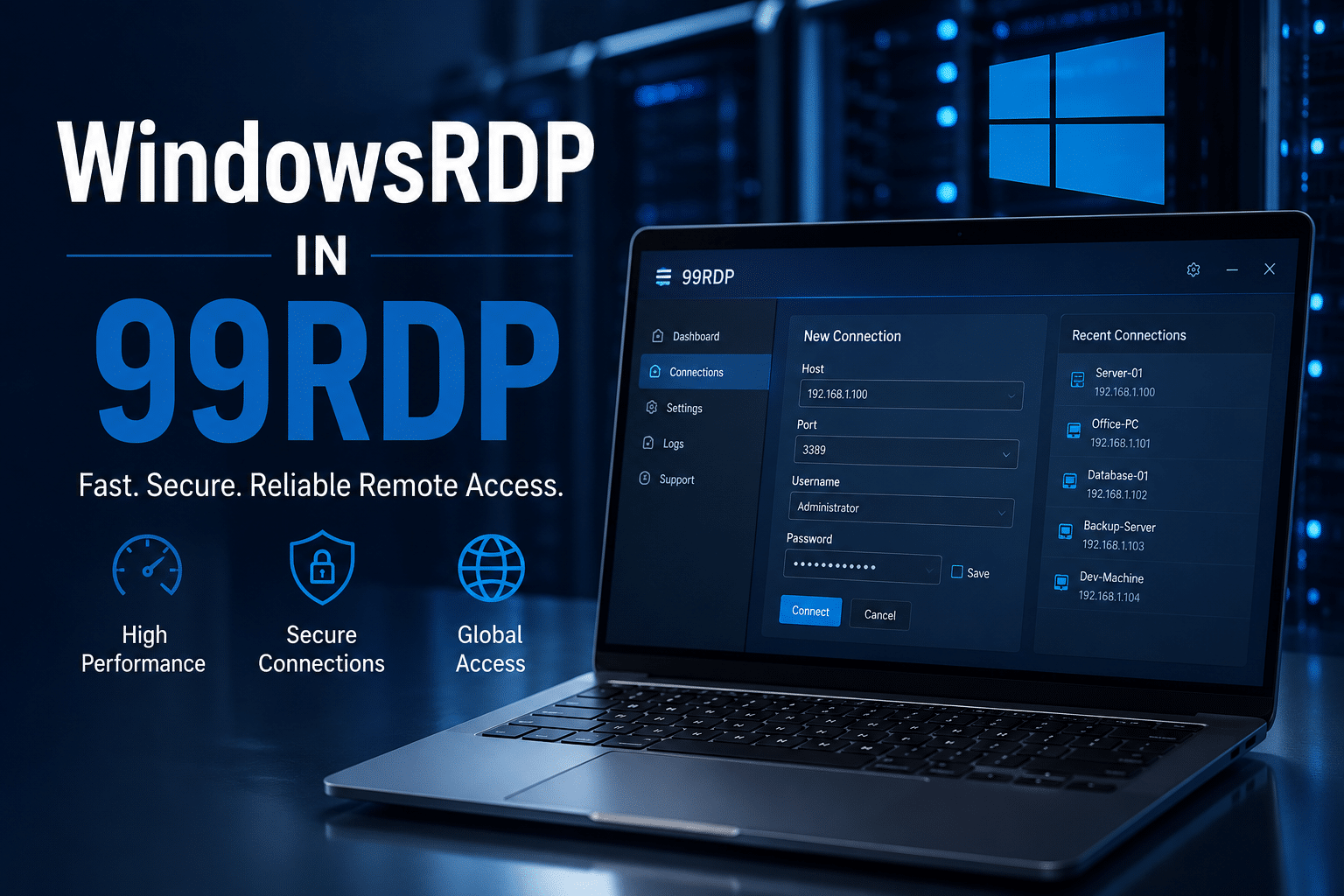
As container technologies continue to evolve, developers need infrastructure that can keep pace.
99RDP provides high-performance Windows Remote Desktop servers that enable developers to build, test, and manage projects without being limited by local hardware constraints.
Always-On Development Environments
Development rarely follows a fixed schedule.
A remote Windows server allows developers to:
- Access projects from anywhere
- Continue work across devices
- Maintain persistent environments
- Run long-term workloads continuously
Dedicated Computing Resources
Containerized applications can consume significant system resources.
99RDP’s remote servers provide dedicated environments capable of handling:
- Docker workloads
- WSL development environments
- Testing environments
- CI/CD pipelines
- Resource-intensive applications
Flexible Configurations
Different projects have different requirements.
Remote Windows infrastructure allows developers to choose configurations that align with their workloads rather than investing in expensive physical machines.
Improved Collaboration
Remote environments simplify team collaboration by enabling standardized development setups and reducing environment inconsistencies.
Cost Efficiency
Purchasing high-end hardware for every developer can become costly.
Cloud-based Windows infrastructure offers a practical alternative that scales according to business requirements.
What This Means for Businesses
Businesses should pay close attention to these developments.
The shift toward WSL Containers highlights several long-term trends.
Development Is Becoming More Cloud-Centric
Teams increasingly expect flexible environments that support remote workflows.
Infrastructure Must Be Scalable
Applications continue growing in complexity.
Infrastructure requirements are increasing accordingly.
Developer Productivity Is Critical
Simplifying development environments directly impacts productivity.
Standardization Matters
Organizations benefit when teams can reproduce development environments consistently.
What the Future May Look Like
Over the next several years, we may see:
More Native Container Features in Windows
Microsoft appears committed to integrating Linux development capabilities directly into Windows.
Increased Remote Development Adoption
Developers increasingly rely on cloud-hosted environments rather than local hardware.
Stronger AI Development Workflows
GPU-enabled container environments will become increasingly important.
Greater Container Adoption
Containers will continue expanding across industries and application types.
Continued Docker Evolution
Docker will likely focus even more heavily on enterprise workflows, security, orchestration, and developer productivity tools.
Final Thoughts
Docker on Windows is not becoming obsolete.
However, Windows development is clearly evolving.
WSL Containers represent another major step toward making Linux containers feel like a native capability inside Windows. They simplify development environments, improve integration between Linux and Windows workflows, and lower the barriers to modern application development.
For developers, this means greater flexibility and easier access to container technologies.
For businesses, it reinforces the importance of scalable infrastructure capable of supporting increasingly sophisticated development workloads.
As container ecosystems continue to mature, the ability to build, test, and deploy applications efficiently will depend not only on software tools but also on the underlying infrastructure.
Whether developers continue using Docker Desktop, adopt WSL Containers, or embrace a hybrid approach, one thing is becoming increasingly clear: the future of software development is containerized, cloud-connected, and powered by flexible computing environments.
Solutions such as 99RDP’s high-performance Windows Remote Desktop servers position developers and businesses to take advantage of this transformation by providing reliable, scalable, and always-accessible infrastructure for the next generation of Windows and Linux development workflows.
EXPLORE MORE ; How to Skip Bloatware and Automate Windows 11 Installs

READ OUR BLOGS


