
Linux Lite 8.0 vs Ubuntu 26.04 LTS: Which Linux Desktop Delivers Better Performance, Efficiency, and User Experience?
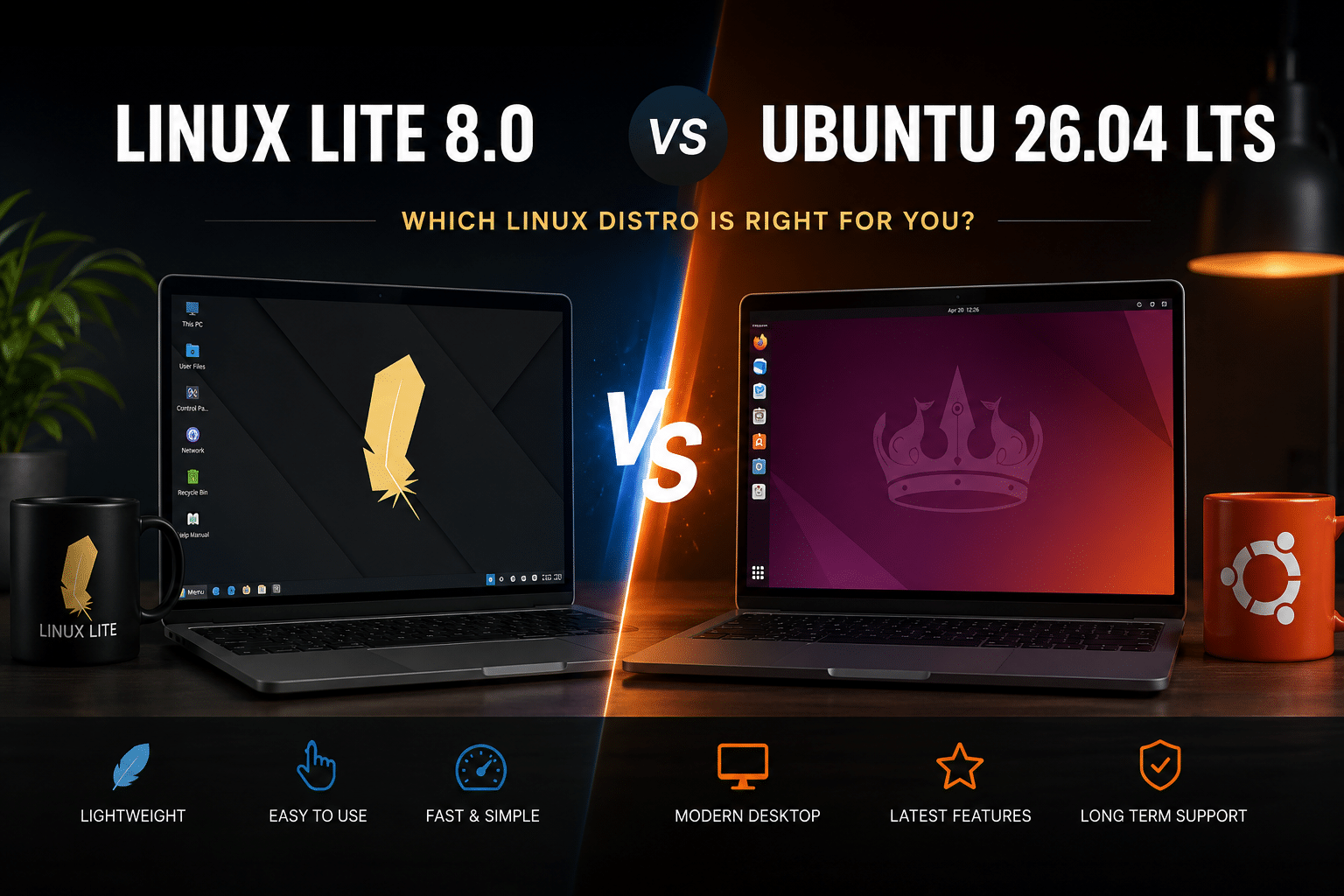
The Linux desktop ecosystem continues to evolve rapidly, offering users a wide range of choices tailored to different hardware configurations, workloads, and experience levels. With the release of Linux Lite 8.0 Hematite and Ubuntu 26.04 LTS, users now have two compelling options built upon the same underlying Ubuntu Long-Term Support foundation but designed with significantly different philosophies.
Ubuntu remains the flagship desktop Linux distribution for millions of users worldwide. It focuses on modern user experience, broad hardware compatibility, enterprise readiness, and seamless integration with cloud-native technologies. Linux Lite, meanwhile, prioritizes simplicity, speed, low resource consumption, and ease of migration for Windows users.
At first glance, these operating systems may appear remarkably similar. Both inherit Ubuntu’s package repositories, security updates, and software ecosystem. However, beneath the surface, important differences emerge in desktop environments, resource utilization, performance characteristics, deployment scenarios, and overall user experience.
This article takes a deep technical dive into Linux Lite 8.0 versus Ubuntu 26.04 LTS, examining architecture, performance metrics, hardware requirements, developer workflows, enterprise deployment considerations, and real-world use cases to determine which distribution offers the best value for different categories of users.
Linux Lite 8.0 vs Ubuntu 26.04 LTS
Before comparing the two distributions, it is important to understand their shared DNA.
Both Linux Lite 8.0 and Ubuntu 26.04 LTS are built upon the Ubuntu Long-Term Support platform.
This means both distributions inherit:
- Ubuntu package repositories
- APT package management
- Snap support
- Long-term security updates
- Stable software libraries
- Extensive hardware drivers
- Enterprise-grade support infrastructure
Because they share the same software foundation, compatibility differences are minimal.
Applications that run on Ubuntu generally run on Linux Lite without modification.
The primary distinctions arise from desktop environment choices, bundled software, system optimizations, and design philosophy.
Linux Lite 8.0 Overview
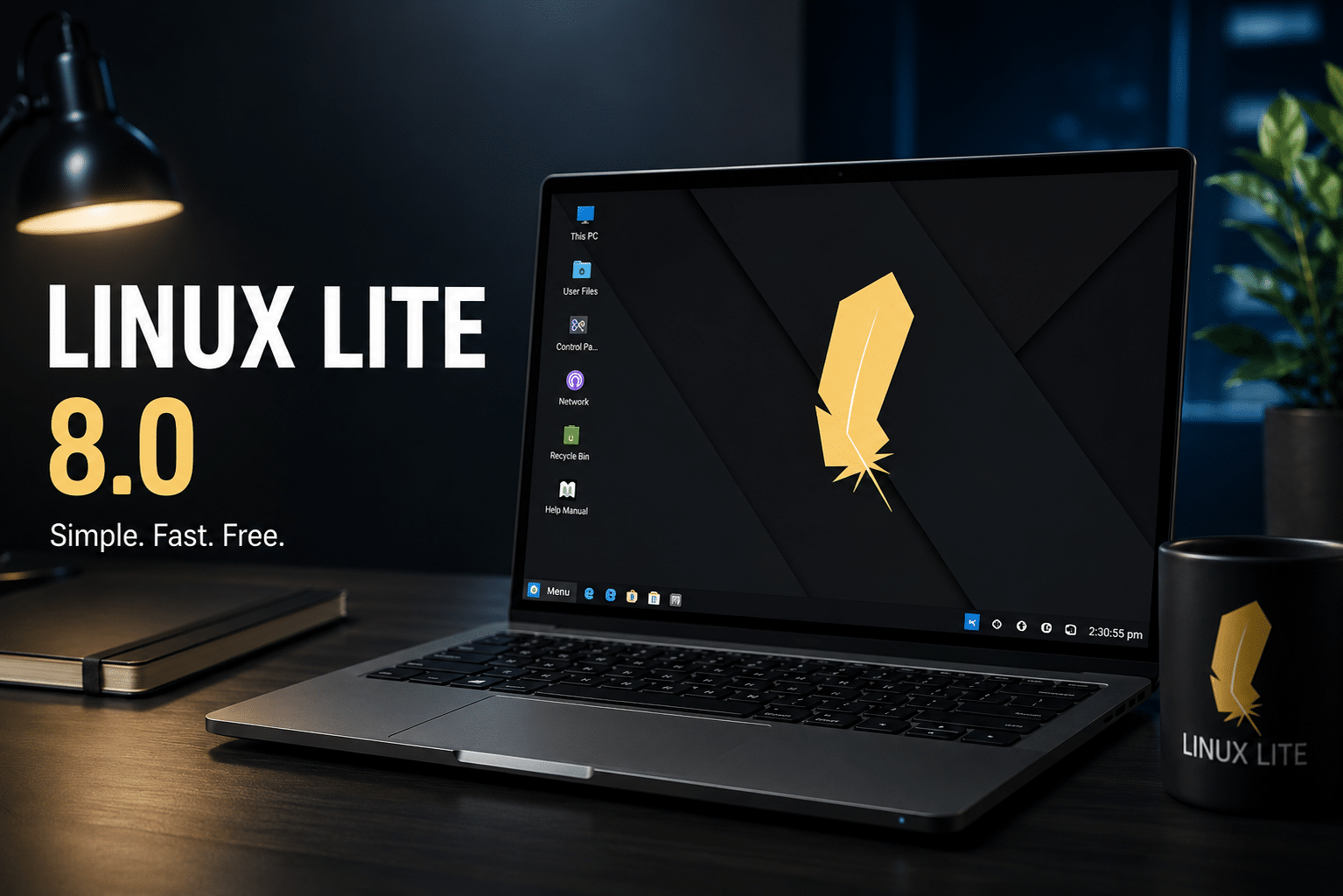
Linux Lite 8.0 Hematite focuses on delivering a lightweight desktop experience that remains approachable for users transitioning from Windows.
Core components include:
- Ubuntu 26.04 LTS base
- Linux Kernel 7.0
- XFCE 4.20 desktop environment
- Calamares installer
- Lite Welcome utility
- Customized system tools
- GTK4 application improvements
The project’s primary objective is clear:
Provide maximum performance while minimizing hardware requirements.
Ubuntu 26.04 LTS Overview
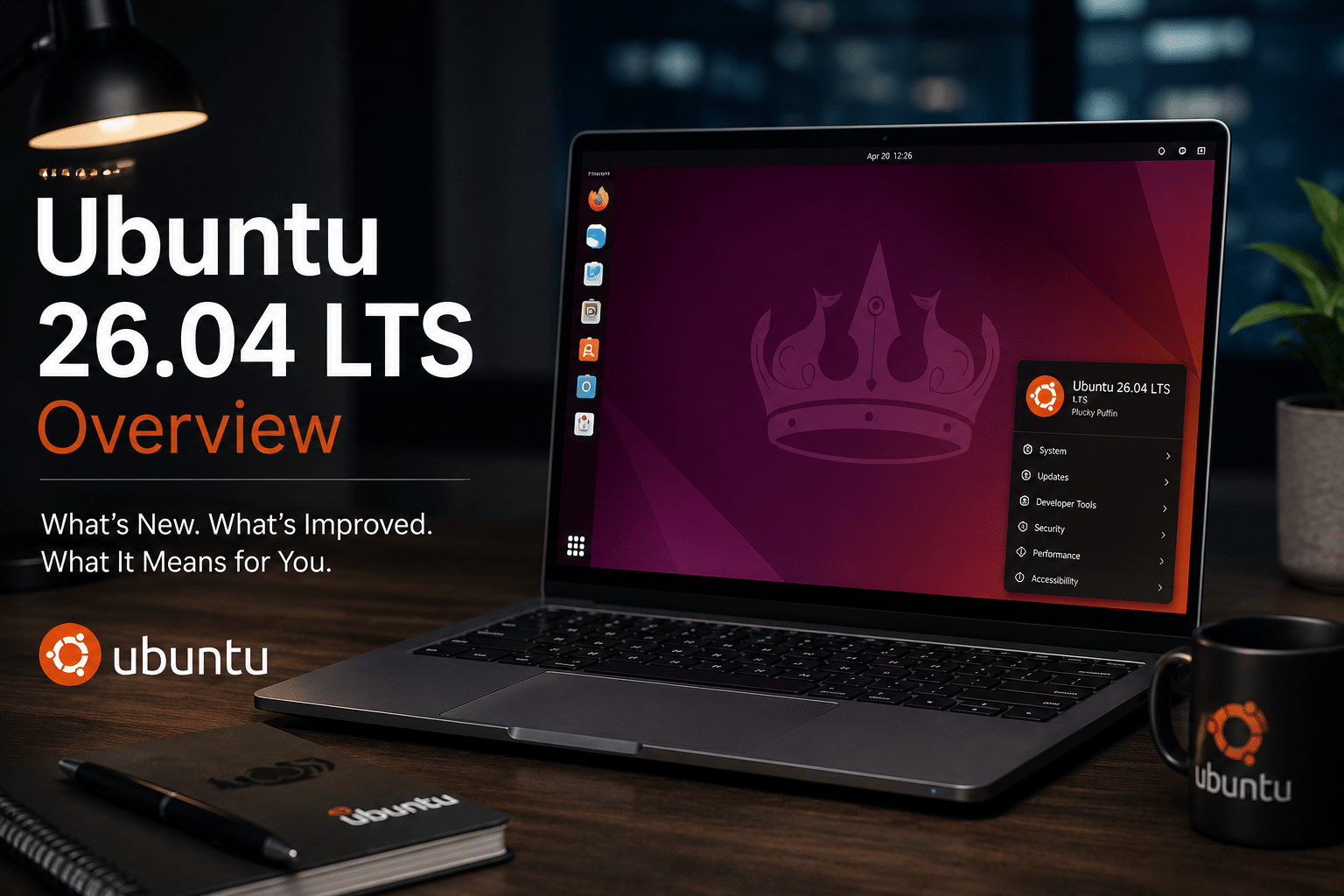
Ubuntu 26.04 LTS represents Canonical’s latest long-term support desktop platform.
Major characteristics include:
- GNOME desktop environment
- Wayland by default
- Advanced Snap integration
- Modern UI design
- Cloud-native tooling
- Enterprise ecosystem support
- Extensive hardware certification
Ubuntu prioritizes modern desktop experiences, enterprise integration, and cutting-edge Linux technologies.
Desktop Environment Comparison
Linux Lite: XFCE 4.20
Linux Lite relies on XFCE.
XFCE is known for:
- Low memory consumption
- Fast startup times
- Minimal CPU overhead
- High customization
- Stability
Benefits include:
Faster Desktop Response
XFCE uses fewer system resources than modern desktop environments.
Applications launch quickly.
Window management remains responsive even on older hardware.
Better Multitasking
Since XFCE consumes less RAM, more resources remain available for:
- Browsers
- Development environments
- Containers
- Virtual machines
Familiar Layout
Windows users often adapt quickly because XFCE resembles traditional desktop workflows.
Ubuntu 26.04: GNOME
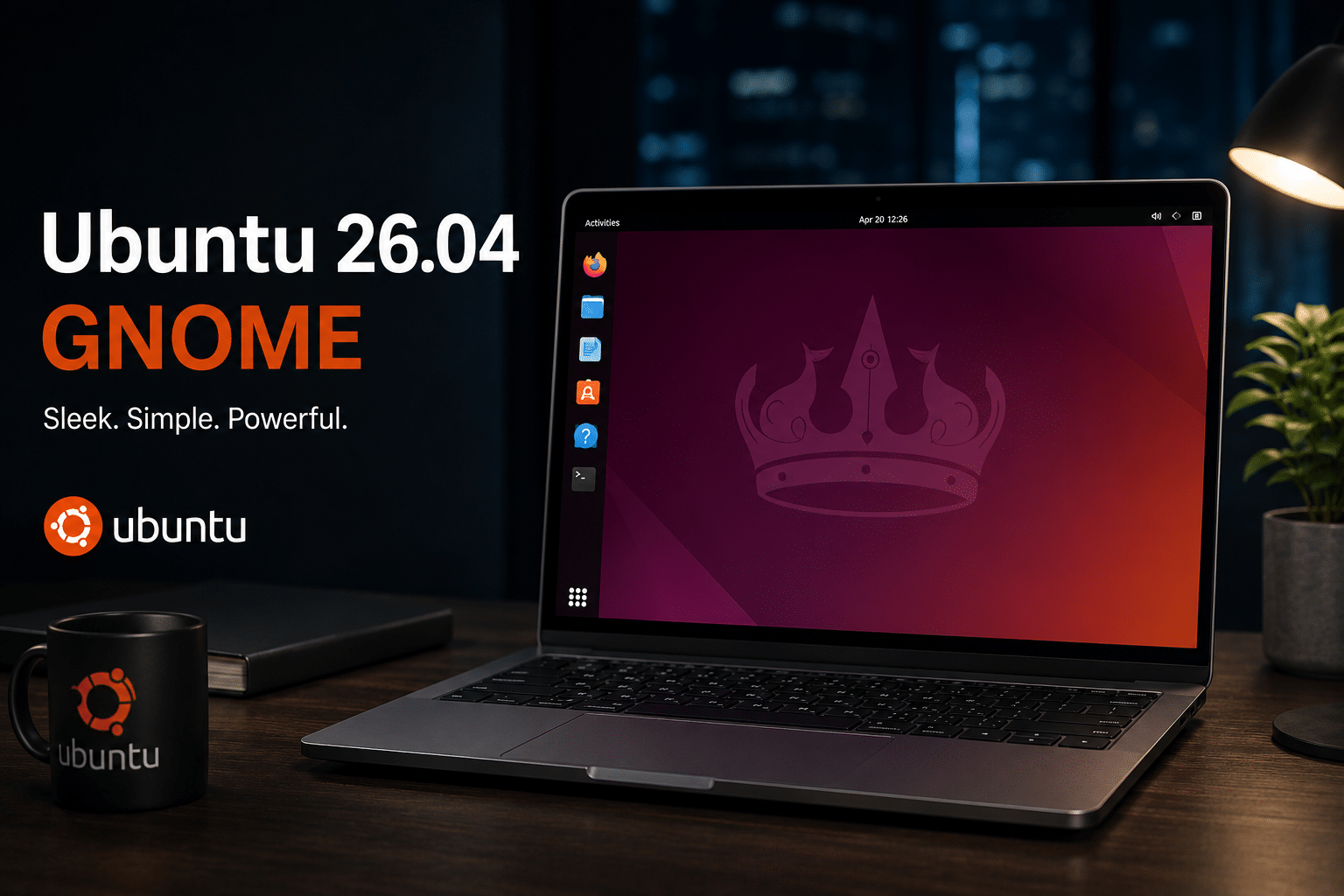
Ubuntu uses GNOME as its default desktop.
Advantages include:
Modern User Experience
GNOME offers:
- Advanced animations
- Polished interface
- Touchscreen optimization
- Wayland integration
Better High-DPI Support
Modern laptops benefit from:
- Superior scaling
- Improved display management
- Better multi-monitor handling
Advanced Accessibility
GNOME includes extensive accessibility tools.
Performance Benchmarks
Performance remains one of the biggest differentiators.
RAM Usage
Typical fresh boot memory usage:
Linux Lite 8.0
Approximately:
- 600 MB to 900 MB RAM
Ubuntu 26.04
Approximately:
- 1.5 GB to 2.2 GB RAM
This difference becomes significant on systems with:
- 4 GB RAM
- Older laptops
- Entry-level VPS servers
- Thin clients
Linux Lite leaves considerably more memory available for productive workloads.
CPU Utilization
XFCE generally maintains lower background CPU activity.
This results in:
- Better battery life
- Less thermal output
- Faster application launches
Ubuntu’s GNOME shell introduces additional graphical overhead due to:
- Animations
- Extensions
- Compositing
- Wayland services
Modern CPUs handle this easily, but older hardware may struggle.
Storage Footprint
Fresh installation sizes differ noticeably.
Linux Lite
Typically:
- 10–15 GB installed
Ubuntu
Typically:
- 20–30 GB installed
This matters for:
- SSD-constrained systems
- Cloud VPS deployments
- Virtual machine templates
Hardware Compatibility
Both systems inherit Ubuntu’s extensive driver ecosystem.
Supported hardware includes:
- Intel processors
- AMD processors
- ARM platforms
- NVIDIA GPUs
- AMD Radeon GPUs
- Wi-Fi adapters
- Modern storage controllers
However, Linux Lite’s lightweight desktop offers better performance on aging hardware.
Example scenarios:
Older Laptop
Intel Core i3 (2016)
Linux Lite delivers smoother responsiveness.
New Workstation
Intel Nova Lake
Ubuntu’s GNOME features run comfortably.
Developer Experience
Developers represent a major audience for Linux distributions.
Let’s examine both platforms.
Linux Lite for Developers
Advantages:
More Resources for Development
Less RAM consumed by the operating system means more memory remains available for:
- Docker
- Kubernetes
- VS Code
- IntelliJ
- Databases
Faster Virtual Machines
VM startup times improve due to lower resource requirements.
Better VPS Performance
Developers hosting remote desktops often prefer lightweight environments.
Ubuntu for Developers
Advantages:
Larger Community
Ubuntu remains the dominant desktop Linux platform.
Benefits include:
- Better documentation
- More tutorials
- Larger support ecosystem
Cloud-Native Ecosystem
Ubuntu integrates exceptionally well with:
- Kubernetes
- MicroK8s
- OpenStack
- MAAS
- Canonical tooling
Enterprise Software Support
Many vendors officially certify Ubuntu.
Virtualization and Cloud Deployments
This category increasingly influences desktop Linux adoption.
Organizations now deploy Linux desktops through:
- VPS platforms
- Remote desktop infrastructure
- Cloud workstations
- Development labs
Linux Lite Wins on Resource Efficiency
A lightweight XFCE desktop allows:
- Higher VM density
- Lower infrastructure costs
- Better remote responsiveness
Organizations can deploy more virtual desktops per server.
This directly reduces cloud expenditure.
Ubuntu Wins on Enterprise Integration
Ubuntu provides stronger integration with:
- Corporate identity systems
- Cloud automation frameworks
- Enterprise management platforms
Large organizations often prioritize these capabilities.
Security Comparison
Security foundations remain largely identical.
Both distributions inherit:
- Ubuntu security patches
- AppArmor protection
- Secure repositories
- Long-term updates
However, Ubuntu benefits from:
Canonical Security Team
Dedicated enterprise security resources.
Compliance Initiatives
Ubuntu receives extensive enterprise compliance attention.
Linux Lite benefits indirectly from these improvements because it inherits Ubuntu’s security infrastructure.
User Experience Analysis
Beginners
Linux Lite advantages:
- Simpler interface
- Familiar navigation
- Less overwhelming menus
- Easier Windows transition
Ubuntu advantages:
- Larger community support
- More tutorials
- Modern workflow
Power Users
Linux Lite appeals to users who value:
- Efficiency
- Customization
- Minimalism
Ubuntu appeals to users who value:
- Modern desktop technologies
- Advanced workflow features
- GNOME ecosystem
Gaming Performance
Gaming has become increasingly important for Linux users.
Both distributions support:
- Steam
- Proton
- Vulkan
- NVIDIA drivers
- AMD graphics
Actual gaming performance differences are usually small.
However:
Linux Lite leaves more system resources available for games.
Ubuntu provides stronger support for modern desktop graphics technologies.
For gaming-focused systems, the difference is generally negligible.
Enterprise Deployment Considerations
Linux Lite
Best suited for:
- Remote desktop infrastructure
- Educational institutions
- Thin clients
- Budget-conscious organizations
- Call centers
Ubuntu
Best suited for:
- Enterprise workstations
- Software development teams
- Cloud-native organizations
- Corporate IT environments
Total Cost of Ownership
Organizations increasingly analyze infrastructure economics.
Linux Lite can reduce costs through:
- Lower hardware requirements
- Increased VM density
- Reduced cloud resource consumption
- Extended hardware lifespan
Ubuntu may increase productivity through:
- Better enterprise tooling
- Official vendor certifications
- Broader support ecosystem
The optimal choice depends on workload priorities.
Which Distribution Should You Choose?
Choose Linux Lite 8.0 if you need:
✓ Maximum performance
✓ Lower RAM usage
✓ Older hardware support
✓ Lightweight virtual desktops
✓ Faster responsiveness
✓ Simpler user experience
✓ Reduced cloud infrastructure costs
Choose Ubuntu 26.04 LTS if you need:
✓ Modern desktop features
✓ GNOME ecosystem
✓ Enterprise certifications
✓ Cloud-native tooling
✓ Extensive documentation
✓ Vendor support
✓ Advanced display technologies
Final Verdict
Linux Lite 8.0 and Ubuntu 26.04 LTS demonstrate two different approaches to desktop Linux excellence.
Ubuntu 26.04 LTS focuses on modern desktop computing, enterprise integration, cloud-native workflows, and polished user experiences. It remains the default choice for organizations seeking broad vendor support and access to Canonical’s extensive ecosystem.
Linux Lite 8.0 takes a different path. By combining Ubuntu’s stability with the lightweight XFCE desktop environment, it delivers exceptional performance, lower resource consumption, and outstanding responsiveness. For older hardware, virtual desktops, cloud-hosted workstations, educational environments, and users who prioritize efficiency over visual effects, Linux Lite often provides a superior experience.
In practical terms, Ubuntu 26.04 LTS is the better choice for users seeking the latest desktop innovations and enterprise integrations, while Linux Lite 8.0 stands out as the performance champion for those who want every available system resource dedicated to productive workloads.
The good news is that both distributions share the same Ubuntu foundation, meaning users can enjoy excellent software compatibility, security updates, and long-term stability regardless of which path they choose. The decision ultimately comes down to one question: do you value modern desktop features more, or maximum efficiency? Your answer will determine the ideal Linux distribution for your next workstation deployment.
EXPLORE MORE ; Linux Mint’s Cinnamon Screenshot Upgrade
READ OUR BLOGS


