
Ubuntu Replaces GNU Coreutils with Rust: What Changes for Linux Users

Ubuntu is taking another major step in its long-term move toward Rust-based system software.
With Ubuntu 26.10, Canonical has completed the migration of its default core command-line utilities from traditional GNU Coreutils implementations to uutils coreutils, a Rust-based reimplementation designed to provide GNU-compatible behavior. The final three holdouts—cp, mv, and rm—have now moved to the Rust implementation.
For most Linux users, this change will be almost invisible.
The commands you use every day remain familiar:
lscatcpmvrmchmoddusortheadtail
You will continue typing the same commands. The important difference is the software implementing them underneath.
Ubuntu’s move matters because Coreutils sits extremely close to the foundation of everyday Linux computing. Developers use these commands in build scripts, administrators use them in server automation, and applications indirectly depend on their behavior.
The transition therefore represents more than a change in programming language. It reflects a broader effort to modernize fundamental Linux infrastructure around memory safety, compatibility, portability, testing, and long-term maintainability.
For developers and server administrators, it also creates a good reason to reconsider how they test Ubuntu upgrades and production environments.
What Are GNU Coreutils?
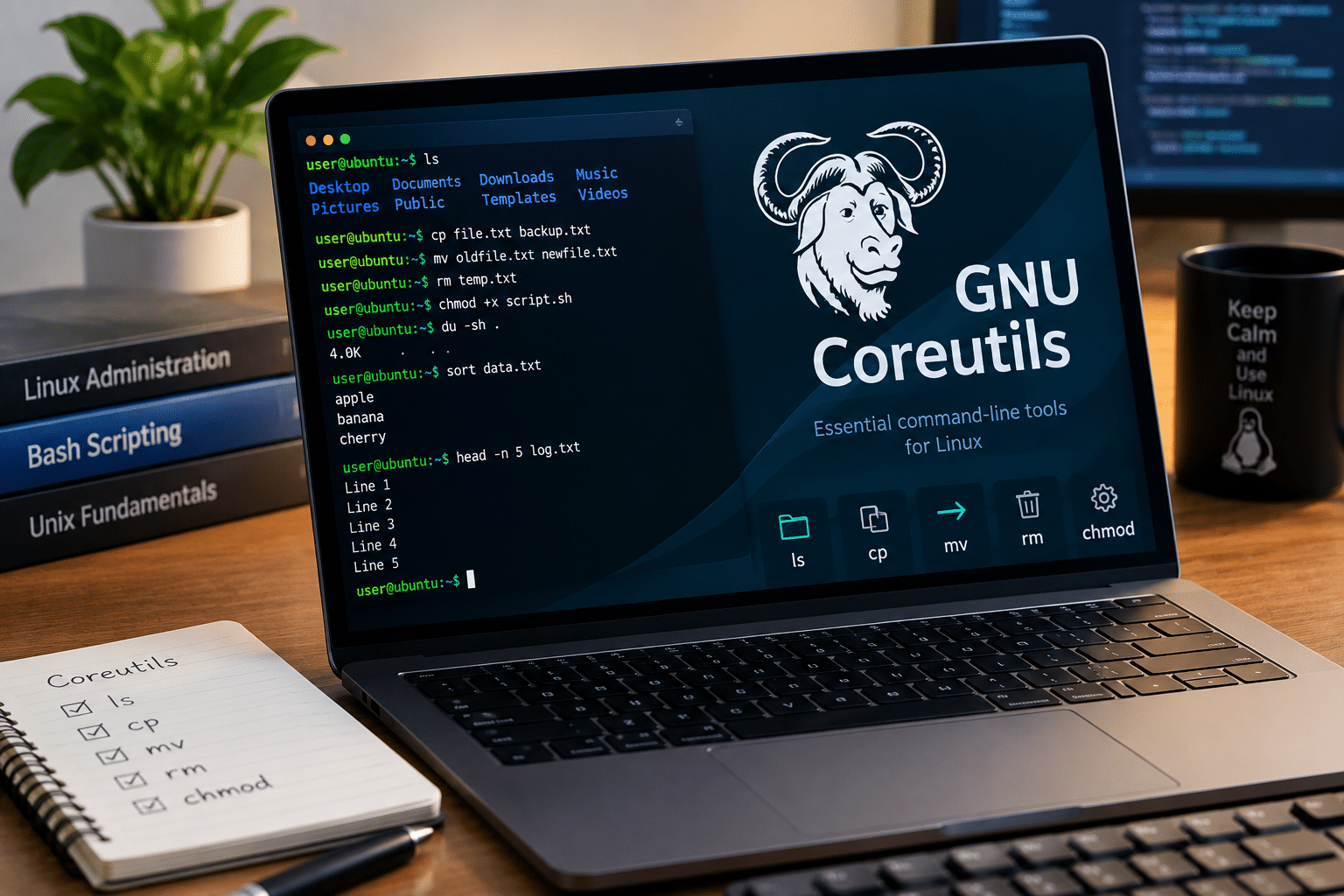
Before looking at the Rust migration, it helps to understand what Coreutils actually does.
GNU Coreutils provides a large collection of basic command-line utilities used by Linux systems.
These tools handle fundamental operations involving:
- Files
- Directories
- Text
- Permissions
- Processes
- Data streams
- Disk usage
- File manipulation
Some of the most recognizable commands include:
ls
cp
mv
rm
cat
chmod
mkdir
du
sort
head
tail
You might not think about these utilities when using Linux, but they appear everywhere.
A shell script might use mkdir to create a directory, cp to copy configuration files, chmod to change permissions, and rm to clean temporary data.
A build system can invoke several of these commands.
A deployment script can depend on them.
A CI/CD pipeline can execute hundreds of command-line operations during a single build.
That is why changing Coreutils is considerably more complicated than replacing an ordinary desktop application.
Ubuntu’s Coreutils Migration Has Been Gradual

Canonical did not suddenly replace every GNU utility overnight.
Ubuntu began shipping Rust-based Coreutils as the default in Ubuntu 25.10. The goal was to put the implementation through real-world use before completing the transition. The uutils project also describes its Coreutils implementation as a cross-platform Rust reimplementation intended to act as a drop-in replacement for GNU utilities.
Ubuntu 26.04 LTS continued the transition, but Canonical deliberately kept three commands on their GNU implementations:
cpmvrm
That decision was significant.
These commands directly manipulate user files, so subtle security or compatibility problems could have particularly serious consequences.
Canonical commissioned an external security audit by Zellic. Across two rounds conducted between December 2025 and March 2026, the audit identified 113 issues of varying severity. Canonical reported that the vast majority were subsequently addressed.
Ubuntu 26.04 therefore used Rust Coreutils for most of the suite while keeping those three commands on GNU Coreutils.
Ubuntu 26.10 completes the process.
Canonical’s current Ubuntu 26.10 release notes state that the default core utilities now run entirely on the Rust-based uutils implementation and specifically identify cp, mv, and rm as the utilities that have now migrated.
Why Is Ubuntu Moving Coreutils to Rust?
The biggest reason is memory safety.
Traditional Unix utilities have historically relied heavily on C.
C provides developers with enormous control over memory and system resources. That control helped make it possible to build fast, compact operating-system software.
But it also creates opportunities for certain categories of memory-related bugs.
Examples include:
- Buffer overflows
- Use-after-free vulnerabilities
- Invalid memory access
- Double-free errors
- Memory corruption
- Other unsafe memory-management conditions
Rust approaches memory management differently.
Its ownership and borrowing system allows the compiler to detect many classes of memory-safety problems before developers ship the program.
That does not mean Rust software is automatically secure.
A Rust application can still contain:
- Logic bugs
- Authentication vulnerabilities
- Authorization problems
- Race conditions
- Incorrect assumptions
- Unsafe blocks
- Dependency vulnerabilities
However, Rust can eliminate entire categories of memory-safety problems that developers historically had to manage manually.
The uutils project specifically identifies memory safety as one of the reasons it is rewriting command-line utilities in Rust. It also highlights cross-platform portability and modern tooling as major goals.
What Exactly Changes for Linux Users?
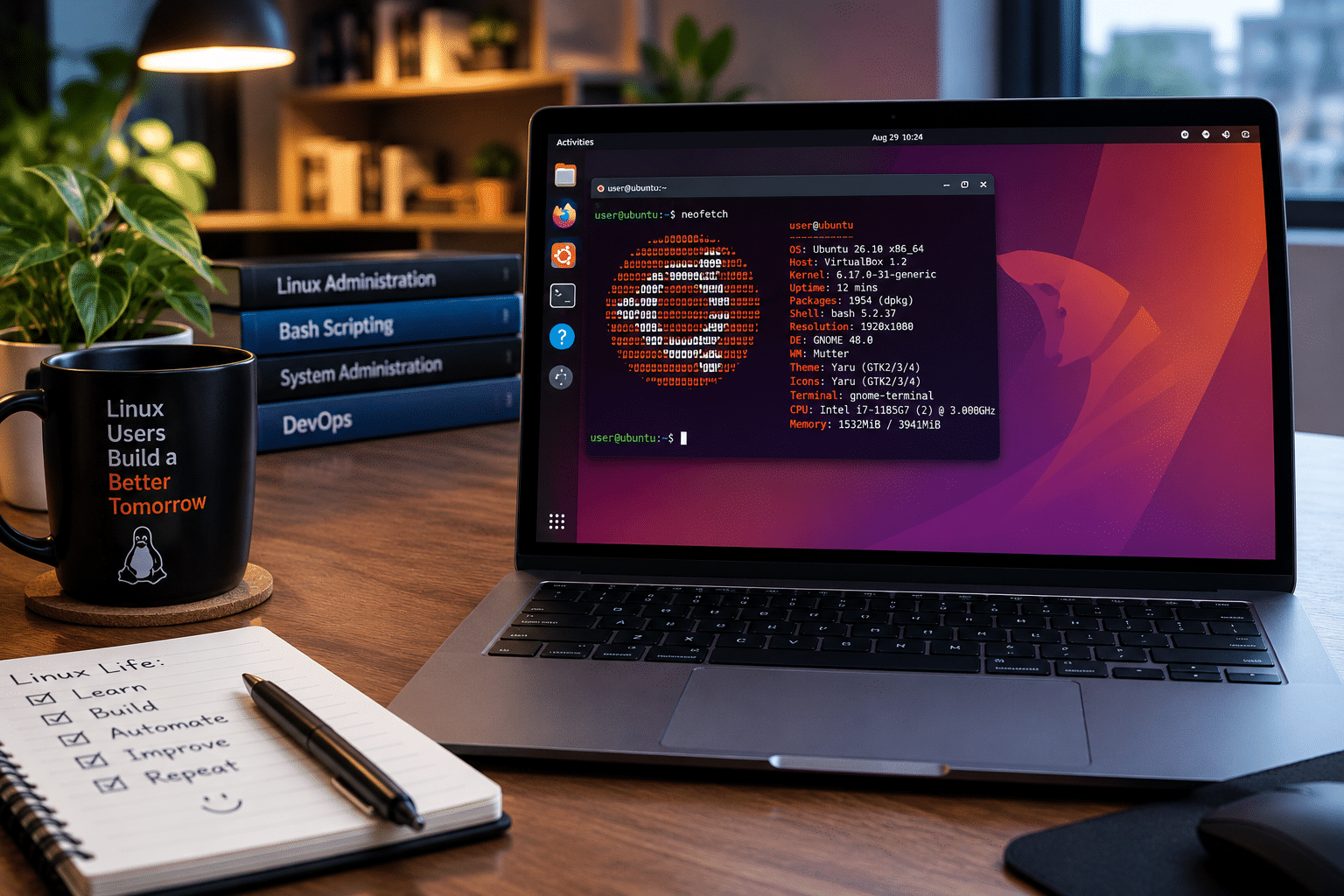
For normal users, very little changes at the command-line level.
If you already know Linux commands, you do not need to learn a new command language.
For example:
cp report.txt backup.txt
still copies a file.
mv old-folder new-folder
still moves or renames a directory.
And:
rm temporary-file.txt
still removes a file.
The implementation behind those commands has changed.
This is an important distinction.
Ubuntu is not asking users to replace familiar GNU commands with completely different commands. The uutils project explicitly aims to provide a drop-in replacement and treats compatibility differences as bugs.
So the migration is primarily an under-the-hood change.
Does Rust Coreutils Behave Exactly Like GNU Coreutils?
Not necessarily in every edge case.
This is one of the most important points for developers.
The uutils project aims for GNU compatibility, including matching output and exit codes. However, its documentation also states that some options may still be missing or that users may encounter behavioral differences.
That means the right approach is neither:
“Everything will break.”
nor:
“Nothing can possibly change.”
The practical answer lies somewhere in between.
Most conventional commands should behave as expected, but complex automation deserves testing.
Pay particular attention to scripts that depend on:
- GNU-specific command options
- Exact error messages
- Exit codes
- Symbolic-link behavior
- File permissions
- Race-sensitive file operations
- Unusual filenames
- Large directory trees
- Complex shell pipelines
- Error-handling behavior
This is especially important in production environments.
Why cp, mv, and rm Took Longer
The delay involving cp, mv, and rm provides an important lesson about systems engineering.
Ubuntu 26.04 LTS retained the GNU versions of these commands because Canonical had unresolved security concerns in the Rust implementations. Canonical specifically reported remaining TOCTOU—time-of-check to time-of-use—issues involving these utilities at the time.
A TOCTOU vulnerability occurs when software checks something and then performs an operation later, allowing the relevant resource to change between those two moments.
This class of issue matters particularly when software performs sensitive filesystem operations.
Consider a command that:
- Checks a file.
- Decides it is safe to operate on.
- Performs an operation.
- Encounters a different filesystem state than the one it checked.
An attacker may attempt to exploit the gap between the check and the operation.
Because cp, mv, and rm can manipulate important files, Canonical treated the remaining problems seriously.
Rather than rushing the transition, Ubuntu kept the mature GNU implementations in place while developers worked on the Rust versions.
That additional work eventually allowed Ubuntu 26.10 to complete the migration.
The Security Story Is Bigger Than “Rust Is Safer”
It would be misleading to reduce the entire migration to a simple statement that Rust automatically makes Linux secure.
Security does not work that way.
A programming language can reduce particular classes of vulnerabilities, but it cannot eliminate every security problem.
Ubuntu’s Coreutils transition involved much more than selecting Rust.
It involved:
- Security review
- External auditing
- Upstream development
- Compatibility testing
- Bug fixing
- Real-world deployment
- Distribution integration
- Continued testing across releases
Canonical’s audit process illustrates the scale of that work. The two Zellic audit rounds identified 113 issues, after which developers worked through the findings and contributed fixes upstream.
That process is arguably just as important as the programming language itself.
Ubuntu Is Not Starting Its Rust Journey With Coreutils
Coreutils represents one part of a larger Rustification strategy.
Ubuntu has already introduced other Rust-based system components.
For example, Ubuntu 26.04 uses sudo-rs as the default sudo provider. Canonical also continues to explore additional Rust-based infrastructure components.
Ubuntu’s September 2026 Rust update also says that Rust 1.97.1 is planned as the default Rust toolchain for Ubuntu 26.10 and notes ongoing Canonical work around automated C-to-Rust translation.
That gives the Coreutils migration a wider context.
Canonical is not simply experimenting with Rust in an isolated application.
It is increasingly incorporating Rust into foundational parts of the distribution.
Why This Matters to Developers
Developers should care about the migration because modern software depends heavily on automation.
A typical deployment script can execute commands such as:
mkdir
cp
mv
chmod
rm
A CI pipeline can perform similar operations repeatedly.
A project might also use shell scripts to:
- Prepare build directories
- Download dependencies
- Move compiled binaries
- Change file permissions
- Remove temporary files
- Package releases
- Deploy applications
- Rotate logs
- Create backups
When the implementation underneath these commands changes, testing becomes important.
You do not need to rewrite every script simply because Ubuntu uses Rust Coreutils.
Instead, verify that your important workflows continue to produce the expected results.
What Developers Should Test
If you manage Linux-based development infrastructure, create a simple compatibility checklist.
1. Test deployment scripts
Run your normal deployment process on the new Ubuntu version.
2. Test backup scripts
File-copy and file-movement operations deserve particular attention.
3. Test cleanup jobs
Verify automated rm operations carefully.
4. Test CI/CD pipelines
Run complete builds rather than checking individual commands.
5. Test file permissions
Confirm that generated files and directories receive the expected permissions.
6. Test symbolic links
Some workloads depend heavily on symbolic-link behavior.
7. Test failure conditions
Do not only test successful commands.
Check how your scripts behave when a command fails.
8. Test containers
If your containers use Ubuntu as a base image, test the relevant image independently.
What About Performance?
Performance is another reason Rust Coreutils has attracted attention.
The uutils project lists performance as one of its design goals and aims to match or exceed GNU utility performance where possible.
Ubuntu’s documentation has also pointed to performance improvements from Rust Coreutils, including improvements involving the base64 utility.
However, users should avoid assuming that every command will automatically become faster.
Performance depends on:
- CPU architecture
- Filesystem
- Storage
- Workload size
- Memory
- Input and output patterns
- Utility implementation
- System configuration
A better approach is to benchmark workloads that actually matter to you.
For example, if your application processes millions of files, benchmark that workload.
If your CI system compresses large datasets, measure the relevant pipeline.
Real workload measurements are more useful than generic claims about programming-language performance.
Cross-Platform Compatibility Is Another Interesting Benefit
uutils has ambitions beyond Linux.
The project aims to provide utilities that work across Linux, macOS, Windows, BSD systems, Android, and WebAssembly, with different support tiers depending on platform.
This creates an interesting possibility for developers.
A more portable implementation of familiar Unix utilities could make certain scripts easier to move between operating systems.
Of course, portability still has limits.
Different operating systems have different:
- Filesystem semantics
- Permissions
- Process models
- Path conventions
- Security mechanisms
- System APIs
So Rust Coreutils does not magically make every shell script portable.
But a common implementation can reduce some differences where compatible behavior makes sense.
What Does This Mean for Linux Servers?
The server implications are more practical than dramatic.
Linux servers execute enormous numbers of command-line operations.
A typical VPS may run:
- Web applications
- APIs
- Databases
- Cron jobs
- Backup processes
- Monitoring systems
- Deployment scripts
- Docker workloads
- Build systems
- Log-processing tools
Coreutils can appear throughout these workflows.
That makes compatibility testing an important part of server administration.
If you operate production infrastructure, Ubuntu 26.10 gives you a good reason to review your upgrade process.
Instead of upgrading production immediately, create a staging environment.
Then run your real workload.

Why a Linux VPS Is Useful for Testing Ubuntu Changes
A VPS provides a convenient environment for testing operating-system changes without disrupting your primary computer.
For example, you can create a separate Ubuntu server and use it to test:
- Shell scripts
- Application deployments
- Cron jobs
- Backup systems
- Docker workloads
- Monitoring agents
- Web applications
- Build pipelines
This approach becomes particularly useful when a distribution changes a foundational component such as Coreutils.
You can compare an existing production environment against a newer Ubuntu environment before committing to an upgrade.
That is where 99RDP’s Linux VPS service can fit naturally into a modern Linux workflow.
99RDP offers Linux VPS plans with full root access, dedicated VPS resources, SSD storage, network connectivity, and remote administration capabilities. Its VPS documentation also describes VPS environments as isolated virtual machines with reserved resources and full administrative access.
For developers and system administrators, root access is particularly useful when testing operating-system behavior because you can install packages, configure services, change system settings, and reproduce different server configurations.
Explore 99RDP Linux VPS
A Practical Ubuntu Testing Workflow With a VPS
You can turn the Coreutils migration into a straightforward testing exercise.
Step 1: Build a staging server
Create a separate Ubuntu environment rather than experimenting directly on production.
Step 2: Install your application
Deploy the same application, scripts, and configuration used in your normal environment.
Step 3: Run your normal automation
Execute your:
- Deployment scripts
- Build jobs
- Backup tasks
- Cleanup routines
- Monitoring scripts
Step 4: Exercise file operations
Pay particular attention to workflows involving:
cp
mv
rm
Step 5: Compare results
Look for differences in:
- Exit status
- Output
- Permissions
- File ownership
- Symbolic links
- Error handling
- Execution time
Step 6: Fix fragile assumptions
If your script depends on a GNU-specific behavior, document it and decide whether to change the script or explicitly depend on GNU Coreutils.
Step 7: Repeat after upgrades
Make the same testing process part of your regular Ubuntu upgrade strategy.
This is much safer than discovering an incompatibility after production deployment.
Should Linux Users Be Worried?
For ordinary desktop users, there is little reason to treat the Coreutils migration as a disruptive change.
You will continue using the same commands.
Your graphical applications will generally not expose the difference directly.
The users who should pay the most attention are those who maintain:
- Complex shell scripts
- Development environments
- CI/CD systems
- Server automation
- Backup infrastructure
- File-processing systems
- Container build pipelines
- Production Linux servers
Even then, the correct response is testing rather than panic.
Ubuntu has already spent multiple releases working toward this transition.
The fact that Canonical delayed cp, mv, and rm in Ubuntu 26.04 shows that it did not treat compatibility and security as secondary concerns.
How to Check Which Coreutils You Are Using
If you want to inspect your environment, start with simple commands.
For example:
ls --version
You can also inspect the installed package information using:
apt policy rust-coreutils
On Ubuntu systems where both implementations are available, administrators may also encounter GNU-prefixed commands such as:
gnuls
Ubuntu 26.04 documentation described mechanisms for switching between the GNU and Rust Coreutils implementations while the transition was still in progress.
For Ubuntu 26.10, the default environment has moved to the Rust-based implementation.
If you manage production servers, document the exact Ubuntu release and package configuration rather than relying on assumptions.
What This Means for System Administrators
The biggest operational lesson is simple:
Do not treat operating-system upgrades as cosmetic changes.
A distribution upgrade can change foundational components even when your application code remains untouched.
A strong upgrade process should therefore include:
Environment inventory
Know which operating-system versions your applications support.
Automated testing
Run application and infrastructure tests before upgrading.
Staging
Replicate production as closely as practical.
Backups
Maintain tested backups before major changes.
Monitoring
Watch application logs and system behavior after upgrades.
Rollback planning
Know what you will do if an upgrade introduces an unexpected incompatibility.
Documentation
Record important dependencies on system utilities.
These practices remain useful regardless of whether the underlying software is written in C, Rust, Go, or another language.
Rust Coreutils Does Not Make Linux Automatically Secure
This distinction deserves emphasis.
Ubuntu’s Rustification can reduce exposure to certain classes of memory-safety bugs.
But secure infrastructure requires much more.
Administrators still need to manage:
- SSH access
- Firewall rules
- Authentication
- Software updates
- Application vulnerabilities
- Secrets
- File permissions
- Backups
- Network exposure
- Monitoring
- Dependency security
A memory-safe command-line utility cannot protect a server running an outdated web application with an exposed administrative interface.
Security works in layers.
Rust can strengthen one layer.
It cannot replace sound system administration.
Why This Migration Matters Beyond Ubuntu
Ubuntu’s decision has significance because Coreutils is foundational software.
When a major Linux distribution moves an important part of its default userspace to Rust, the broader Linux ecosystem gets more real-world experience with Rust-based system utilities.
That can produce useful feedback around:
- Compatibility
- Performance
- Security
- Packaging
- Portability
- Testing
- Developer tooling
The uutils project says its Coreutils effort has attracted hundreds of contributors; in a 2025 project update, it reported 530 contributors to Coreutils alone.
That community involvement matters.
Large infrastructure projects need more than one company’s engineering team.
They need maintainers, testers, security researchers, distribution developers, documentation writers, and users reporting real-world problems.
The Bigger Picture: Linux Is Evolving
Ubuntu’s Coreutils migration is part of a much broader trend in systems software.
For decades, Linux infrastructure relied heavily on C and C++.
Today, Rust has become an increasingly important option for developers building low-level software.
The reasons are clear:
- Memory safety
- Modern tooling
- Strong compile-time checks
- High performance
- Cross-platform potential
- Growing developer adoption
But the transition will not happen instantly.
Linux distributions contain enormous amounts of mature software.
Replacing foundational components requires compatibility work, testing, security reviews, packaging changes, documentation, and community coordination.
Ubuntu’s Coreutils migration demonstrates what that process looks like in practice.
What Linux Users Should Take Away
Ubuntu’s move from GNU Coreutils to Rust-based uutils does not require ordinary users to relearn Linux.
The commands remain familiar.
The architecture underneath them is changing.
The most important points are:
- Ubuntu 26.10 completes the migration to Rust-based uutils Coreutils.
cp,mv, andrmare the final major GNU Coreutils holdouts to migrate.- Ubuntu started shipping Rust Coreutils by default in Ubuntu 25.10.
- Canonical used external security auditing during the migration.
- The uutils project targets GNU-compatible behavior but acknowledges that some differences and missing options can exist.
- Rust provides memory-safety benefits but does not eliminate every type of software vulnerability.
- Developers should test important scripts and automation before major production upgrades.
- VPS environments provide a practical way to test Ubuntu versions and server workloads independently.
Final Thoughts
Ubuntu replacing GNU Coreutils with Rust is one of those changes that most users will never notice directly.
That is actually a sign of the project’s compatibility goals.
You can continue opening a terminal and typing:
ls
cp
mv
rm
chmod
cat
The commands remain familiar.
Underneath them, however, Ubuntu is entering a new phase of its system-software strategy.
The move to uutils Coreutils brings Rust deeper into the foundation of the distribution while preserving the command-line interface Linux users already understand. The migration also shows why major infrastructure changes require patience: Canonical introduced the Rust implementation gradually, subjected it to security review, retained GNU implementations for the most sensitive commands when issues remained, and completed the migration only after further development.
For desktop users, the transition should largely remain invisible.
For developers and system administrators, it is a reminder to test the environments underneath their applications.
And for anyone managing Linux servers, a dedicated testing environment can make that process considerably easier. A Linux VPS from a provider such as 99RDP gives developers and administrators a practical place to deploy Ubuntu, experiment with system configurations, run automation, and test workloads without interfering with their primary production environment.
Ubuntu’s Coreutils migration is therefore about more than Rust.
It represents a broader evolution of Linux infrastructure toward modern development practices, stronger memory-safety guarantees, greater portability, and carefully tested system components.
The command line may look the same.
The technology underneath it is moving forward.
EXPLORE MORE ; Colocation vs VPS in Forex Trading

READ OUR BLOGS


