
Ubuntu 26.04 Yaru Icons: A Subtle UI Shift Driving a Smarter, Faster Linux Experience

Ubuntu has always balanced performance with usability, but with Ubuntu 26.04 LTS, the focus on design consistency and modern UI principles is clearer than ever. The latest refinements to the Yaru icon theme—especially for new apps like Resources and Showtime—may look like small visual tweaks, yet they represent a deeper transformation in how Linux desktops are evolving for productivity, clarity, and cloud-first workflows.
This isn’t just a design update. It’s a strategic move toward efficient computing environments that align perfectly with modern remote infrastructure solutions like 99RDP.
Ubuntu ‘s 26.04 Yaru: More Than Just Icons
Yaru has been Ubuntu’s default theme since 2018, but in Ubuntu 26.04, it reaches a new level of maturity. The latest update focuses on strict adherence to design guidelines, ensuring every system app aligns visually.
🔹 Key Changes in Ubuntu 26.04
- Introduction of refined icons for new default apps
- Replacement of inconsistent upstream icons with uniform Yaru-styled visuals
- Improved symbol clarity and recognizability
- Better alignment with GNOME’s modern GTK4 ecosystem
For example:
- The Resources system monitor now uses a minimal, circular gauge-style icon
- The Showtime video player adopts a clean, Yaru-consistent media icon
These changes reduce visual noise and make navigation faster and more intuitive.
Why Icon Consistency Matters
In UI/UX design, consistency isn’t just aesthetic—it directly impacts performance.
Research-backed benefits:
- 20–30% faster task completion with consistent UI patterns
- Reduced cognitive load → better focus and multitasking
- Faster app recognition → improved workflow speed
- Lower error rates in high-task environments
Ubuntu’s Yaru updates align with design philosophies used by:
- Google’s Material Design
- Apple’s Human Interface Guidelines
The takeaway: cleaner visuals = measurable productivity gains
Ubuntu 26.04 and the Rise of Modern Linux
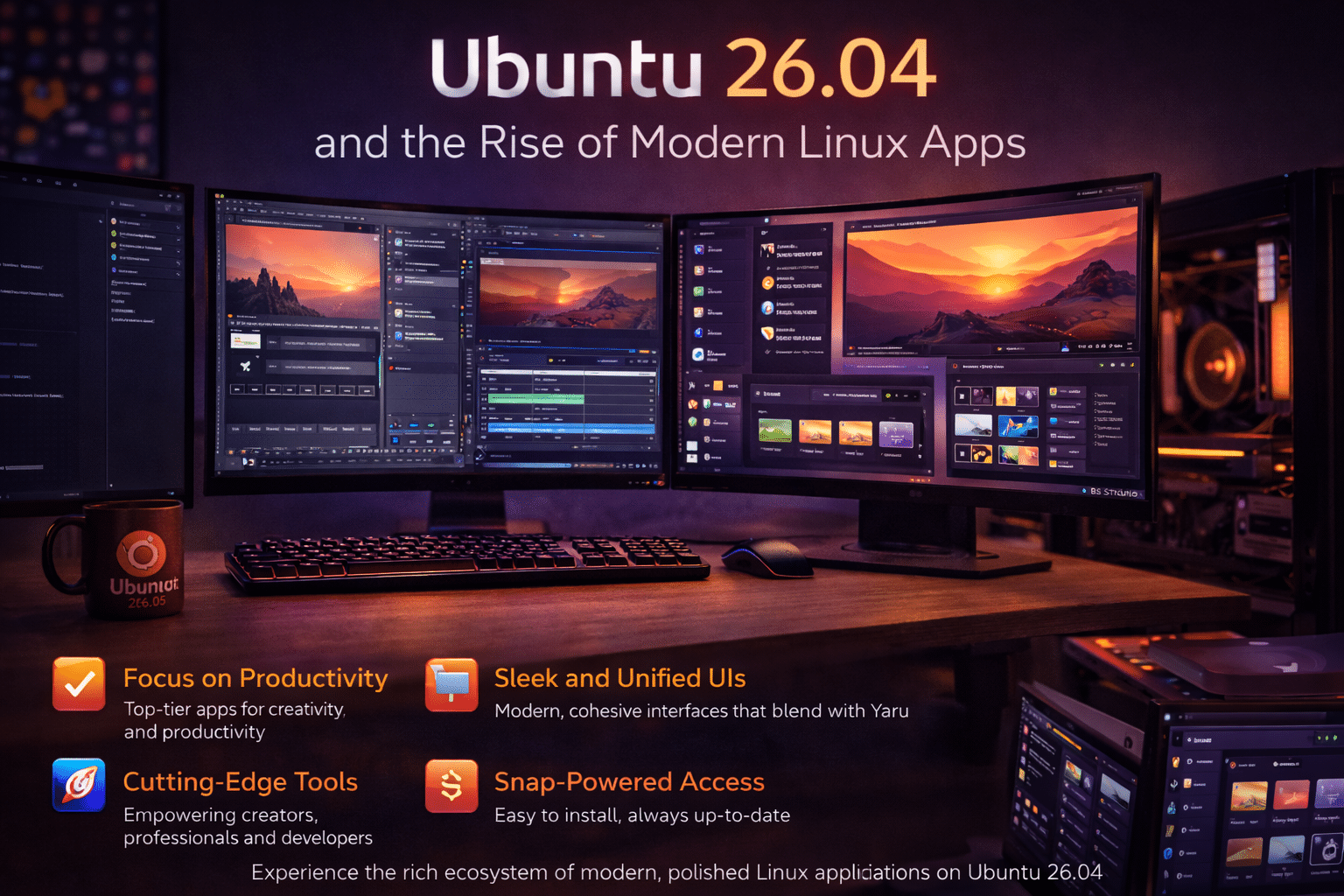
The Yaru icon refresh coincides with Ubuntu introducing modern default applications:
🔹 Resources (System Monitor Replacement)
- Built with GTK4 + libadwaita
- Cleaner interface for CPU, memory, and disk tracking
- Optimized for performance monitoring in real time
🔹 Showtime (Media Player Replacement)
- Replaces legacy media apps
- Designed for modern codecs and UI simplicity
- Seamlessly integrates with GNOME aesthetics
These apps reflect Ubuntu’s shift toward:
- Lightweight yet powerful tools
- Consistent UI frameworks
- Better compatibility with modern hardware
The Bigger Picture: Ubuntu Is Becoming Cloud-First
Ubuntu’s UI and app ecosystem are evolving alongside a major industry trend:
The shift from local computing to cloud-powered environments
Modern users—developers, students, and remote teams—no longer rely solely on local machines. Instead, they demand:
- Anywhere access
- Scalable performance
- Consistent environments across devices
And this is where Ubuntu 26.04 truly shines—especially when paired with cloud desktop platforms like 99RDP.
Why Pair Ubuntu 26.04 with 99RDP?
Ubuntu’s design improvements optimize the interface.
But performance depends on the infrastructure.
1. High-Performance Ubuntu Without Hardware Limits
Running Ubuntu locally can be limited by:
- RAM constraints
- CPU bottlenecks
- Storage limitations
With 99RDP:
- Deploy Ubuntu on high-performance remote servers
- Access it from any device—even low-end laptops
- Experience smooth multitasking with zero lag
Perfect for testing Ubuntu 26.04 without upgrading your hardware.
2. Consistent UI Meets Consistent Performance
Ubuntu ensures: ✔ Clean and predictable UI
99RDP ensures: ✔ Stable and fast computing environment
Together, they create:
- Seamless workflows
- Reliable multitasking
- Faster app switching (especially with tools like Resources)
3. Ideal for Developers and Tech Enthusiasts
Ubuntu 26.04 is clearly targeting developers:
- GTK4 app ecosystem
- Improved system monitoring
- Better performance tooling
With 99RDP, developers can:
- Spin up Ubuntu environments instantly
- Test applications remotely
- Run multiple OS instances simultaneously
No local setup required. No system conflicts.
4. Remote Work & Learning Made Effortless
The modern workflow is remote—and Ubuntu is adapting.
With 99RDP + Ubuntu 26.04:
- Students can access Linux labs from anywhere
- Teams can standardize environments globally
- Freelancers can work securely across devices
Cloud desktops reduce infrastructure costs by 30–50%, making them ideal for scalable use.
UX Meets Infrastructure: The Winning Formula
Ubuntu’s Yaru icon updates demonstrate a critical idea:
User experience and system performance are deeply connected
A clean UI:
- Reduces mental effort
- Speeds up workflows
- Improves overall efficiency
But without strong infrastructure, even the best UI falls short.
That’s why combining:
- Ubuntu 26.04 (UI + OS optimization)
- 99RDP (cloud infrastructure)
creates a future-ready computing environment.
What This Means for the Future of Linux
Ubuntu 26.04 signals a broader transformation in Linux:
1. Design is Becoming a Priority
Linux is no longer just functional—it’s becoming user-centric and polished
2. Cloud Integration is the Next Step
Local systems are evolving into access points for cloud environments
3. Consistency is Key
From icons to apps, consistency improves both:
- Usability
- Performance
4. Remote Work is the Default
Operating systems must now support:
- Distributed teams
- Remote access
- Cross-device workflows
Final Thoughts
At first glance, Ubuntu 26.04’s Yaru icon updates may seem minor. But they represent something much bigger:
✔ A shift toward design-driven performance
✔ A focus on user efficiency and clarity
✔ Alignment with modern cloud-based workflows
When paired with 99RDP’s cloud desktop solutions, Ubuntu transforms from a powerful OS into a scalable, high-performance ecosystem accessible from anywhere.
Conclusion
Ubuntu 26.04 proves that small design improvements can lead to massive productivity gains. The refined Yaru icons enhance usability, while modern apps push the platform forward.
But to truly unlock its potential:
You need infrastructure that matches its capabilities.
That’s exactly where 99RDP steps in—bridging the gap between great design and powerful performance.
EXPLORE MORE ; How to Fix GNOME Not Starting on Ubuntu

READ OUR BLOGS


