
Why Every Computer Science Student Should Build a Home Lab
A computer science degree can teach you programming languages, algorithms, data structures, operating systems, databases and computer architecture. But there is one learning environment that can connect many of these concepts together: a personal home lab.
A home lab doesn’t need expensive servers, enterprise networking equipment or a dedicated rack. For a beginner, an old desktop or laptop can be enough to start. Install Linux, connect it to your network, configure SSH and begin experimenting.
From there, the possibilities expand quickly.
You can host websites, run databases, create virtual machines, deploy Docker containers, practice networking, automate repetitive tasks, experiment with cybersecurity and eventually move workloads to a cloud VPS.
This hands-on approach complements classroom learning because it gives students something textbooks and lectures cannot provide easily: a system they can break, troubleshoot, rebuild and improve.
According to the U.S. Bureau of Labor Statistics, employment in computer and information technology occupations is projected to grow faster than the average for all occupations from 2024 to 2034. The agency also projects hundreds of thousands of annual openings across these fields.
That makes practical experience increasingly valuable.
And you don’t necessarily need to spend thousands of dollars to get it.
Your old PC could be the beginning.
What Is a Home Lab?
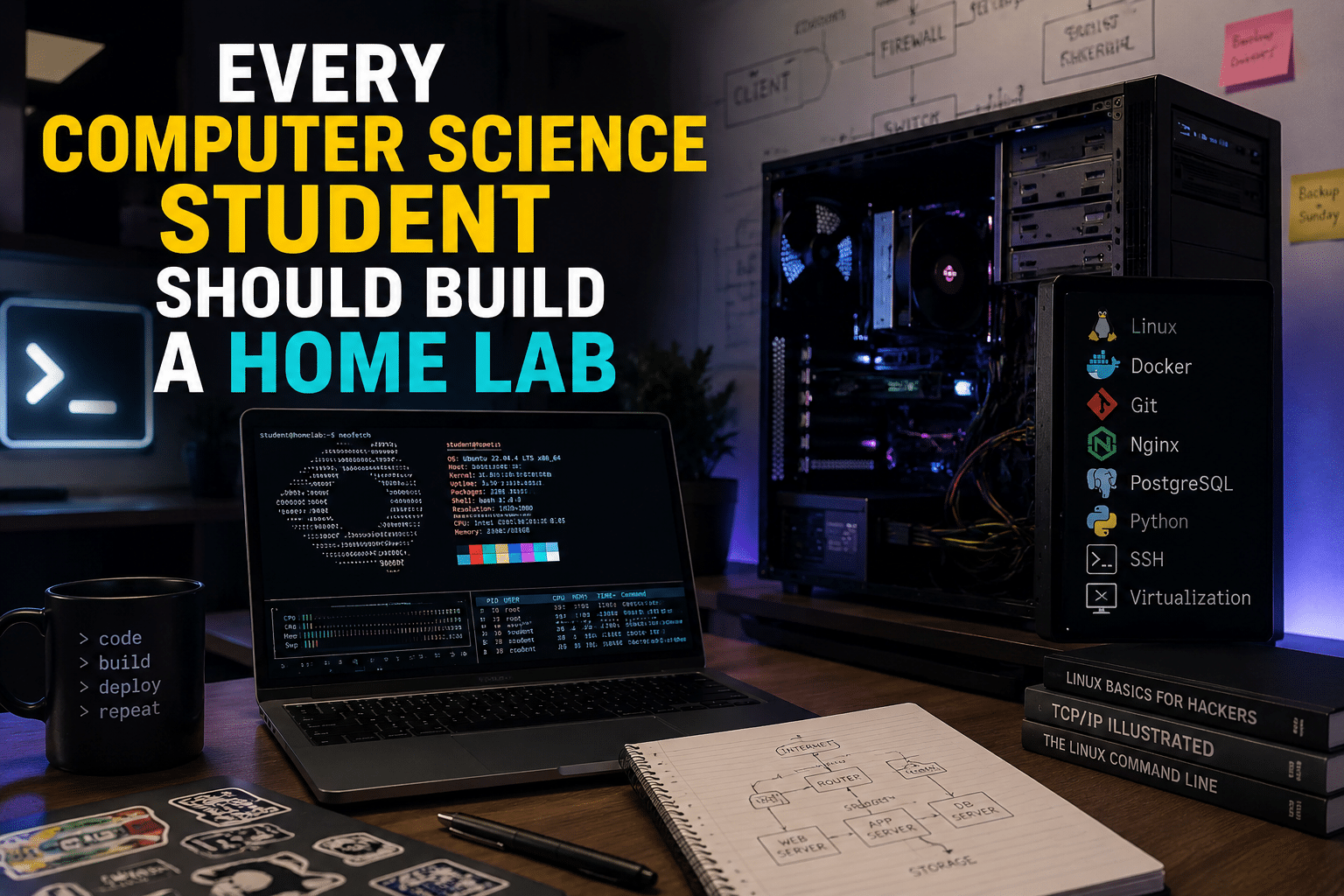
A home lab is a personal computing environment used for experimentation, learning, development and testing.
It can be as simple as:
Old PC → Linux → SSH → Web server
Or it can eventually become:
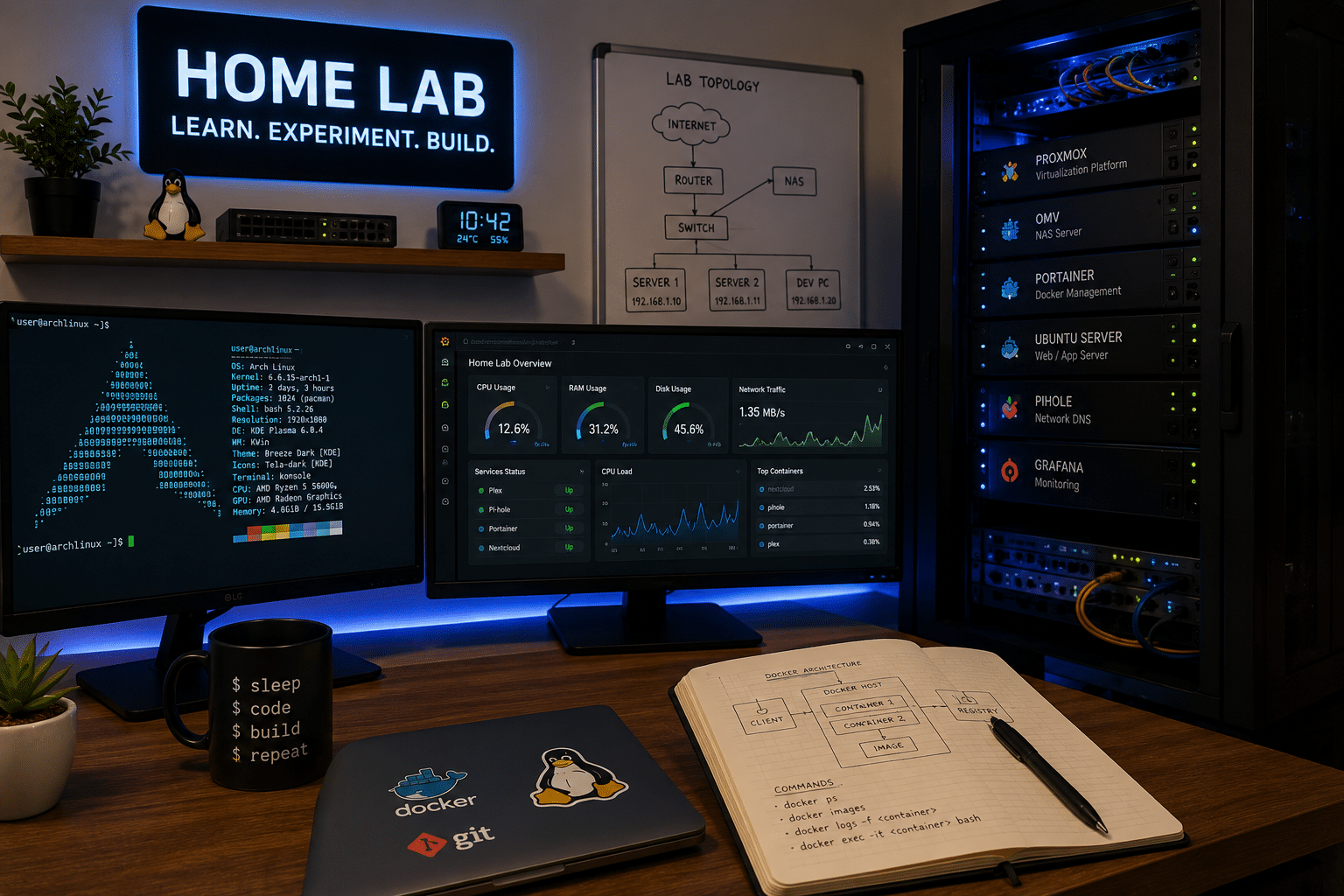
Server → Virtualization → Multiple VMs → Containers → Databases → Monitoring → Automation → Cloud deployment
The important thing isn’t the hardware.
The important thing is what you learn by using it.
A home lab gives you an environment where you can experiment with technologies without worrying about breaking your primary computer.
You can install software, change configurations, test applications and deliberately create failures.
If something goes wrong, you troubleshoot it.
If the system becomes unusable, you reinstall it.
That cycle is one of the most valuable aspects of a home lab.
1. A Home Lab Turns Theory Into Practical Experience
Computer science involves a tremendous amount of theory.
You might learn what a process is, how networking works or how databases store information.
But understanding the definition isn’t the same as operating a real system.
For example, a textbook can explain SSH.
A home lab lets you actually:
- Install an SSH server.
- Create a user.
- Configure authentication.
- Connect remotely.
- Examine logs.
- Configure firewall rules.
- Disable password authentication.
- Troubleshoot connection failures.
Suddenly, SSH isn’t an abstract concept anymore.
You have used it.
The same principle applies to networking.
Instead of memorizing that HTTP commonly uses port 80 and HTTPS commonly uses port 443, you can deploy a web server and observe how traffic reaches it.
That experience creates stronger technical understanding.
2. You Can Learn Linux Without Paying for Expensive Infrastructure
Linux is one of the most useful operating systems to explore in a home lab.
A large ecosystem of Linux distributions allows students to experiment with different environments, while server-oriented Linux systems are widely used across development and infrastructure.
Your old computer can become a dedicated Linux machine.
Start with basic administration:
- Users and groups
- File permissions
- Package management
- Processes
- Services
- Logs
- Networking
- Storage
- SSH
- Shell scripting
The command line becomes much less intimidating when you use it regularly.
You can also make mistakes safely.
Delete the wrong configuration file?
Fix it.
Break a service?
Restart or reinstall it.
Misconfigure networking?
Troubleshoot it.
Every mistake becomes another lesson.
3. It Gives You a Safe Place to Experiment
One of the biggest advantages of a home lab is freedom.
Your primary laptop probably contains important documents, photographs, schoolwork and accounts.
You don’t want to experiment recklessly with it.
A dedicated home-lab machine changes that.
You can test:
- New Linux distributions
- Experimental software
- Server configurations
- Containers
- Virtual machines
- Databases
- Networking tools
- Automation scripts
If your experimental environment breaks, you can rebuild it.
This creates an important engineering mindset:
Failure isn’t necessarily a problem. Failure can be data.
When you understand why something broke, you’ve learned something.
4. You Can Learn Networking by Actually Building Networks
Networking can be difficult for beginners because many concepts are abstract.
Terms such as:
- IP address
- DNS
- DHCP
- NAT
- Port
- Gateway
- Firewall
- Routing
- Subnet
can seem disconnected when learned individually.
A home lab connects them.
You can create a server on your local network and access it from another computer.
Then you can investigate its IP address.
Configure a hostname.
Run a web service.
Test connectivity.
Configure firewall rules.
Study DNS resolution.
You can gradually build a mental model of how computers communicate.
That knowledge becomes particularly useful when you later study cloud computing, cybersecurity or DevOps.
5. Docker Can Introduce You to Modern Application Deployment
Once you’ve learned basic Linux administration, containers are an excellent next step.
Docker describes containers as a way to package and run applications in isolated environments, while Docker’s platform supports developing, shipping and running applications.
A home lab gives you a practical place to learn Docker.
For example, you might run:
Home Lab Server
│
├── Nginx
├── Web Application
├── PostgreSQL
├── Redis
└── Monitoring
Instead of installing everything directly on your operating system, you can learn how applications and their dependencies can be packaged into containers.
You can also experiment with persistent storage, container networking and environment variables.
These aren’t merely academic concepts.
They appear throughout modern software development and infrastructure.
6. Virtualization Lets One Computer Become Many
If your old PC has enough RAM and CPU capacity, virtualization can take your home lab to another level.
A single physical machine can host multiple virtual machines.
For example:
Physical Server
│
└── Hypervisor
    ├── Ubuntu VM
    ├── Debian VM
    ├── Windows VM
    └── Testing VM
This allows students to experiment with different operating systems and configurations without purchasing several physical computers.
Virtualization can also teach you about:
- CPU allocation
- Memory allocation
- Virtual networking
- Storage
- Snapshots
- VM backups
- Resource management
You begin to understand why infrastructure engineers think in terms of resources rather than individual computers.
7. Your Home Lab Can Become a Database Playground
Databases are another area where practical experimentation helps.
Install a database such as PostgreSQL or MySQL and build an application around it.
For example, create a simple student-project database containing:
- Users
- Courses
- Assignments
- Grades
- Projects
Then connect a web application to it.
Now you’re working with multiple components:
Browser
   ↓
Web Application
   ↓
Database
You can experiment with SQL queries, indexes, backups, permissions and performance.
You can also deliberately create inefficient queries and observe their effects.
This is much more engaging than simply writing SQL statements for an assignment.
8. It Helps You Understand Cybersecurity
Cybersecurity becomes easier to understand when you have systems to secure.
A home lab can provide a controlled environment for learning defensive security concepts.
You can practice:
- SSH hardening
- Firewall configuration
- User permissions
- Authentication
- Log analysis
- Network segmentation
- Software updates
- Backup strategies
- Monitoring
You can also study how exposed services create risks.
However, security experiments should remain inside systems and networks you own or are explicitly authorized to test.
A home lab is valuable precisely because it gives you that controlled environment.
9. Troubleshooting Becomes a Daily Skill
One of the biggest differences between classroom programming and professional engineering is troubleshooting.
Code doesn’t always work.
Servers crash.
Networks fail.
Dependencies conflict.
Permissions prevent applications from starting.
Databases become unavailable.
Configuration files contain mistakes.
A home lab creates constant opportunities to troubleshoot these situations.
Suppose your website suddenly stops working.
You might investigate:
- Is the server running?
- Is the network reachable?
- Is the web service active?
- Is the port open?
- Is the firewall blocking traffic?
- Did the configuration change?
- What do the logs say?
- Is the database available?
That troubleshooting process is itself a technical skill.
10. Automation Becomes Much More Interesting
Once you find yourself repeating the same tasks, automate them.
For example, instead of manually creating directories and installing packages, write a shell script.
Then move toward Python.
Eventually, explore infrastructure-as-code and configuration-management concepts.
A simple progression could look like:
Shell → Python → Git → Automation → Infrastructure as Code → CI/CD
The home lab gives you a place to test everything.
You can automate server setup, application deployment, backups and monitoring.
This teaches another important engineering principle:
If you have to perform the same task repeatedly, consider whether a computer should perform it instead.
11. Your Projects Can Become a Portfolio
A home lab becomes even more valuable when you document what you build.
Don’t just install software.
Create projects.
For example:
Project 1: Personal Web Server
Deploy a static website using Linux and Nginx.
Project 2: Docker Application
Build a small web application with a database.
Project 3: Monitoring Dashboard
Monitor CPU, memory, storage and network activity.
Project 4: Automated Backup System
Create scheduled backups and test recovery.
Project 5: Local-to-Cloud Deployment
Develop locally and deploy the application to a VPS.
Document each project on GitHub or another version-control platform.
Include:
- Architecture
- Setup instructions
- Configuration
- Screenshots
- Problems
- Solutions
- Lessons learned
Now your home lab is generating tangible evidence of your skills.
12. A VPS Can Extend Your Home Lab
A local home lab has limitations.
Your server depends on:
- Your electricity
- Your internet connection
- Your hardware
- Your home network
- Your available resources
Eventually, you may want a server that is accessible remotely and doesn’t depend on your home PC being switched on.
That’s where a VPS can complement the home lab.
For students and developers, 99RDP’s Linux VPS can provide a remote Linux environment with root access, SSD storage, dedicated IP addressing and allocated resources.
The idea isn’t to replace your old PC.
Use both strategically.
Home lab
Use it for:
- Learning Linux
- Experimenting
- Virtualization
- Local networking
- Hardware exploration
- Testing
VPS
Use it for:
- Remote deployments
- Public websites
- APIs
- Cloud experiments
- Remote development
- Internet-accessible services
This creates a useful bridge between local computing and cloud infrastructure.
13. Learn the Difference Between Development and Deployment
A student can write an application on a laptop.
But what happens next?
A real application may need:
- A server
- A database
- Networking
- Security
- Monitoring
- Backups
- DNS
- Deployment automation
A home lab lets you explore that complete lifecycle.
You can write an application locally.
Then containerize it.
Then deploy it to your home server.
Then move it to a VPS.
That progression teaches you something extremely important:
Writing software is only one part of delivering software.
14. You Learn Resource Management
Your old computer won’t have unlimited resources.
Maybe it has 8 GB of RAM.
Maybe it has an older four-core processor.
Maybe the storage is limited.
That’s actually useful.
You learn to ask:
- How much RAM does this service consume?
- Why is CPU usage increasing?
- Which container uses the most memory?
- How much storage does this database need?
- What happens when multiple applications run simultaneously?
These questions introduce students to performance engineering.
When you eventually work with cloud infrastructure, those concepts become directly relevant to resource sizing and cost management.
15. You Don’t Need Expensive Hardware
The biggest misconception about home labs is that you need enterprise equipment.
You don’t.
Start with whatever you already have.
An old desktop can be sufficient for:
- Linux
- SSH
- Web servers
- Small databases
- Docker
- Git
- Monitoring
- Basic virtualization
If you need more resources later, upgrade the machine or move selected workloads to a VPS.
The goal is learning—not building the world’s most powerful home server.
16. Start Small and Expand Gradually
Don’t install 20 services on your first day.
Start with one project.
A sensible progression is:
Step 1: Install Linux
Learn basic commands and system administration.
Step 2: Configure SSH
Learn remote administration.
Step 3: Deploy Nginx
Host a simple webpage.
Step 4: Install Git
Manage your projects.
Step 5: Install Docker
Deploy your first container.
Step 6: Add a Database
Connect your application to PostgreSQL or another database.
Step 7: Add Monitoring
Track system resources.
Step 8: Experiment With Virtual Machines
Learn virtualization.
Step 9: Automate
Write scripts and deployment workflows.
Step 10: Deploy to a VPS
Move a project to a remote environment.
This approach keeps the learning curve manageable.
17. Don’t Forget Power Consumption
Running an old desktop 24/7 can consume more electricity than a modern low-power machine.
Consider measuring its actual power usage before keeping it permanently online.
For example, a machine averaging 50 watts continuously would consume approximately:
50 × 24 × 30 ÷ 1,000 = 36 kWh per month
At 100 watts, consumption doubles to approximately 72 kWh per month.
Your actual electricity cost depends on your local tariff.
This is another valuable lesson: infrastructure has operating costs.
Sometimes a small VPS or low-power mini PC makes more sense than running an inefficient desktop continuously.
18. Security Should Be Part of the Project
Never treat security as something to learn later.
From the beginning:
- Keep your operating system updated.
- Use strong passwords.
- Prefer SSH keys for appropriate use cases.
- Disable unnecessary services.
- Configure a firewall.
- Limit exposed ports.
- Back up important information.
- Don’t expose vulnerable test applications publicly.
- Monitor authentication logs.
- Separate personal files from experimental systems.
When you eventually deploy a project to a public VPS, these habits become even more important.
19. A Home Lab Teaches You to Read Documentation
Another underrated benefit is learning how to use documentation.
When something breaks, you can’t always search for a step-by-step tutorial that matches your exact setup.
You need to read:
- Man pages
- Official documentation
- Configuration references
- Error messages
- Logs
- GitHub documentation
- Technical guides
This is a critical professional skill.
Technology changes too quickly for anyone to memorize everything.
Good engineers know how to find reliable information.
20. Build a Home Lab Before You Think You Are “Ready”
You don’t need to become an advanced programmer first.
You don’t need to understand Linux completely.
You don’t need to know networking perfectly.
You learn by doing.
Start with one machine.
Install Linux.
Open the terminal.
Create a user.
Install SSH.
Run a web server.
Break something.
Fix it.
Then build something slightly more complicated.
The complexity should grow alongside your skills.
A Simple Computer Science Home-Lab Roadmap
Here’s a practical progression for students:
| Level | Technology | What You Learn |
|---|---|---|
| Beginner | Linux | OS fundamentals |
| Beginner | SSH | Remote administration |
| Beginner | Git | Version control |
| Intermediate | Nginx | Web infrastructure |
| Intermediate | PostgreSQL | Databases |
| Intermediate | Docker | Containers |
| Intermediate | Networking | TCP/IP, DNS, ports |
| Advanced | Virtualization | Infrastructure |
| Advanced | Monitoring | Observability |
| Advanced | Automation | DevOps |
| Advanced | VPS | Cloud deployment |
You don’t need to master everything.
Each stage simply opens the door to the next.
Home Lab vs. Cloud: Use Both

A home lab and a VPS serve different purposes.
Your old PC gives you physical access.
You can learn what happens when hardware fails, storage fills up or network cables are disconnected.
A VPS gives you an environment closer to modern hosted infrastructure.
You can deploy applications remotely, configure public services and learn how internet-facing systems behave.
Using both can therefore create a more complete learning experience.
For example:
Your Laptop
     │
     ▼
Local Home Lab
     │
     ├── Linux
     ├── Docker
     ├── Database
     └── Testing
     │
     ▼
99RDP Linux VPS
     │
     ├── Public Application
     ├── API
     ├── Database
     └── Monitoring
This simple setup can introduce you to the path from development → testing → deployment → operations.
Final Thoughts: Build Instead of Just Studying
Computer science students often spend considerable time learning concepts from lectures, books and online courses.
Those resources are important.
But practical experience makes the concepts stick.
A home lab gives you a place to connect programming with operating systems, networking with security, databases with applications and development with deployment.
The best part is that you can start cheaply.
That old computer collecting dust could become your first Linux server.
Your first Docker host.
Your first database server.
Your first networking laboratory.
Your first cybersecurity playground.
Your first DevOps environment.
And eventually, your first step toward cloud infrastructure.
When local hardware becomes limiting, a service such as 99RDP’s Linux VPS can extend the same learning journey into a remotely hosted environment.
The goal isn’t to build a perfect server.
The goal is to build something you can experiment with.
Because every configuration mistake you troubleshoot, every service you deploy and every system you rebuild teaches a lesson that stays with you.
If you’re studying computer science, don’t just learn how computers work. Build something, break it, fix it and learn why it works.
EXPLORE MORE ; How LibreOffice’s New UI Personalization Features Improve Daily Workflows
READ OUR BLOGS


