Android Emulators guides
Guides to Android emulators on Windows: installing BlueStacks, NoxPlayer and LDPlayer from their official sites, performance settings, running many instances and keeping emulators running 24/7 on a GPU server.
Every guide is written and checked by the people who run our servers, with commands and steps tested on current versions.
Articles
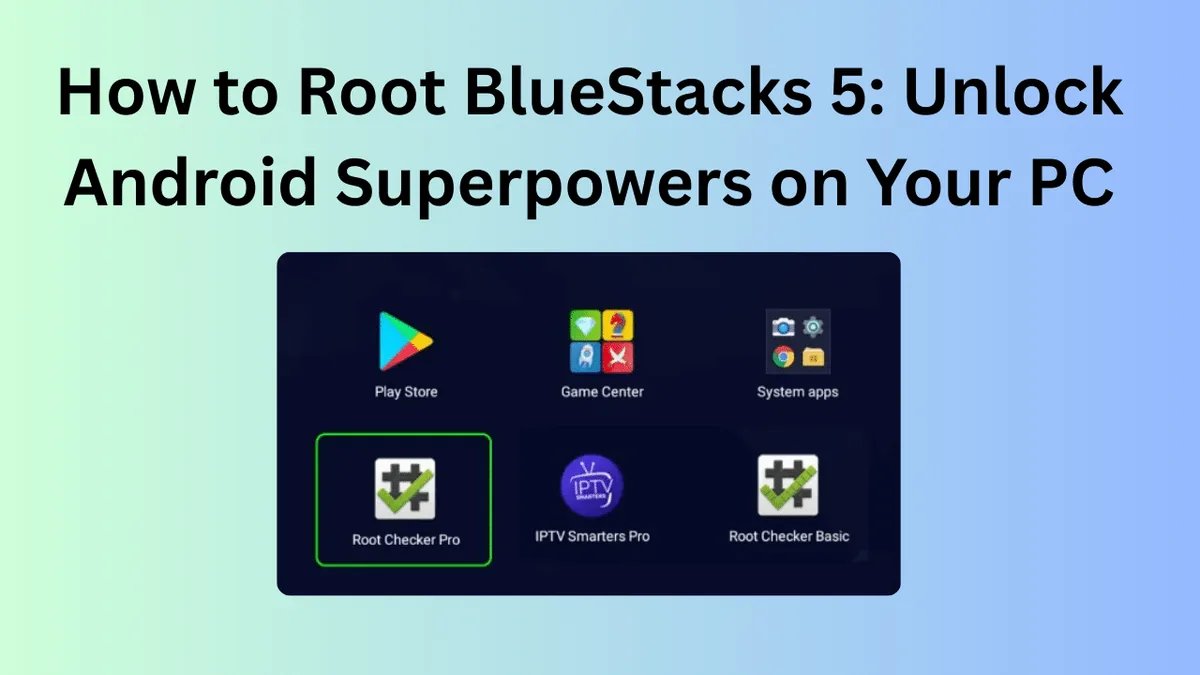
Root BlueStacks 5 safely by enabling its built-in root flags in bluestacks.conf. Step-by-step, the 5.22 security warning, and how to unroot.
Is there an official LDPlayer portable version? Get the latest LDPlayer 9 or 14 safely, set up a portable-style install, and run it 24/7 on a GPU server.
Is there an official NoxPlayer portable? Latest version 7.0.6.2, how to get a portable-style install safely, and how to run Nox 24/7 on a server.
The best Android emulators for Windows 10 and 11 in 2026: BlueStacks 5, LDPlayer, MuMu Player, MEmu, NoxPlayer and Google Play Games, compared.
Want BlueStacks on an RDP or VPS? See what it needs (virtualization, RAM, GPU), why most VPS plans fail, and how to run it 24/7 on a GPU dedicated server.
Need a server? Pick a plan in minutes
✓ Setup in minutes✓ 24/7 live chat✓ 7-day refund on new services