- Install Windows App from the App Store (iPhone, iPad) or Remote Desktop by Microsoft from Google Play (Android).
- Tap + and choose Add PC.
- Enter the Computer address from your server page, with the port if there is one.
- Add the username and password from your server page and tap Save.
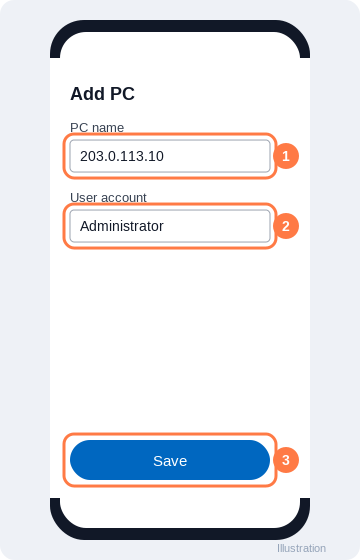
On your phone: PC name, user account, Save - Tap the PC to connect and accept the certificate notice.
Tip: tap the keyboard icon at the top to type, and pinch to zoom. Turn your phone sideways for a bigger screen.
Still stuck? Our server team is online 24/7 on live chat, or open a ticket in the client area.