Windows Server guides page 2
Practical guides for running Windows Server 2016, 2019, 2022 and 2025: installing roles and features, PowerShell, Windows Firewall, updates, IIS, Hyper-V, DNS, DHCP, file sharing and backups.
Articles
Migrate Windows Server to new hardware or a VM: choose role migration, image restore, P2V or in-place upgrade, then inventory, move roles and data and cut over.
Change the OpenSSH port on Windows Server: open the new port in Windows Firewall, edit C:\ProgramData\ssh\sshd_config, restart sshd and test, without lockouts.
The best free open-source software for Windows: LibreOffice, GIMP, Kdenlive, Audacity, OBS Studio, Notepad++, KeePassXC, 7-Zip, Joplin and Blender.
Install WSL, list available distros, add Ubuntu, Debian or Kali, set the default, export and import backups, and fix common WSL errors on Windows.
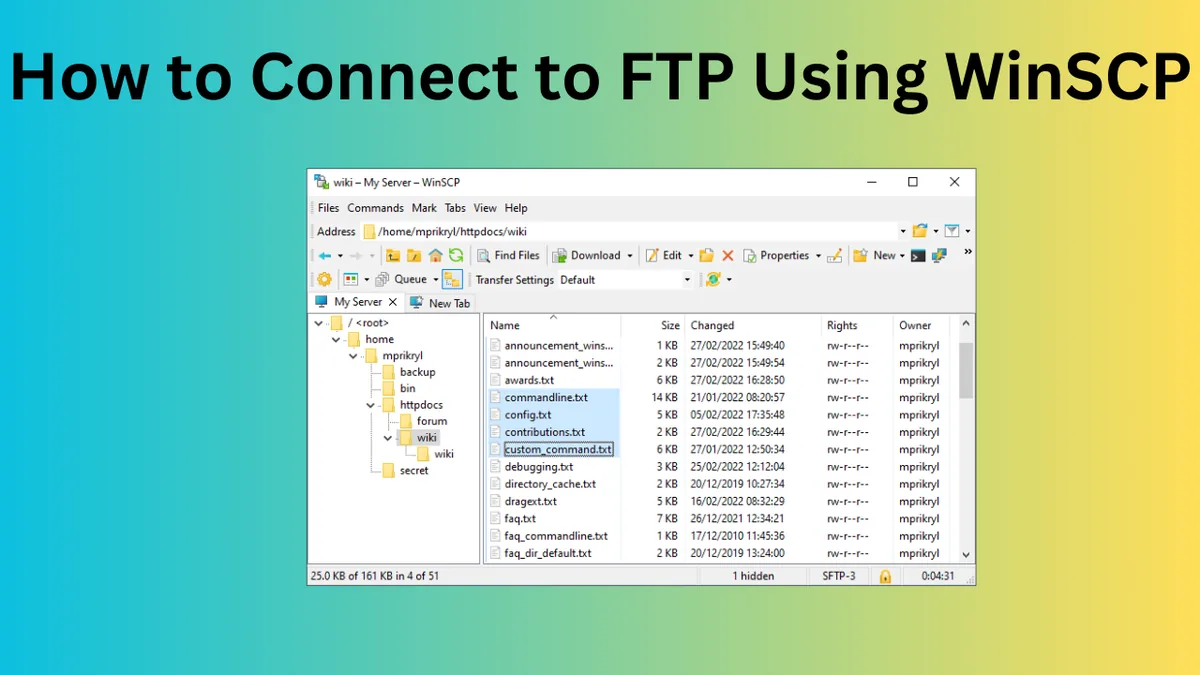
Connect to FTP, FTPS or SFTP with WinSCP: which port to use for each protocol, set up and save a site, transfer and edit files, and fix connection errors.

Find out why Windows Server shut down or restarted: shutdown event IDs (1074, 6006, 6008, 41), Event Viewer filters and PowerShell commands to read them.
Change DNS in Windows 10 or 11 using Settings, Control Panel, PowerShell or netsh, enable DNS over HTTPS, verify with ipconfig and nslookup, and flush DNS.
Install .NET Framework 3.5 and 4.8.1 on Windows 10, 11 and Server, fix error 0x800f0954, install silently, check the version and repair it.
Allow more than 2 RDP sessions on Windows Server 2022: fSingleSessionPerUser, RD Session Host via PowerShell, RDS CALs and licensing, step by step.
Move the Windows TEMP and TMP folders to another drive for a user or the whole system with the GUI, setx or PowerShell, with the right permissions.
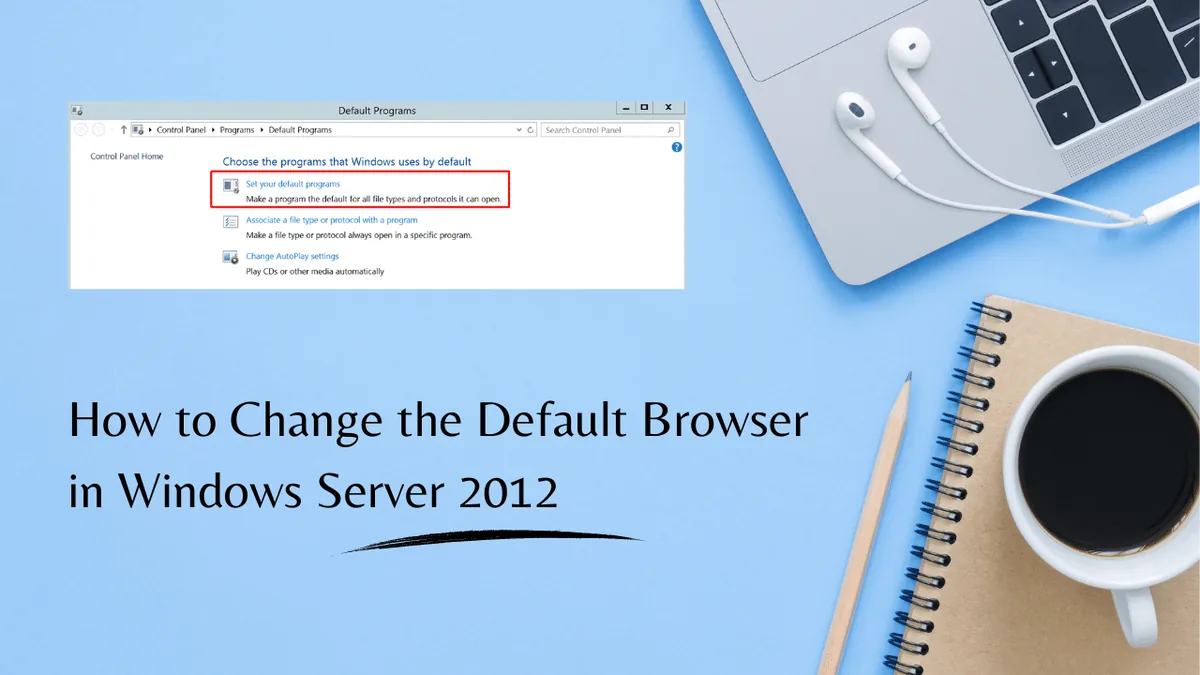
Set Chrome, Firefox or Edge as the default browser on Windows Server 2012 R2 to 2025, for one user or all users via Group Policy, plus 2012 R2 browser support.
Change, add or remove keyboard layouts on Windows Server with PowerShell, set the default input method, and copy layouts to the welcome screen and new users.
Check your pip version with pip --version, python -m pip or py -m pip, match pip to the right Python, check in a venv, upgrade pip and fix pip not found.
Windows VPS hosting explained: how it works, uses, current Windows Server versions, Windows vs Linux VPS, shared RDP vs VPS, security and choosing a plan.
Server Manager shows "cannot load the server list" at every start? Reset or repair the corrupted ServerList.xml in your profile. Server 2012 R2 to 2025.
The best proxy server software for Windows Server 2019, 2022 and 2025: Squid, 3proxy, CCProxy, WinGate, Nginx, Caddy, IIS ARR, Fiddler and mitmproxy.
Add two-factor authentication to Windows Server RDP and console logons with Duo (free up to 10 users) or open-source multiOTP with Google Authenticator codes.
Install HandBrakeCLI on Windows Server, learn the key options, copy ready examples for presets, H.265, resizing and clips, and batch convert with PowerShell.
Host a website on IIS in Windows Server 2019, 2022 or 2025: install IIS, add a site and bindings, point DNS, open the firewall and add free HTTPS.
Allow or block ping (ICMP echo) on Windows Server 2016-2025 and Windows 10/11 with Windows Firewall, PowerShell or netsh, and limit it to trusted IPs.
Need a server? Pick a plan in minutes
✓ Setup in minutes✓ 24/7 live chat✓ 7-day refund on new services