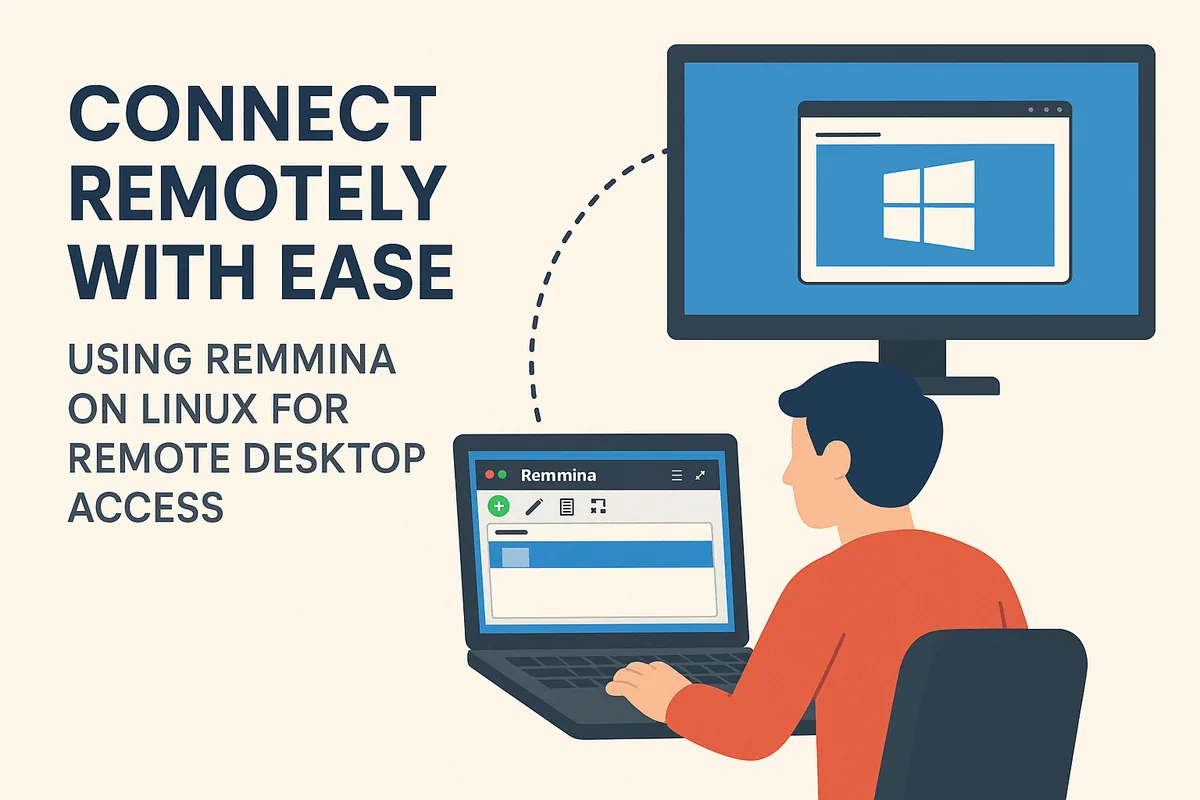
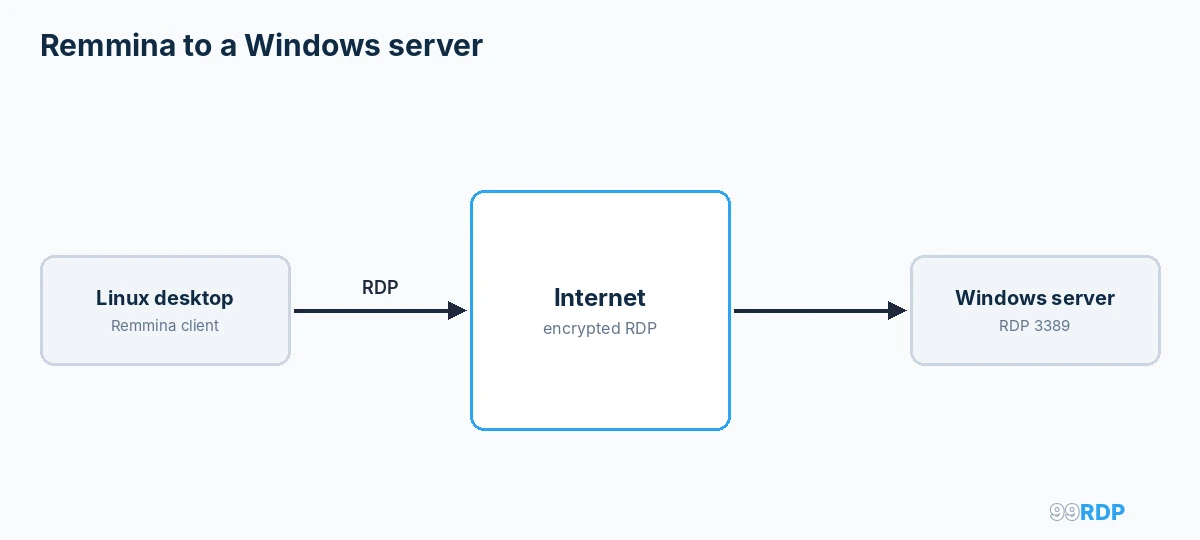
Remmina is the most popular remote desktop client on Linux. It connects to Windows PCs and servers over RDP, to Linux and Mac desktops over VNC, and to servers over SSH, all from one window with saved connection profiles. This guide shows how to install Remmina, connect to a Windows machine over RDP, tune the settings, and which alternatives to use on other systems.
Quick answer
sudo apt install remmina remmina-plugin-rdp remmina-plugin-vncOpen Remmina, choose RDP in the drop-down next to the address bar, type the server's IP address, press Enter, and log in with your Windows username and password.
Install Remmina
| Distribution | Command |
|---|---|
| Ubuntu, Debian, Mint | sudo apt install remmina remmina-plugin-rdp remmina-plugin-vnc |
| Fedora | sudo dnf install remmina |
| Arch | sudo pacman -S remmina freerdp |
| Any (latest version) | flatpak install flathub org.remmina.Remmina |
The Flatpak gets updates faster than most distribution repositories, which helps with newer Windows RDP features.
Connect to Windows over RDP
- Make sure Remote Desktop is enabled on the Windows machine and port 3389 (or your custom port) is reachable.
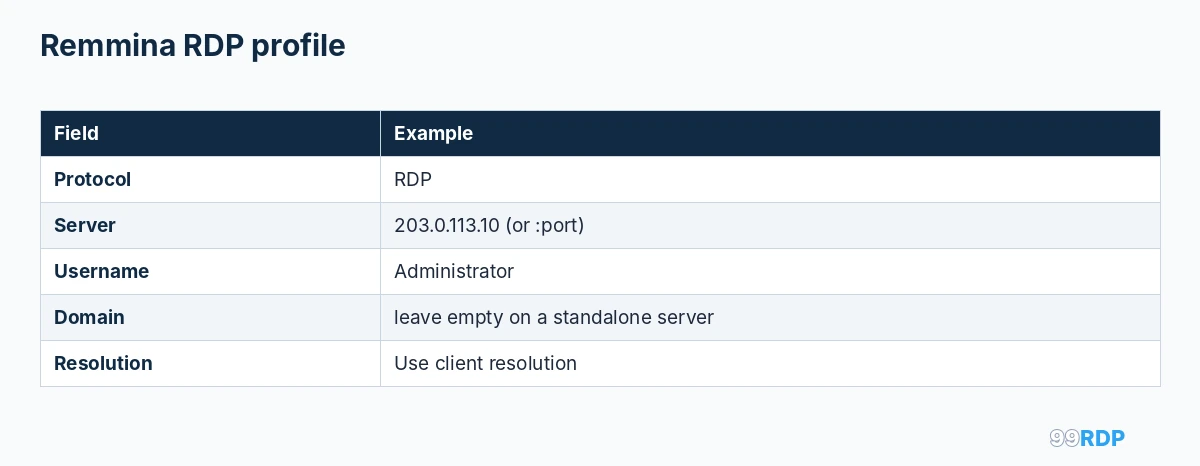
- In Remmina, click + to create a profile.
- Set Protocol to RDP - Remote Desktop Protocol.
- Enter the Server (
203.0.113.10or203.0.113.10:50123for a custom port), Username and Password. For a domain account, fill in Domain too. - Choose a resolution: Use client resolution or Dynamic resolution update (the remote desktop resizes with the window).
- Click Save and Connect. Accept the server's certificate the first time.
Useful RDP settings in Remmina
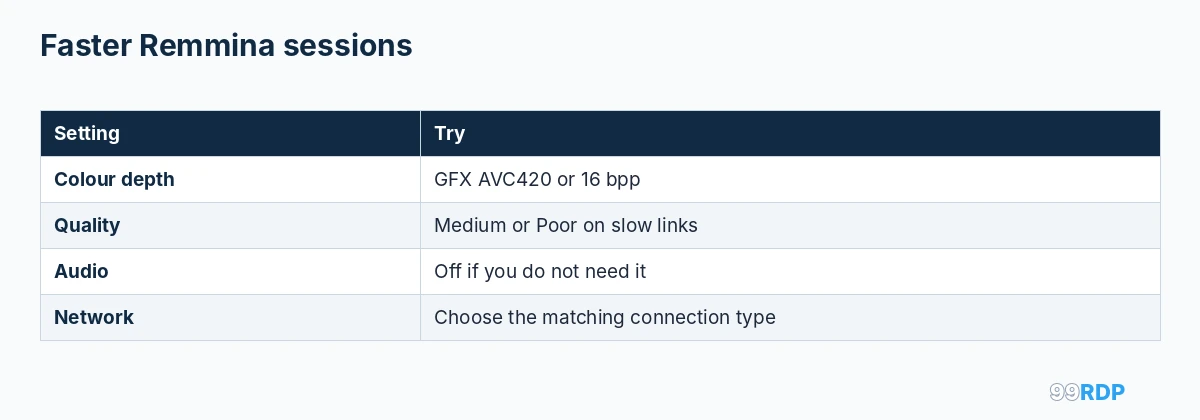
- Advanced → Quality: choose Best on fast connections or Poor for slow links.
- Advanced → Audio output mode: Local plays the remote sound on your computer.
- Advanced → Share folder: makes a local folder available inside the Windows session.
- Behavior → Execute a command and SSH Tunnel: connect to RDP through an SSH jump host instead of exposing port 3389.
- Press the Right Ctrl key (Remmina's "host key") to release the keyboard, or use the toolbar to send Ctrl+Alt+Del.
Connect over VNC or SSH
- VNC: choose VNC, enter
host:5901(display :1) and the VNC password. Useful for Linux desktops and macOS Screen Sharing. - SSH: choose SSH for a terminal session to a Linux server, with password or key authentication.
Other ways to reach a remote desktop from Linux
- FreeRDP on the command line:
xfreerdp3 /v:203.0.113.10 /u:Administrator /dynamic-resolution /sound(the command isxfreerdpon older versions). - GNOME Connections and KDE KRDC: simpler built-in clients for RDP and VNC.
Remmina on Mac or Windows?
Remmina is made for Linux and other Unix-like systems; there is no official macOS or Windows version. On a Mac, use Microsoft's Windows App (formerly Microsoft Remote Desktop) for RDP and the built-in Screen Sharing for VNC. On Windows, use the built-in Remote Desktop Connection (mstsc).
Troubleshooting
- "Unable to connect to RDP server": check the address and port, and that the Windows firewall allows Remote Desktop.
- Authentication fails with correct credentials: set Security protocol negotiation to NLA in Advanced settings, and include the domain if needed.
- Black screen after login: lower the colour depth, or turn off Use GFX (H.264) in Advanced settings.
Frequently asked questions
How do I use Remmina to connect to Windows?
Create a new profile, choose RDP, enter the server address, username and password, and click Connect.
What is Remmina in Ubuntu?
Ubuntu's remote desktop client. It supports RDP, VNC, SPICE and SSH, and saves connection profiles.
Is there Remmina for Mac?
Not officially. Use Microsoft's Windows App for RDP on a Mac.
Can I use Remmina over an SSH tunnel?
Yes. Enable the SSH tunnel option in the profile so the RDP connection goes through an SSH server.