
Nishant Kumar
Nishant Kumar is a Senior Server Engineer at 99RDP. He looks after our Linux servers and network and writes our Linux, networking and VPS guides, testing every command on a real server.
Articles

Alpine Linux vs Tiny Core compared: size, musl vs glibc, package management, RAM-based design and best use. Which to pick for servers, containers or old PCs.
Superfile vs Yazi vs Ranger compared for 2026: speed, previews, plugins and setup. See which terminal file manager fits your Linux workflow.
Turn Ghostty scrollbars on or off, change scroll speed and scrollback size, search history, and get good performance using Ghostty over Linux remote desktop.
Install xrdp on Ubuntu, Debian, Fedora or AlmaLinux, pick an X11 desktop like XFCE, connect with any RDP client, secure port 3389 and fix black screens.

Ubuntu stuck on a black screen, login loop or "Failed to start GNOME Display Manager"? Fix it from a TTY: disk space, packages, gdm3, NVIDIA.
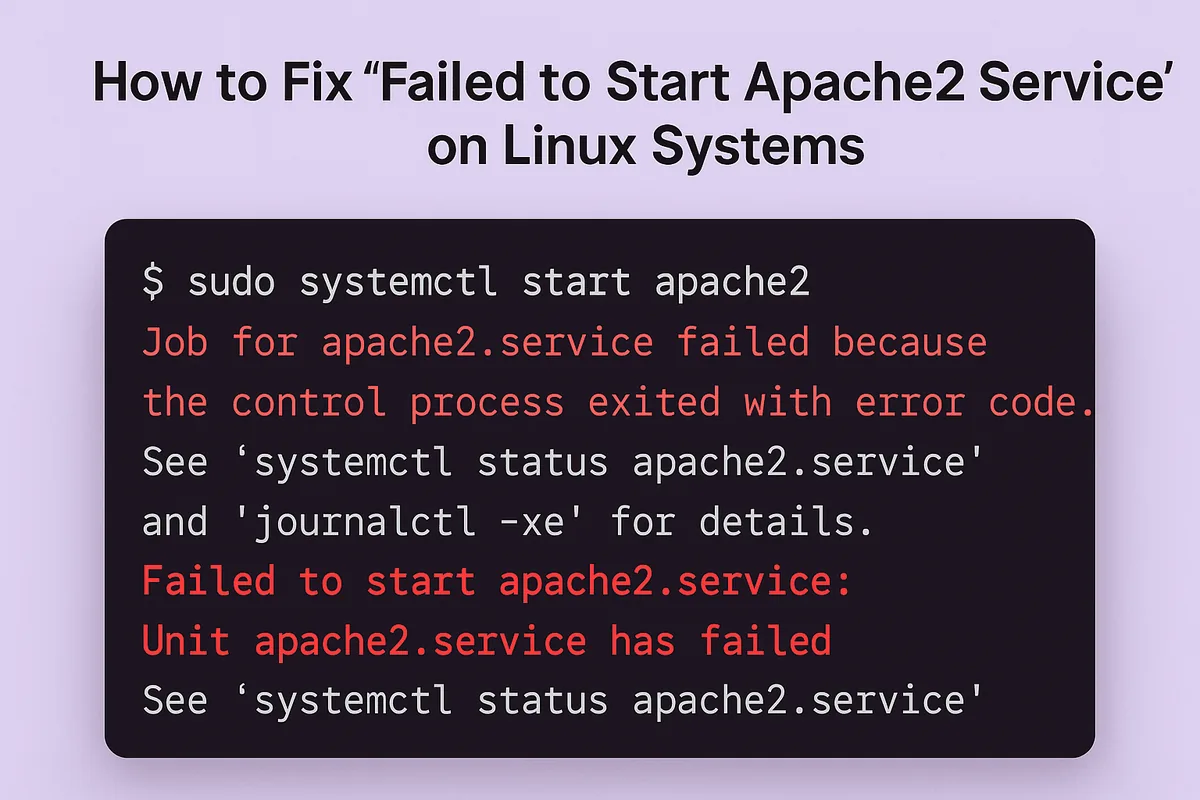
Apache won't start? Fix "Failed to start apache2.service": config errors, port 80 in use, unit not found, masked unit and "not active, cannot reload".
Why systemctl is not found and how to fix it in Docker, WSL, Alpine, macOS and minimal Linux: enable systemd or use service, rc-service or sv.
Fix UFW showing Status: inactive or not starting at boot: enable it safely, check systemd, remove conflicting firewalls, repair rules and read the logs.
Getting "Read-only file system" in Linux? Find out why the disk went read-only, remount it safely, repair it with fsck and check disk health. Step by step.
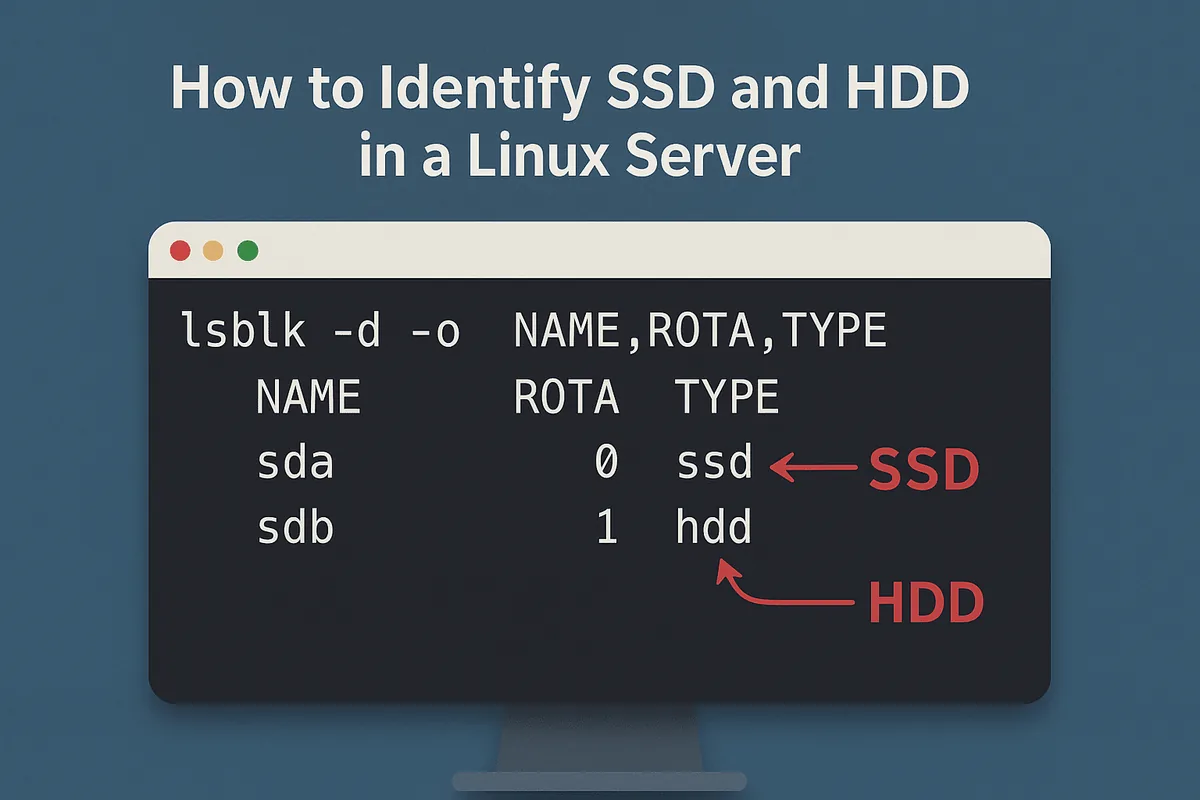
Check if a Linux disk is SSD, NVMe or HDD with lsblk, sysfs and smartctl, see why a VPS may show the wrong type, and check each disk's filesystem format.
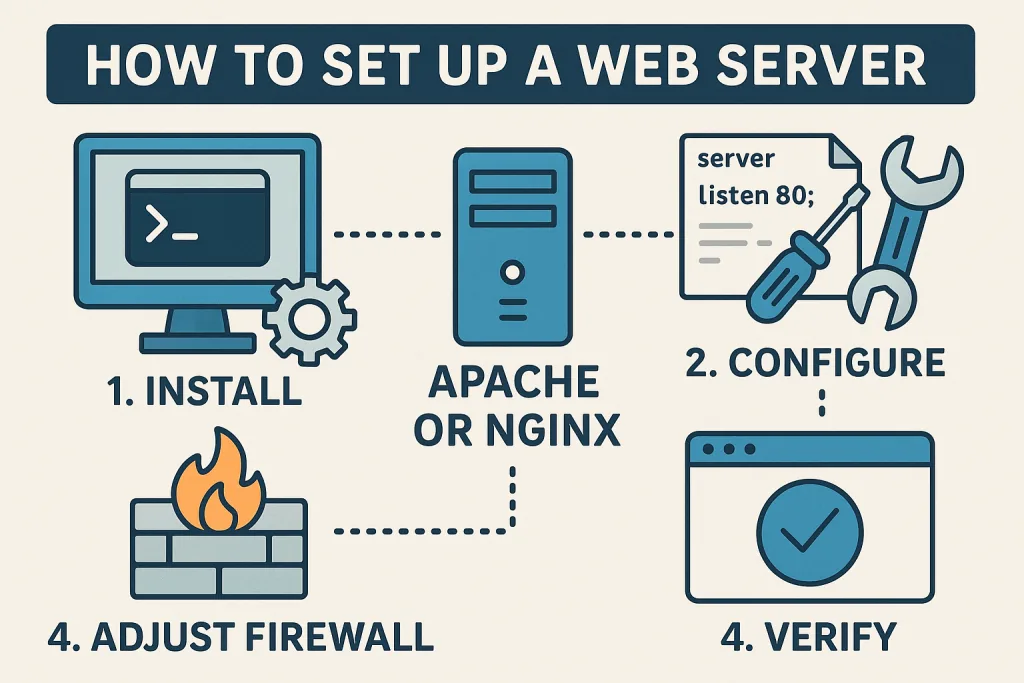
Set up Apache or Nginx on Ubuntu, Debian, Rocky or AlmaLinux: install, open the firewall, add a virtual host, enable HTTPS and choose between them.
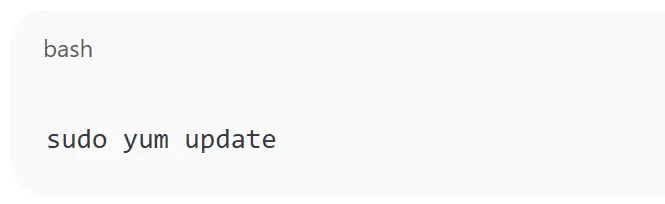
Update and upgrade Linux packages with apt on Ubuntu/Debian, dnf on Fedora/RHEL/AlmaLinux and yum on CentOS 7, plus reboots, cleanup and automatic updates.
Ubuntu already includes Intel graphics drivers. Check i915 or xe, add VA-API and OpenCL packages, use the HWE kernel for new GPUs and test with vainfo.
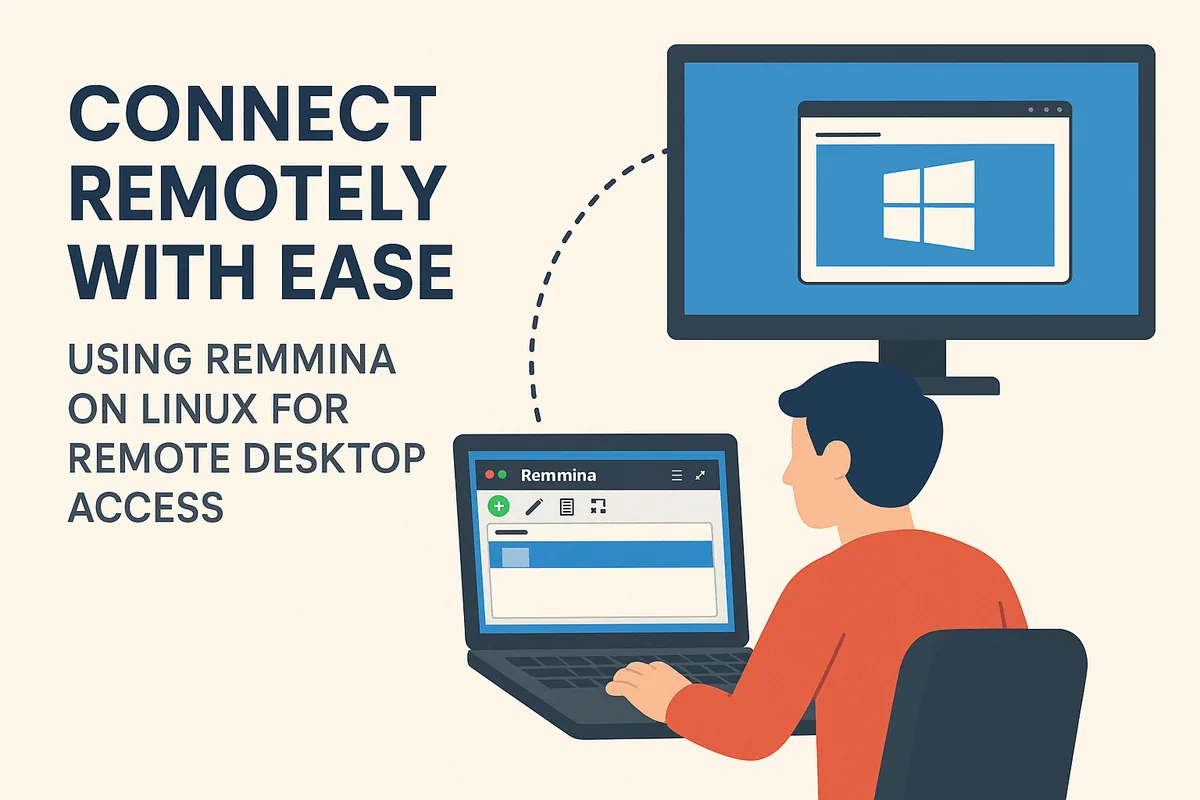
Install Remmina on Ubuntu, Fedora or Arch, connect to Windows over RDP, set sound, folders and SSH tunnels, use VNC and SSH, and fix common connection errors.
Repurpose an old PC as a Jellyfin home media server on Ubuntu: hardware needs, Jellyfin vs Plex vs Kodi, setup steps, safe remote access and backups.

Use OneDrive on Linux with the open-source OneDrive Client or rclone: install, authorize on a headless server, sync, back up, mount and run as a service.
MikroTik default login: admin at 192.168.88.1, blank on older models or the sticker password on newer ones. Change it in Winbox, WebFig or CLI.
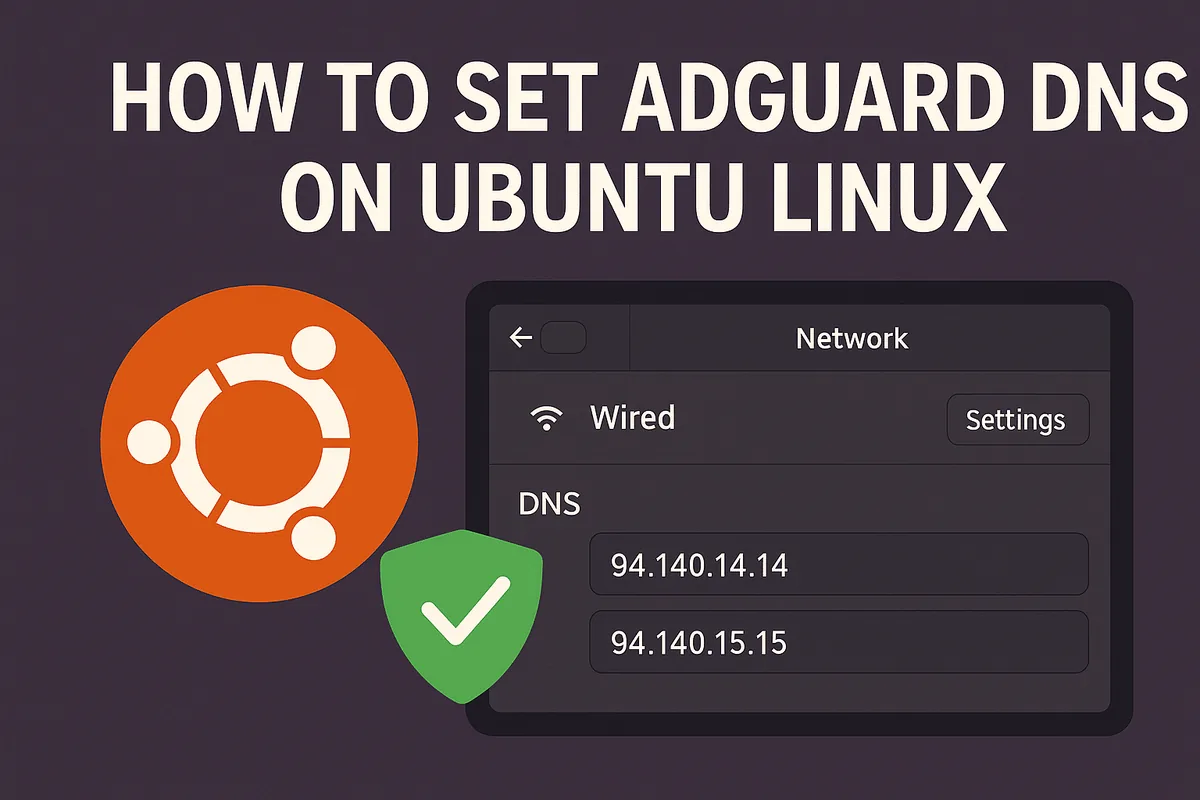
Set AdGuard DNS (94.140.14.14, 94.140.15.15) on Ubuntu and Linux via Settings, nmcli, systemd-resolved with DNS-over-TLS, or Netplan, and verify it works.
Enable SSH tunnelling on Ubuntu, create a restricted tunnel-only user with no shell, and use local, remote and SOCKS tunnels from Linux, macOS and Windows.
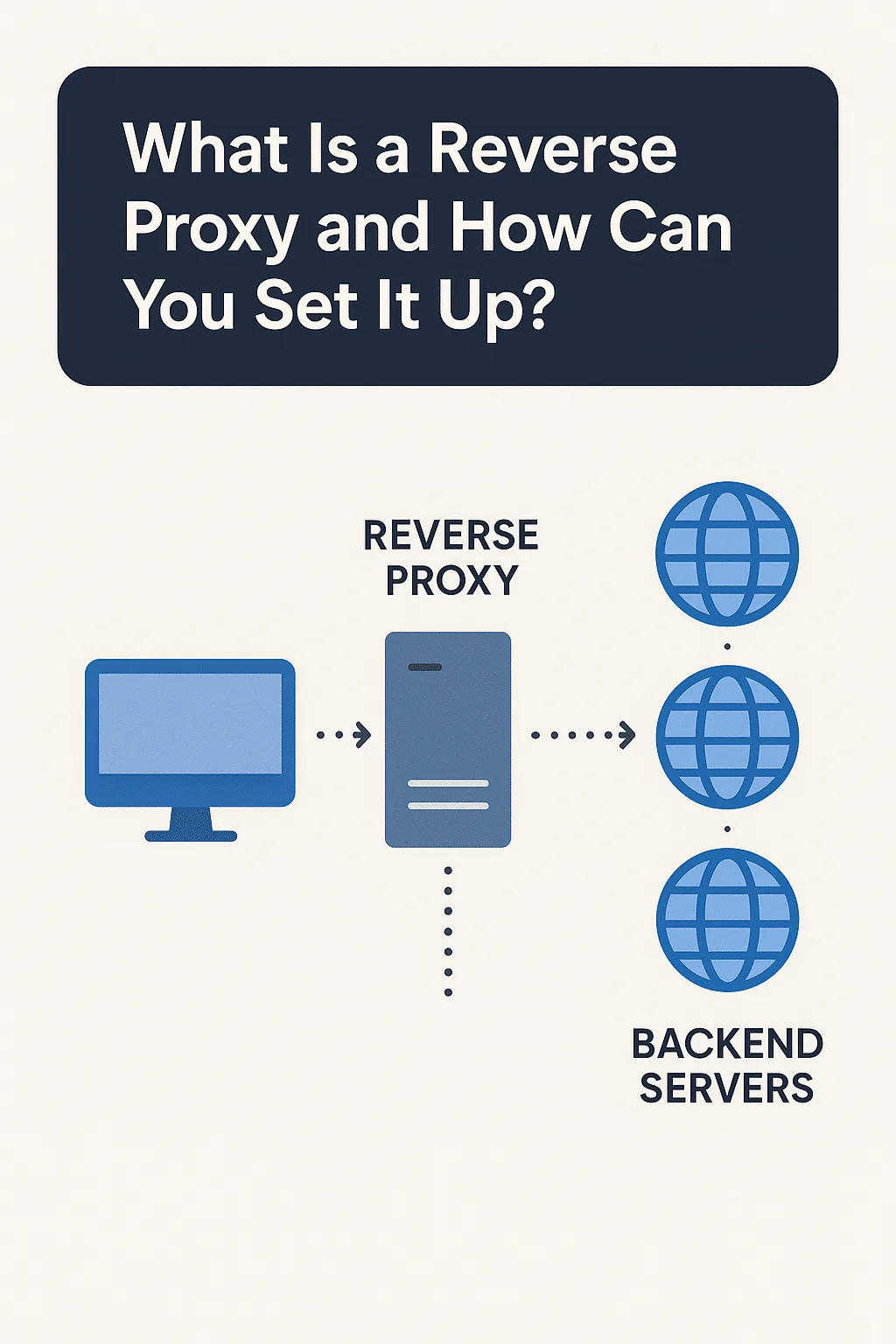
What a reverse proxy is, how it differs from a forward proxy, why sites use one, the best software, and how to set one up with Nginx, Caddy or IIS.

Set up a WireGuard VPN server on Ubuntu: keys, wg0.conf, IP forwarding, NAT and UFW, add clients for Windows, Mac and phones, and fix connection issues.
Install and configure Fail2ban on Ubuntu, Debian, Rocky or AlmaLinux: jail.local, SSH jail, web and mail jails, unbanning, and what to use on Windows.
Enable automatic security updates on Ubuntu and Debian with unattended-upgrades, and on Rocky, AlmaLinux, RHEL and Fedora with dnf-automatic, safely.
Install stunnel on Ubuntu, wrap a service in TLS in server and client mode, run it with the stunnel@ systemd template, and manage users with pre-shared keys.
Need a server? Pick a plan in minutes
✓ Setup in minutes✓ 24/7 live chat✓ 7-day refund on new services