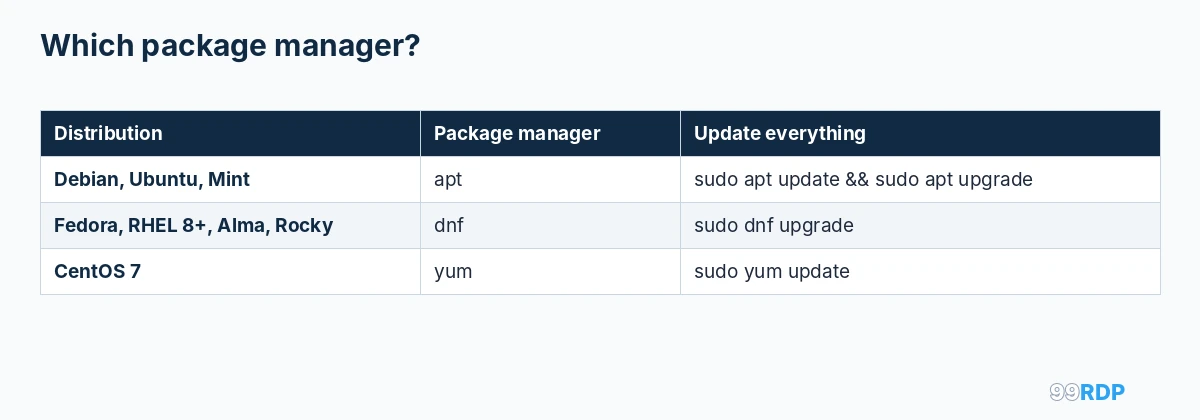
Keeping a Linux server updated is the single most important security habit, and every distribution family has its own package manager for it. Debian and Ubuntu use apt; Fedora, RHEL, AlmaLinux and Rocky Linux use dnf; old CentOS 7 systems use yum. The commands look similar but behave differently, and mixing them up (like running sudo apt update on Fedora) is one of the most common beginner errors. This guide gives the right commands for each, explains "update" vs "upgrade", and shows how to update a single package, clean up, check if a reboot is needed and automate it.
Quick answer
# Debian / Ubuntu
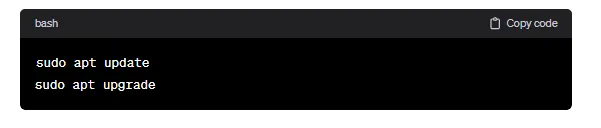
sudo apt update && sudo apt upgrade -y

# Fedora / RHEL / AlmaLinux / Rocky (8 and later)
sudo dnf upgrade -y

# CentOS 7
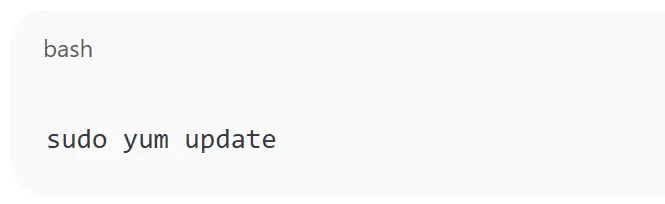
sudo yum update -y
Which package manager does my server use?
Run cat /etc/os-release. Ubuntu, Debian, Linux Mint and Kali use apt. Fedora, RHEL, AlmaLinux, Rocky Linux and CentOS Stream use dnf. CentOS 7 and Amazon Linux 2 use yum. On Fedora there's no apt, so sudo apt update fails with "command not found"; use sudo dnf upgrade instead.
APT (Debian, Ubuntu and derivatives)
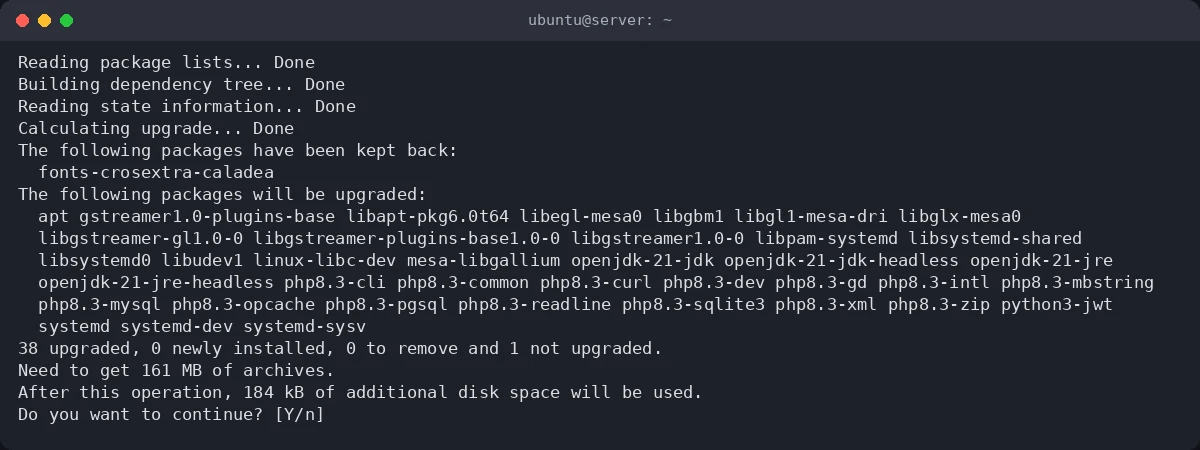
With apt, "update" and "upgrade" are two separate steps:
| Command | What it does |
|---|---|
sudo apt update | Refreshes the package lists from the repositories. Installs nothing. |
sudo apt upgrade | Installs newer versions of installed packages; never removes packages. |
sudo apt full-upgrade | Same, but may add or remove packages to resolve dependencies (needed for some kernel and library changes). |
sudo apt install --only-upgrade nginx | Upgrade a single package. |
apt list --upgradable | Show what would be upgraded. |
sudo apt autoremove | Remove dependencies that are no longer needed, including old kernels. |
sudo apt clean | Delete downloaded package files to free space. |
Upgrading to a new Ubuntu release (for example 24.04 to 26.04) is a different process: use sudo do-release-upgrade.
DNF (Fedora, RHEL 8+, AlmaLinux, Rocky Linux)
dnf refreshes metadata automatically, so one command does everything. dnf update and dnf upgrade are the same thing.
| Command | What it does |
|---|---|
dnf check-update | List available updates without installing. |
sudo dnf upgrade | Upgrade all packages. |
sudo dnf upgrade nginx | Upgrade one package. |
sudo dnf upgrade --security | Install only security updates (RHEL-family with update info). |
sudo dnf autoremove | Remove unneeded dependencies. |
sudo dnf clean all | Clear cached metadata and packages. |
dnf history / sudo dnf history undo N | See past transactions and roll one back. |
YUM (CentOS 7 and other older systems)
| Command | What it does |
|---|---|
yum check-update | List available updates. |
sudo yum update | Upgrade all packages. |
sudo yum update httpd | Upgrade one package. |
sudo yum upgrade | Like update, but also removes obsolete packages. |
sudo yum clean all | Clear the cache. |
On RHEL 8 and later, yum still exists but is just an alias for dnf. CentOS 7 itself is end of life and its mirrors are offline, so plan a move to AlmaLinux or Rocky Linux.
Summary table
| Task | apt | dnf | yum |
|---|---|---|---|
| Refresh package lists | apt update | automatic (dnf makecache) | automatic |
| Upgrade everything | apt upgrade | dnf upgrade | yum update |
| Upgrade one package | apt install --only-upgrade pkg | dnf upgrade pkg | yum update pkg |
| Remove unused deps | apt autoremove | dnf autoremove | yum autoremove |
| Clean cache | apt clean | dnf clean all | yum clean all |
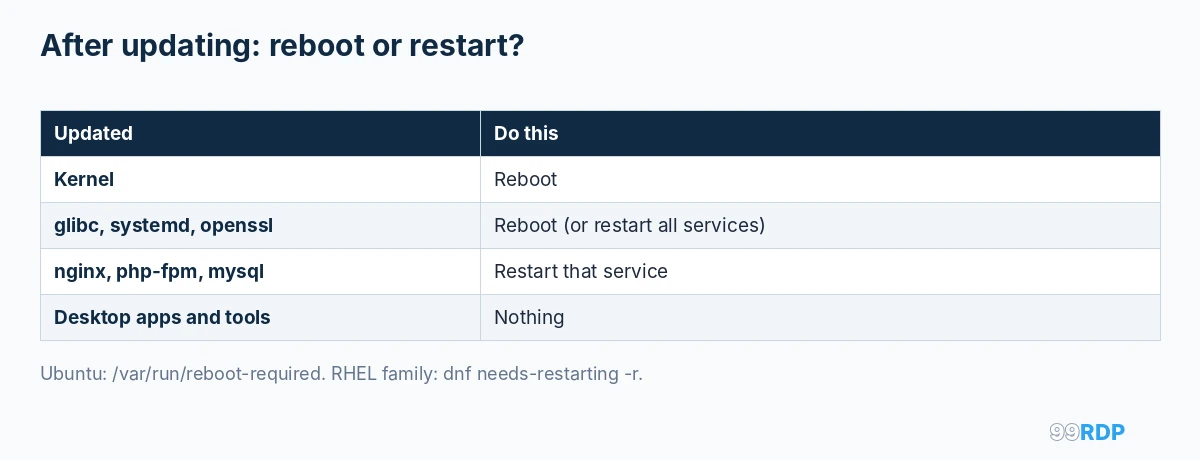
Do you need to reboot?
# Ubuntu/Debian
[ -f /var/run/reboot-required ] && cat /var/run/reboot-required

# RHEL family
sudo dnf needs-restarting -r
Kernel, glibc and systemd updates usually need a reboot to take effect. Plan it for a quiet time.
Automate security updates
- Ubuntu/Debian:
sudo apt install unattended-upgradesthensudo dpkg-reconfigure unattended-upgrades. Ubuntu enables it for security updates by default. - RHEL family:
sudo dnf install dnf-automatic, setapply_updates = yesin/etc/dnf/automatic.conf, thensudo systemctl enable --now dnf-automatic.timer.
Frequently asked questions
What's the difference between apt update and apt upgrade?
apt update downloads the latest package lists; apt upgrade installs the newer versions. Run update first.
Is yum update the same as yum upgrade?
Almost. yum upgrade also removes obsolete packages. On dnf systems, update and upgrade are identical.
Why does "sudo apt update" not work on Fedora?
Fedora doesn't use apt. Use sudo dnf upgrade.
How often should I update a server?
Apply security updates at least weekly, or automatically, and test larger upgrades before running them on production.