- Open your server in the client area and click Upgrade or downgrade (on the right).
- Choose the new plan. You see what you pay now, or get back as credit, for the rest of the paid period.
- Click Change plan.
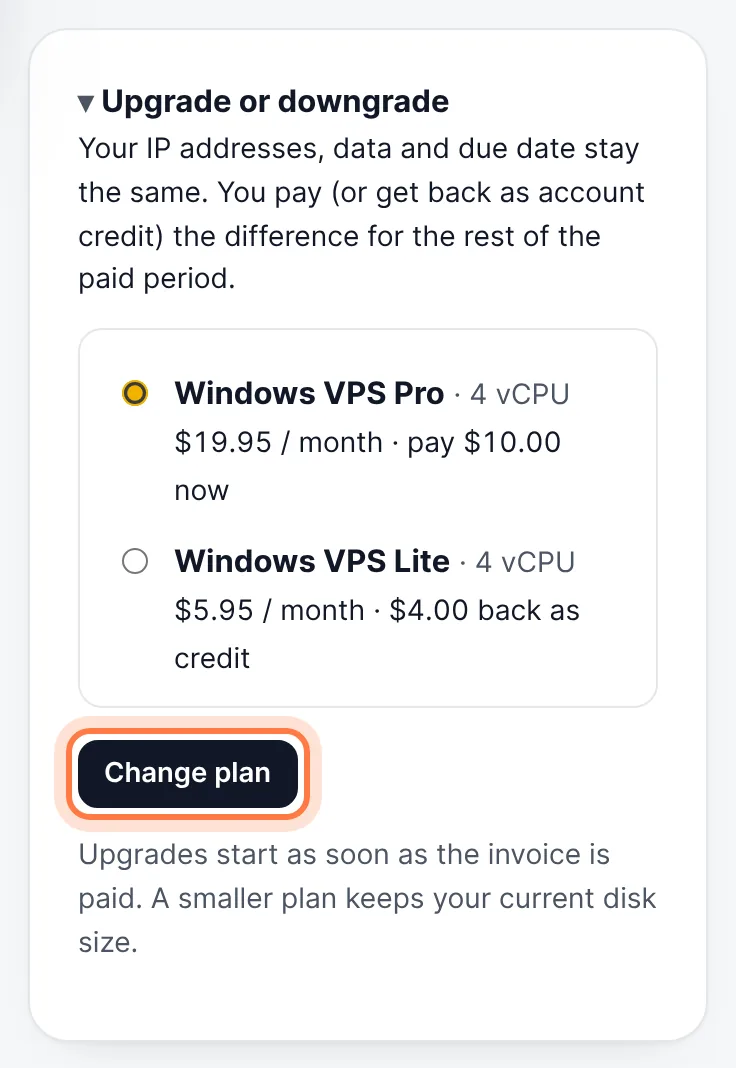
Upgrade or downgrade → choose a plan → Change plan - For an upgrade, pay the invoice. The change starts as soon as it is paid; your IP addresses, data and due date stay the same.
A downgrade has no invoice: the plan changes right away and the difference goes to your account credit. A smaller plan keeps your current disk size. Upgrades and downgrades are offered on VPS plans; for other plans open a ticket. Moving to another location needs a new server.
Still stuck? Our server team is online 24/7 on live chat, or open a ticket in the client area.