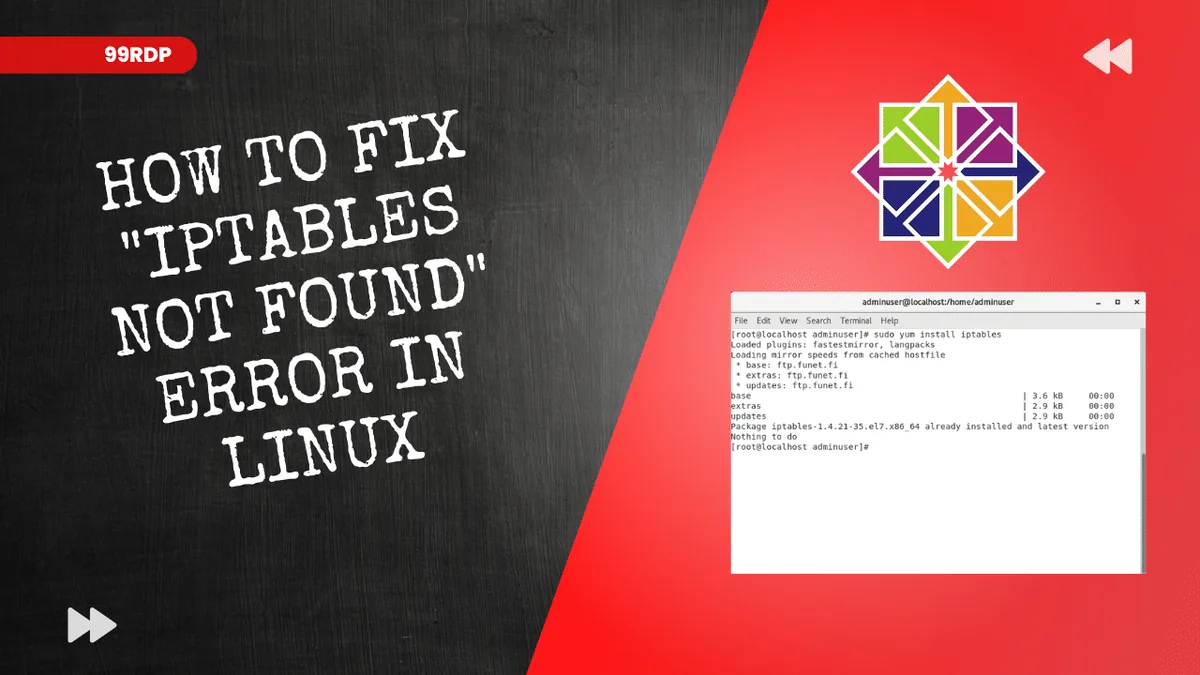
The error iptables: command not found (or sudo: iptables: command not found) has three usual causes: iptables isn't installed (common on minimal Debian, Ubuntu and RHEL images and in containers), you're root without /usr/sbin in your PATH, or your distribution has moved to nftables. A related error, Unit iptables.service could not be found, means the package that saves and restores rules at boot is missing. This guide fixes all of them.
Quick answer
# Debian / Ubuntu
sudo apt update && sudo apt install iptables
# RHEL / Rocky / AlmaLinux / Fedora
sudo dnf install iptables-nft
# check
sudo iptables -V
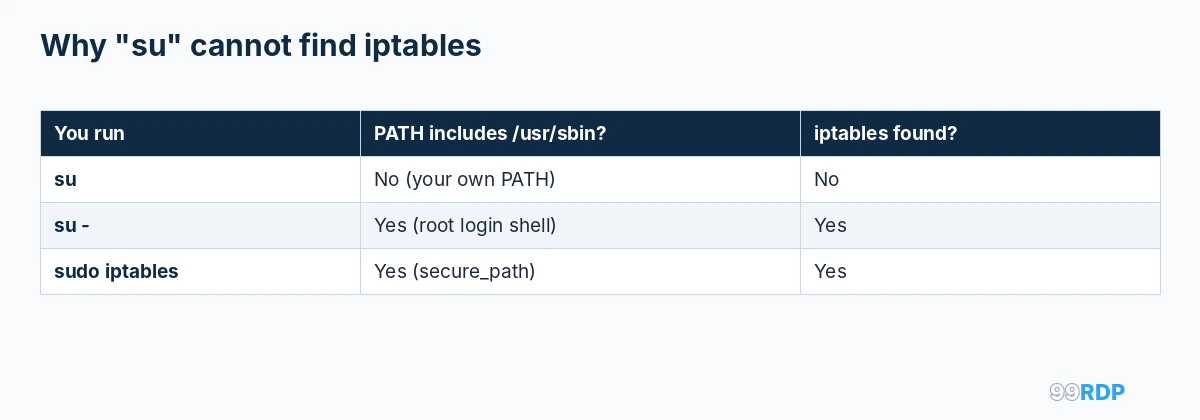
On Debian, if you switched to root with su, use su - instead. Plain su keeps your user's PATH, which doesn't include /usr/sbin where iptables lives.
Step 1: Check whether iptables is installed
command -v iptables || ls -l /usr/sbin/iptables /sbin/iptables 2>/dev/null- Nothing found: iptables isn't installed. Go to Step 2.
- The file exists in
/usr/sbinbut the command isn't found: it's a PATH problem. Go to Step 3.
Step 2: Install iptables
| Distribution | Command |
|---|---|
| Debian, Ubuntu, Linux Mint | sudo apt install iptables |
| RHEL, Rocky, AlmaLinux 8/9, Fedora | sudo dnf install iptables-nft |
| CentOS 7 | sudo yum install iptables |
| Arch Linux | sudo pacman -S iptables-nft |
| Alpine | apk add iptables |
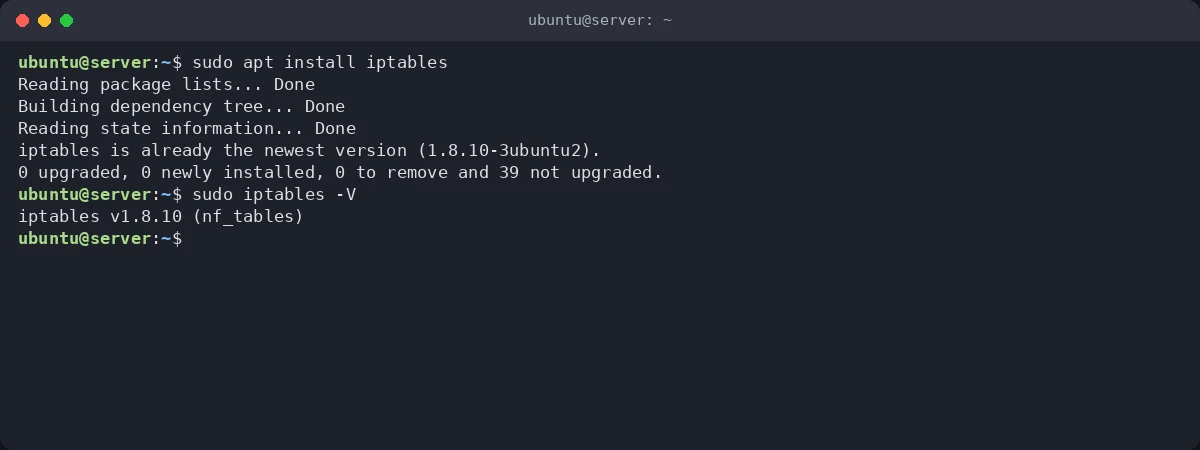
Then check: sudo iptables -V. Output like iptables v1.8.x (nf_tables) means iptables is translating your rules into nftables in the background, which is normal on modern systems.
Step 3: Fix the PATH (Debian "su" problem)
On Debian, su without a dash gives you root but keeps your normal user's PATH, so /usr/sbin commands such as iptables, reboot and ip6tables are "not found". Fix it with:
su -              # full root login shell, correct PATH
# or run it with the full path
/usr/sbin/iptables -L -n
As a normal user, always use sudo iptables …. iptables needs root privileges anyway.
Step 4: "Unit iptables.service could not be found"
The iptables package only provides the command. Loading saved rules at boot comes from a separate package:
Debian and Ubuntu
There is no iptables.service. Install iptables-persistent, which provides netfilter-persistent.service:
sudo apt install iptables-persistent
sudo netfilter-persistent save          # saves to /etc/iptables/rules.v4 and rules.v6
sudo systemctl enable netfilter-persistent
RHEL, Rocky and AlmaLinux
sudo dnf install iptables-services
sudo systemctl disable --now firewalld   # don't run both
sudo systemctl enable --now iptables
sudo service iptables save              # saves to /etc/sysconfig/iptables
Step 5: iptables inside Docker or LXC containers
Minimal container images don't include iptables. Install it with the image's package manager as above. Even then, changing firewall rules inside a container needs extra privileges (for example --cap-add=NET_ADMIN in Docker); otherwise you'll get Permission denied (you must be root) even as root.
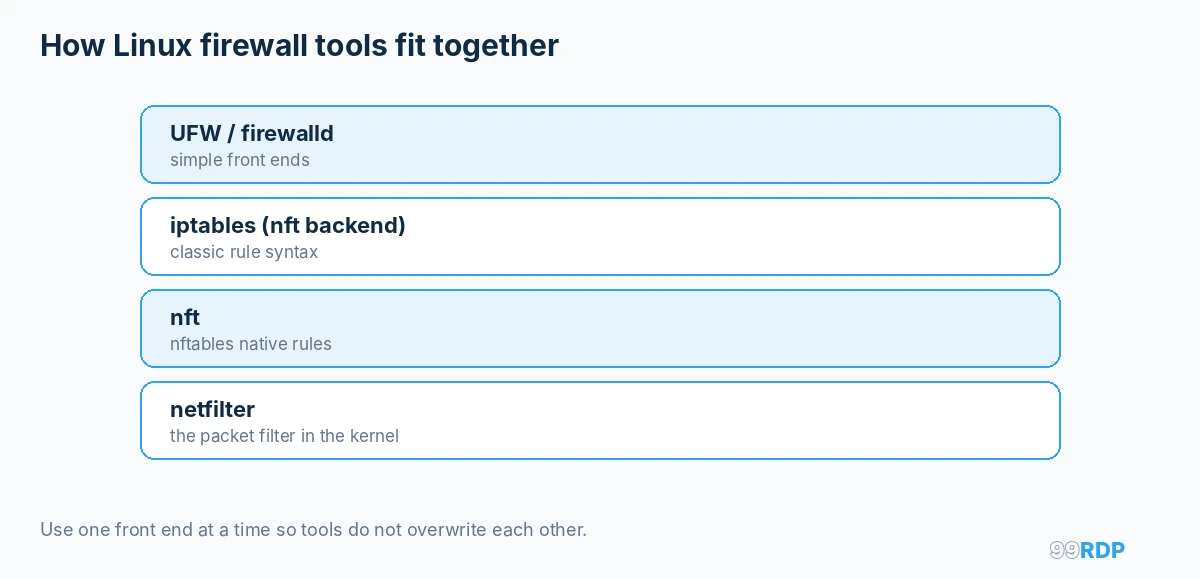
Should you use iptables, nftables, UFW or firewalld?
- iptables commands still work everywhere and are what most guides and scripts use.
- nftables (
nft) is the modern replacement and the default backend on current Debian, Ubuntu and RHEL. - UFW (Ubuntu) and firewalld (RHEL family) are easier front-ends. Use one tool per server: mixing them leads to rules that overwrite each other.
Frequently asked questions
How do I fix "iptables: command not found" on Debian?
Run sudo apt install iptables. If it's installed but still not found, you probably used su instead of su -; log in again with su - or use sudo.
Why does sudo say "iptables: command not found"?
Because the package isn't installed. sudo already searches /usr/sbin, so if the command still isn't found, install iptables with your package manager.
How do I fix "Unit iptables.service could not be found"?
On Debian/Ubuntu, install iptables-persistent and use netfilter-persistent. On RHEL-based systems, install iptables-services and enable the iptables service.
Is iptables deprecated?
The legacy kernel backend is being phased out in favour of nftables, but the iptables command is still provided as iptables-nft and translates rules to nftables, so existing commands keep working.