
Minakshi page 2
Minakshi is a Server Administrator at 99RDP. She helps customers with Windows servers and Remote Desktop every day, and writes our Windows Server, RDP and remote desktop tool guides for beginners and admins.
Articles
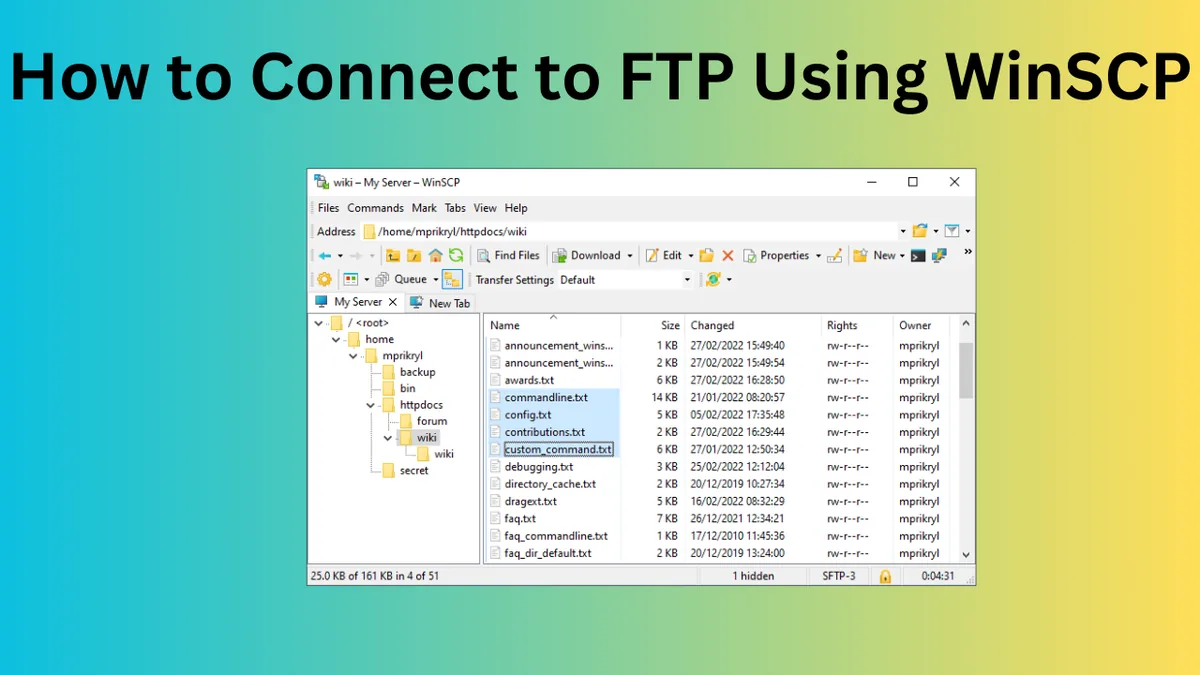
Connect to FTP, FTPS or SFTP with WinSCP: which port to use for each protocol, set up and save a site, transfer and edit files, and fix connection errors.

Find out why Windows Server shut down or restarted: shutdown event IDs (1074, 6006, 6008, 41), Event Viewer filters and PowerShell commands to read them.
Change DNS in Windows 10 or 11 using Settings, Control Panel, PowerShell or netsh, enable DNS over HTTPS, verify with ipconfig and nslookup, and flush DNS.

What RD Gateway is, how it works over port 443, and how to install it on Windows Server: SSL certificate, CAP and RAP policies, client setup and security.
No sound over RDP? Set Remote audio to "Play on this computer", start the Windows Audio service on the server, check policies, and redirect your microphone.
Install .NET Framework 3.5 and 4.8.1 on Windows 10, 11 and Server, fix error 0x800f0954, install silently, check the version and repair it.
Allow more than 2 RDP sessions on Windows Server 2022: fSingleSessionPerUser, RD Session Host via PowerShell, RDS CALs and licensing, step by step.
VNC vs RDP compared: how they work, speed, security, features, ports and platforms, VNC vs xrdp on Linux, and which remote desktop tool to choose.
Install AnyDesk on Ubuntu from the official repository, .deb or Flatpak, fix the Wayland black screen, and set up unattended access.
AnyDesk vs Windows Remote Desktop (RDP) compared: how they work, speed, security, cost, licensing and which to use for servers, VPS and remote support.
Move the Windows TEMP and TMP folders to another drive for a user or the whole system with the GUI, setx or PowerShell, with the right permissions.
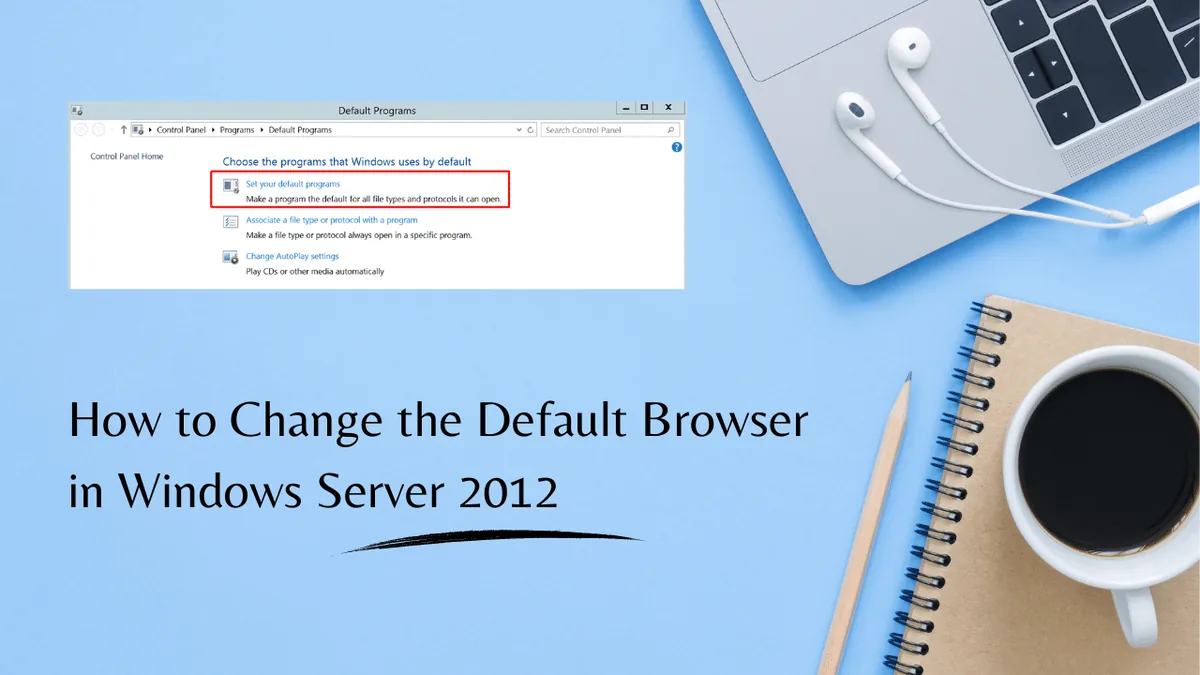
Set Chrome, Firefox or Edge as the default browser on Windows Server 2012 R2 to 2025, for one user or all users via Group Policy, plus 2012 R2 browser support.
Change, add or remove keyboard layouts on Windows Server with PowerShell, set the default input method, and copy layouts to the welcome screen and new users.
Check your pip version with pip --version, python -m pip or py -m pip, match pip to the right Python, check in a venv, upgrade pip and fix pip not found.
Send Ctrl+Alt+Del in Remote Desktop with Ctrl+Alt+End, the on-screen keyboard or direct commands, including nested sessions, Mac and mobile clients.
Fix the RDP error "This could be due to CredSSP encryption oracle remediation" by updating both sides, or temporarily with Group Policy or the registry.
Server Manager shows "cannot load the server list" at every start? Reset or repair the corrupted ServerList.xml in your profile. Server 2012 R2 to 2025.
Set up Chrome Remote Desktop for remote access or one-time support on Windows and Mac, install it on a headless Linux server, and fix common problems.
The best proxy server software for Windows Server 2019, 2022 and 2025: Squid, 3proxy, CCProxy, WinGate, Nginx, Caddy, IIS ARR, Fiddler and mitmproxy.
Add two-factor authentication to Windows Server RDP and console logons with Duo (free up to 10 users) or open-source multiOTP with Google Authenticator codes.
Install HandBrakeCLI on Windows Server, learn the key options, copy ready examples for presets, H.265, resizing and clips, and batch convert with PowerShell.
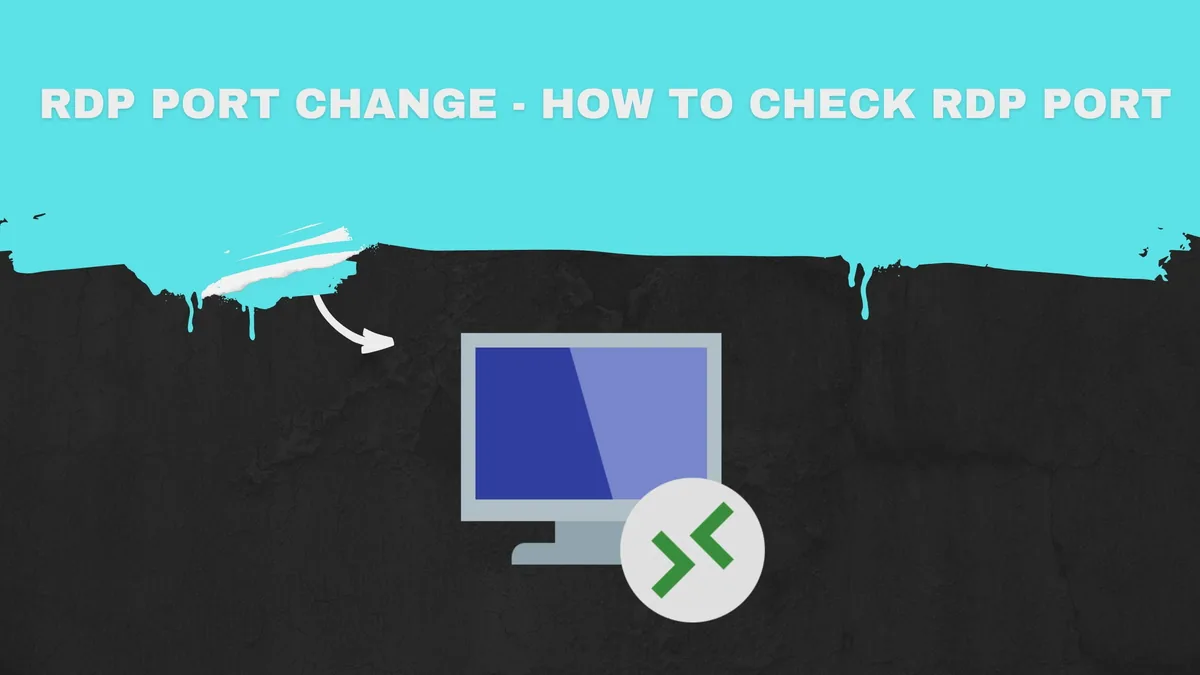
RDP uses port 3389 (TCP and UDP). Check the Remote Desktop port in the registry or netstat, test it remotely, and change it safely with PowerShell.
Host a website on IIS in Windows Server 2019, 2022 or 2025: install IIS, add a site and bindings, point DNS, open the firewall and add free HTTPS.
Allow or block ping (ICMP echo) on Windows Server 2016-2025 and Windows 10/11 with Windows Firewall, PowerShell or netsh, and limit it to trusted IPs.
Need a server? Pick a plan in minutes
✓ Setup in minutes✓ 24/7 live chat✓ 7-day refund on new services