
Minakshi
Minakshi is a Server Administrator at 99RDP. She helps customers with Windows servers and Remote Desktop every day, and writes our Windows Server, RDP and remote desktop tool guides for beginners and admins.
Articles
What Windows Server Core is, Core vs Desktop Experience, first setup with sconfig and PowerShell, and how to manage it with Windows Admin Center, RSAT or SSH.
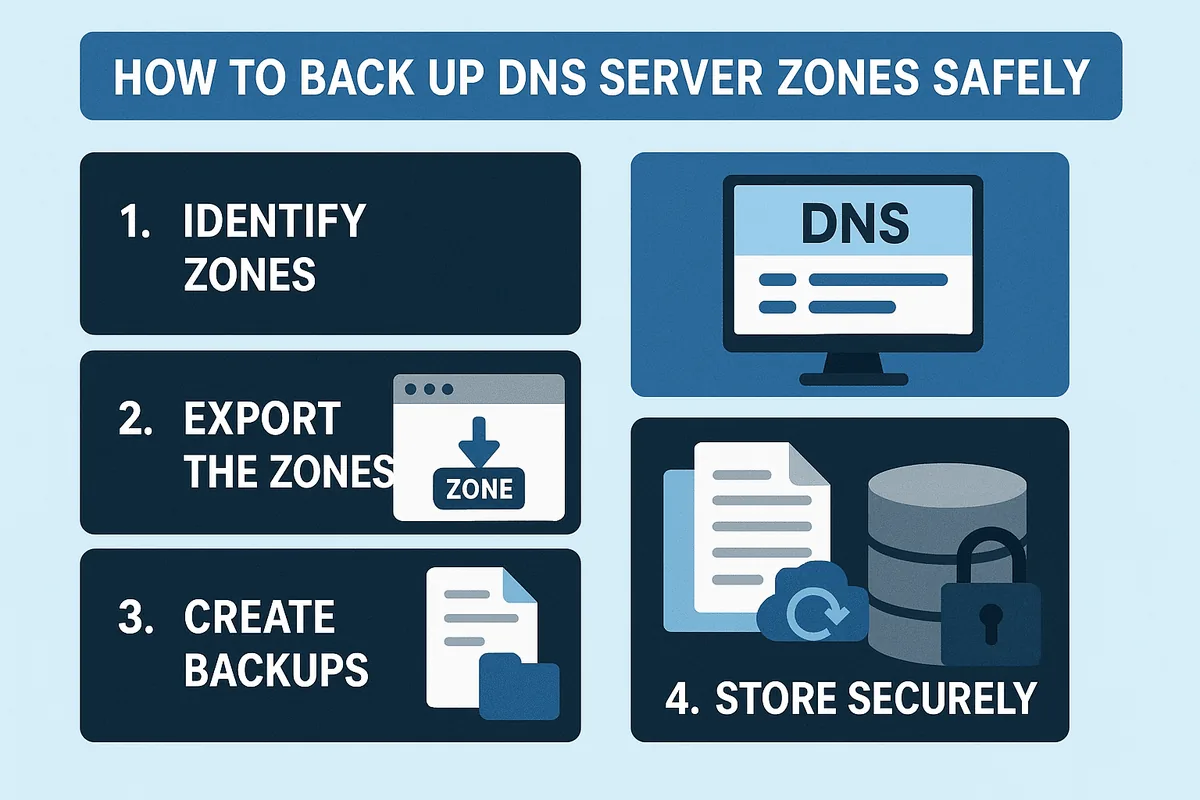
Back up DNS zones on Windows Server with Export-DnsServerZone, dnscmd and System State, automate it, and restore zones. Includes BIND on Linux.

Back up and restore Windows Server DHCP with PowerShell or the DHCP console, find the automatic backups, and export DHCP to move it to a new server.
Install Windows Server Migration Tools, export and import roles, users and settings to Windows Server 2025, and when to use Storage Migration Service instead.
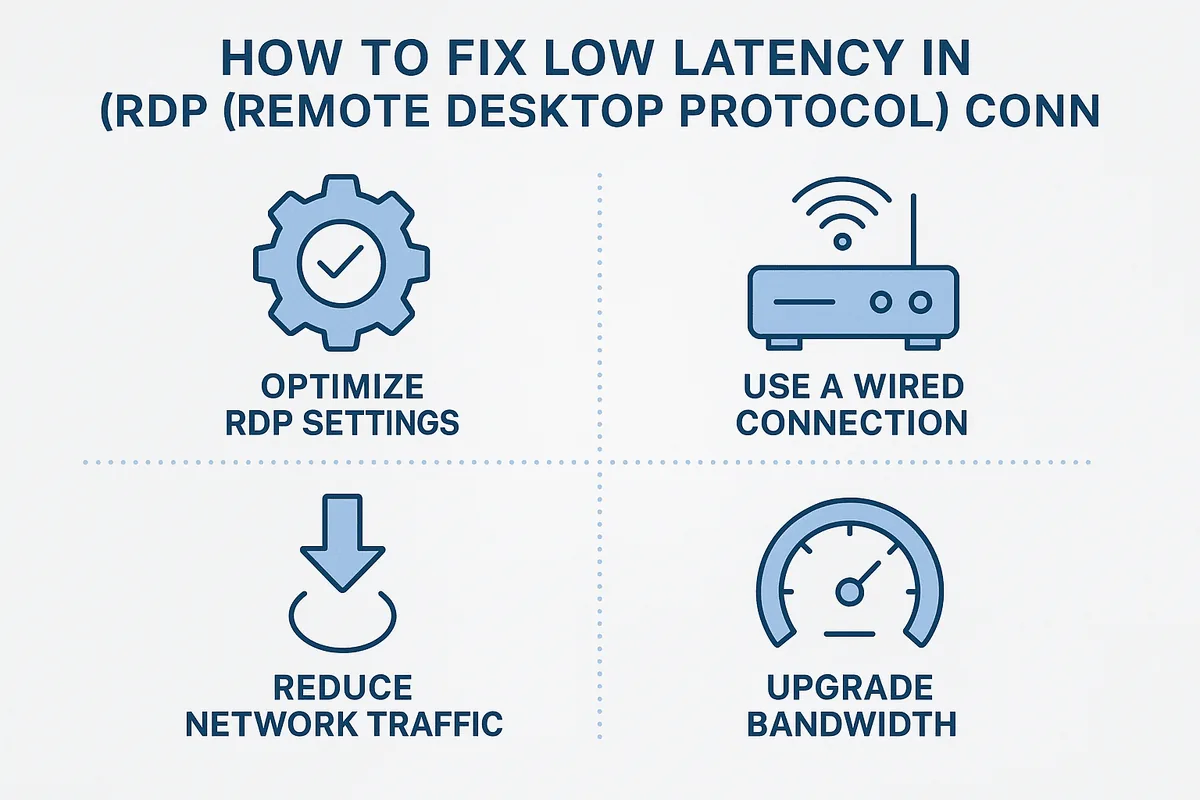
Fix laggy Remote Desktop: measure RDP latency, what ping is good, enable UDP 3389, choose a nearby server, tune the Experience settings and check the network.
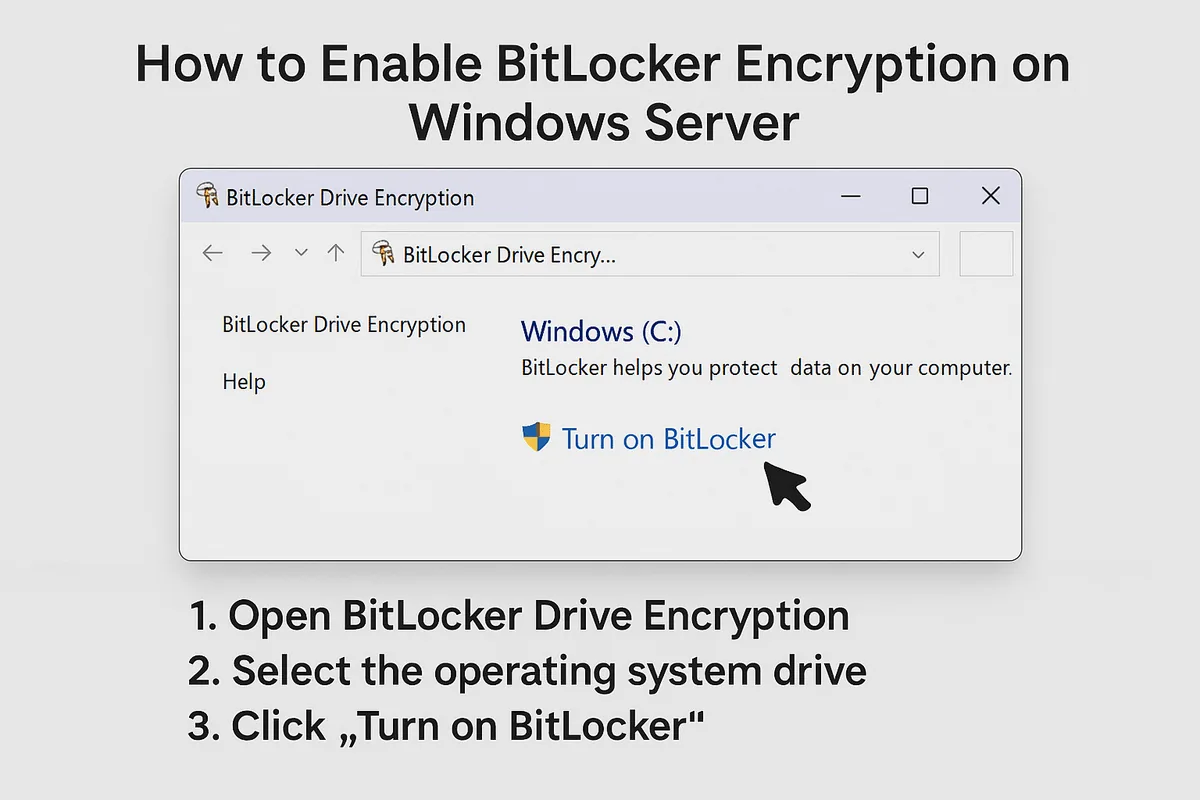
Enable BitLocker on Windows Server 2016–2025: install the feature, encrypt OS and data volumes with PowerShell, handle VPS without a TPM, back up recovery keys.
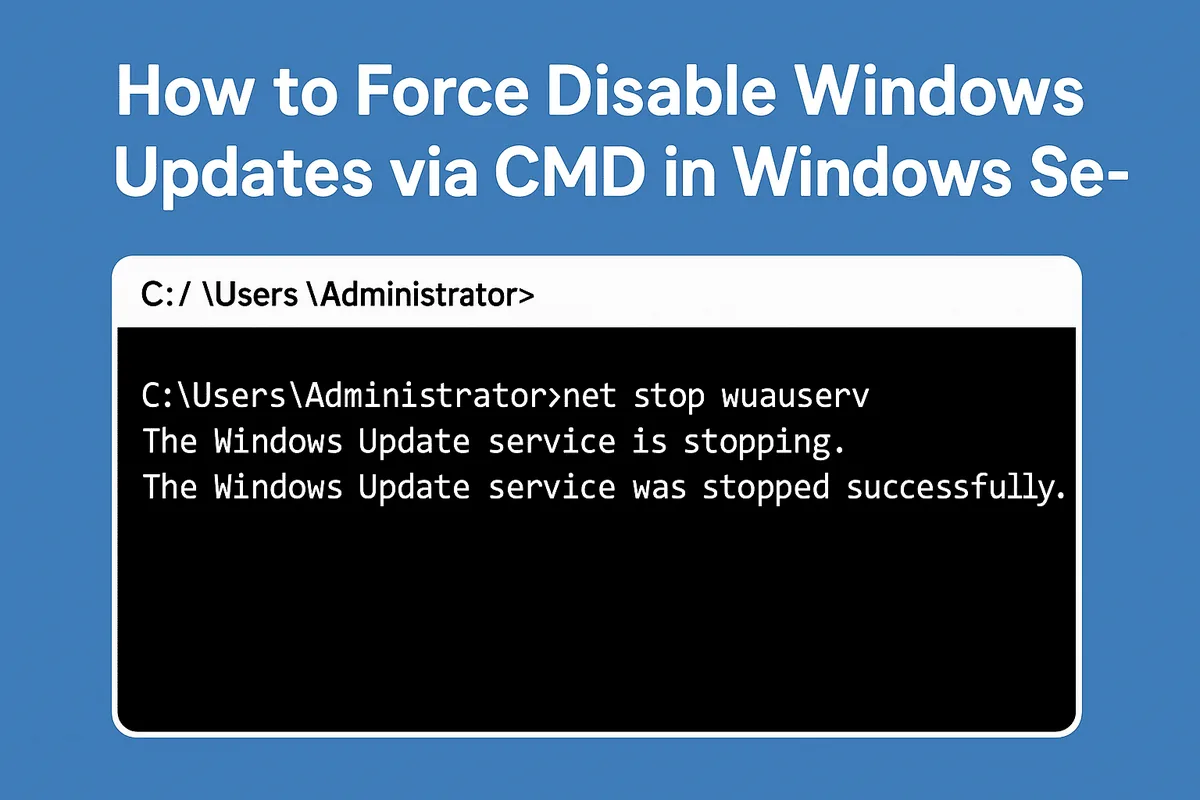
Stop and disable Windows Update from CMD on Windows Server 2016–2025 and Windows 10/11: policy, sconfig and service methods, plus how to re-enable.
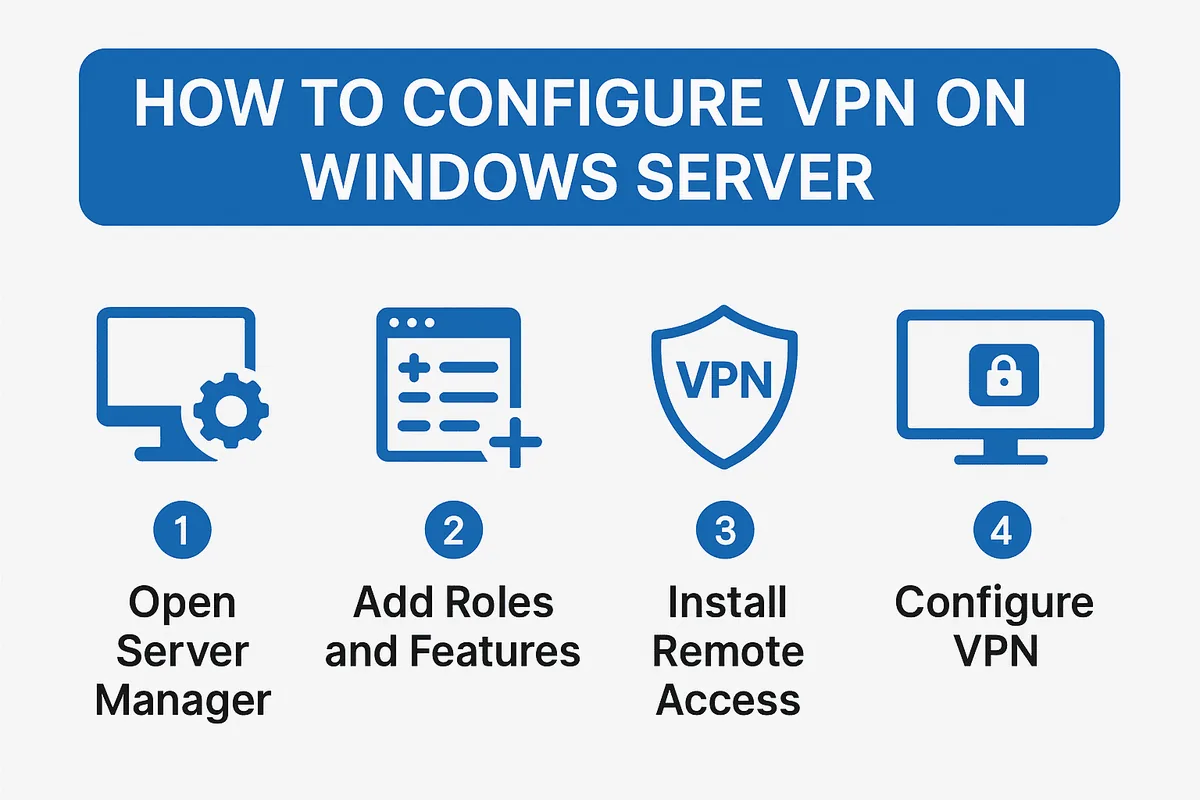
Set up a VPN server on Windows Server 2019, 2022 or 2025 with RRAS: choose SSTP or IKEv2, configure NAT on one NIC, allow users, open ports and connect.
Create SMB shares on Windows Server, Windows 10/11 and Linux Samba, set share and NTFS permissions with groups, and reach shares remotely without port 445.
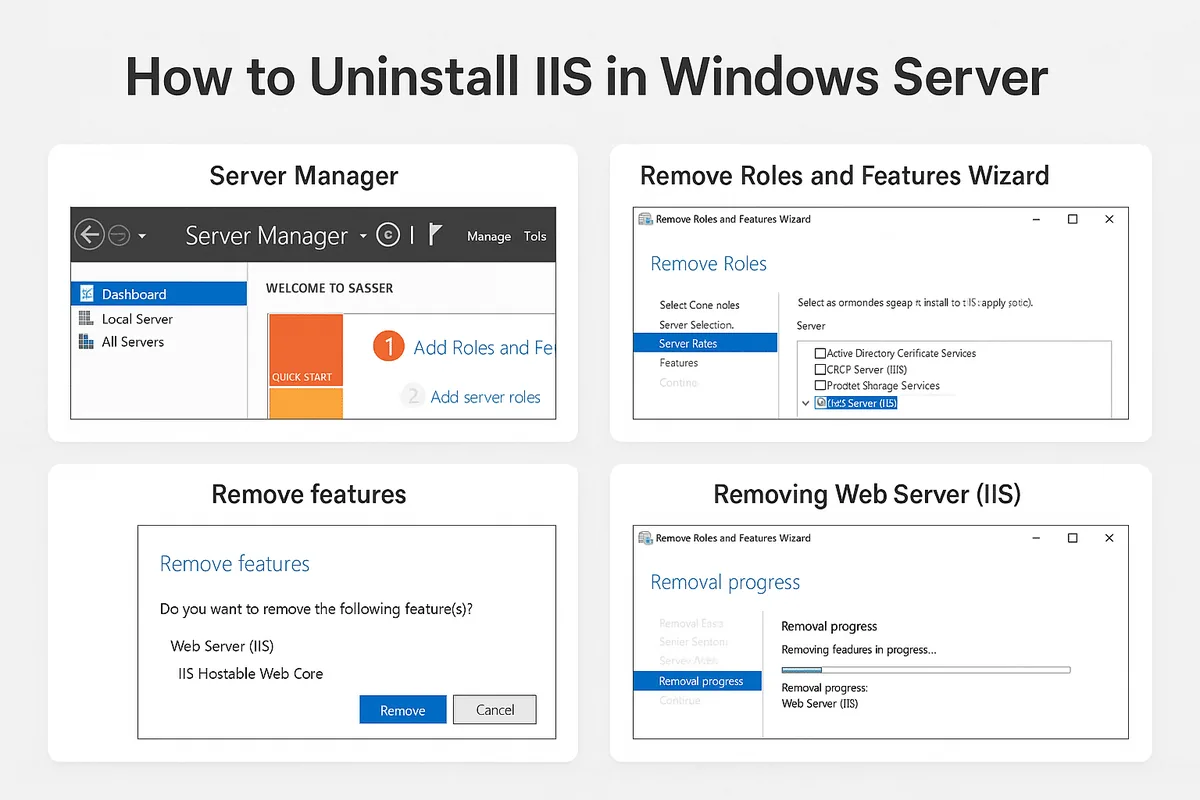
Remove IIS from Windows Server 2016–2025 with Server Manager, PowerShell or DISM, or uninstall it on Windows 10/11. Back up first, verify, or just disable it.
Fix OBS "invalid SSL certificate" and "failed to connect" errors when streaming to Facebook Live or Telegram over RTMPS, especially on a Windows server.
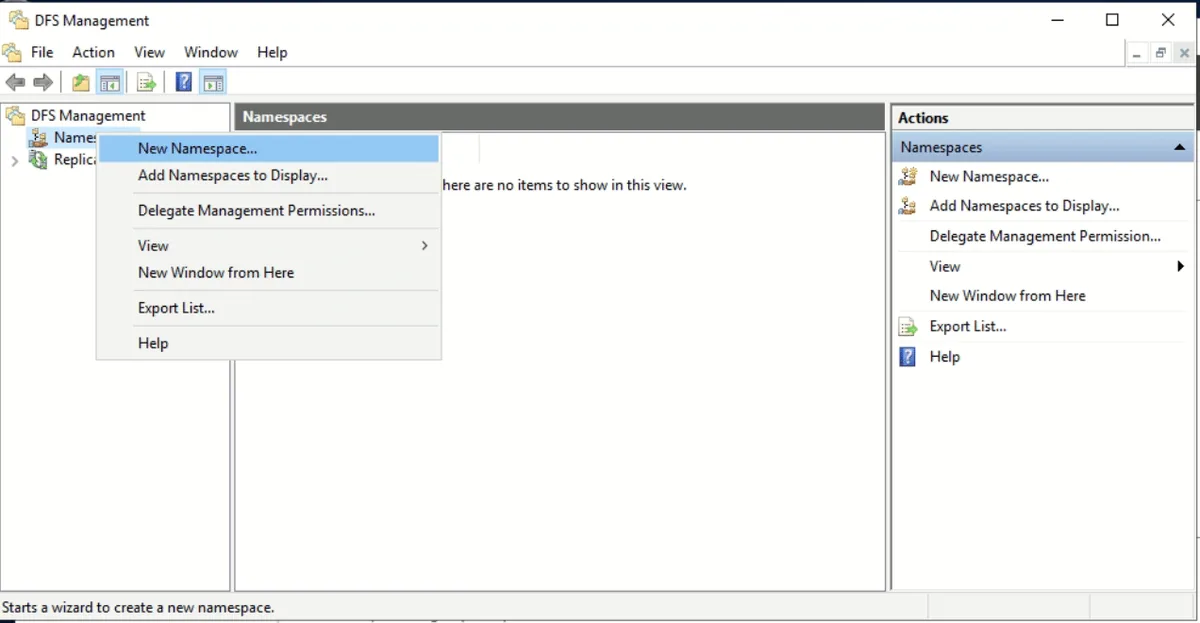
Set up Distributed File System on Windows Server: requirements, install DFS roles, create a namespace, add folder targets and configure DFS Replication.
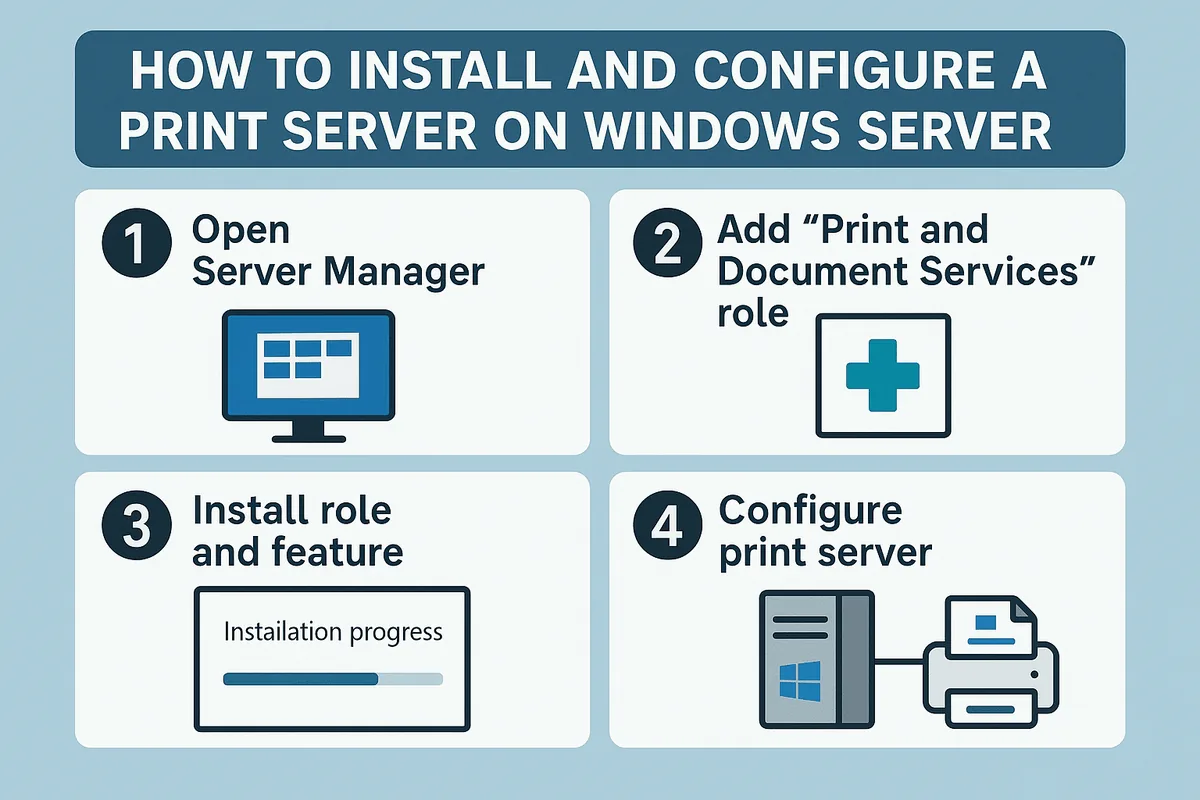
Set up a print server on Windows Server 2016–2025: install the role, add drivers and printers in Print Management, share, set permissions, deploy by GPO.
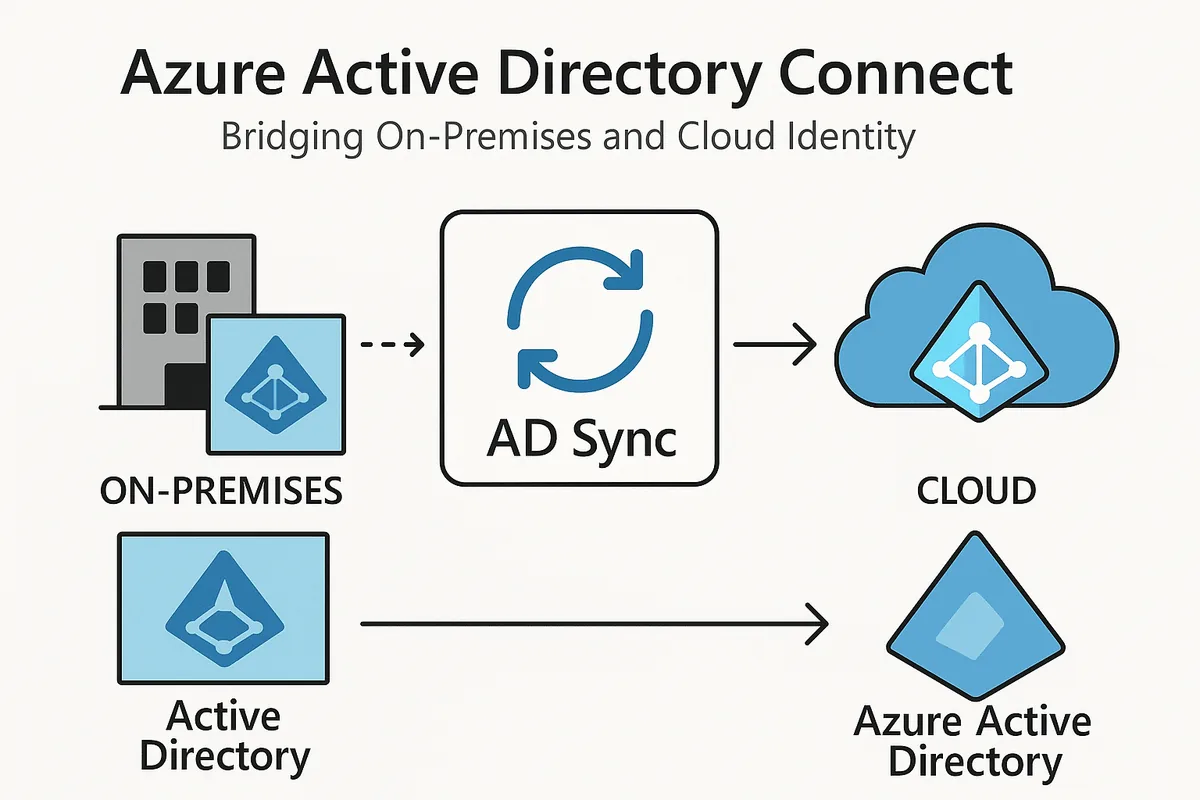
How Azure AD Connect, now Entra Connect Sync, syncs Active Directory to Microsoft 365: sign-in methods, setup, forcing a sync, 2026 deadlines, Cloud Sync.
Uninstall Hyper-V with PowerShell, DISM or Server Manager, then make sure the hypervisor is really off (bcdedit, VM Platform, Sandbox, Memory integrity).
Scoop vs winget vs Chocolatey compared: install methods, admin rights, catalogues, cost and automation, and which Windows package manager fits you.
Share folders on Windows Server with the right share and NTFS permissions, share local drives into RDP, share on macOS and cloud, and follow best practices.
Migrate Windows Server to new hardware or a VM: choose role migration, image restore, P2V or in-place upgrade, then inventory, move roles and data and cut over.
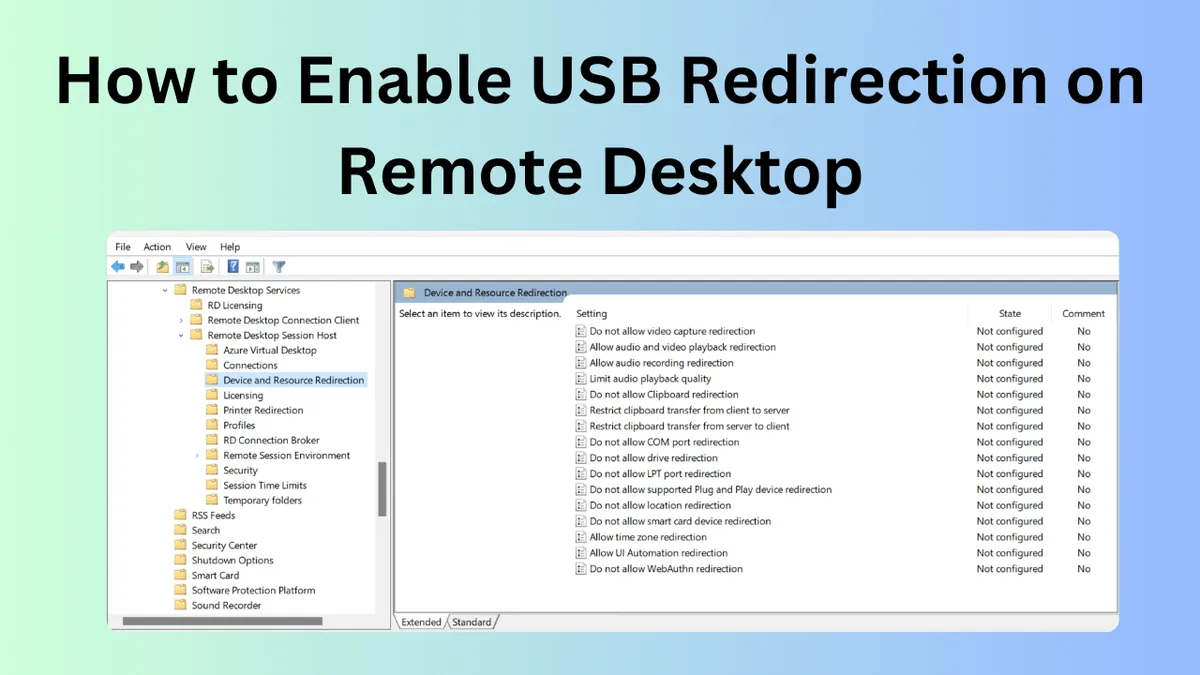
Redirect USB devices over RDP: drives, printers and cameras, plus RemoteFX USB redirection for dongles and scanners. Policy, client settings and fixes.

Fix the Remote Desktop error "An internal error has occurred": restart Remote Desktop Services, disable UDP, clear cached settings and recreate the certificate.
Change the OpenSSH port on Windows Server: open the new port in Windows Firewall, edit C:\ProgramData\ssh\sshd_config, restart sshd and test, without lockouts.
Enable Remote Desktop from Command Prompt or PowerShell, open the firewall, keep NLA on, enable RDP on a remote PC, change the port and secure it.
Install WSL, list available distros, add Ubuntu, Debian or Kali, set the default, export and import backups, and fix common WSL errors on Windows.
Fix "no Remote Desktop license servers available to provide a license": get in with mstsc /admin, use RD Licensing Diagnoser, set the license server and mode.
Need a server? Pick a plan in minutes
✓ Setup in minutes✓ 24/7 live chat✓ 7-day refund on new services