
Minakshi page 3
Minakshi is a Server Administrator at 99RDP. She helps customers with Windows servers and Remote Desktop every day, and writes our Windows Server, RDP and remote desktop tool guides for beginners and admins.
Articles
Install and enable OpenSSH Server on Windows Server 2019, 2022 and 2025 with Settings or PowerShell, open port 22, set PowerShell as shell and use SSH keys.
What you need to access RDP: a Windows Pro or Server host, IP and port 3389, an allowed account, a network path and a client, plus what RDP is used for.
Is RDP secure? How Remote Desktop encryption and NLA work, the real risks such as brute force and BlueKeep, and a 10-step checklist to secure RDP.
Install WSL on Windows Server 2019 manually: enable the feature, download and register Ubuntu. Plus wsl --install for Server 2022/2025 and WSL 2 limits.
RDP uses both TCP and UDP port 3389. Learn how each is used, RD Gateway ports, how to check UDP is active, disable UDP, change the port and secure it.
Connect to your PC with Remote Desktop from outside your network using a VPN, RD Gateway or router port forwarding, and keep RDP safe from attacks.
Use slmgr to check Windows activation (/dli, /dlv, /xpr), understand /rearm and its limits, activate with a key, and convert Windows Server evaluation editions.
Enable Remote Desktop on Windows 10 and 11 Pro via Settings, System Properties or PowerShell, allow users, connect safely, and options for Windows Home.
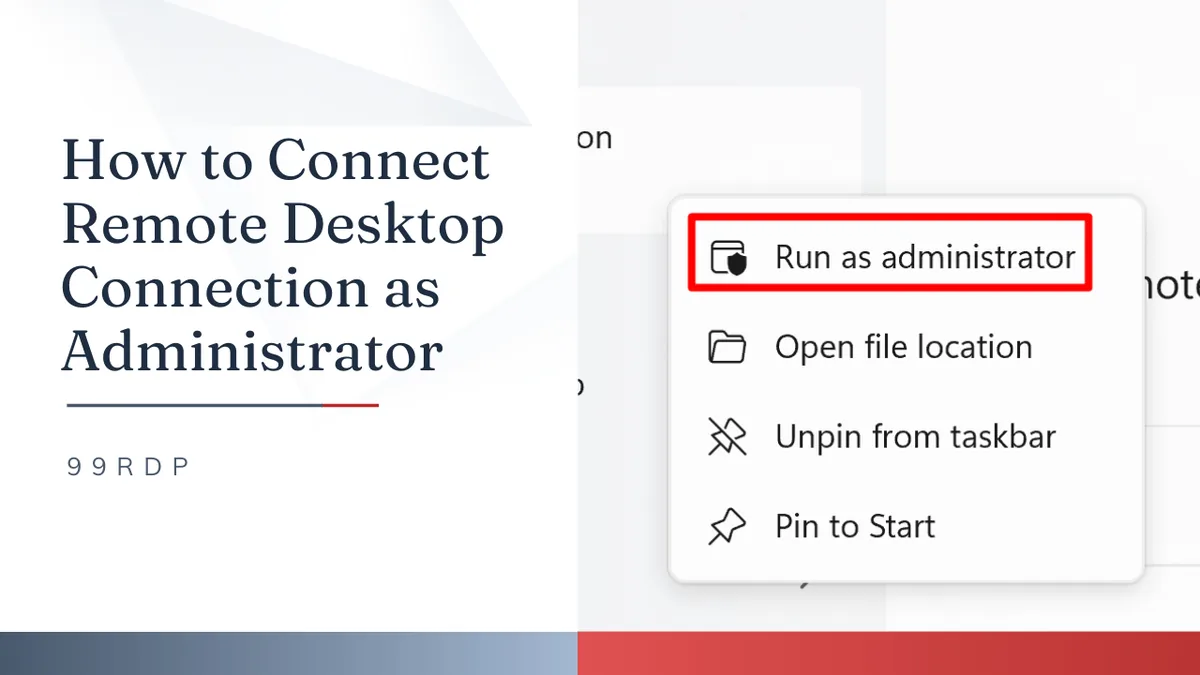
What mstsc /admin does, when to use it (licensing errors, full sessions, Connection Broker), how to log in as Administrator over RDP, and common access errors.

What Remote Desktop Protocol is, how it works on port 3389, its key features, what RDP is used for, what an RDP server is, and how to use it securely.
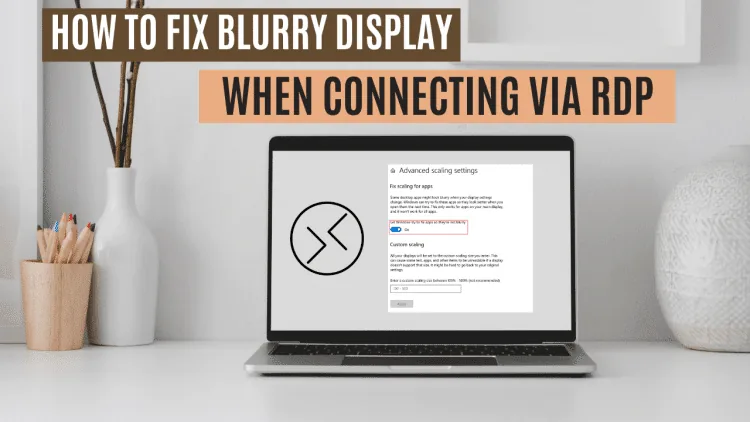
Fix blurry RDP text: match display scaling, turn off smart sizing, enable font smoothing, use 32-bit colour and full screen, and check mstsc DPI settings.
Use your Android microphone in a Windows remote desktop: turn on mic redirection in Windows App, allow the permission and enable audio input on the server.
Use Remote Desktop on Windows 10 and 11 with mstsc or the Windows App, which replaced the Microsoft Remote Desktop app, and enable incoming connections.
Change RDP screen resolution in Remote Desktop Connection (mstsc), Windows App and .rdp files, and fix blurry, tiny or multi-monitor remote sessions.
Add a user in FileZilla Server 1.x, set the password, map virtual and native paths with mount points, and fix the virtual path is invalid error.
Install FileZilla Server 1.x on Windows: admin password, TLS certificate, passive ports, firewall rules, users and mount points, and connecting securely.
Open Advanced system settings in Windows 10, 11 or Server: SystemPropertiesAdvanced in Run or CMD, Start search, Settings and Control Panel. All methods.
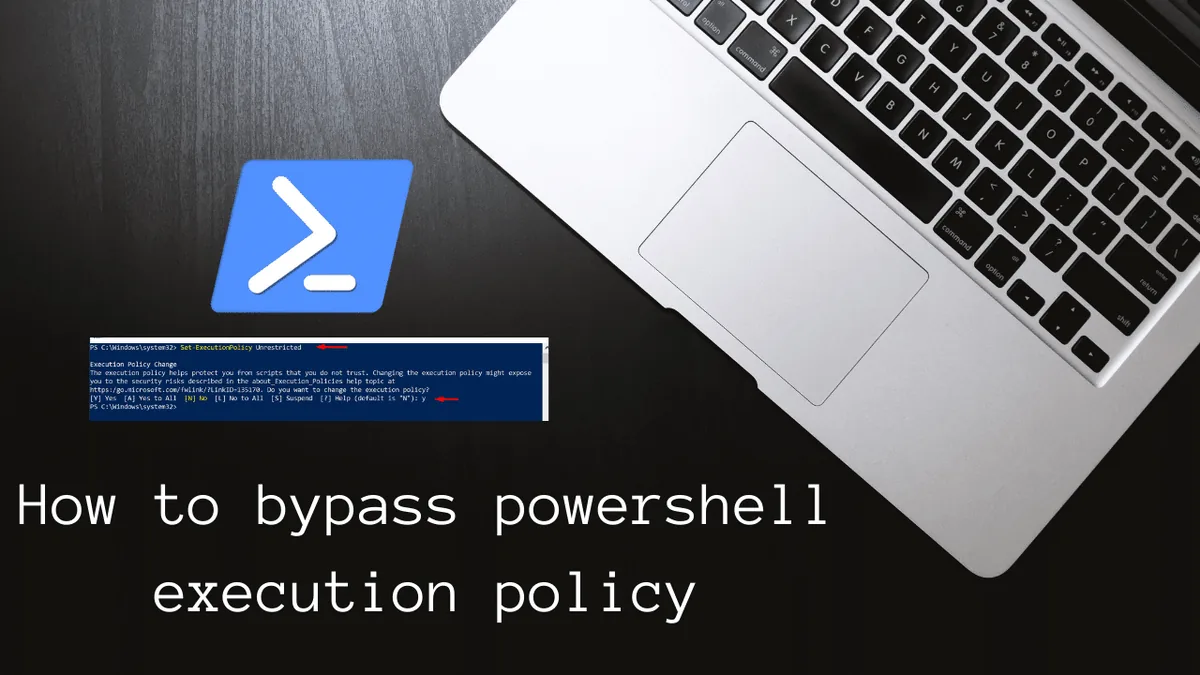
Bypass the PowerShell execution policy for one session or one script without admin rights, unblock downloaded scripts and set RemoteSigned safely.
Install PowerShell 7.6 LTS on Windows 10, 11 or Server with winget or the MSI, upgrade it later, make it your default shell and keep 5.1 working.
Save Remote Desktop credentials for one-click login with mstsc or cmdkey, manage them in Credential Manager, fix saved credentials not allowed, and remove them.
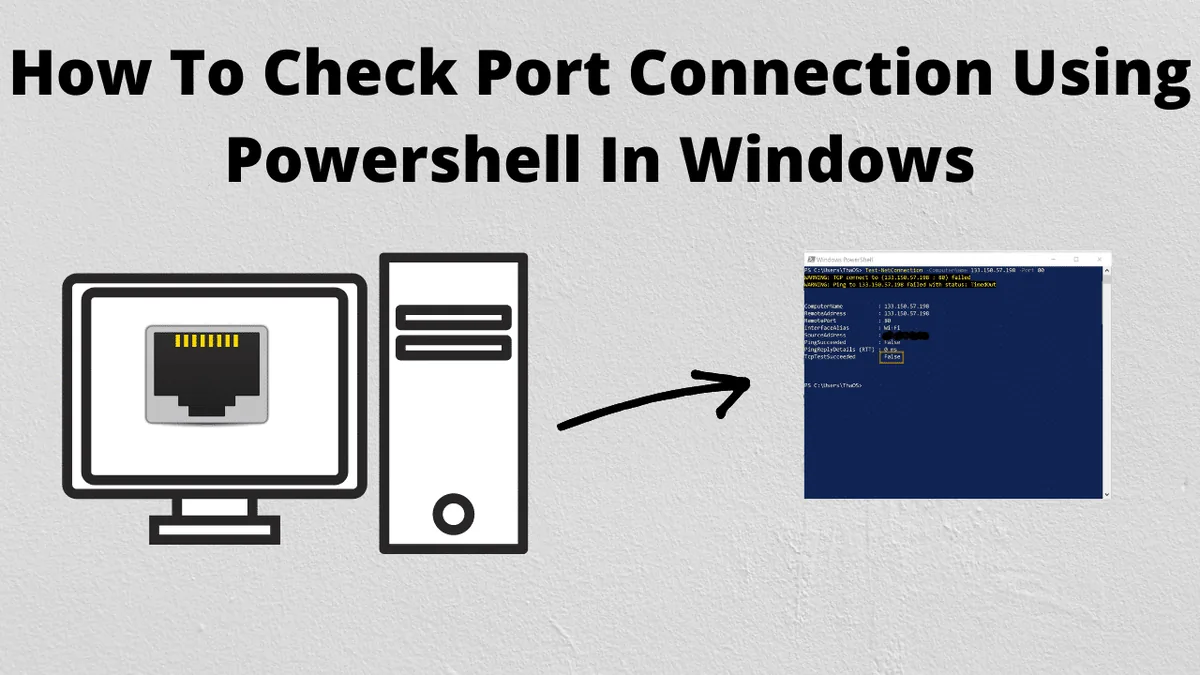
Test whether a remote port is open with Test-NetConnection, check RDP port 3389, scan several ports, list listening ports, and read failed results correctly.
Install the official IDM Integration Module in Chrome, switch on advanced browser integration in IDM, and fix the IDM download panel not showing.
Add an M3U8 (HLS) link to OBS Studio with Media Source or VLC Video Source, the settings that matter, and fixes for black screen and stutter.
Turn off Microsoft Defender on Windows Server temporarily, disable it with Group Policy, uninstall it with PowerShell, or add exclusions instead.
Need a server? Pick a plan in minutes
✓ Setup in minutes✓ 24/7 live chat✓ 7-day refund on new services