On a VPS and an Admin RDP you control the power yourself:
- Open your server in the client area. Under Manage, click Power.
- Choose Restart (or Start for a stopped server). Use Power off (hard) only if Restart does not work.
- Tick I understand the server may go offline briefly and click Send.
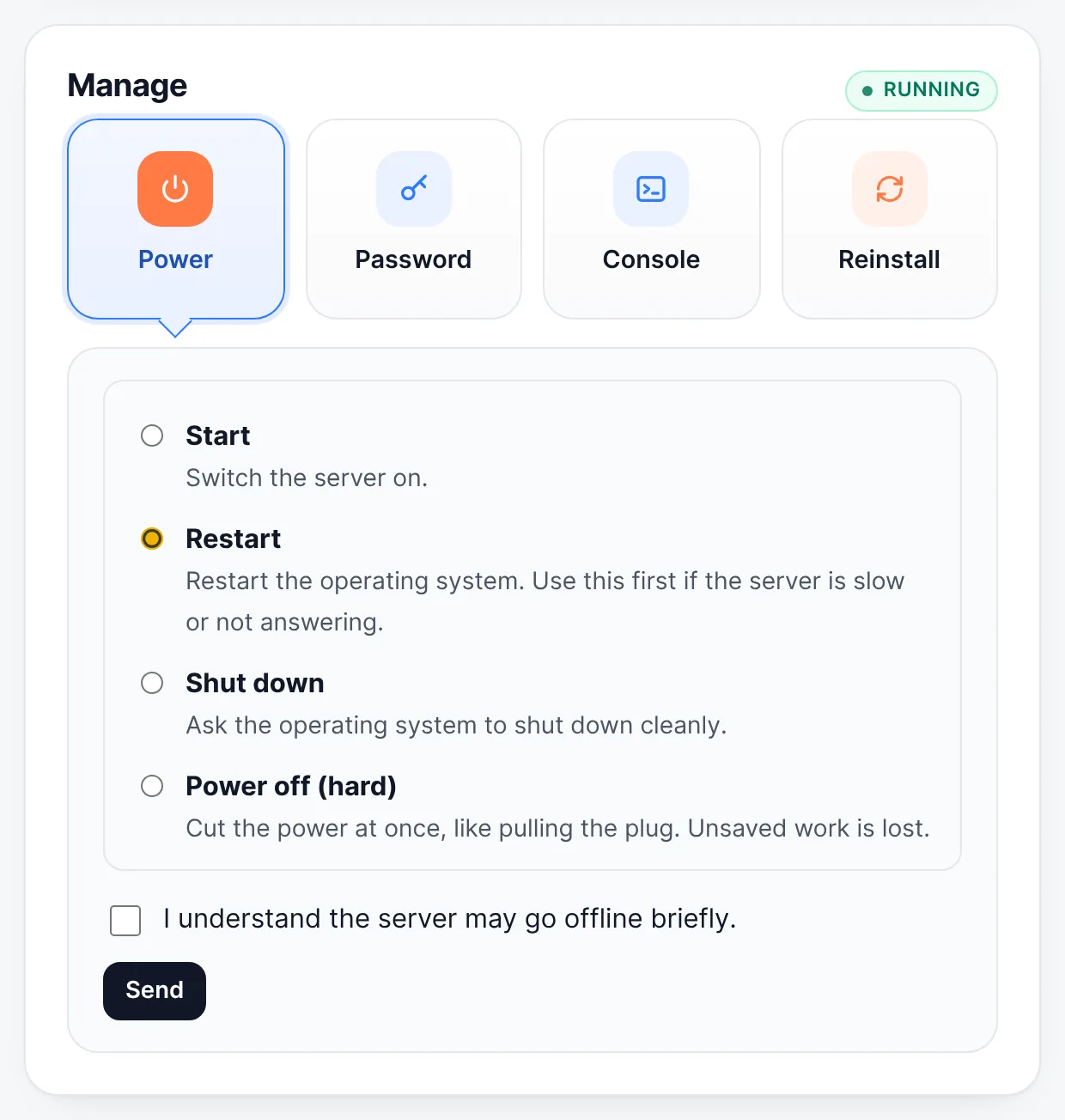
Manage → Power → choose Restart → tick the box → Send - Wait two or three minutes, then connect again.
The quick Restart button at the top of the server page does the same in one click.
Reboot from inside Windows first if you still can (Start → Power → Restart): it is gentler on your programs.
On a shared RDP account and on dedicated servers we handle the power: open a ticket or use the request buttons on the server page, and our team does it for you.
Still stuck? Our server team is online 24/7 on live chat, or open a ticket in the client area.