On a VPS the server page shows Performance (CPU, memory, disk) and Traffic (network use this month). Click a card to open the graphs, and switch between 24 hours, 7 days and this month.
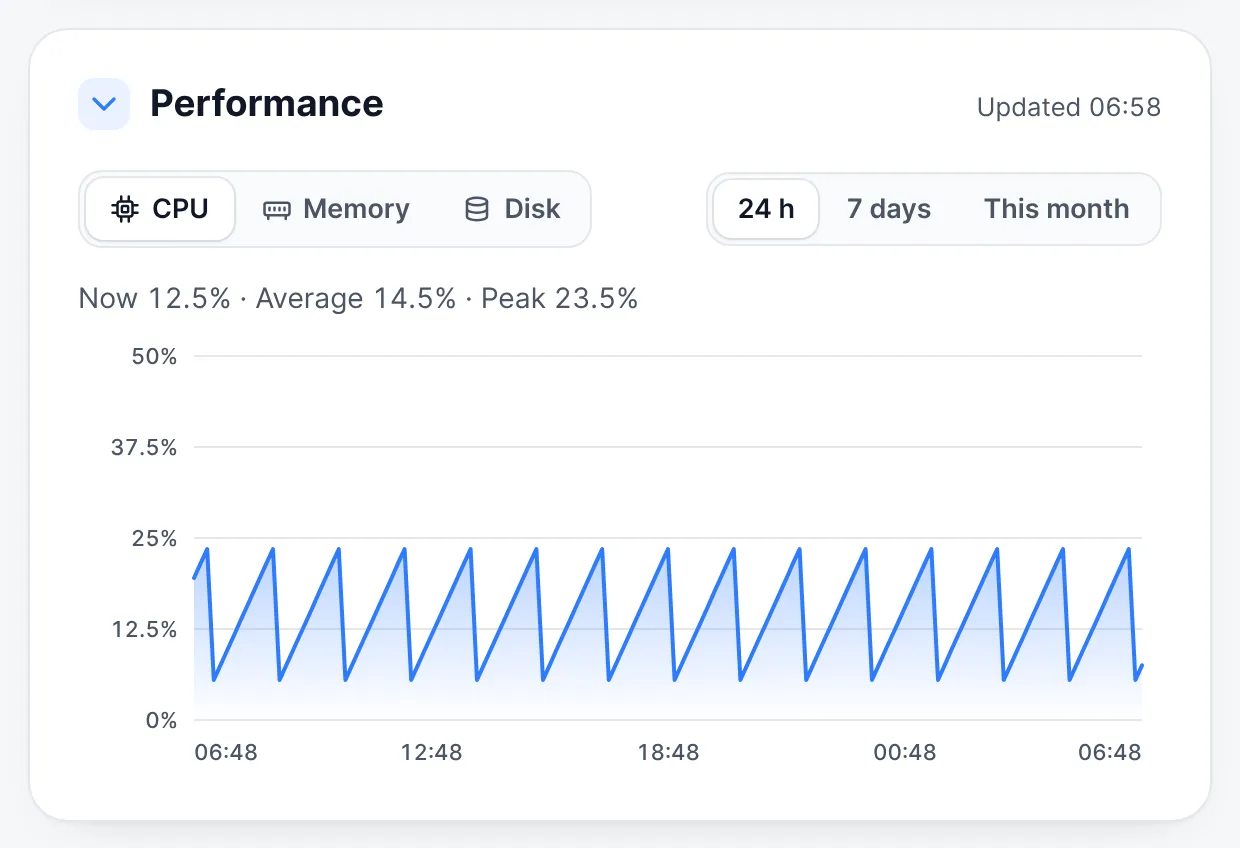
If the server feels slow, check the graphs: CPU or memory always near the top means the plan is too small for what you run. See Upgrade your plan.
Still stuck? Our server team is online 24/7 on live chat, or open a ticket in the client area.