This guide shows how to install PHP on Ubuntu, run more than one PHP version side by side, and completely uninstall PHP, either everything or just one old version. The commands work on Ubuntu 24.04 (ships PHP 8.3) and 22.04 (ships PHP 8.1), and on servers as well as desktops.
Quick answer
dpkg -l | grep php            # see what is installed
sudo apt purge 'php*'          # remove all PHP packages and their config
sudo apt autoremove --purge    # remove leftover dependencies
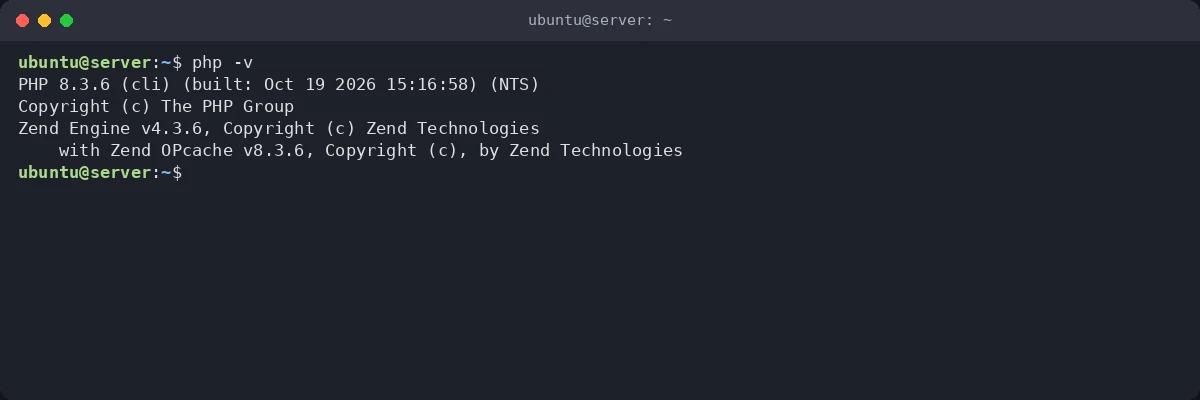
php -v                         # should now say "command not found"
To remove only one old version, for example PHP 8.1, use sudo apt purge 'php8.1*' instead.
Before you start
- An Ubuntu machine or VPS and a user with
sudorights. - If PHP runs a live website, take a backup first.
apt purgedeletes the PHP config files in/etc/php/. - Read the list of packages apt wants to remove before you press Y. Removing PHP can also remove apps that depend on it, such as phpMyAdmin.
Install PHP on Ubuntu
Install the default version
sudo apt update
sudo apt install php php-cli php-common
php -v
The php package also pulls in the Apache module (libapache2-mod-php). For Nginx, install PHP-FPM instead:
sudo apt install php-fpm
systemctl status php8.3-fpm
Install common extensions
Most CMSs (WordPress, Laravel, Magento) need a handful of extra modules:
sudo apt install php-mysql php-curl php-gd php-mbstring php-xml php-zip php-intl php-bcmath
php -m        # list loaded modules
Restart the web server after adding modules: sudo systemctl restart apache2 or sudo systemctl restart php8.3-fpm.
Install a specific or newer PHP version
Ubuntu's own repositories carry one PHP version per release. For other versions, most admins use the Ondřej Surý PPA:
sudo apt install software-properties-common
sudo add-apt-repository ppa:ondrej/php
sudo apt update
sudo apt install php8.4 php8.4-cli php8.4-fpm php8.4-mysql
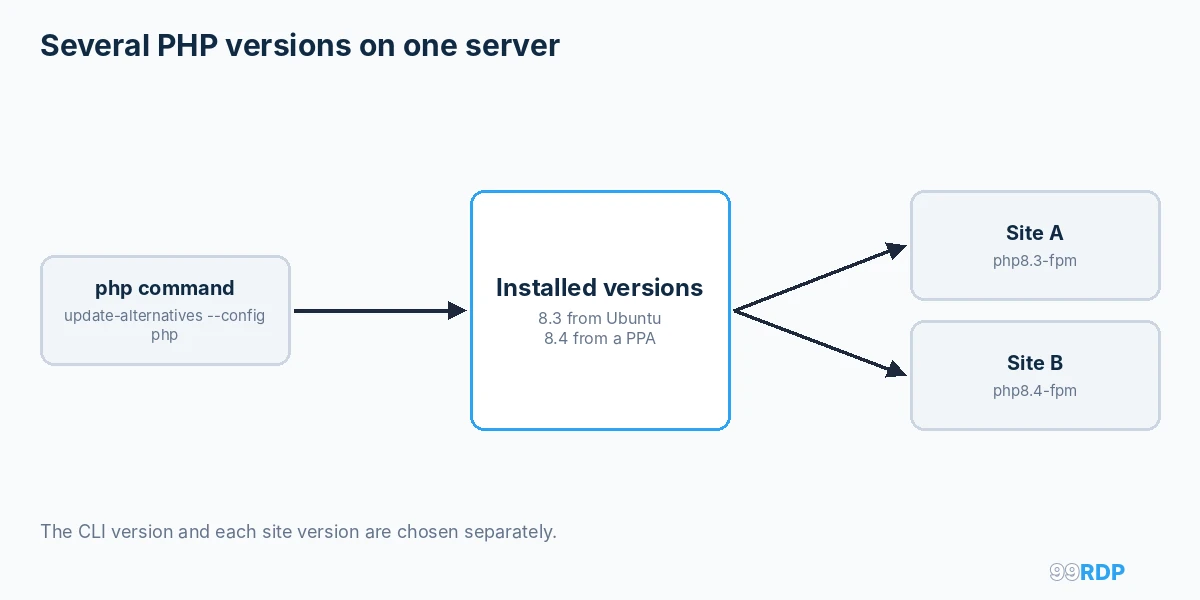
Versions install side by side under /etc/php/<version>/.
Switch between PHP versions
Change the version used on the command line:
sudo update-alternatives --config phpChange the version Apache uses (mod_php):
sudo a2dismod php8.3
sudo a2enmod php8.4
sudo systemctl restart apache2
With Nginx, point fastcgi_pass in your site config to the new socket, for example unix:/run/php/php8.4-fpm.sock, then reload Nginx.
Uninstall PHP completely from Ubuntu
Step 1: List installed PHP packages
dpkg -l | grep php | awk '{print $2}'Step 2: Purge PHP
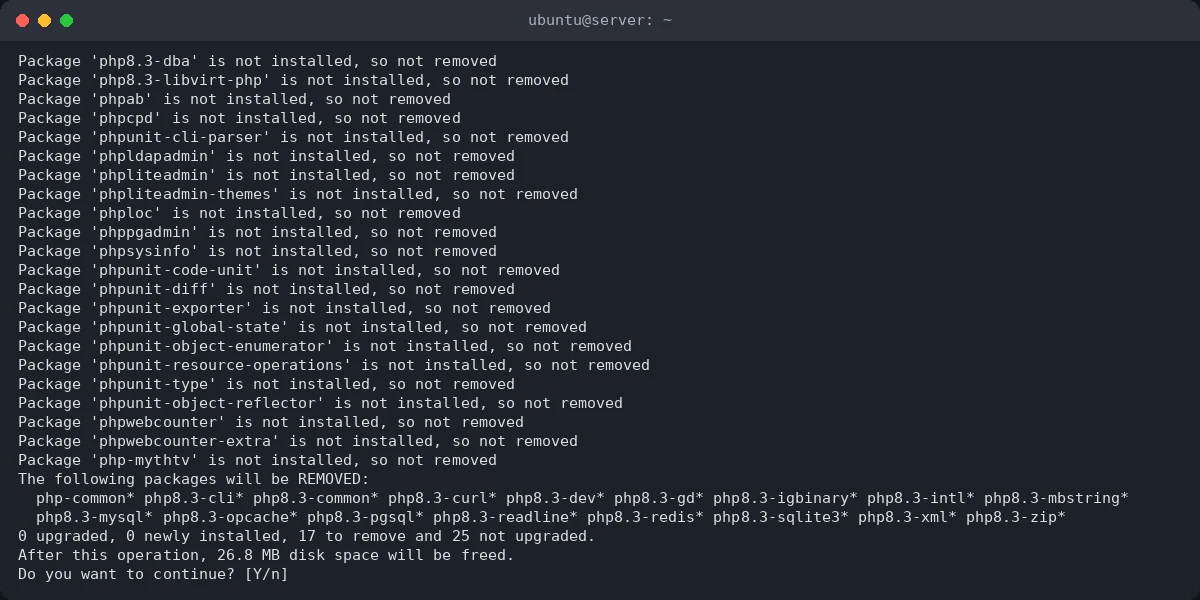
sudo apt purge 'php*' 'libapache2-mod-php*'purge removes the packages and their configuration files. remove would leave the config behind. Check the package list apt shows before confirming.
Step 3: Clean up
sudo apt autoremove --purge
sudo apt autoclean
sudo rm -rf /etc/php          # only if anything is left behind
Step 4: Verify
php -v
dpkg -l | grep php
php: command not found and an empty package list mean PHP is gone. If php -v still answers, run which php. A binary in /usr/local/bin was compiled from source and must be removed by hand.
Remove an old PHP version only
To clean up after an upgrade and keep the new version, purge just the old one:
sudo apt purge 'php8.1*'
sudo apt autoremove --purge
sudo update-alternatives --config php    # make sure the CLI points to the version you kept
If you added the Ondřej PPA and no longer need it:
sudo add-apt-repository --remove ppa:ondrej/php
sudo apt update
Frequently asked questions
How do I completely uninstall PHP on Ubuntu?
Run sudo apt purge 'php*', then sudo apt autoremove --purge. Check with php -v and dpkg -l | grep php that nothing is left.
What is the difference between apt remove and apt purge for PHP?
apt remove uninstalls the packages but keeps the files in /etc/php/. apt purge also deletes that configuration, which is what you want for a clean reinstall.
How do I remove old PHP versions on Ubuntu?
Purge the version by name, for example sudo apt purge 'php7.4*', then run sudo apt autoremove --purge. Other installed versions are not touched.
Will uninstalling PHP delete my website files?
No. Site files in /var/www and databases are not removed. PHP-based apps installed as packages, such as phpMyAdmin, may be removed with it, so check apt's list first.
Which PHP version comes with Ubuntu 24.04?
Ubuntu 24.04 LTS ships PHP 8.3. Ubuntu 22.04 LTS ships PHP 8.1.